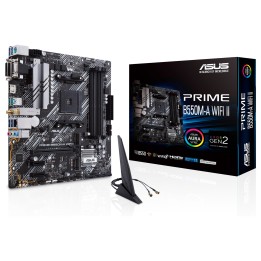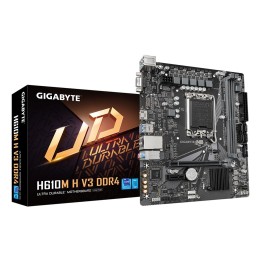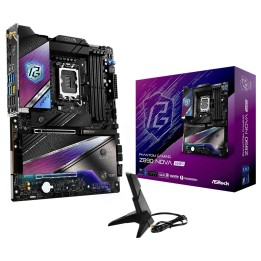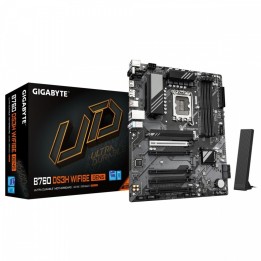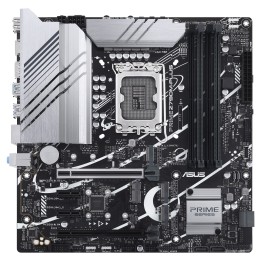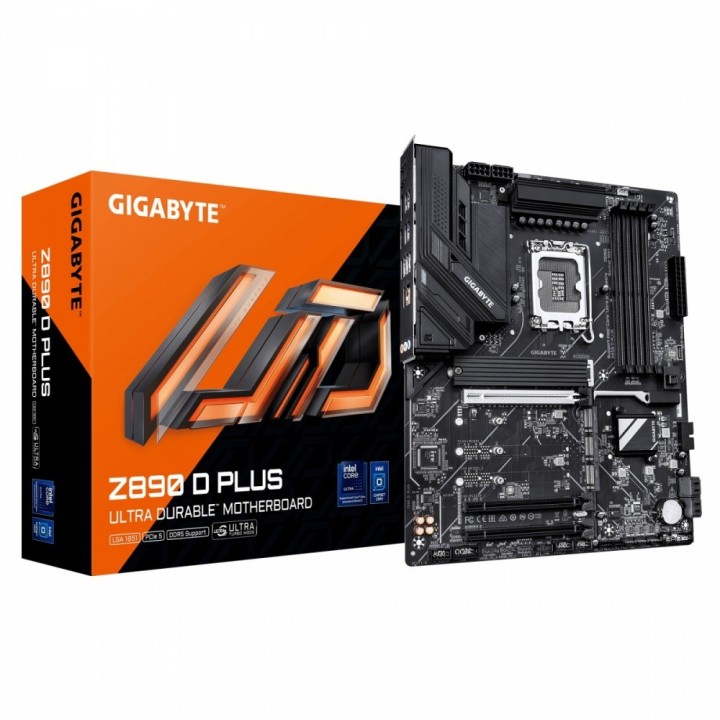
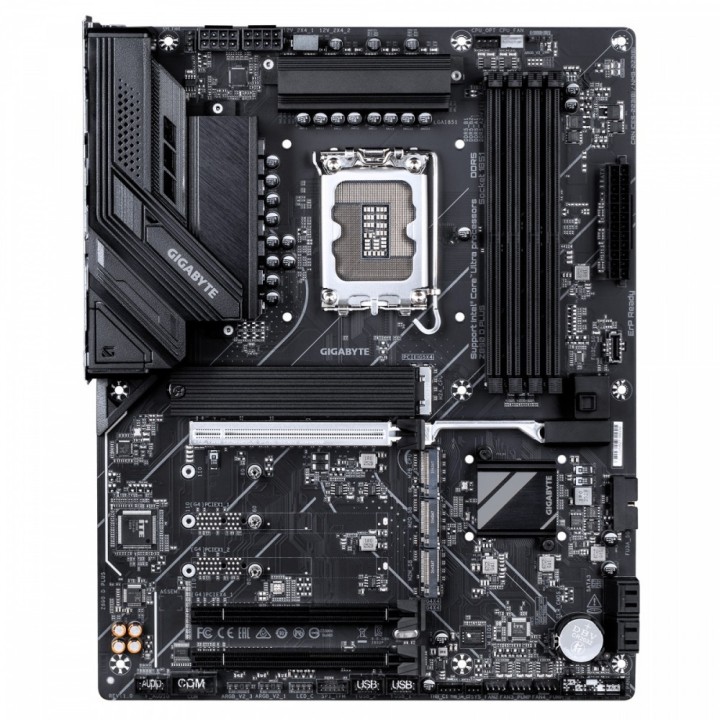
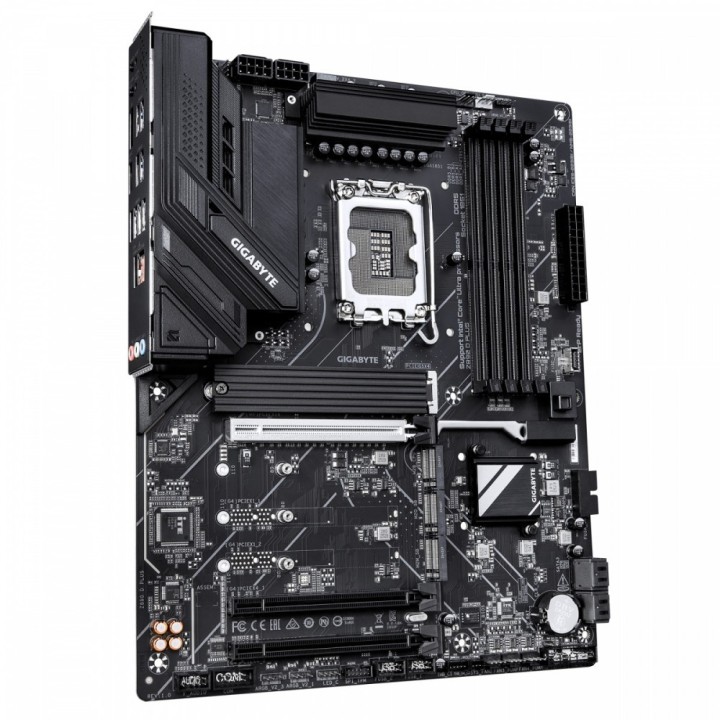
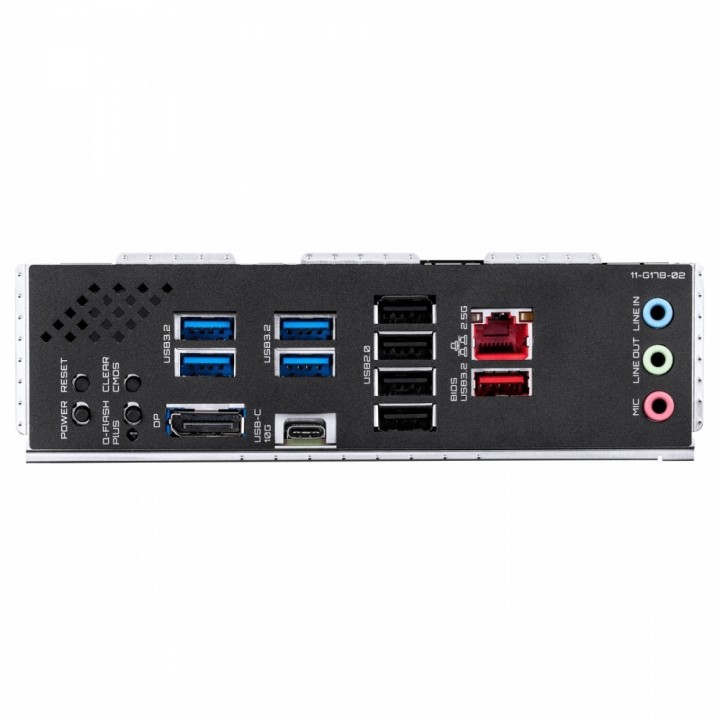
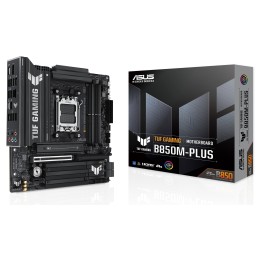
GIGABYTE Z890 D PLUS LGA1851 1xDP
Opis produktu
Mainboard > mit CPU-Sockel > Sockel 1851
Szczegóły produktu
- Marka Gigabyte
- Kod produktu 6a5205649042cea65a38a1cd
- Dostępność 13 Przedmioty
- EAN13 4719331880644
- MPN Z890 D PLUS
Specyfikacja
- Typ pamięci RAM DDR5
- Wi-Fi Nie
- Gniazdo procesora LGA1851
- Maksymalna pojemność RAM (GB) 256 GB
- Chipset Intel Z890
-
Złącza wewnętrzne
24pin ATX zasilanie
4-pin wentylator chłodzenia cieczą
4pin wentylator obudowy
4pin wentylator procesora
4pin wentylator procesora chłodzenie cieczą
8pin 12V zasilanie
Adresowalna dioda LED
M.2
Port szeregowy (COM)
Przedni panel audio
SATA III 6Gb/s
System panel (front)
Taśma LED RGB
Thunderbolt
TPM
USB 2.0/1.1
USB 3.2 Gen 1 Type-A
USB 3.2 Gen 1 Type-C
Zworka Clear CMOS
Zworka reset - Format płyty ATX
- Liczba slotów RAM (szt.) 4 szt.
- Liczba gniazd M.2 (szt.) 4 szt.
Producent
Producent
Gigabyte Technology Poland Sp. z o.o.
Metalowców 31/3-4 54-156 Wrocław Polska
E-mail: lukasz.moga@gigabyte.com
Osoba odpowiedzialna w UE
GIGA-BYTE TECHNOLOGY B.V.
Steenoven 24 5626DK Eindhoven Netherlands
E-mail: EU.grp@gigabyte.com
Bezpieczeństwo
Informacje o bezpieczeństwie
List of motherboard safety warnings based on the requirements of General Product Safety Regulation (EU) 2023/988 (GPSR): * Risk of electric shock: Make sure the power supply is disconnected before installing or disassembling any components. Do not touch pins, connectors or paths on the board with wet hands or in humid environments. * Short-circuit risk: Be careful that no metal objects come into contact with the plate during installation or use. * Risk of Electrostatic Damage (ESD): Use an antistatic band when working with the motherboard to avoid damage to sensitive components. * Risk of injury: Sharp edges and small elements on the board can pose a risk of injury. Be careful when manipulating. * Fire risk: Incorrect connection of power supply or overheating of components can lead to fire. Make sure all connections are correct and cooling is adequate. * Risk of component damage: Do not use excessive force when installing components to avoid damaging the board or the component itself. * Compatibility: Make sure that all components (processor, RAM, graphics card) are compatible with your motherboard. * Stability: Place the motherboard on a stable, flat surface to prevent mechanical damage. * Overheating: Provide adequate cooling to prevent the motherboard and its components from overheating. Clean radiators and fans regularly. * Kids: Keep the motherboard and small items out of reach of children to avoid the risk of ingestion or other accidents. * Installation: Disconnect the motherboard from power before any interference.
Płyty główne
Ostatnio oglądane
Produkty, które ostatnio zwróciły Twoją uwagę.