- Nowy
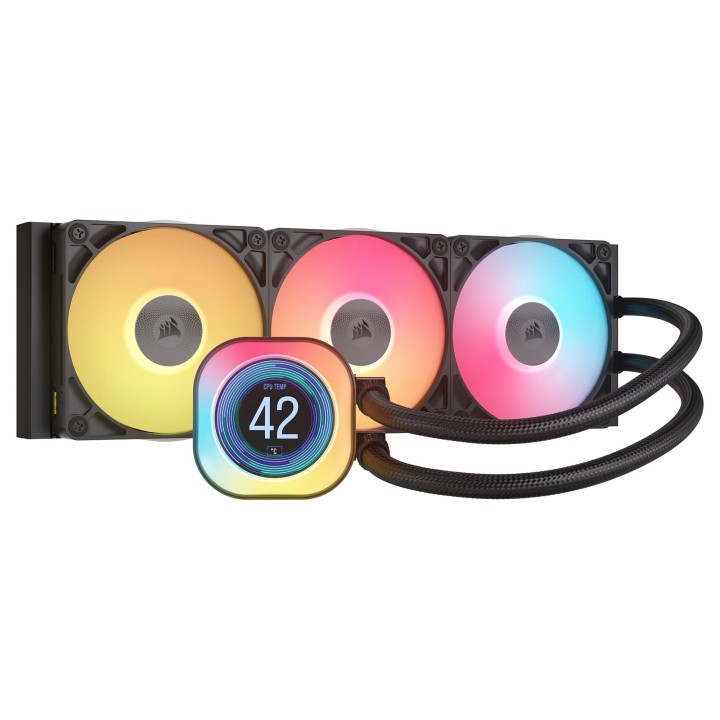
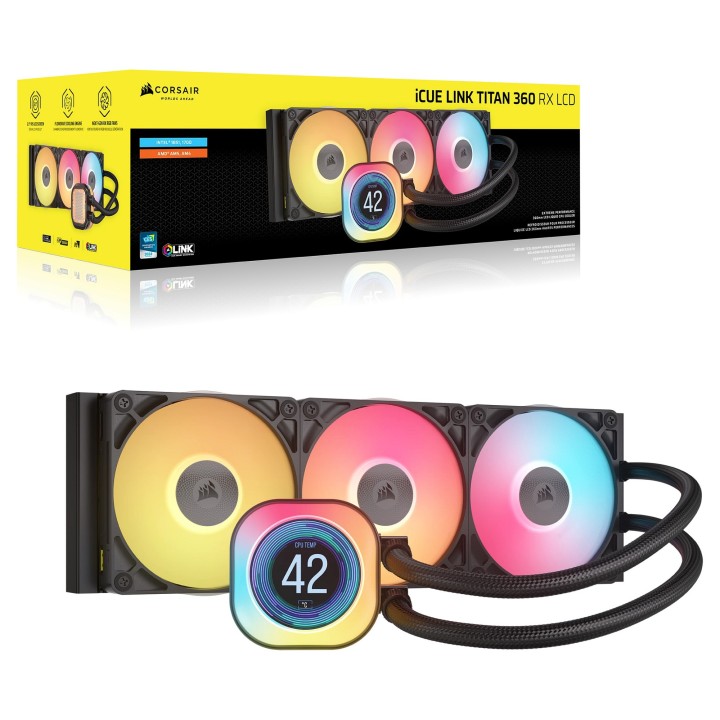
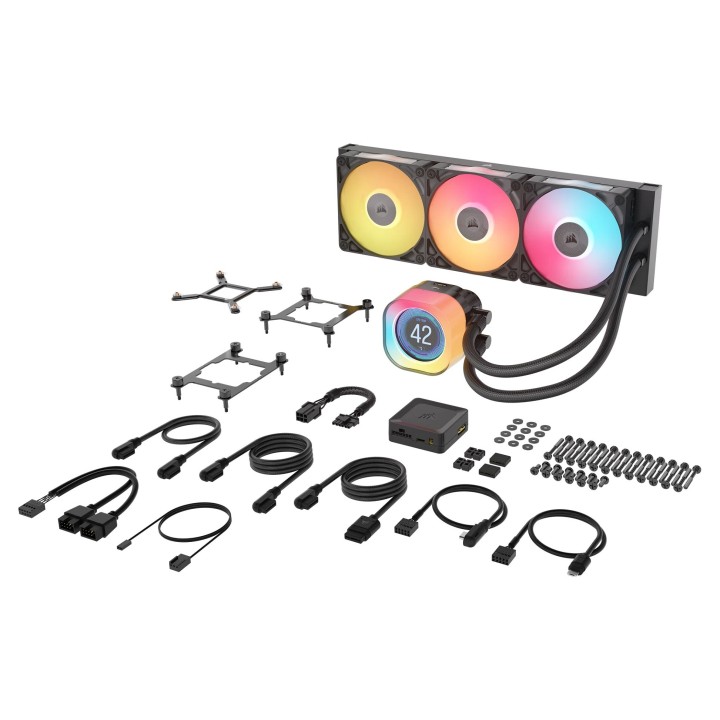
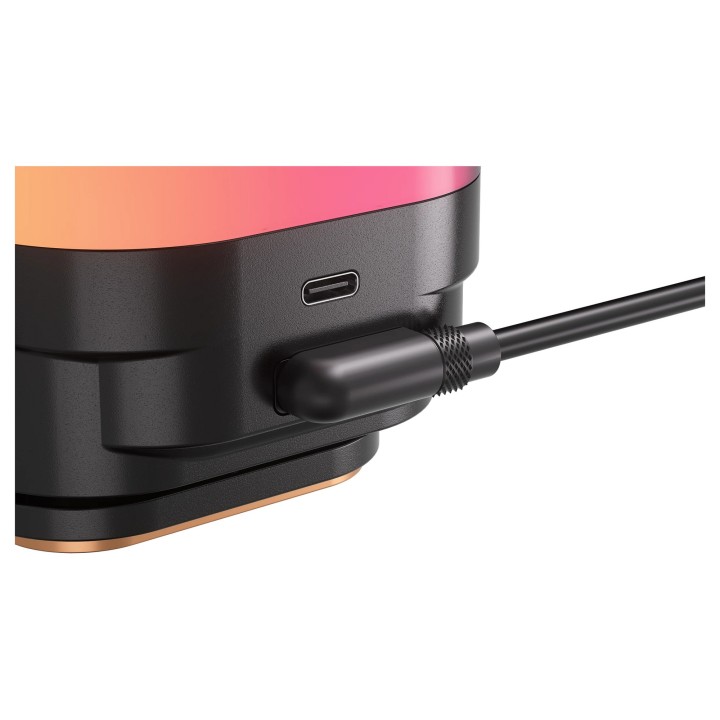
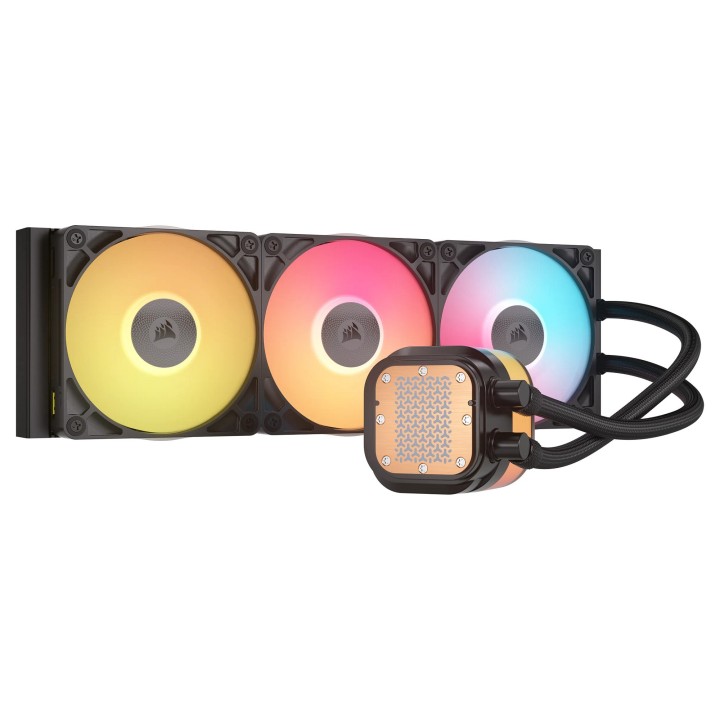
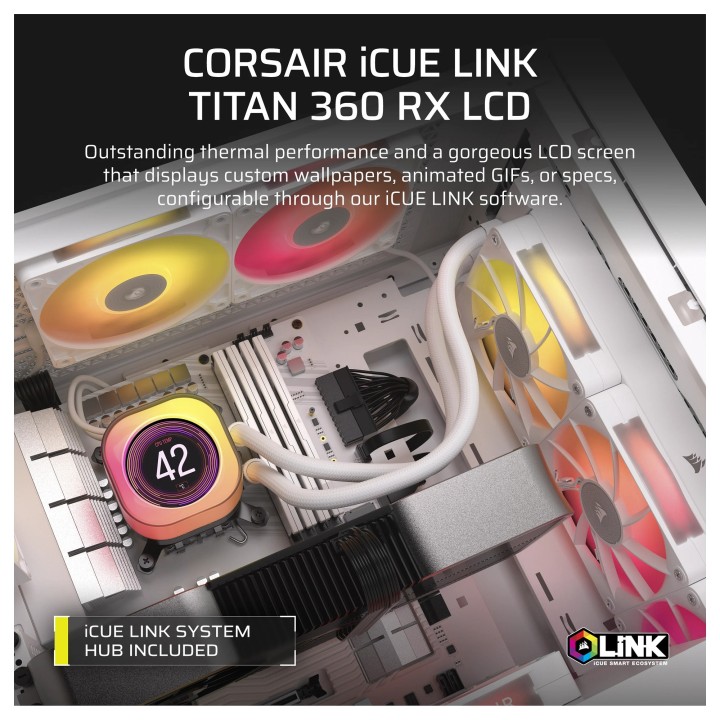


Chłodzenie CPU iCUE LINK TITAN 360 RX LCD AIO 360mm obrazki
Chłodzenie CPU iCUE LINK TITAN 360 RX LCD AIO 360mm
Opis produktu
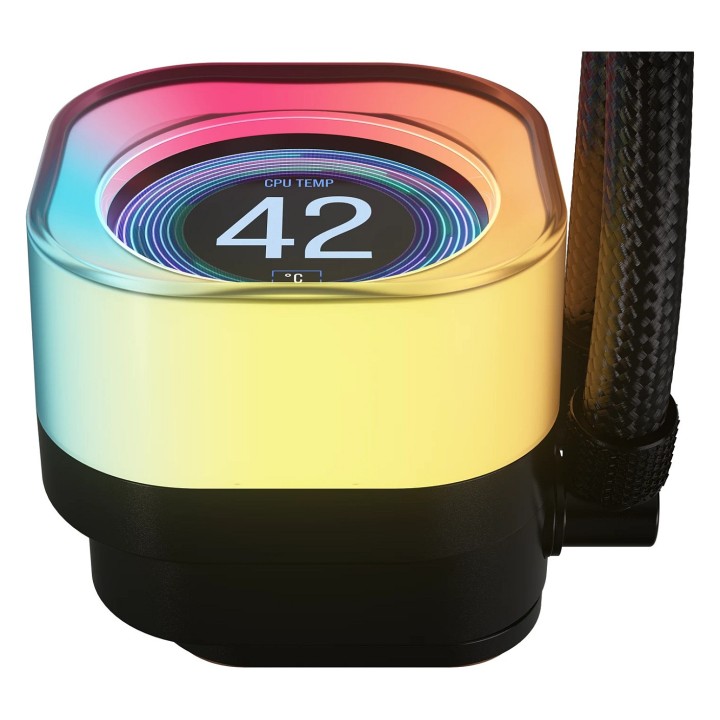
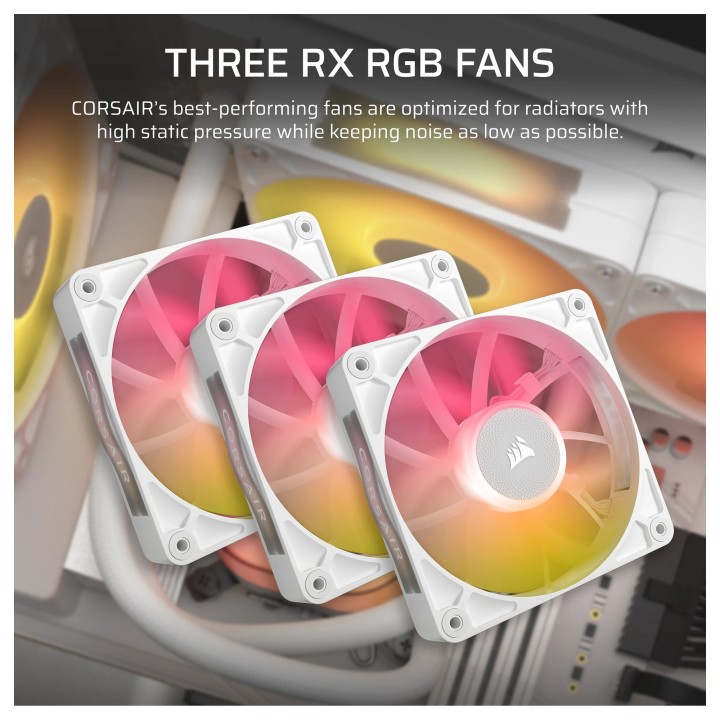
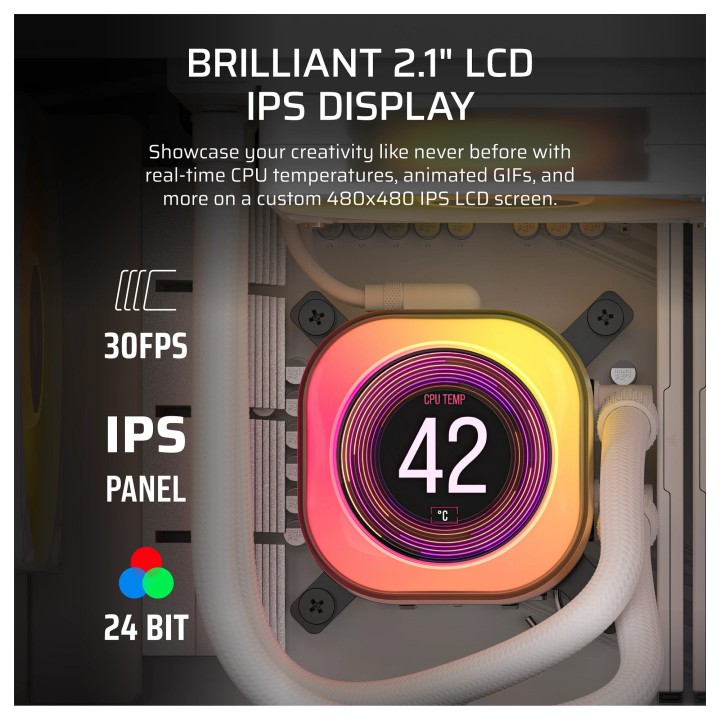
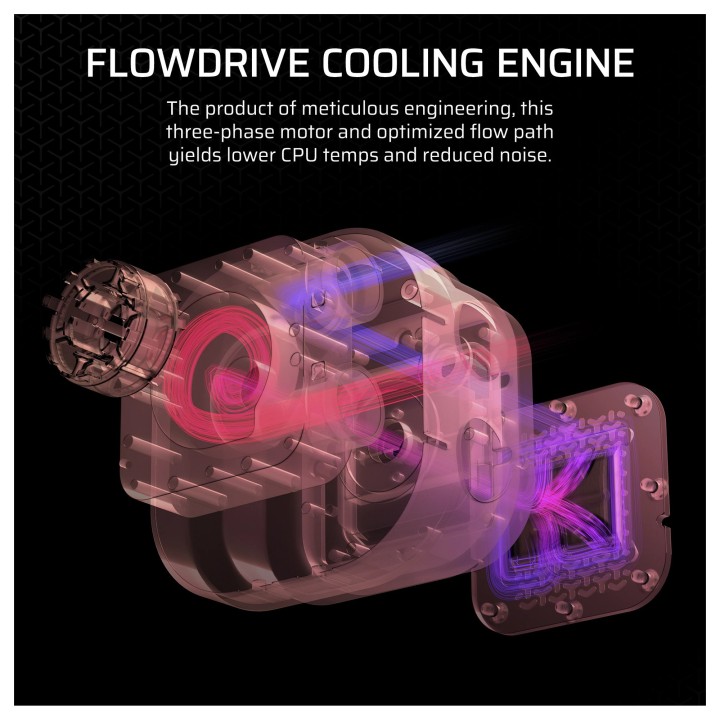
CORSAIR iCUE LINK TITAN RX LCD CPU Cooler zapewnia wysoką wydajność, ciche chłodzenie i bezproblemową łączność iCUE LINK, jednocześnie prezentując swoją kreatywność na oszałamiającym 2,1-calowym ekranie IPS LCD. Jego silnik chłodzący FlowDrive jest wyposażony w wydajną trójfazową pompę z 6-letnią gwarancją, precyzyjnie zaprojektowany profil powierzchni płyty chłodzącej dla optymalnego kontaktu termicznego i wstępnie nałożoną pastę termoprzewodzącą XTM70 dla niezrównanej wydajności. Wentylatory iCUE LINK RX RGB z technologią AirGuide i łożyskami Magnetic Dome zapewniają doskonały przepływ powietrza i cichą pracę. Sterowanie PWM i tryb Zero RPM pozwalają określić równowagę między wydajnością chłodzenia a hałasem wentylatora. Dynamiczne oświetlenie RGB za pośrednictwem oprogramowania iCUE i łatwe moduły CapSwap zapewniają niespotykaną dotąd personalizację. TITAN RX LCD obsługuje najnowsze gniazda procesorów, w tym Intel LGA 1851/1700 i AMD AM5/AM4.
Specyfikacja
- Radiator (CPU): Aluminium
- Gniazdo procesora: Socket AM4
- Prędkość wentylatora (maks.): 2100 obr./min
- Prędkość wentylatora (min.): 300 obr./min
- Przepływ powietrza: 73.5 cfm
- Podświetlenie: RGB
- Rodzaj chłodzenia: Aktywne
- Technologia chłodzenia: Cieczą
- Liczba wentylatorów: 3
- Wentylator: 12 cm
- Rodzaj złącza (zasilanie went.): 4-pin
- Poziom hałasu: 36 dB
- Wymiary: 396 x 120 x 27 mm
- Waga: 1.7 kg
- Pozostałe parametry: Ciśnienie statyczne wentylatora: 0,12 4,33 mm-H2O Długość rury 450 mm
- Uwaga: CE+WEEE
Szczegóły produktu
- Marka Corsair
- Kod produktu 672036a3d4af39ddc3cb8b1c
- Dostępność 11 Przedmioty
- EAN13 0840440482956
- MPN CW-9061023-WW
Specyfikacja
- Liczba wentylatorów (szt.) 3 szt.
Producent
Producent
Corsair Memory, B.V.
Wormerweg 1 1311 XA Almere Netherlands
Formularz kontaktowy: https://help.corsair.com/hc/en-us
Osoba odpowiedzialna w UE
Corsair Memory, BV
Wormerweg 8 1311 XB Almere Netherlands
Telefon: +31 365478360
Bezpieczeństwo
Informacje o bezpieczeństwie
List of computer cooling and tuning safety warnings based on the requirements of General Product Safety Regulation (EU) 2023/988 (GPSR): 1. Risk of electric shock: * Before assembly or disassembly, make sure your computer is disconnected from power. * Do not touch the power cords with wet hands. * Use only power supplies and cables that comply with safety standards. 2. Fire risk: * Make sure the cooling system is compatible with your central unit and power supply. * Regularly check the condition of wires and fittings for damage or overheating. * Do not block ventilation holes in the computer case. * Use only non-flammable coolants designed for liquid cooling systems. 3. Risk of physical injury: * Use protective gloves during assembly to avoid cuts to the sharp edges of the components. * Beware of heavy elements such as heat sinks to avoid dropping them on your feet or other body parts. * Secure tuning components such as fans so they don't cause injury while your computer is running. * Take special care when working with liquids - avoid contact with eyes and skin. 4. Risk of damage to equipment: * Before installation, make sure that all components are compatible with your computer. * Follow assembly and disassembly instructions to avoid damage to components. * Do not exceed the recommended voltage and current values to avoid overheating and damage to components. * Clean cooling elements regularly to ensure efficient heat transfer. 5. Coolant Hazards: * In case of coolant leakage, disconnect the computer from power immediately. * Cooling liquid can cause corrosion - it should be removed from the surface of the elements. * Avoid inhaling coolant fumes. 6. Hazards for children: * Keep small items (screws, fittings) out of reach of children. * Do not allow children to assemble or disassemble computer components themselves. 7. Noise: * Fans can generate noise - use headphones or limit the time spent near a loud computer. 8. Electronics hazards: * Use antistatic mats during operation to protect components from electrostatic discharge. * Do not repair damaged items yourself - return them to service. 9. Overheating: * Regularly monitor the temperature of components to avoid overheating. * Make sure your cooling system is working properly and is sufficient for your computer. 10. Fire safety: * Use only certified power supplies and cooling systems. * Regularly check that no dust accumulates inside the housing, which can be flammable.
Chłodzenie wodne
- Nowy
- Nowy
- Nowy
- Nowy
- Nowy
- Nowy
- Nowy
Ostatnio oglądane
Produkty, które ostatnio zwróciły Twoją uwagę.
- Nowy
- Nowy
- Nowy

- Nowy
- Nowy
- Nowy
- Nowy
- Nowy
- Nowy
- Nowy

- Nowy
- Nowy