- Nowy
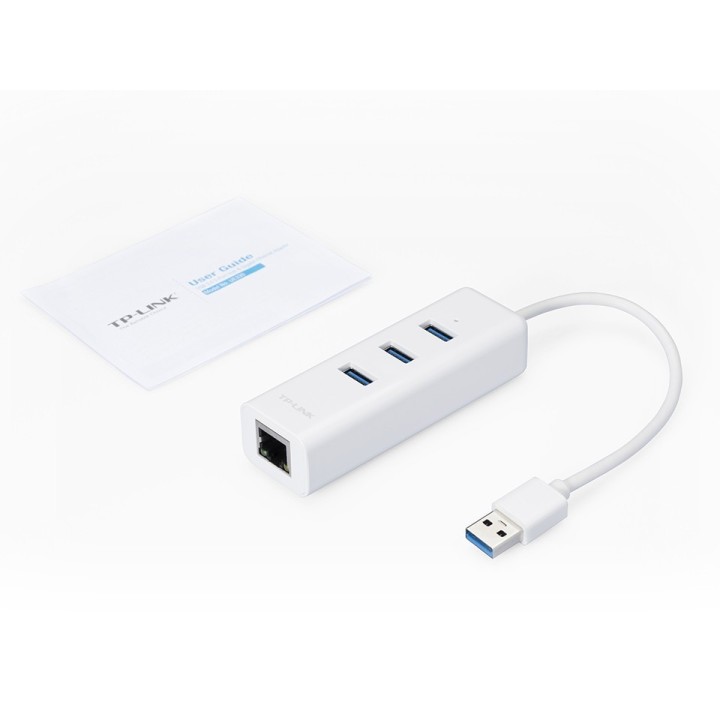
UE330 Ethernet to USB 3.0 obrazki
UE330 Ethernet to USB 3.0
Opis produktu
Przeznaczenie i rola
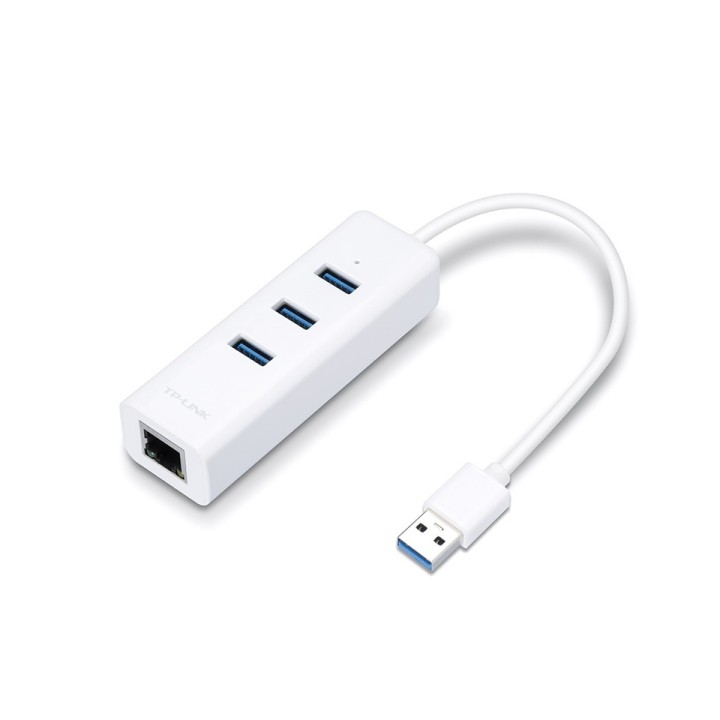
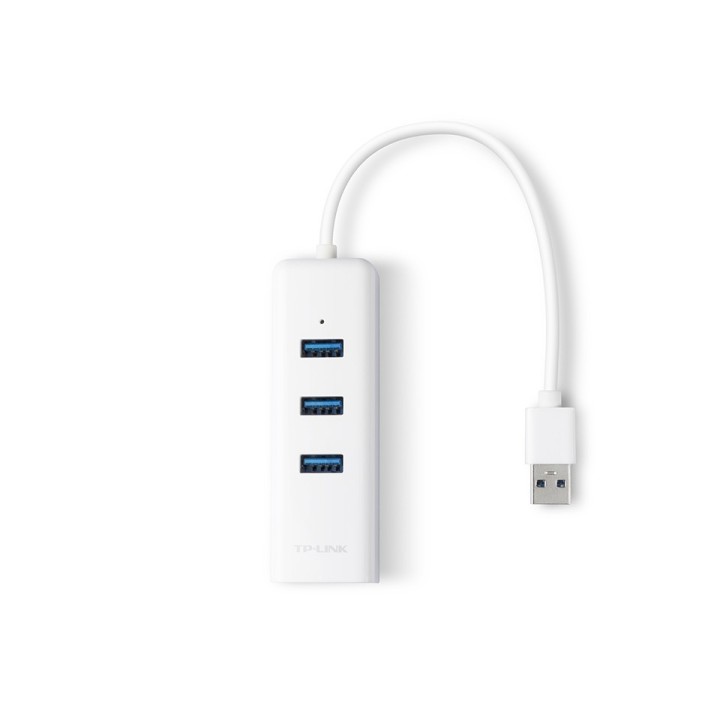
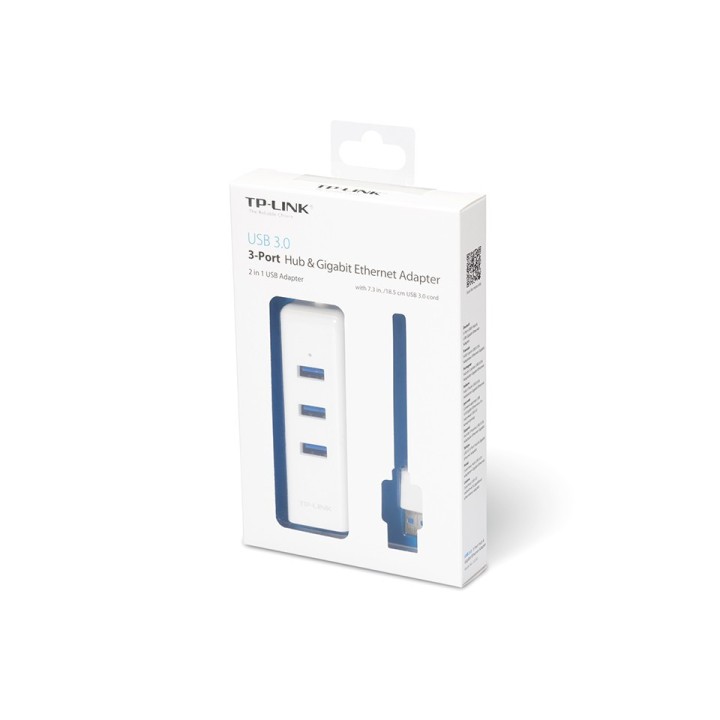
Karta sieciowa TP-LINK UE330 to zewnętrzny adapter USB przeznaczony do podłączenia komputera do przewodowej sieci Ethernet. Urządzenie umożliwia uzyskanie połączenia gigabitowego (do 1000 Mbps) za pomocą gniazda RJ45 i interfejsu USB 3.0.
Konstrukcja i cechy użytkowe
Adapter ma kompaktową obudowę i jest gotowy do pracy po podłączeniu, bez konieczności instalacji dodatkowych sterowników w systemach obsługujących funkcję plug and play. Urządzenie sprawdzi się tam, gdzie wymagane jest szybkie i stabilne połączenie przewodowe, a porty sieciowe w komputerze są ograniczone lub uszkodzone.
Specyfikacja
- Złącza: RJ-45 (LAN)
- Rodzaj kabla: Adapter
- Zastosowanie kabla/adaptera: Komputerowy
- Standard USB/HDMI (wywalić gdy nie dotyczy): USB 3.0/USB 3.1 gen 1/USB 3.2 gen 1
- Kolor (wyliczeniowy): Biały
- Wymiary: 31 x 23 x 96 mm
- Akcesoria w zestawie: - USB 3.0 3-Port Hub & Gigabit Ethernet Adapter UE330- User Guide
- Pozostałe parametry: - Chipset: RTL8153 - Supported Systems Windows (XP/Vista/7/8/8.1/10), Mac OS X (10.5-10.11), Linux OS and Chrome OS
- Uwaga: CE+WEEE
Szczegóły produktu
- Marka TP-LINK
- Kod produktu 660fb9e171a267703cad80e4
- Dostępność 9 Przedmioty
- EAN13 6935364094553
- MPN UE330
Specyfikacja
-
Obsługiwane systemy
Windows 10 Education
Windows 10 Education x64
Windows 10 Enterprise
Windows 10 Enterprise x64
Windows 10 Home
Windows 10 Home x64
Windows 10 Pro
Windows 10 Pro x64
Windows 10 x64
Windows 11
Windows 11 Enterprise
Windows 11 Enterprise x64
Windows 11 Home
Windows 11 Pro
Windows 11 x64
Windows 7 Enterprise
Windows 7 Enterprise x64
Windows 7 Home Basic
Windows 7 Home Basic x64
Windows 7 Home Premium
Windows 7 Home Premium x64
Windows 7 Professional
Windows 7 Professional x64
Windows 7 Starter
Windows 7 Starter x64
Windows 7 Ultimate
Windows 7 Ultimate x64
Windows 8
Windows 8 Enterprise
Windows 8 Enterprise x64
Windows 8 Pro
Windows 8 Pro x64
Windows 8 x64
Windows 8.1
Windows 8.1 Enterprise
Windows 8.1 Enterprise x64
Windows 8.1 Pro
Windows 8.1 Pro x64
Windows 8.1 x64
Windows Vista Business
Windows Vista Business x64
Windows Vista Enterprise
Windows Vista Enterprise x64
Windows Vista Home Basic
Windows Vista Home Basic x64
Windows Vista Home Premium
Windows Vista Home Premium x64
Windows Vista Ultimate
Windows Vista Ultimate x64
Windows XP Home
Windows XP Home x64
Windows XP Professional
Windows XP Professional x64 - Interfejs do komputera USB 2.0
- Rodzaj urządzenia Przewodowe
Producent
Producent
TP-Link Polska Sp. z o.o.
Ożarowska 40/42 05-850 Duchnice Polska
E-mail: info.pl@tp-link.com
Telefon: +48 22 360 63 63
Osoba odpowiedzialna w UE
TP-Link
Ożarowska 40/42 05-850 Duchnice Polska
E-mail: office.poland@tp-link.com
Telefon: +48 22 360 63 00
Bezpieczeństwo
Informacje o bezpieczeństwie
List of Wi-Fi network adapter security warnings based on the requirements of General Product Safety Regulation (GPSR) 2023/988: 1. Risk of electric shock: * Make sure the device is disconnected from power before installation or disassembly. * Do not touch the metal parts of the network card while the computer is running. * Avoid using the network card in humid environments. 2. Risk of equipment damage: * Install the network card according to the manufacturer's instructions. * Make sure your computer is turned off before installing or disassembling the card. * Do not bend or bend the network card during installation. * Protect your card from electrostatic discharge (ESD). 3. Risk of overheating: * Ensure adequate ventilation inside the computer case. * Do not block the ventilation holes of the network card. 4. Risk of interference: * Keep your network card away from sources of electromagnetic interference (e.g. microwave ovens, cordless phones). * Use shielded antenna cables. 5. Health risks: * Limit long-term exposure to electromagnetic radiation. * Maintain a safe distance from the network card antenna. 6. Data security risks: * Secure your Wi-Fi network with a strong password. * Use WPA3 encryption. * Update your network adapter software. * Use a firewall. 7. Risk of fire: * Do not place the network card near heat or fire sources. * Use only power supplies that comply with your computer specifications. 8. Risk of ingestion: * Keep small network card components (e.g. screws) away from children. 9. Risk of injury: * Beware of sharp edges during installation. 10. Cleaning risk: * Disconnect the card from the power supply before cleaning. * Use a dry, soft cloth. * Do not use detergents or solvents. 11. Risk of hearing damage: * Sound signals emitted by the card set at a safe level.
Karty sieciowe i adaptery Bluetooth
Ostatnio oglądane
Produkty, które ostatnio zwróciły Twoją uwagę.
- Nowy
- Nowy