- Nowy
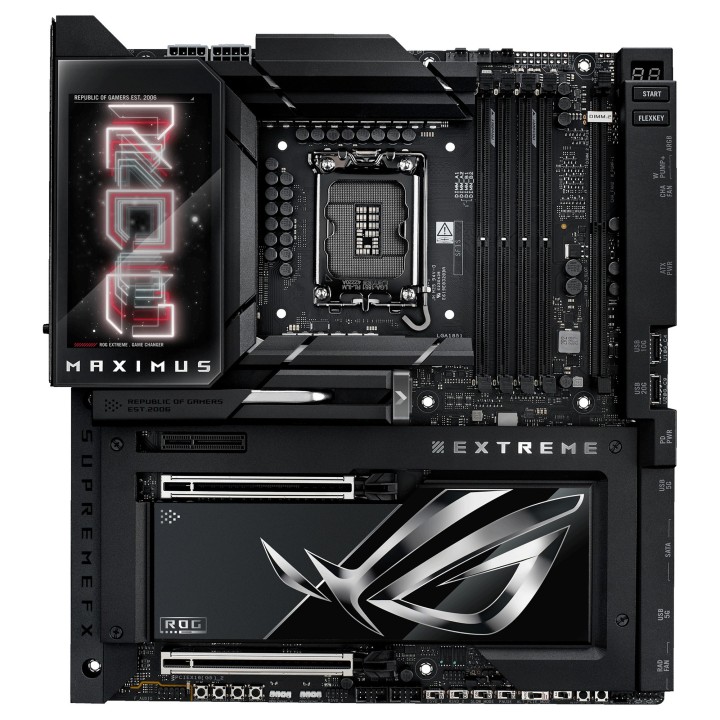
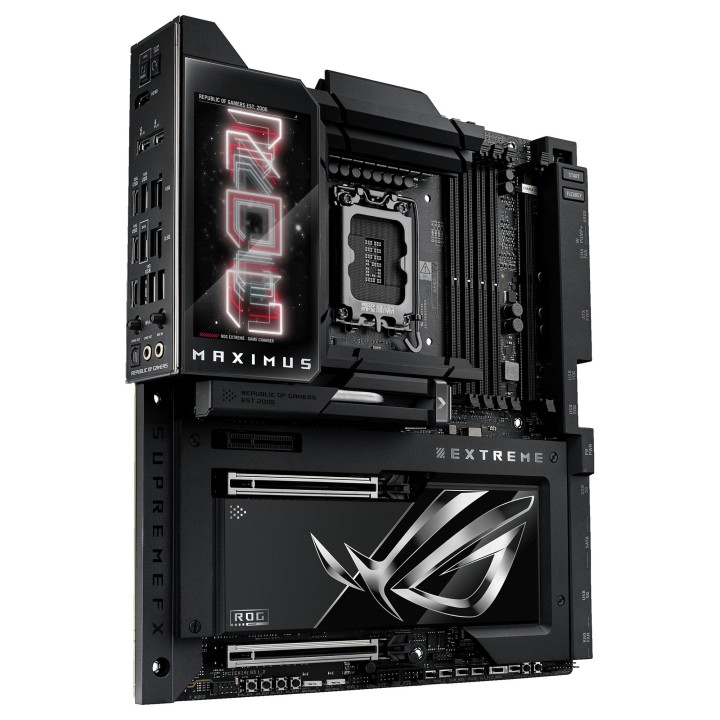
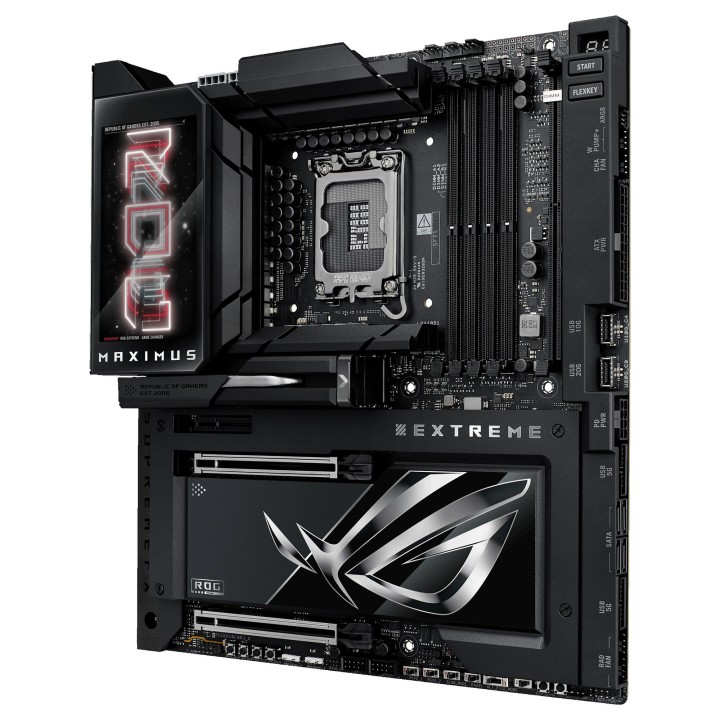
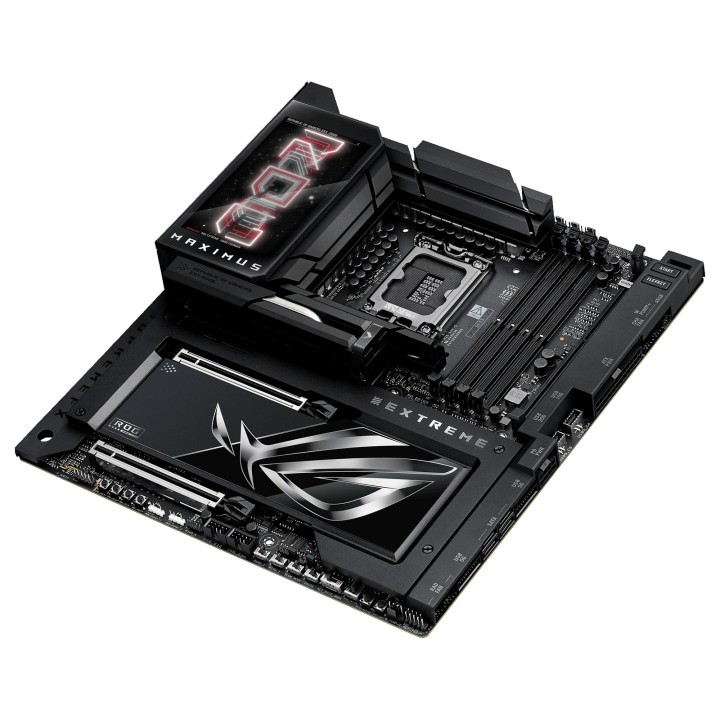
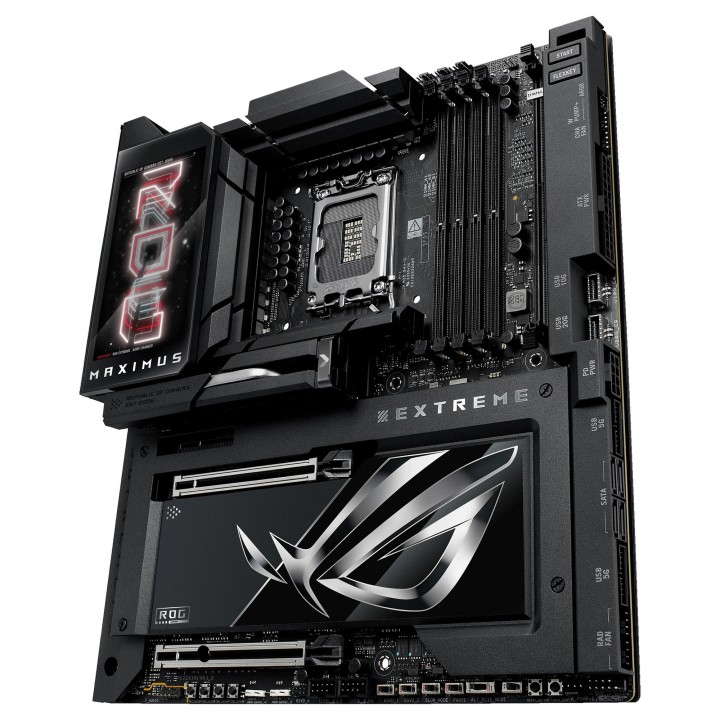
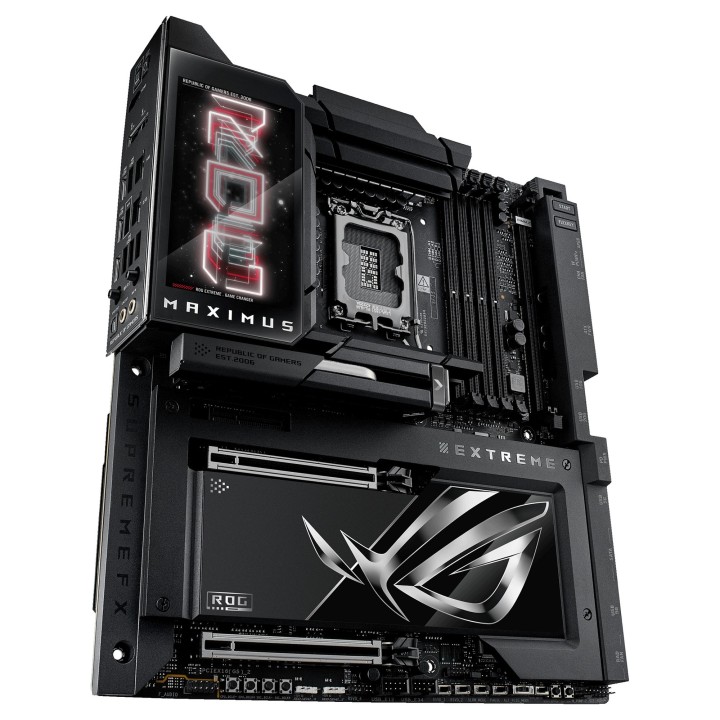
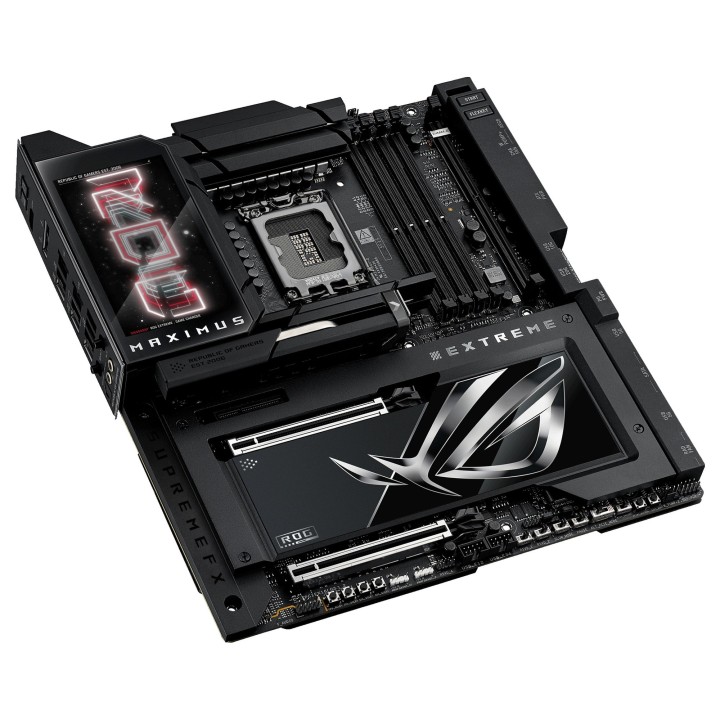
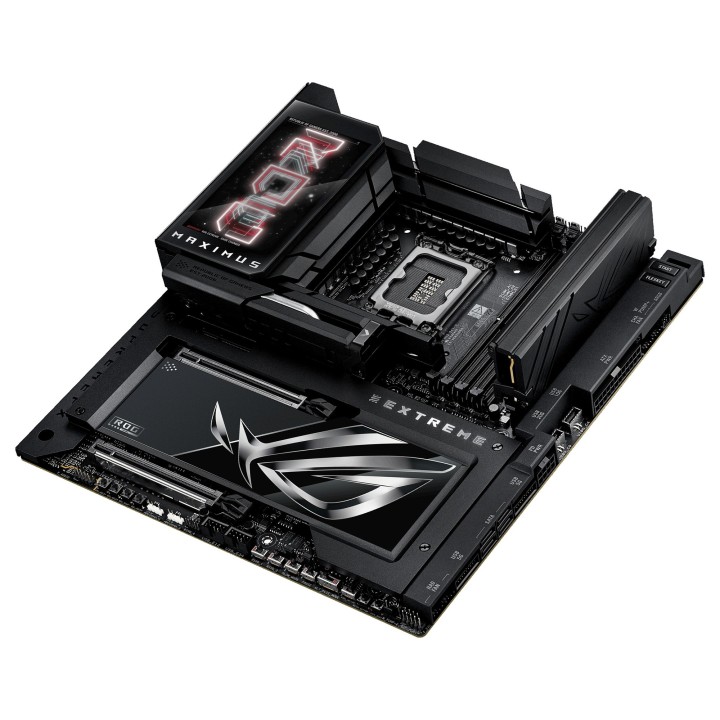
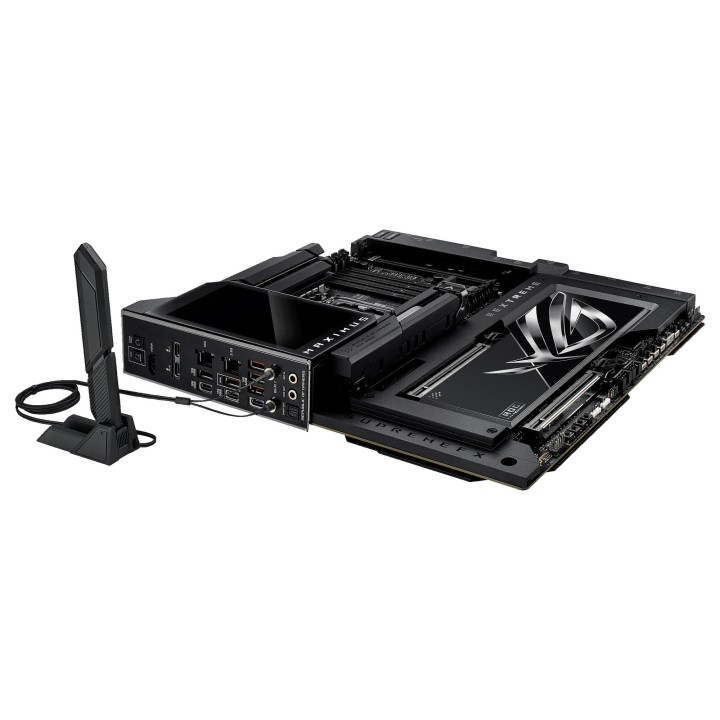
ASUS ROG MAXIMUS Z890 EXTREME. Producent procesora: Intel, Gniazdo procesora: LGA 1851 (Socket V1), Procesor: Intel Core Ultra (Series 2). Obsługiwane rodzaje pamięci: DDR5-SDRAM, Maksymalna pojemność pamięci: 192 GB, Typ slotów pamięci: DIMM. Wspierane interfejsy dysków twardych: M.2, SATA III, Obsługiwane rodzaje dysków: HDD & SSD, Poziomy raid: 0, 1, 5. Rodzaj interfejsu sieci Ethernet: 2.5 Gigabit Ethernet, 10 Gigabit Ethernet, Podstawowy standard Wi-Fi: Wi-Fi 7 (802.11be). Przeznaczenie: PC, Rodzaj płyty: Rozszerzone ATX, Rodzina płyt z chipsetami: Intel
ASUS Polska SP. z o.o.
Cybernetyki 9 02-677 Warszawa Polska
E-mail: sales@asus-polska.pl
ASUS Polska Sp. z o.o.
Harkort str 21-23 40880 Ratingen Germany
E-mail: sales@asus-polska.pl
Telefon: 22 571 80 00
List of motherboard safety warnings based on the requirements of General Product Safety Regulation (EU) 2023/988 (GPSR): * Risk of electric shock: Make sure the power supply is disconnected before installing or disassembling any components. Do not touch pins, connectors or paths on the board with wet hands or in humid environments. * Short-circuit risk: Be careful that no metal objects come into contact with the plate during installation or use. * Risk of Electrostatic Damage (ESD): Use an antistatic band when working with the motherboard to avoid damage to sensitive components. * Risk of injury: Sharp edges and small elements on the board can pose a risk of injury. Be careful when manipulating. * Fire risk: Incorrect connection of power supply or overheating of components can lead to fire. Make sure all connections are correct and cooling is adequate. * Risk of component damage: Do not use excessive force when installing components to avoid damaging the board or the component itself. * Compatibility: Make sure that all components (processor, RAM, graphics card) are compatible with your motherboard. * Stability: Place the motherboard on a stable, flat surface to prevent mechanical damage. * Overheating: Provide adequate cooling to prevent the motherboard and its components from overheating. Clean radiators and fans regularly. * Kids: Keep the motherboard and small items out of reach of children to avoid the risk of ingestion or other accidents. * Installation: Disconnect the motherboard from power before any interference.
Produkty, które ostatnio zwróciły Twoją uwagę.