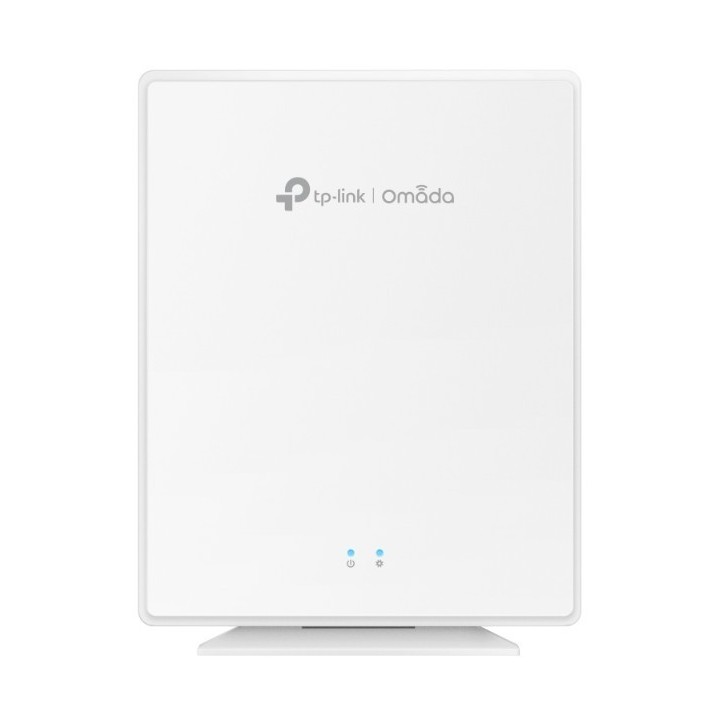
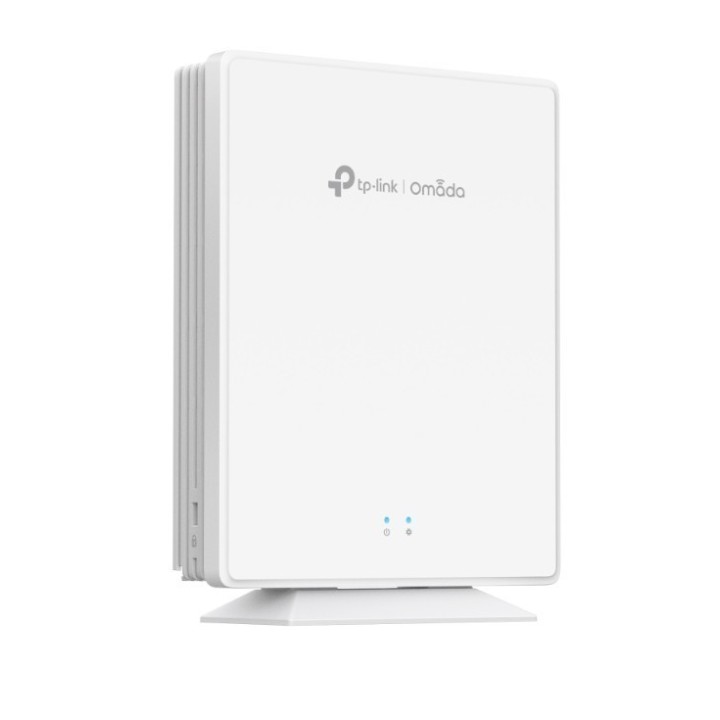
Punkt dostępowy EAP650-Desktop Omada AX3000 Desktop Dual-Band Wi-Fi 6

Cena: 578,99 zł
Brutto
Dostępność produktu: Dostępny 2 szt.
Czas dostawy Wysyłka w ciągu 2 dni roboczych
Koszt dostawy Bezpłatna dostawa od 250 zł.

Opis produktu

Przeznaczenie

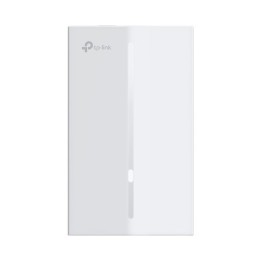
Punkt dostępowy TP-LINK EAP650-Desktop to urządzenie biurkowe do rozbudowy sieci bezprzewodowej w biurach, punktach usługowych oraz wnętrzach mieszkalnych. Zapewnia łączność w standardzie Wi-Fi 6, co zwiększa przepustowość i umożliwia obsługę większej liczby jednoczesnych klientów, poprawiając jakość transmisji wideo, połączeń głosowych oraz ruchu generowanego przez urządzenia IoT.

Wydajność radiowa

Urządzenie działa w dwóch pasmach: 2,4 GHz i 5 GHz. Oferuje prędkości do 574 Mb/s w paśmie 2,4 GHz oraz do 2402 Mb/s w paśmie 5 GHz (łączna szybkość do 2976 Mb/s). Wykorzystanie standardu IEEE 802.11ax (Wi-Fi 6) poprawia efektywność w środowiskach o dużej gęstości urządzeń, zmniejszając opóźnienia i zwiększając ogólną przepustowość sieci.

Łączność i zasilanie

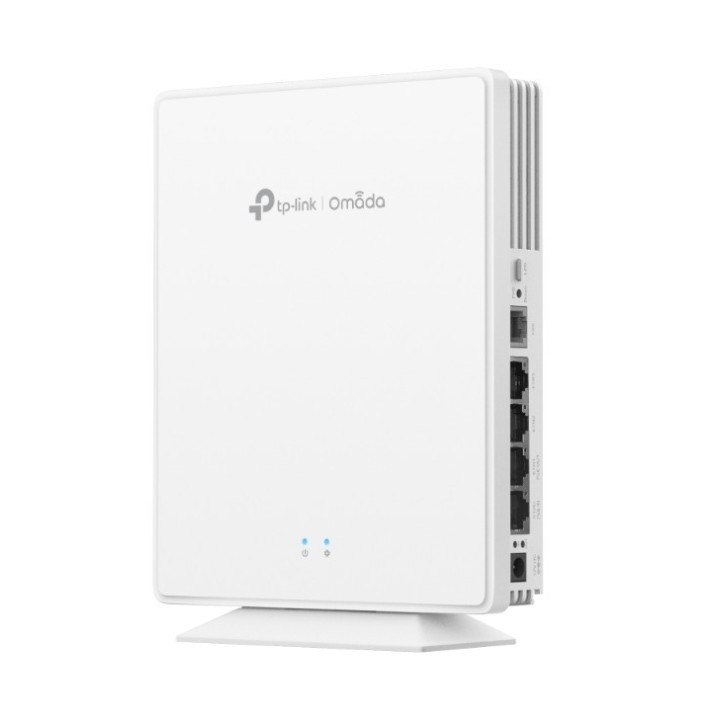
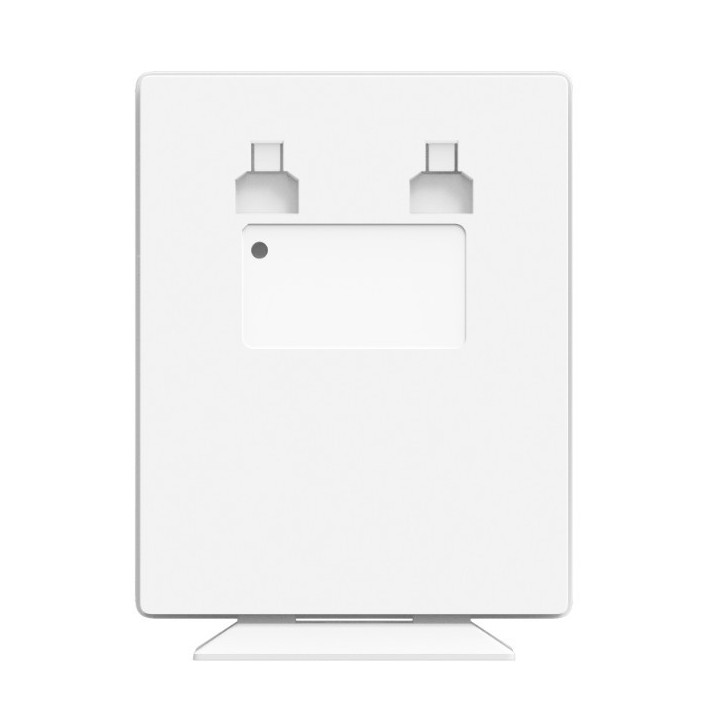
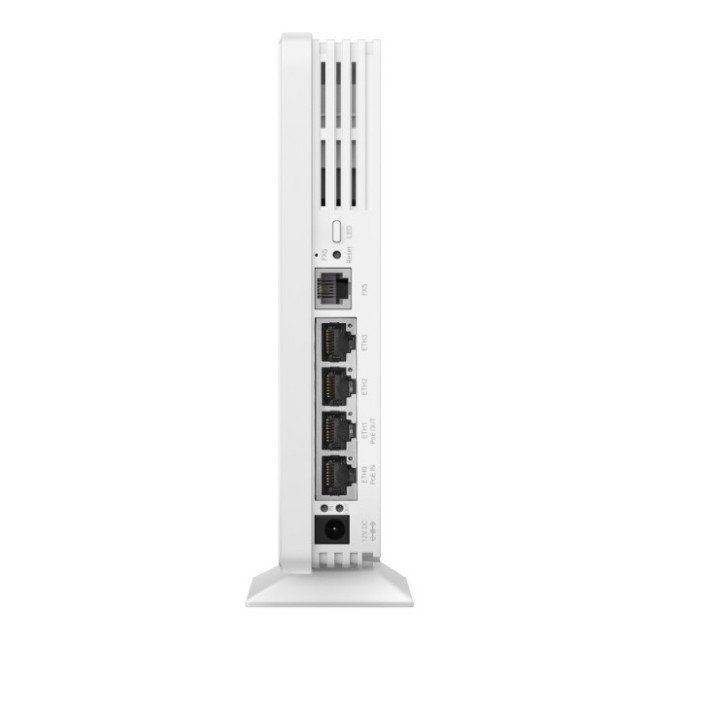
Model EAP650-Desktop wyposażono w cztery porty Gigabit Ethernet 10/100/1000 Mb/s z obsługą PoE. Urządzenie może być zasilane zgodnie ze standardami 802.3af/at/bt oraz zasilane z wejścia 12 V DC (1,5 A). Posiada również wyjście PoE przy zasilaniu zgodnym ze standardami 802.3at/bt. Urządzenie można instalować na biurku lub na ścianie.

Zarządzanie i funkcje sieciowe

Punkt dostępowy obsługuje zarządzanie przez aplikację Omada oraz kontroler sprzętowy, a także tryby centralnego zarządzania. Wspiera funkcję mesh oraz płynny roaming, co umożliwia automatyczne przełączanie klientów między punktami dostępowymi bez przerywania sesji. Umożliwia konfigurację wielu identyfikatorów sieci (do 16 SSID, maksymalnie po 8 na każde pasmo), tworzenie harmonogramów, przegląd statystyk, ograniczenia przepustowości na poziomie SSID lub klienta oraz regulację mocy transmisji.

Bezpieczeństwo i parametry środowiskowe

Funkcje zabezpieczeń obejmują uwierzytelnianie przez stronę powitalną, filtrowanie adresów MAC, izolację klientów oraz szyfrowanie zgodne z WPA, WPA2 i WPA3 (tryby Personal/Enterprise). Urządzenie pracuje w temperaturze od 0 °C do 40 °C przy względnej wilgotności 10-90% bez kondensacji. Pobór mocy wynosi poniżej 17,3 W przy wyłączonym wyjściu PoE.

Specyfikacja

  • Marka: TP-LINK
  • Model: Omada EAP650 Desktop
  • Standardy sieci bezprzewodowej: IEEE 802.11 a/b/g/n/ac/ax
  • Pasma: 2.4 GHz / 5 GHz
  • Maksymalna szybkość przesyłania danych: 2976 Mbit/s
  • Maks. prędkość (2.4 GHz): 574 Mbit/s
  • Maks. prędkość (5 GHz): 2402 Mbit/s
  • Szerokość kanału: 160 MHz
  • Typ MIMO: Multi User MIMO
  • Ilość SSID: 16
  • Zabezpieczenia: WPA3-Enterprise/Personal; WPA2-Enterprise/Personal; WPA-Enterprise/Personal; 802.1x RADIUS; SNMP; SSH
  • Zarządzanie: Omada
  • Porty Ethernet (RJ-45): 4
  • Prędkość portów Ethernet: 1000 Mbit/s
  • Obsługa PoE: IEEE 802.3af, IEEE 802.3bt
  • Zasilanie DC: 12 V
  • Prąd wejściowy: 1.5 A
  • Maksymalne zużycie mocy: 17.3 W
  • Typ anteny: Wewnętrzny
  • Zysk anteny (max): 4.7 dBi
  • Umieszczenie: Stół
  • Kolor: Biały
  • Certyfikaty: CE, FCC, RoHS, IC
  • Szerokość: 140 mm
  • Głębokość: 33 mm
  • Wysokość: 175 mm
  • Waga: 452 g
  • Temperatura pracy: 0 - 40 °C
  • Temperatura przechowywania: -40 - 70 °C

Szczegóły produktu

  • Marka TP-LINK
  • Kod produktu 67a1778dff90fa9a180b96f9
  • Dostępność 2 Przedmioty
  • EAN13 8885020623734
  • MPN EAP650-Desktop

Specyfikacja

  • Generacja Wi-Fi Wi-Fi 6
  • Pasma Wi-Fi 2.4 GHz
    5 GHz
  • Liczba portów LAN (szt.) 4 szt.
  • Zasilanie PoE Tak

Producent

Producent

TP-Link Polska Sp. z o.o.

Ożarowska 40/42 05-850 Duchnice Polska

E-mail: info.pl@tp-link.com

Telefon: +48 22 360 63 63

Osoba odpowiedzialna w UE

TP-Link

Ożarowska 40/42 05-850 Duchnice Polska

E-mail: office.poland@tp-link.com

Telefon: +48 22 360 63 00

Bezpieczeństwo

Informacje o bezpieczeństwie

List of safety warnings for WiFi and Access Point Routers based on the requirements of Regulation (EU) 2023/988 on General Product Safety (GPSR) 1. Risk of electric shock: * Make sure that the device is connected to a working socket with grounding. * Do not touch the plug or cable with wet hands. * Avoid using the device in places with high humidity. 2. Risk of overheating: * Provide adequate ventilation while maintaining at least 5 cm of free space around the device. * Do not block ventilation openings. 3. Fire risk: * Use only original power supplies and accessories recommended by the manufacturer. * Do not leave the device on unattended near flammable materials. 4. Hazards at high temperatures: * Do not expose the device to direct sunlight. * Avoid using the router at temperatures above the recommended range (usually 5-35°C). 5. Risk of damage during cleaning: * Before cleaning, disconnect the device from the power supply and use a soft, slightly damp cloth. * Avoid using strong detergents that can damage the surface of the device. 6. Warnings for children: * Keep power cables out of reach of children. * Make sure that children do not play with the device or accessories that can be dangerous. 7. Regularly check the technical condition of the device: * Check the condition of the device regularly for mechanical damage, cracks or other defects. * Do not use the device if it has visible mechanical damage. 8. Use in humid environments * Avoid using your router in the bathroom, in the rain or in other humid environments 9. Interference with other devices * Using a router near medical devices such as pacemakers can cause electromagnetic interference. * Keep a distance of at least 15 cm between your router and medical devices. 10. Regular maintenance * Failure to regularly clean ports and sockets can lead to damage or failure. * Clean ports and sockets regularly using a dry and clean cloth, avoiding moisture input. 11. Risk of loss of water resistance * Do not immerse in water if it is not waterproof. 12. Electromagnetic interference * Smartwatches can interfere with medical devices such as pacemakers. 13. Small parts: * Components of the device, can be swallowed by children. * Keep your device and its accessories out of reach of children. Do not allow children to use the device themselves without supervision. 14. Risk of battery damage * Improper use, such as overheating or using a non-original charger, can lead to battery damage and, in extreme cases, to battery explosion. * Charge your device at room temperature and use only original accessories. Do not expose your smartwatch to high temperatures. 15. Maintenance and cleaning * Impurities such as sweat or dirt can cause discomfort and damage to materials. * Clean your smartwatch and strap regularly with a soft, damp cloth. Avoid using harsh chemicals.

Ładowanie...
Wróć na górę