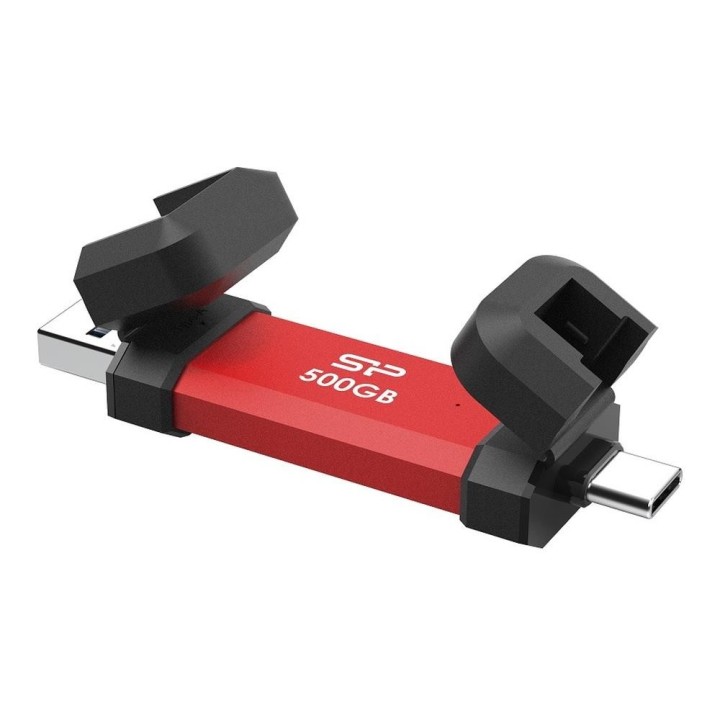
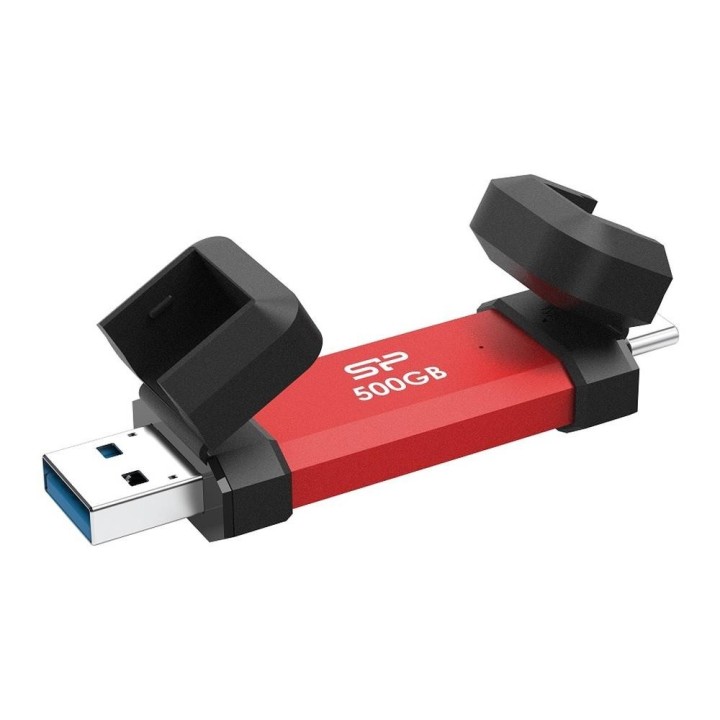
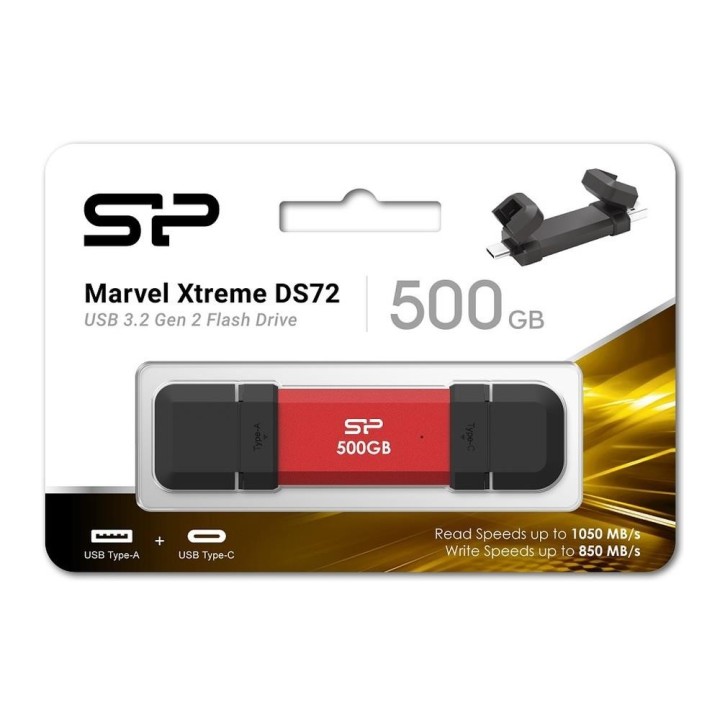
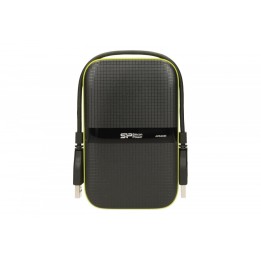
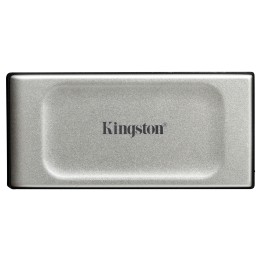
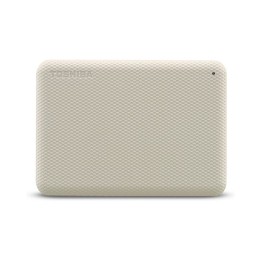
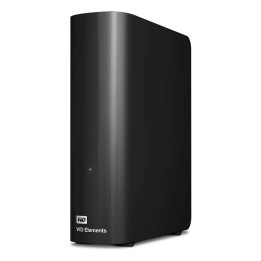
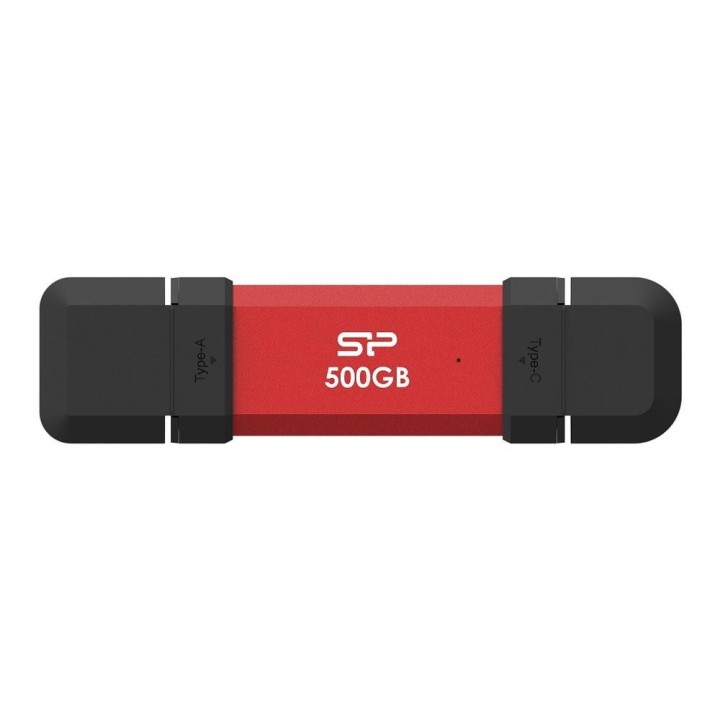
SILICON POWER DS72 500GB External SSD USB-A USB-C 1050/850MB/s Red

Cena: 909,49 zł
Brutto
Dostępność produktu: Dostępny 2 szt.
Czas dostawy Wysyłka w ciągu 3 dni roboczych
Koszt dostawy Bezpłatna dostawa od 250 zł.

Opis produktu

Pamięć flash USB Silicon Power Marvel Xtreme DS72 oferuje wysoką wydajność i elegancki wygląd, dzięki czemu nadaje się do codziennego użytku. Posiada pojemność 500 GB, co zapewnia wystarczającą ilość miejsca na pliki, zdjęcia i filmy. Dzięki prędkości odczytu 1050 MB/s i prędkości zapisu 850 MB/s pamięć flash zapewnia szybki transfer danych, dzięki czemu nadaje się zarówno dla profesjonalistów, jak i zwykłych użytkowników.Konstrukcja DS72, wykonana z aluminium i gumy, zapewnia trwałość i wygodny uchwyt. Odchylana nasadka i funkcja Plug-and-Play podkreślają wygodę użytkowania, ułatwiając korzystanie z pamięci w podróży. Pamięć flash USB jest również wyposażona w 256-bitowy algorytm szyfrowania AES, który zapewnia bezpieczeństwo i prywatność danych, dając Ci spokój ducha podczas każdego transferu.

Pojemność pamięci 500 GB zapewnia wystarczającą ilość miejsca na dane

Prędkość odczytu 1050 MB/s zwiększa wydajność transferu danych
Wytrzymała obudowa z aluminium i gumy zapewniająca ochronę
Funkcja Plug-and-Play ułatwia użytkowanie
256-bitowe szyfrowanie AES zapewniające bezpieczeństwo danych

Specyfikacja

  • Opis produktu: Silicon Power Marvel Xtreme DS72 pendrive USB 500 GB
  • Typ produktu: Pendrive USB
  • Typ interfejsu: USB 3.1 Gen 2 USBC 3.2 Gen 2
  • Pojemność pamięci masowej: 500 GB
  • Algorytm kodowania: 256 bitów AES
  • Kolor obudowy: Czerwony
  • Zastrzeżenie dotyczące koloru produktu na obrazku: Wyświetlany produkt może być innego koloru
  • Dołączone oprogramowanie: Recuva File Recovery, SP Widget
  • Wymagany system operacyjny: Apple MacOS X 10.3.x 10.5.x, Linux 2.6.x lub nowsza wersja, Apple iOS 13 lub nowsza wersja, Android 6.0 (Marshmallow) lub nowszy, Microsoft Windows XP Vista 7 8 8.1 10 11

Szczegóły produktu

Specyfikacja

  • Typ złącza USB 3.0
  • Rodzaj nośnika SSD
  • Pojemność nośnika (GB) 500 GB
  • Interfejs dysku USB

Producent

Producent

Silicon Power Netherlands B.V.

Antennestraat 16 1322 AB Almere Holandia

E-mail: service@eu.silicon-power.com

Telefon: +31 8 556 00010

Osoba odpowiedzialna w UE

Silicon Power Netherlands B.V.

Antennestraat 16 1322 AB Almere Holandia

E-mail: service@eu.silicon-power.com

Telefon: +31 8 556 00010

Bezpieczeństwo

Informacje o bezpieczeństwie

List of external and portable drive safety warnings based on the requirements of General Product Safety Regulation (GPSR) 2023/988: * Use the drive according to the manufacturer’s instructions to avoid mechanical damage or data loss. * Do not expose the disc to extreme temperatures, moisture, or direct sunlight to prevent overheating or damage. * Protect your drive from drops and bumps, as this can cause damage to internal components and data loss. * Disconnect the drive from your computer in a secure manner (using the "Safe Hardware Removal" feature) to avoid data loss or damage to the drive. * Do not open the disk housing, as this may result in loss of warranty and damage to delicate components. * In case of disk failure, do not try to repair it yourself; contact a professional data recovery service. * Keep the drive away from strong magnetic fields that can disrupt operation and cause data loss. * Use only the original cables and power supplies that came with the drive to avoid compatibility issues and damage. * Regularly back up data from disk to other media to avoid losing important information in the event of a failure. * Keep the disc out of reach of children to avoid accidental damage or ingestion of small items. * When transporting the disk, protect it from shocks and moisture by placing it in a suitable protective case. * Do not attempt to connect a damaged drive to your computer as this may cause additional problems. * Regularly scan the drive with an antivirus program to prevent malware infection. * Do not use the disc near flammable substances, as overheating and fire may occur in the event of a breakdown. * Make sure the voltage in the electrical outlet complies with the requirements of the disk power supply to avoid damage. * If the drive overheats, disconnect it from power immediately and let it cool before reusing. * Clean the disc housing with a soft, dry cloth; do not use chemicals that can damage the surface. * For long-term disk storage, place it in a dry and cool place to avoid component degradation. * If your drive is equipped with encryption software, make sure your password is secure and remembered to avoid permanent loss of access to your data. * When connecting and disconnecting the drive, hold by the housing, not by the cable, to avoid damaging the connector.

Ładowanie...
Wróć na górę