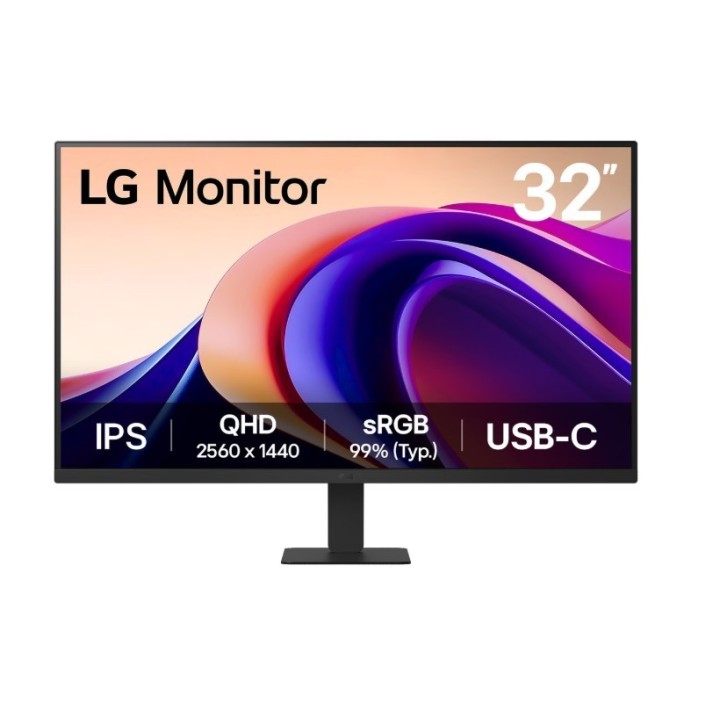
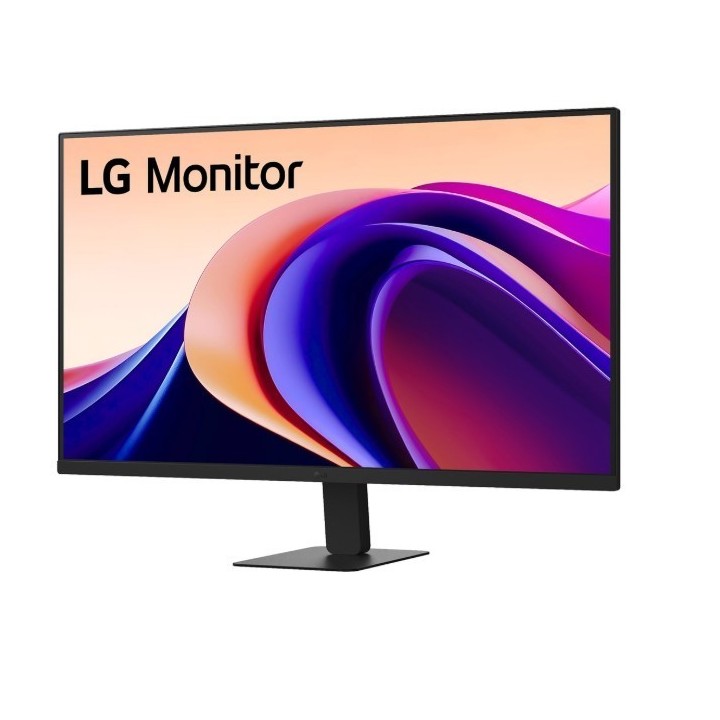
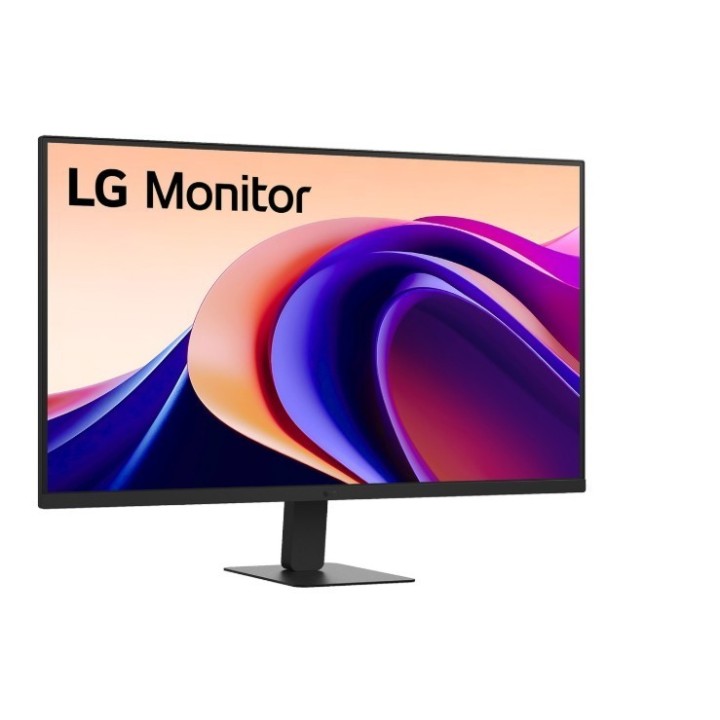
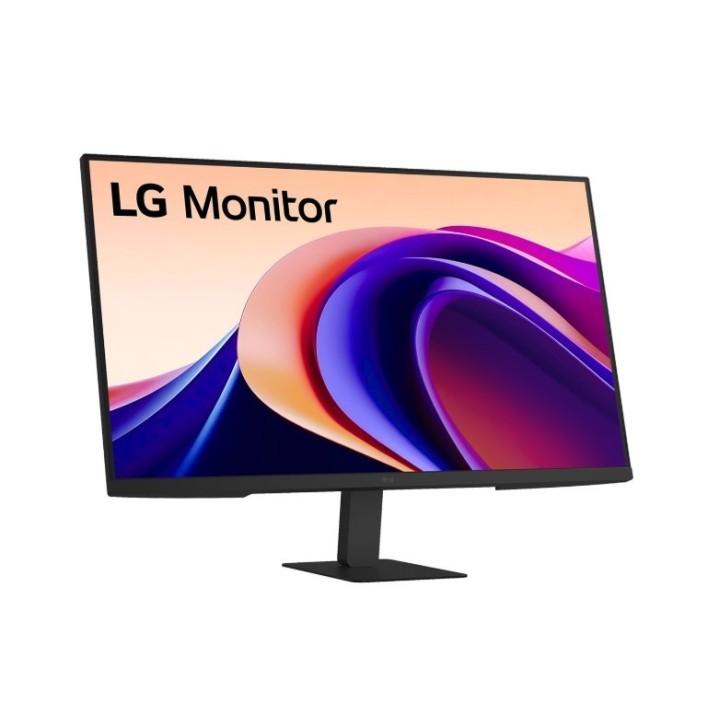
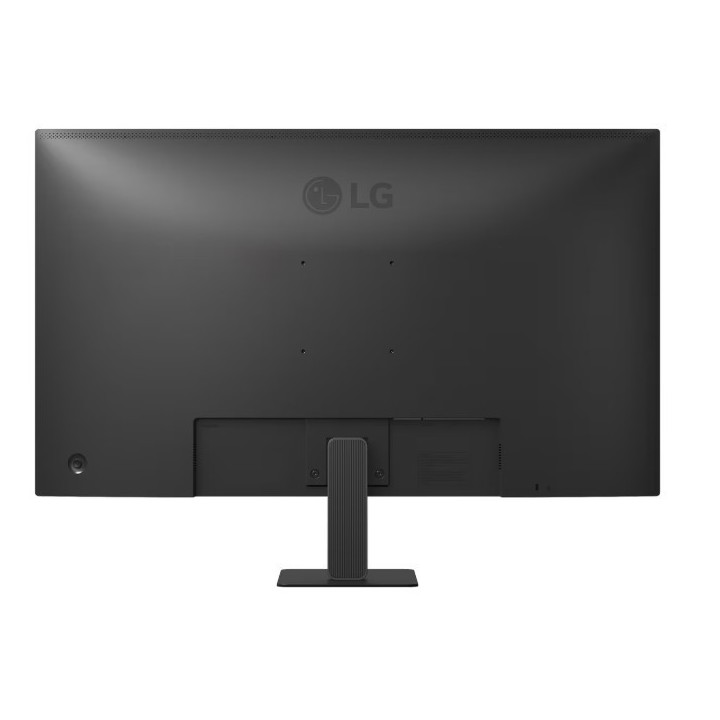
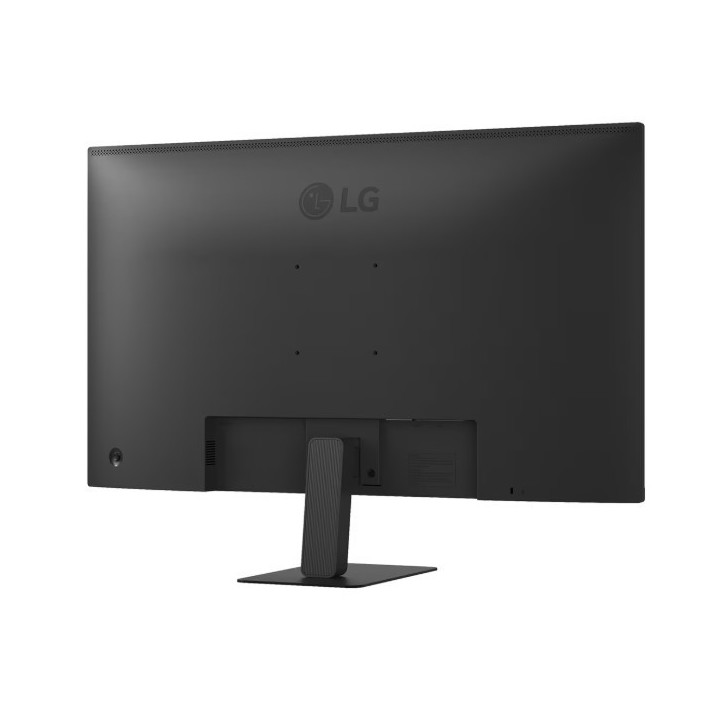
Monitor 31.5 cala 32U631A-B QHD 100Hz IPS HDR10
Opis produktu
Żywe kolory przy szerokim kącie widzenia
Monitor LG QHD (2560 x 1440) z technologią IPS zapewnia wyraźne i spójne kolory. Dostarcza żywe odwzorowanie barw i umożliwia korzystanie z ekranu pod szerokim kątem.
Wizualna płynność. Jednolity przebieg pracy.
Częstotliwość odświeżania 100 Hz zapewnia płynne ładowanie klatek w różnych programach. A jeśli jesteś graczem, możesz cieszyć się realistyczną rozgrywką z mniejszym zacinaniem się ekranu i rozmyciem ruchu.
Rzeczywiste kolory i szeroki zakres obrazu
Nasz wyświetlacz IPS oferuje szeroki kąt widzenia i pokrywa 99% spektrum sRGB, zapewniając nieskazitelną dokładność kolorów.
Tryb czytania
Tryb czytania (Reader Mode) dostosowuje temperaturę barw i luminancję, zapewniając odpowiednie wrażenia podczas czytania na monitorze.
Zabezpieczenie przed migotaniem
Funkcja Flicker Safe redukuje niewidoczne migotanie ekranu, zapewniając komfort użytkowania.
Dynamic Action Sync
Zmniejszając opóźnienia wejściowe dzięki Dynamic Action Sync, gracze mogą uchwycić krytyczne momenty w czasie rzeczywistym i szybko reagować.
Black Stabilizer
Stabilizator czerni (Black Stabilizer) pomaga graczom wykrywać snajperów czających się w najciemniejszych zakamarkach i szybko poruszać się po wybuchowych terenach.
Szybkie przełączanie
Aplikacja LG Switch pomaga zoptymalizować monitor do pracy i życia. Możesz łatwo podzielić cały wyświetlacz na 6 części, zmienić motyw, a nawet uruchomić platformę do połączeń wideo za pomocą zmapowanego klawisza skrótu.
W pełni wykorzystaj swoje biurko
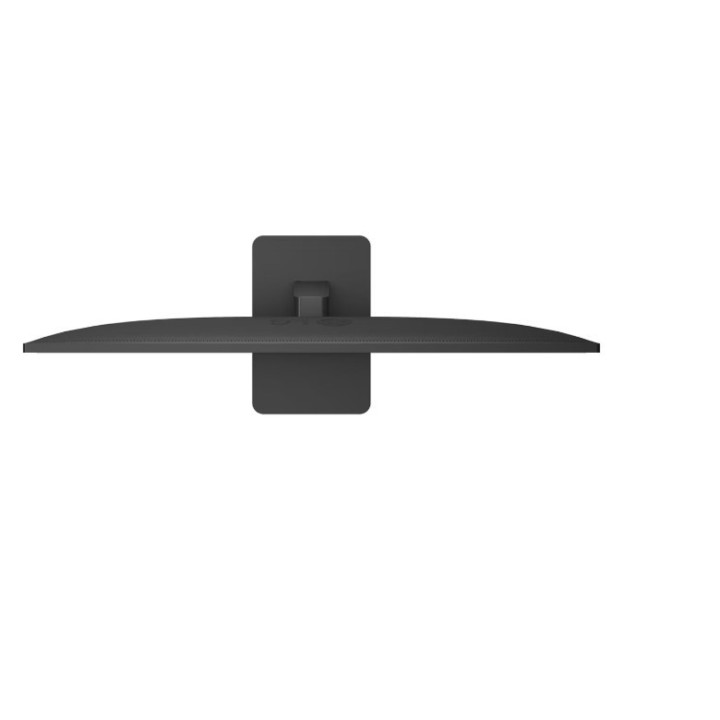
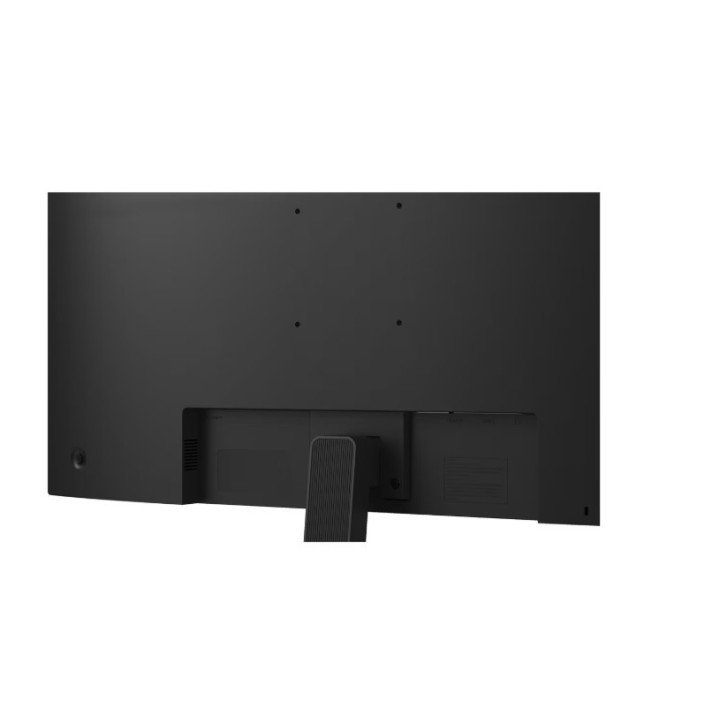
Super smukła podstawka minimalizuje zużycie miejsca na biurku, pozwalając na efektywne wykorzystanie przestrzeni roboczej.
Łatwe i wygodne rozwiązanie
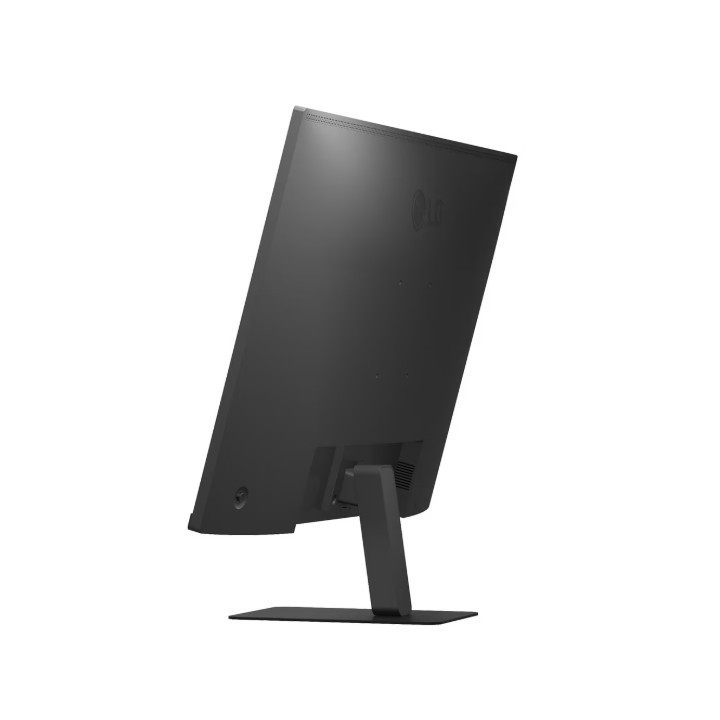
Wyposażony w wąską ramkę z trzech stron i elegancką podstawę, nasz monitor QHD pozwala stworzyć idealną przestrzeń roboczą z wygodną regulacją nachylenia.

Szczegóły produktu
- Marka LG
- Kod produktu 67e606ca21185d565213383a
- Dostępność 22 Przedmioty
- EAN13 8806096358603
- MPN 32U631AB
Specyfikacja
- Przekątna ekranu (cal) 31,5 cal
- Czas reakcji GtG (ms) 5 ms
- Rozdzielczość natywna 2560 × 1440
- Typ matrycy IPS
- Częstotliwość odświeżania (Hz) 100 Hz
- Ekran dotykowy Nie
- Zakrzywiony ekran Nie
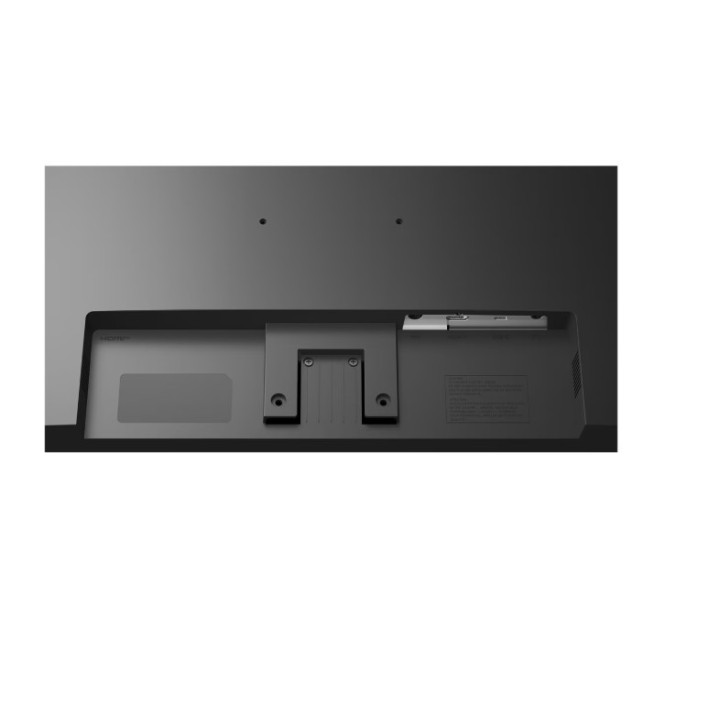
- Standard VESA 100 × 100
- Pivot Nie
Producent
Producent
LG Electronics Polska Sp. z o.o.
ul. Wołoska 22 02-675 Warszawa Polska
Formularz kontaktowy: https://www.lg.com/pl/wsparcie/contact-us/email/
Osoba odpowiedzialna w UE
LG Electronics Deutschland GmbH
Alfred-Herrhausen-Allee 3-5 65760 Eschborn Germany
E-mail: info@lg.de
Formularz kontaktowy: https://www.lg.com/de/support/kontaktieren-sie-uns/
Telefon: +49 6196 7883000
Bezpieczeństwo
Informacje o bezpieczeństwie
List of computer monitor safety warnings based on the requirements of General Product Safety Regulation (EU) 2023/988 (GPSR): * Risk to vision: Long-term gazing at the monitor screen may cause eye strain, dry eyes or headaches. * Limit the working time with the monitor. * Take regular breaks. * Maintain proper distance from the screen. * Ensure proper lighting in the room. * Set the brightness and contrast of the monitor to a comfortable level. * Ergonomics: Incorrect position when working with the monitor can lead to back, neck, and shoulder pain. * Set the monitor to the correct height so that the top edge of the screen is at eye level or slightly below. * Use an adjustable chair and desk to ensure an ergonomic position. * Maintain proper posture while sitting. * Risk of electric shock: Improper use or damage to the monitor can lead to electric shock. * Do not use the monitor in humid environments. * Do not touch the monitor with wet hands. * Do not put any items inside the monitor. * If the power cable is damaged, replace it with a new one. * Disconnect the monitor from power before cleaning. * Fire risk: Overheating or short circuiting in the monitor can cause a fire. * Do not cover the ventilation holes of the monitor. * Do not place the monitor near heat sources. * Use only the original power supply that came with your monitor. * If the monitor overheats, disconnect it from power immediately. * Mechanical damage: The fall of the monitor can cause damage and pose a threat to the user. * Set the monitor on a stable surface. * Secure cables to avoid accidental tripping. * For monitor transport, use appropriate protective packaging. * Cleaning: Improper cleaning of the monitor can damage the screen or cause other problems. * Use only a soft, dry cloth to clean the screen. * Do not use cleaning products containing alcohol, ammonia or other corrosive substances. * Disconnect the monitor from power before cleaning. * Disposal: Incorrect disposal of the monitor can pose a threat to the environment. * Return the used monitor to the e-waste collection point. * Do not throw the monitor in a regular trash can. * Children: The monitor is not a toy and should not be used by children without supervision. * Make sure children do not touch the power cables. * Make sure kids don't play around with the monitor packaging. * Repairs: Do not try to repair the monitor yourself. * Any repairs should be done by qualified personnel. * Monitor portability: Be careful when moving your monitor. * Disconnect all cables before moving. * Use appropriate packaging. * Weather conditions: Do not expose the monitor to extreme temperatures or moisture. * Protect your monitor from direct sunlight. * Adjustable settings: Do not use extreme brightness or contrast settings. * These can cause faster eye strain. * Noise: If the monitor makes disturbing noises, turn it off immediately. * Contact the technical service. * Environmental protection: Be sure to turn off the monitor when not in use. * You save energy this way. * Software: Use only the software provided by the manufacturer. * You will avoid compatibility issues.
Monitory
Ostatnio oglądane
Produkty, które ostatnio zwróciły Twoją uwagę.