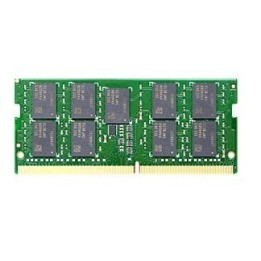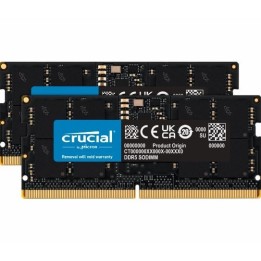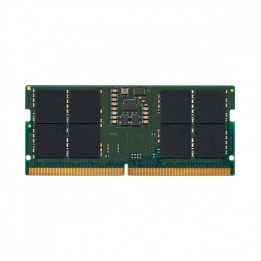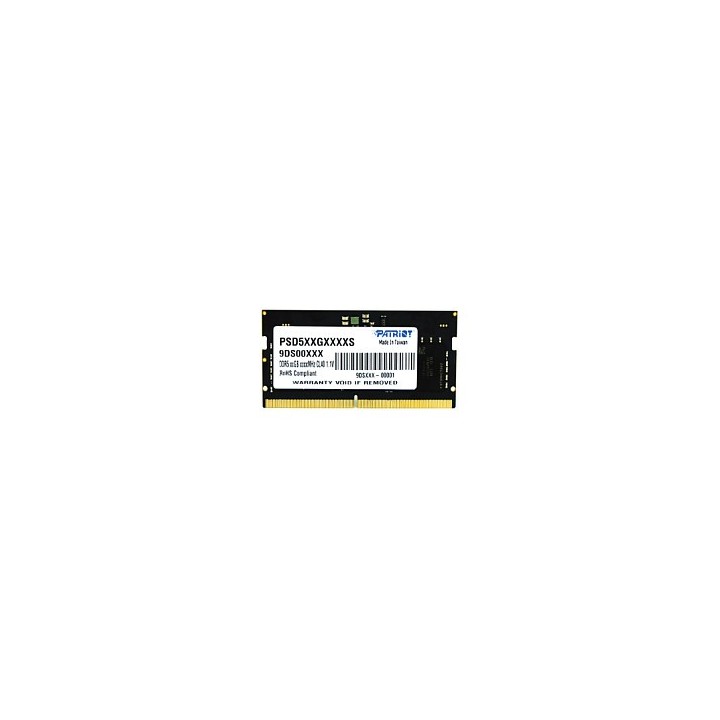
PATRIOT MEMORY DDR5 32GB SIGNATURE 4800MHz SO-DIMM
Opis produktu
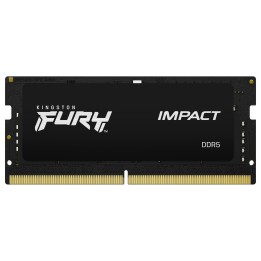
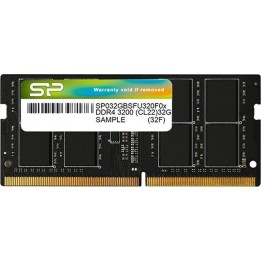
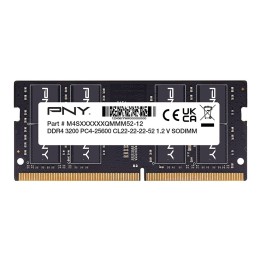
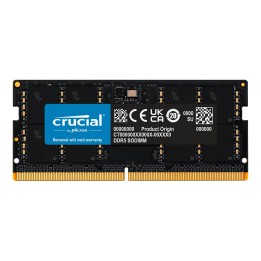
PATRIOT MEMORY Signature Line DDR5 32GB to pojedynczy moduł pamięci przeznaczony do użycia w laptopach. Oferuje pojemność 32 GB w konfiguracji 1 x 32 GB oraz magistralę o częstotliwości 4800 MHz, co umożliwia obsługę wymagających aplikacji i wielozadaniowości.
Moduł wykorzystuje technologię DDR5, pracuje przy napięciu 1.1 V i ma opóźnienie CAS równe 40. Jest to moduł typu unbuffered (unregistered) z profilem SPD, montowany w gnieździe SO-DIMM o 262 pinach.
Konstrukcja jest kompaktowa i lekka — wymiary modułu to 69 mm × 3 mm × 30 mm przy masie 9.5 g. Produkt posiada certyfikat zgodności RoHS.
Specyfikacja
- Pojemność: 32 GB
- Konfiguracja: 1 x 32 GB
- Typ pamięci: DDR5
- Prędkość: 4800 MHz
- Opóźnienie CAS: 40
- Napięcie: 1.1 V
- Buforowanie: Unregistered (unbuffered)
- Profil: Profil SPD
- Rodzaj modułu: SO-DIMM
- Liczba pinów: 262
- Przeznaczenie: Laptop
- Certyfikaty: RoHS
- Szerokość: 69 mm
- Głębokość: 3 mm
- Wysokość: 30 mm
- Waga: 9.5 g
Szczegóły produktu
- Marka PATRIOT MEMORY
- Kod produktu 67e6160521185d56522ca768
- Dostępność 2 Przedmioty
- EAN13 0814914029473
- MPN PSD532G48002S
Specyfikacja
- Typ pamięci RAM DDR5
- Opóźnienie CAS CL40
- Pojemność zestawu RAM (GB) 32 GB
- Format modułu RAM SO-DIMM
- Pojemność jednego modułu (GB) 32 GB
- Liczba modułów (szt.) 1 szt.
- Napięcie pamięci (V) 1,1 V
Producent
Producent
Patriot Memory B.V
Innsbruckweg 190-192 3047 AH Rotterdam Holandia
E-mail: support@patriotmemory.com
Formularz kontaktowy: https://www.patriotmemory.com/contact-us
Telefon: +31 (0)10-2931-250
Bezpieczeństwo
Informacje o bezpieczeństwie
List of RAM security warnings based on the requirements of General Product Safety Regulation (GPSR) 2023/988 * Short circuit risk: Ensure that RAM modules are properly installed and secured in the slots on the laptop motherboard. Incorrect connection can lead to short circuit and damage to components. * Risk of Electrostatic Damage (ESD): Before touching the RAM modules, ground yourself to avoid electrostatic discharges that can damage electronic components. * Risk of overheating: Provide adequate ventilation inside the laptop to prevent RAM modules from overheating during heavy use. * Compatibility: Make sure the RAM modules you purchase are compatible with your laptop model and motherboard specifications. Incompatible modules can cause operating problems or system corruption. * Installation: Turn off your laptop and disconnect it from power before installing or replacing RAM modules. Follow the laptop manufacturer's instructions for proper installation. * Mechanical Damage: Avoid dropping or hitting RAM modules, as they can be damaged and stop working. * Kids: Keep RAM modules out of reach of children, as small items can pose a choking hazard. * Recycling: Recycle used RAM modules at appropriate collection points to avoid negative environmental impacts. * Moisture and liquids: Avoid contact of RAM modules with moisture and liquids that can cause corrosion and damage.