- Nowy
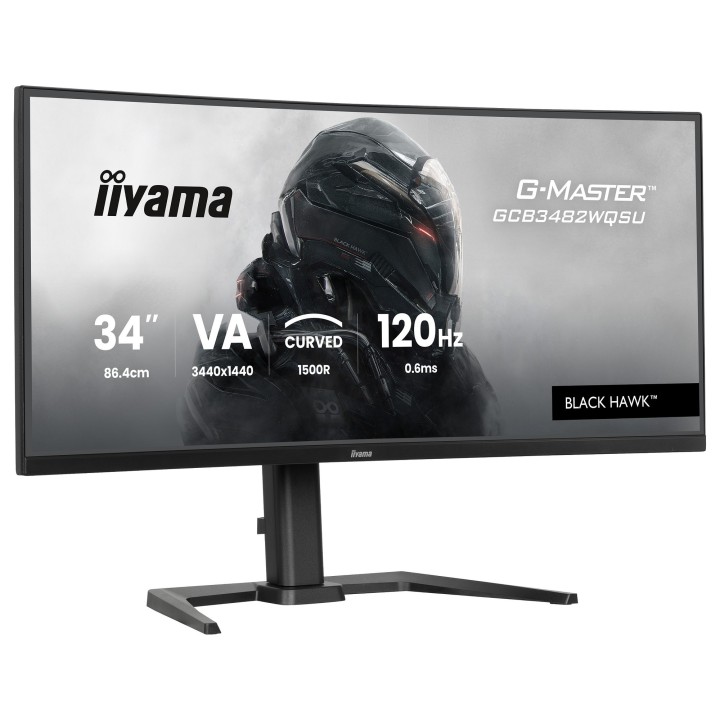
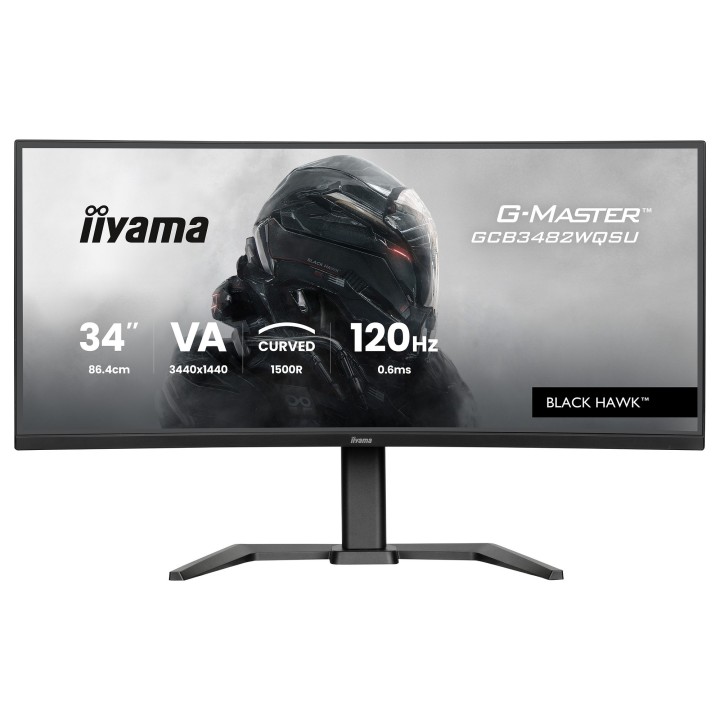
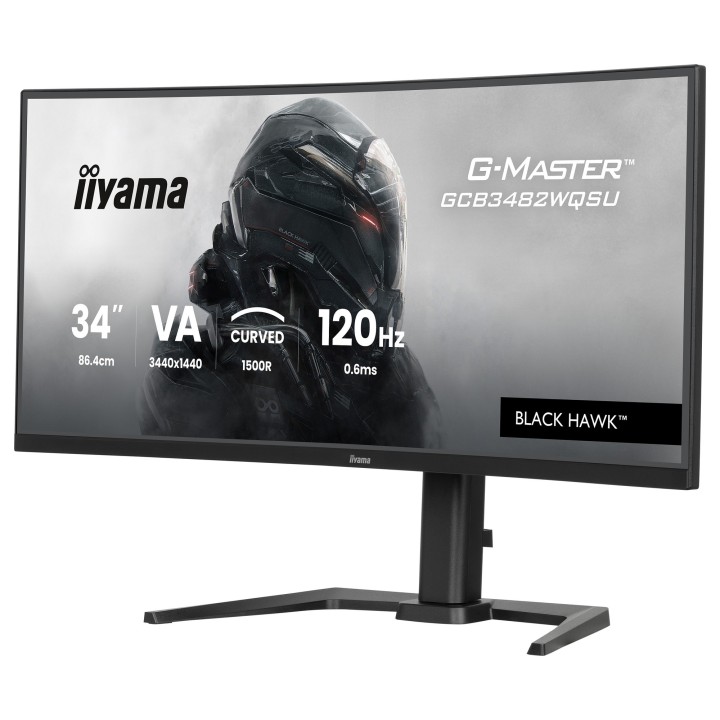
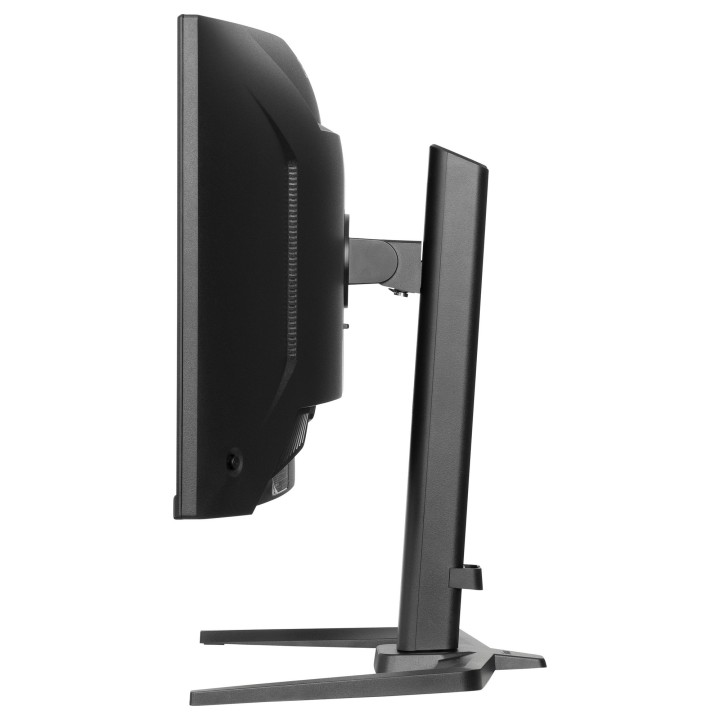
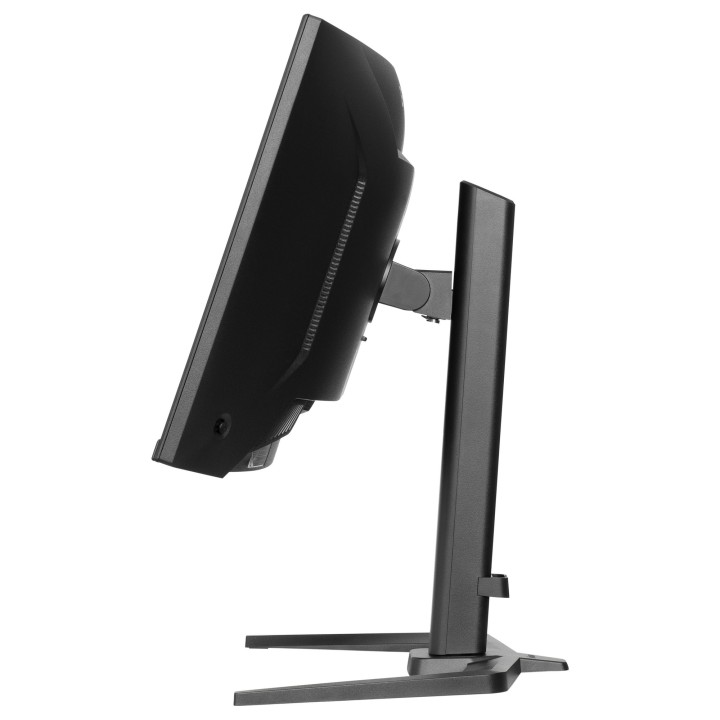
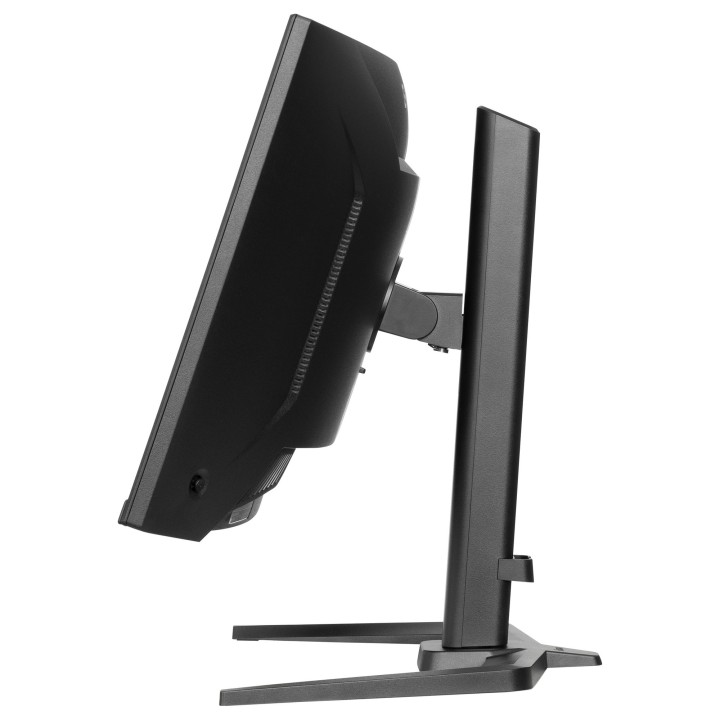
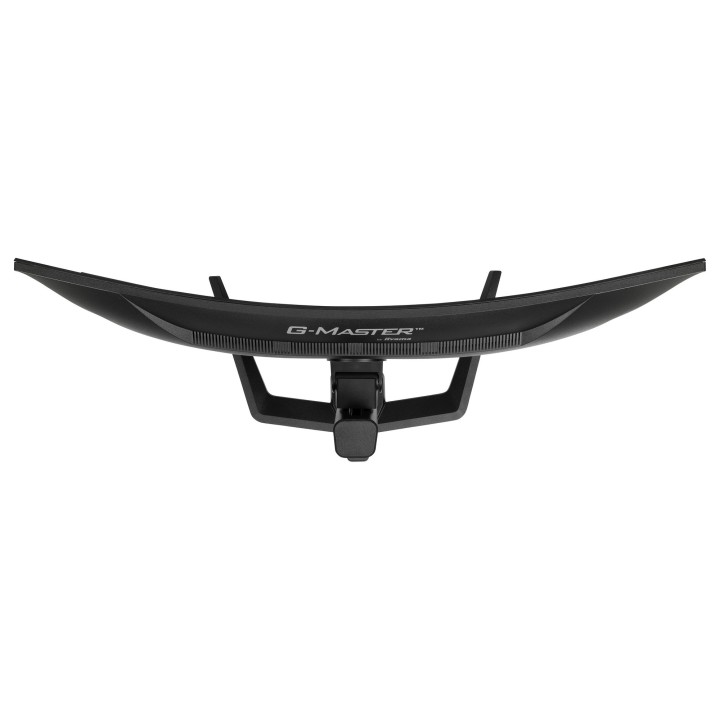
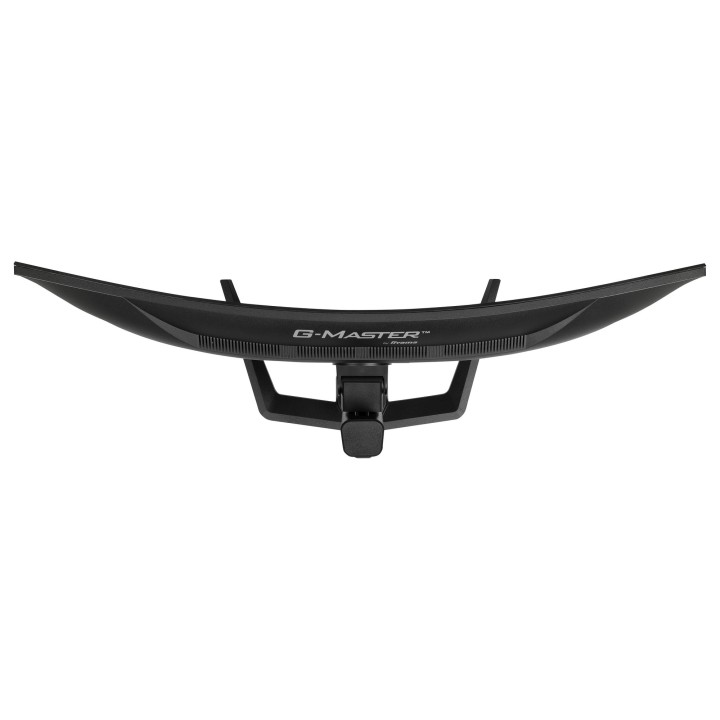
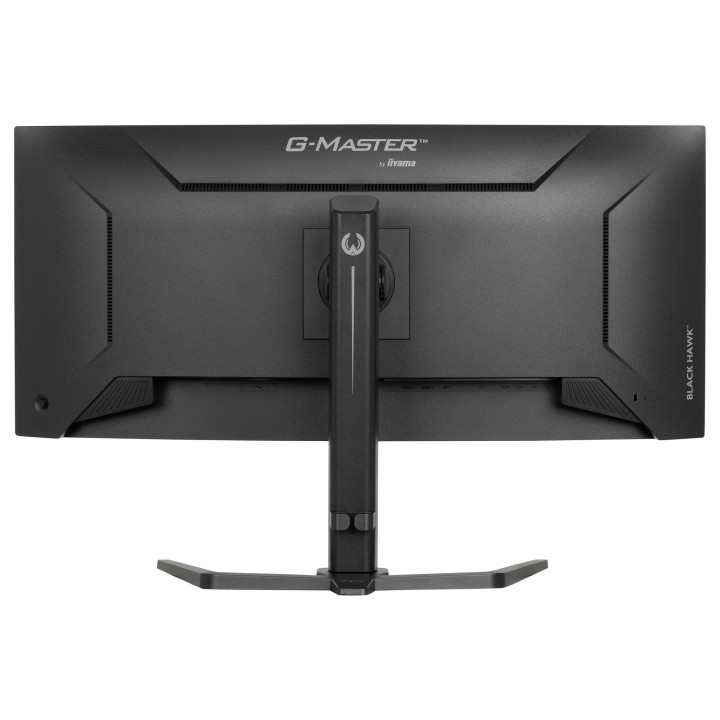
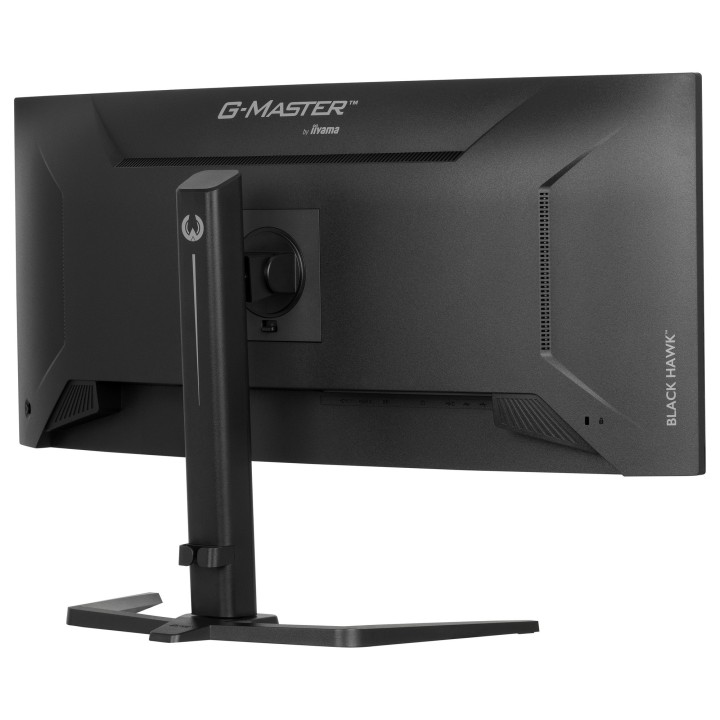
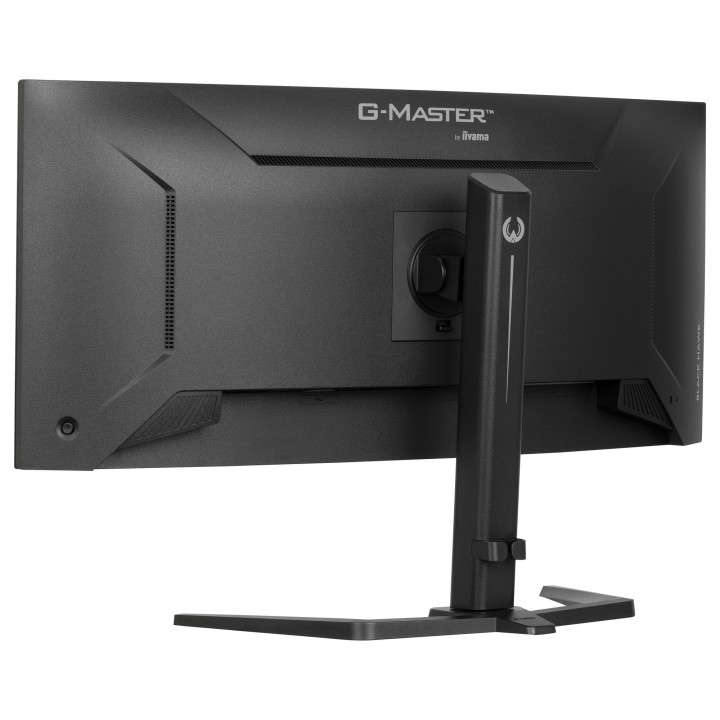
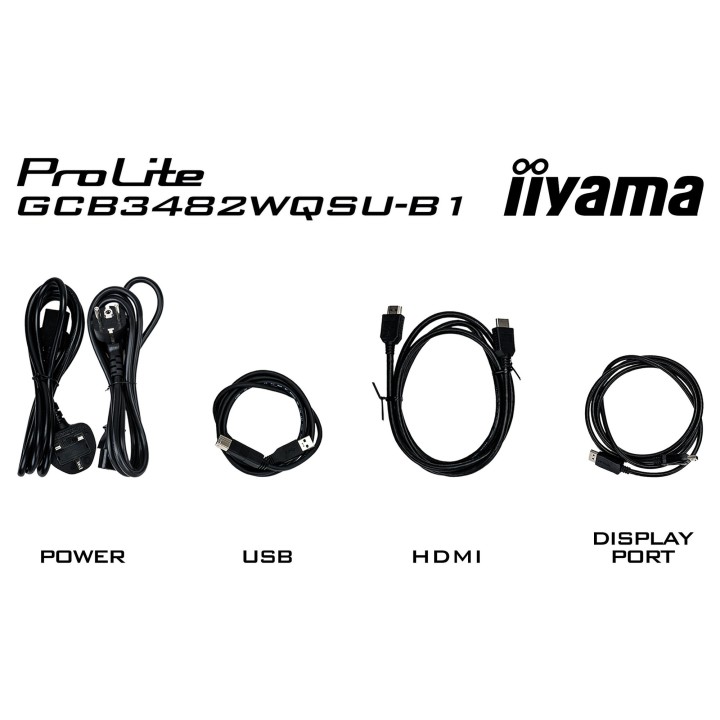
G-MASTER GCB3482WQSU-B1
Wyprzedź konkurencję dzięki zakrzywionemu monitorowi GCB3482WQSU-B1 Black Hawk z częstotliwością odświeżania 120 Hz i czasem reakcji 0,6 ms
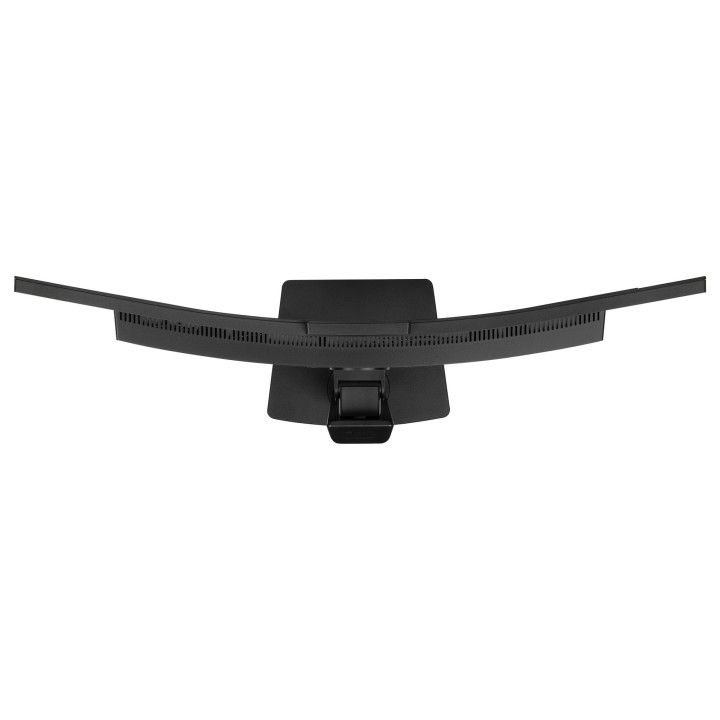
Zanurz się we wciągającej rozgrywce z gry dzięki zakrzywionemu monitorowi gamingowemu 34" GCB3482WQSU-B1. Jego zakrzywienie 1500R otacza pole widzenia, zapewniając angażujące i komfortowe doświadczenie. Matryca VA o ultrapanoramicznej rozdzielczości 3440x1440 gwarantuje głębokie kontrasty i żywe kolory, ożywiając gry oszałamiającymi szczegółami. Dzięki częstotliwości odświeżania 120Hz ruch jest płynny i dynamiczny, oferując doskonałą równowagę między wydajnością a jakością obrazu. Czas reakcji 0,6 ms (MPRT) redukuje efekt rozmycia, zapewniając ostrość rozgrywki, a technologia HDR400 poprawia jasność i kontrast, tworząc bardziej realistyczne wizualizacje. Dzięki FreeSync Premium eliminowane są efekty rozrywania ekranu i zacinania obrazu, co gwarantuje płynną, pozbawioną opóźnień rozgrywkę. Niezależnie od tego, czy walczysz w grach FPS, ścigasz się z zawrotną prędkością, czy eksplorujesz otwarte światy ten monitor zapewni Ci przewagę nad konkurencją.
ZAKRZYWIONY DESIGN 1500R
Zakrzywienie ekranu 1500R inspirowane krzywą ludzkiego oka gwarantuje wygodę i realistyczne wrażenia wizualne, pozwalając naprawdę zanurzyć się w grze.
120Hz & 0.6ms MPRT
Dzięki częstotliwości odświeżania 120Hz i czasowi reakcji 0.6ms MPRT moc jest zawsze z Tobą! Podejmuj decyzje w ułamku sekundy i bądź pewien, że obraz wyświetlany na ekranie jest zawsze płynny i wyraźny.
Technologia FreeSync Premium
Ten monitor gwarantuje redukcję opóźnień i obsługuje technologię LFC (Low Framerate Compensation), dzięki czemu pozwala wyeliminować wszelkie problemy związane z zacinaniem lub rwaniem obrazu praktycznie przy dowolnej liczbie klatek na sekundę.
TECHNOLOGIA MATRYCY VA
Panel VA gwarantuje doskonały współczynnik kontrastu, dzięki czemu wszystkie niuanse między jasnymi i ciemnymi kolorami są doskonale widoczne.
IIYAMA International Corporate Headquarters
Wijkermeerstraat 8, 2131 HA Hoofddorp 2131 HA Hoofddorp Netherlands
Formularz kontaktowy: https://iiyama.com/gl_en/support#product-support
Telefon: +31 20 446 0404
List of computer monitor safety warnings based on the requirements of General Product Safety Regulation (EU) 2023/988 (GPSR): * Risk to vision: Long-term gazing at the monitor screen may cause eye strain, dry eyes or headaches. * Limit the working time with the monitor. * Take regular breaks. * Maintain proper distance from the screen. * Ensure proper lighting in the room. * Set the brightness and contrast of the monitor to a comfortable level. * Ergonomics: Incorrect position when working with the monitor can lead to back, neck, and shoulder pain. * Set the monitor to the correct height so that the top edge of the screen is at eye level or slightly below. * Use an adjustable chair and desk to ensure an ergonomic position. * Maintain proper posture while sitting. * Risk of electric shock: Improper use or damage to the monitor can lead to electric shock. * Do not use the monitor in humid environments. * Do not touch the monitor with wet hands. * Do not put any items inside the monitor. * If the power cable is damaged, replace it with a new one. * Disconnect the monitor from power before cleaning. * Fire risk: Overheating or short circuiting in the monitor can cause a fire. * Do not cover the ventilation holes of the monitor. * Do not place the monitor near heat sources. * Use only the original power supply that came with your monitor. * If the monitor overheats, disconnect it from power immediately. * Mechanical damage: The fall of the monitor can cause damage and pose a threat to the user. * Set the monitor on a stable surface. * Secure cables to avoid accidental tripping. * For monitor transport, use appropriate protective packaging. * Cleaning: Improper cleaning of the monitor can damage the screen or cause other problems. * Use only a soft, dry cloth to clean the screen. * Do not use cleaning products containing alcohol, ammonia or other corrosive substances. * Disconnect the monitor from power before cleaning. * Disposal: Incorrect disposal of the monitor can pose a threat to the environment. * Return the used monitor to the e-waste collection point. * Do not throw the monitor in a regular trash can. * Children: The monitor is not a toy and should not be used by children without supervision. * Make sure children do not touch the power cables. * Make sure kids don't play around with the monitor packaging. * Repairs: Do not try to repair the monitor yourself. * Any repairs should be done by qualified personnel. * Monitor portability: Be careful when moving your monitor. * Disconnect all cables before moving. * Use appropriate packaging. * Weather conditions: Do not expose the monitor to extreme temperatures or moisture. * Protect your monitor from direct sunlight. * Adjustable settings: Do not use extreme brightness or contrast settings. * These can cause faster eye strain. * Noise: If the monitor makes disturbing noises, turn it off immediately. * Contact the technical service. * Environmental protection: Be sure to turn off the monitor when not in use. * You save energy this way. * Software: Use only the software provided by the manufacturer. * You will avoid compatibility issues.
Produkty, które ostatnio zwróciły Twoją uwagę.