- Nowy
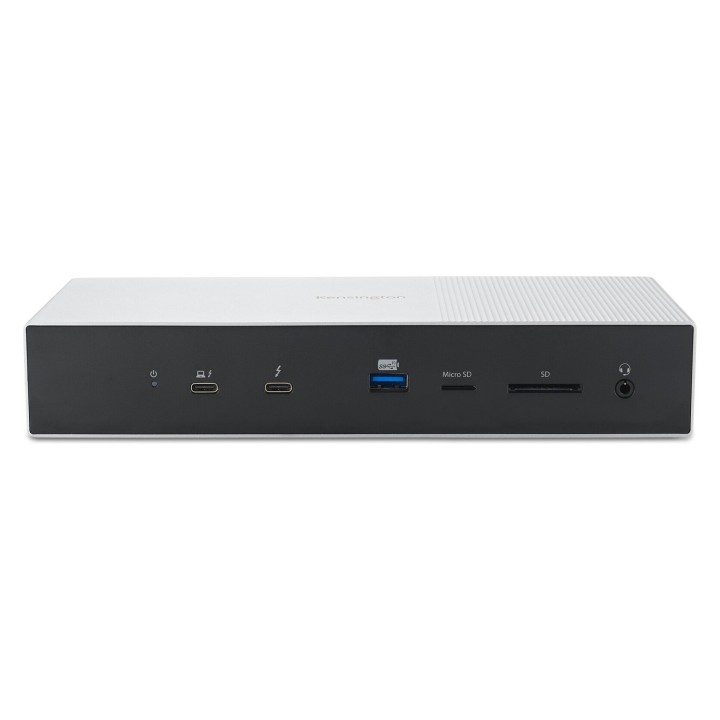
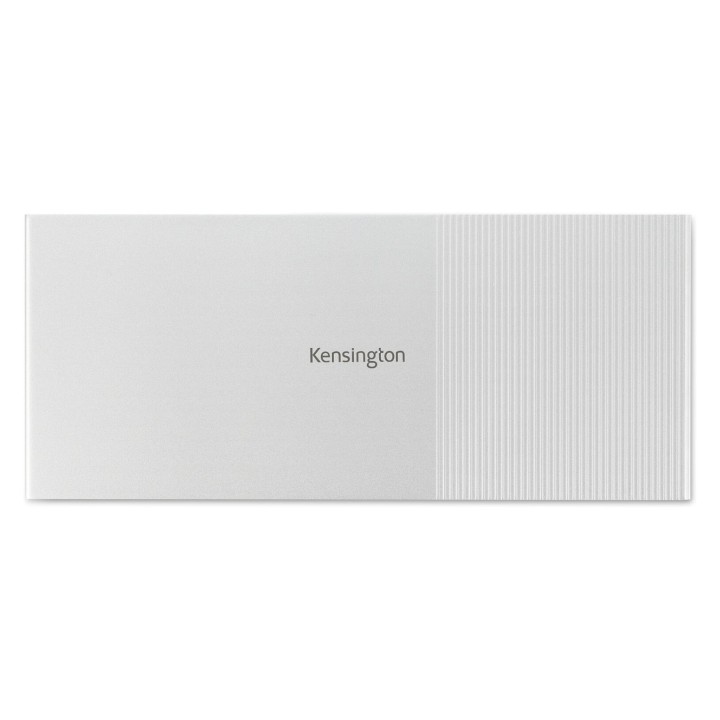
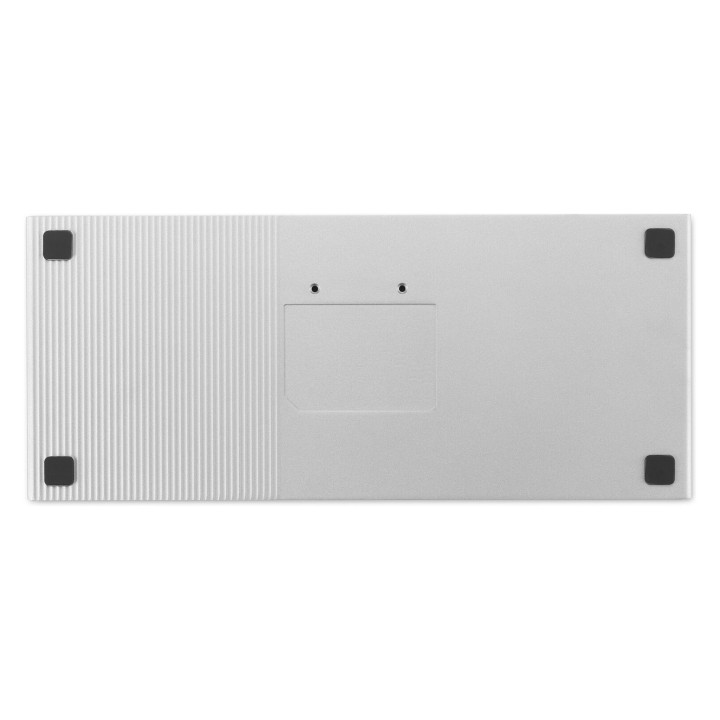
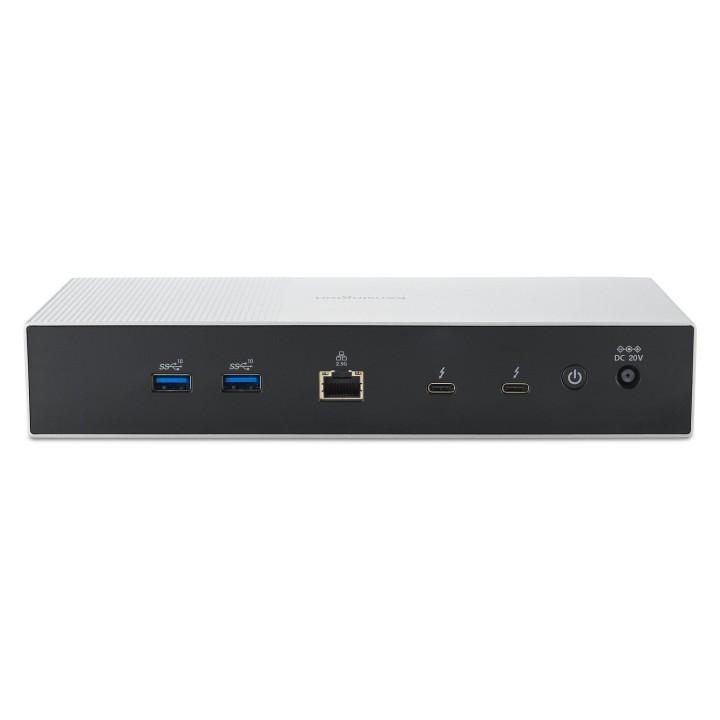
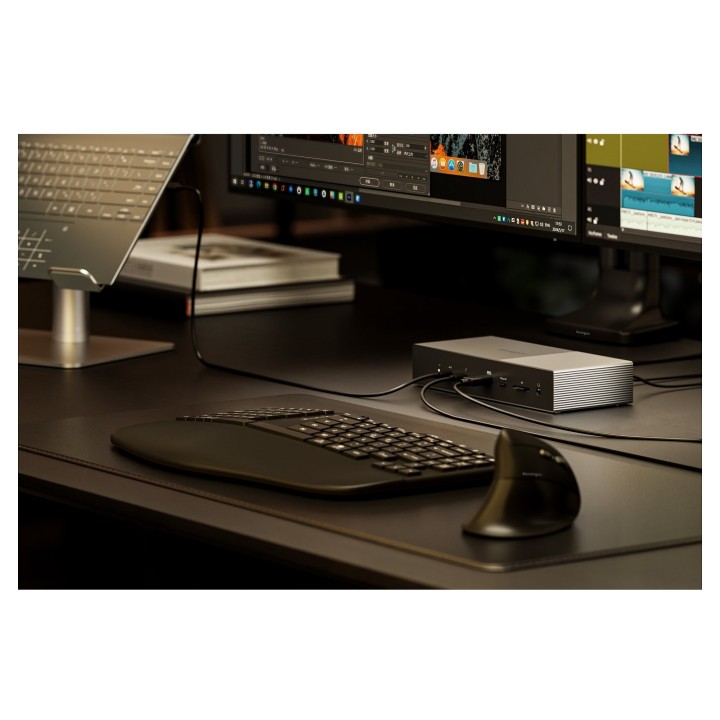
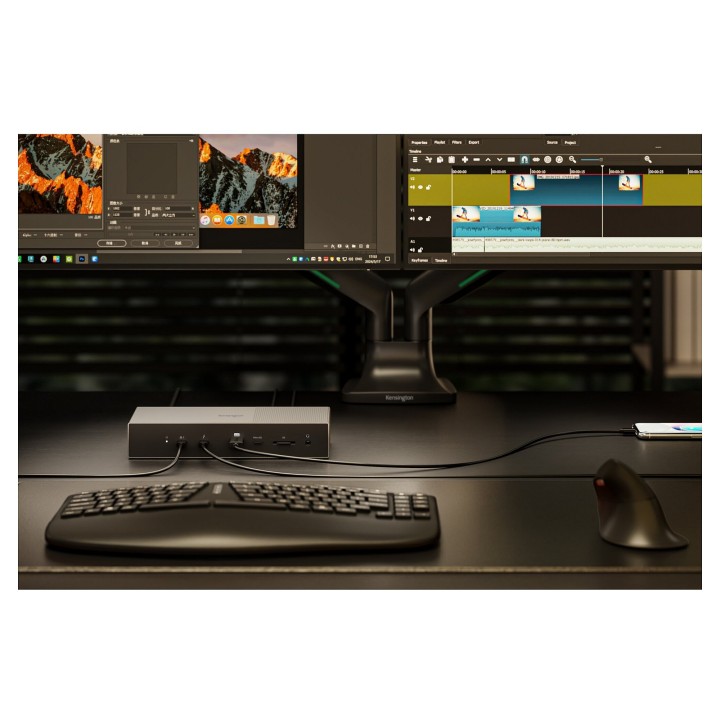
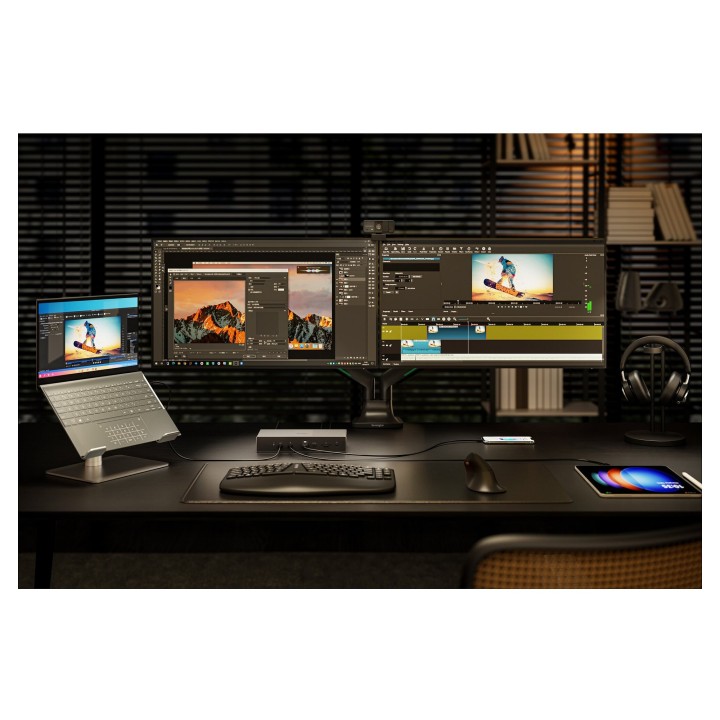
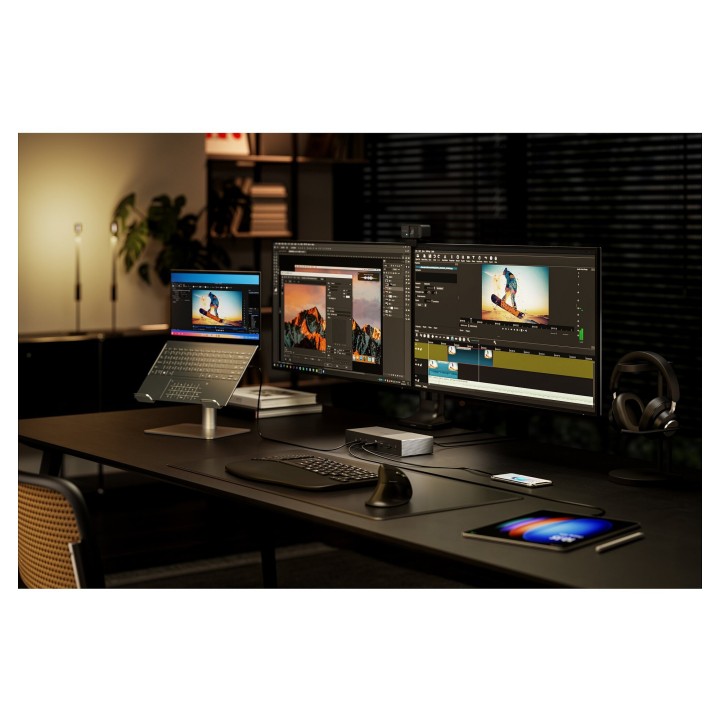



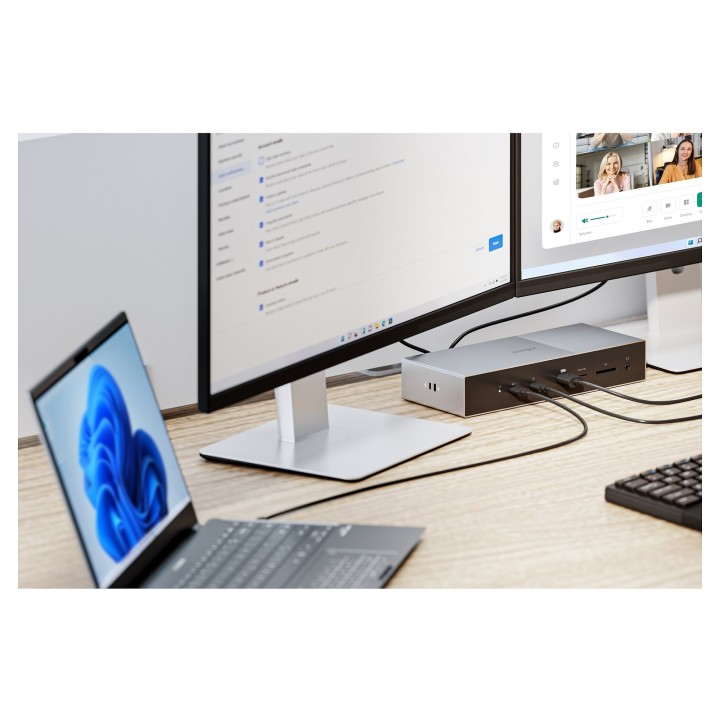

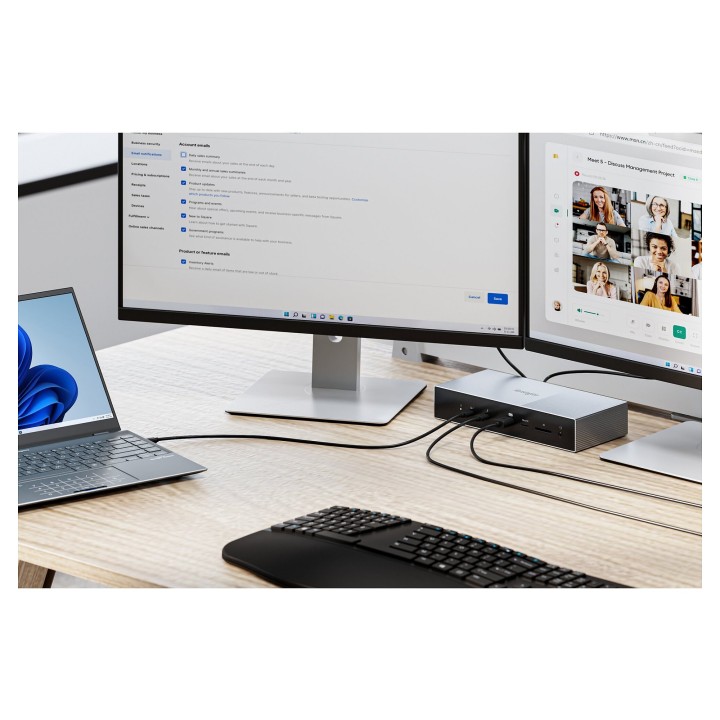
Kensington SD5000T5 EQ Thunderbolt 5 Dockingstation 140W PD obrazki
Kensington SD5000T5 EQ Thunderbolt 5 Dockingstation 140W PD
Opis produktu
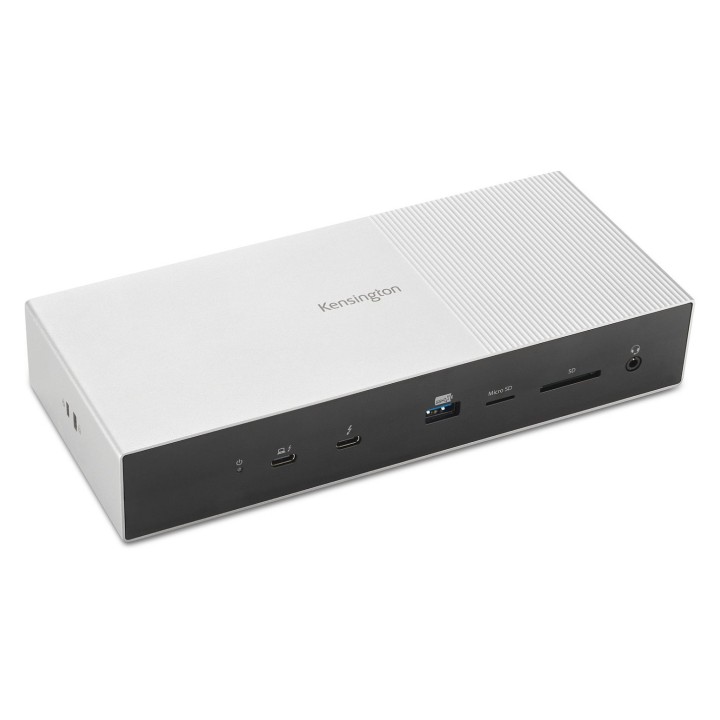
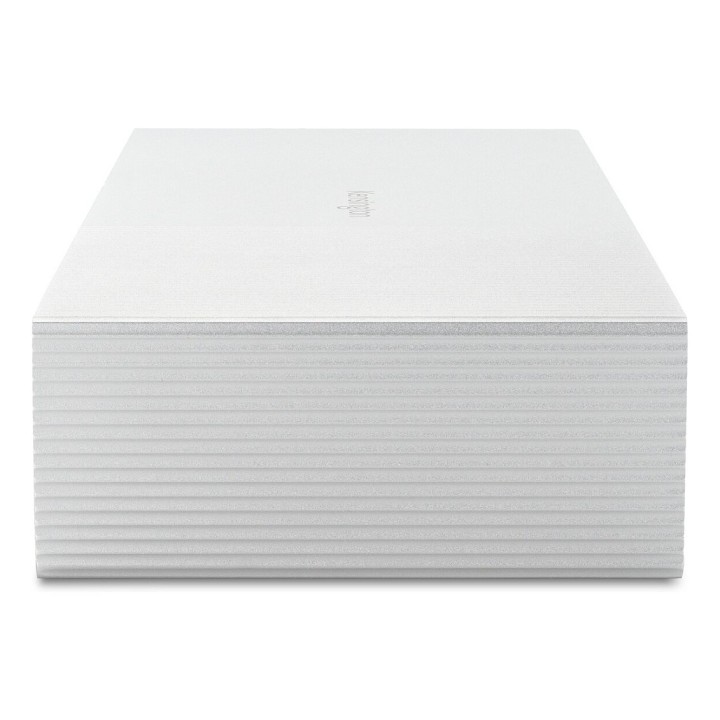
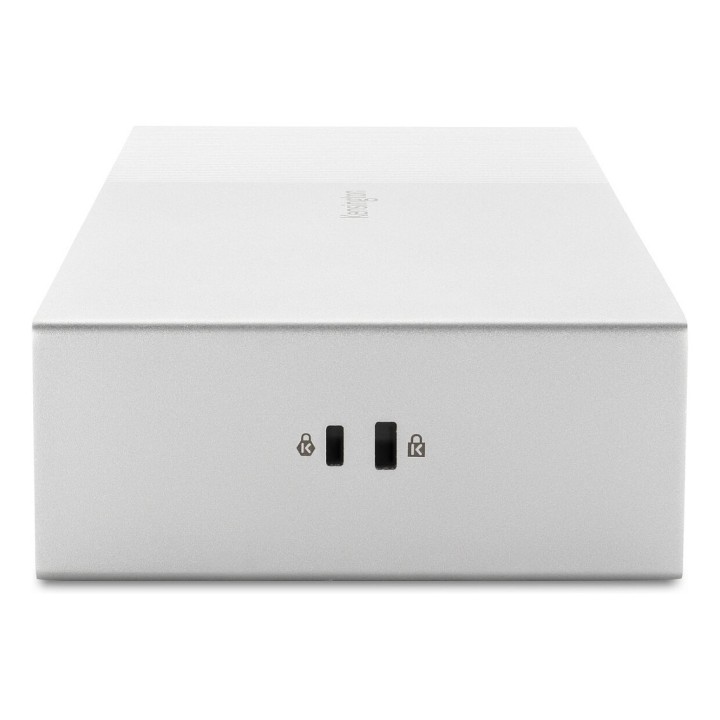
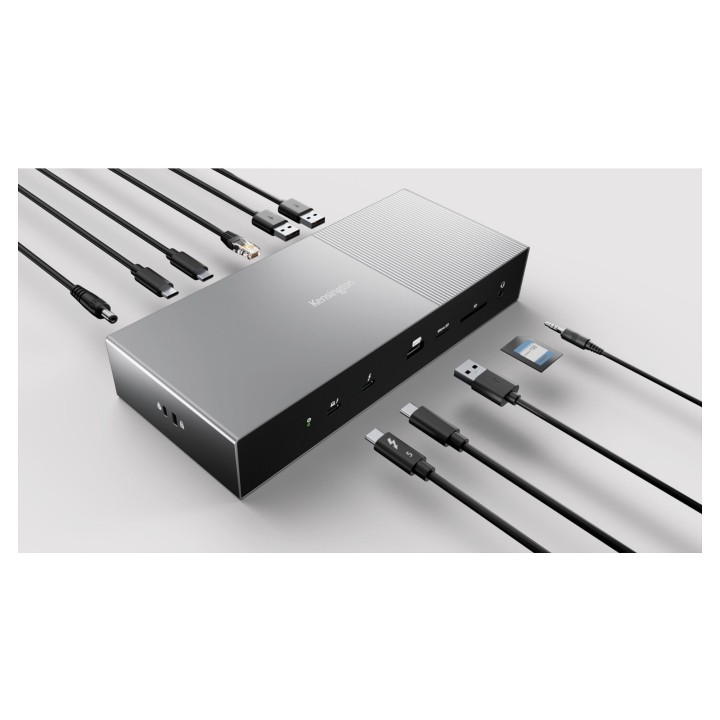
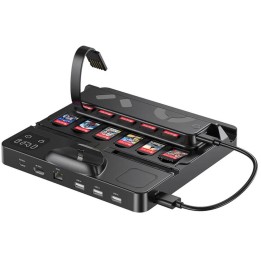
Kensington SD5000T5 EQ to zaawansowana stacja dokująca Thunderbolt 5 zaprojektowana dla wymagających środowisk pracy. Jednokablowe połączenie hosta Thunderbolt 5 zapewnia szybkie transfery danych (80 Gbit/s, z trybem Bandwidth Boost do 120 Gbit/s) oraz możliwość zasilania notebooka i podłączonych urządzeń do 140 W w technologii USB Power Delivery 3.1. Stacja obsługuje pełen zestaw interfejsów: 1 port hosta Thunderbolt 5, 3 porty pobierania Thunderbolt 5, 3 porty USB‑A 3.2 Gen2 oraz gniazdo słuchawkowe 3,5 mm.
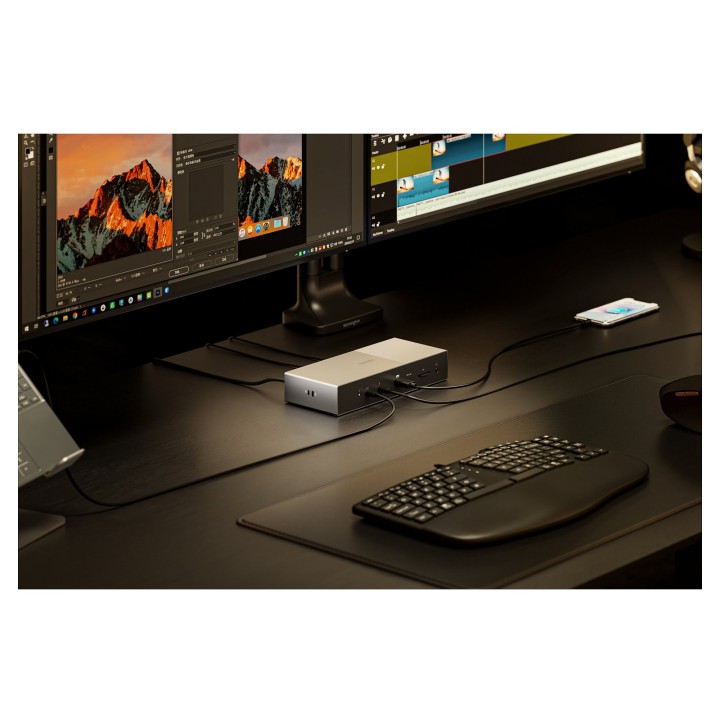
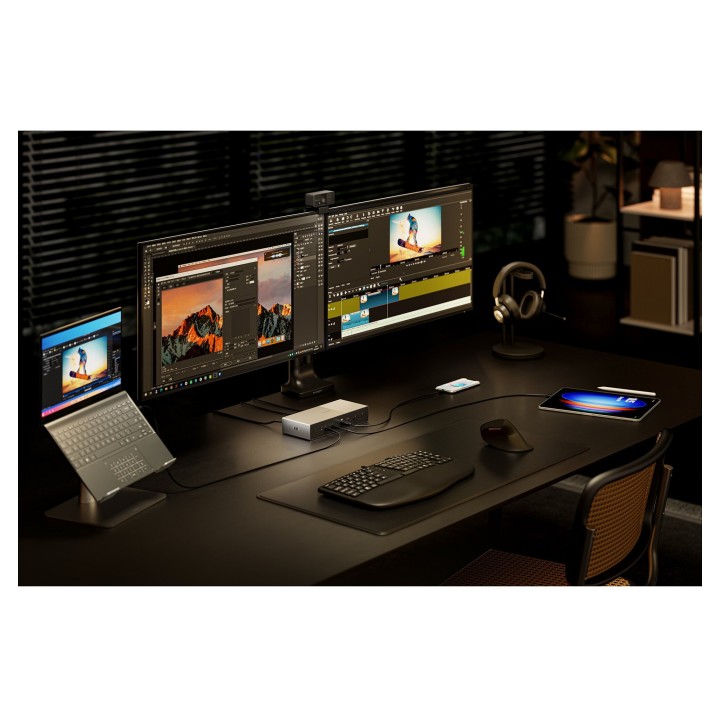
SD5000T5 EQ oferuje rozbudowane możliwości wideo — obsługuje do 3 zewnętrznych wyświetlaczy (np. do 3×4K@144Hz) lub konfiguracje 2×8K@60Hz (maks. rozdzielczość 7680×4320). Wbudowany czytnik kart SD i microSD umożliwia szybkie kopiowanie plików, a zintegrowany interfejs Ethernet działa w trybie do 2,5 Gb/s, zapewniając stabilne połączenie sieciowe przy dużych przepływach danych. Materiały obudowy obejmują aluminium (powłoka z aluminium pochodzącego z recyklingu PCR), ABS i poliwęglan, co przekłada się na trwałość i estetykę urządzenia.
Urządzenie pracuje w standardowym zakresie temperaturowym (0–40 °C) i jest kompatybilne z systemami Windows 11 (23H2 lub nowszym) oraz macOS (14.5 lub nowszym). Kompaktowe wymiary i rozbudowane opcje łączności (Thunderbolt 5, USB‑A, czytniki kart, audio, Ethernet) czynią SD5000T5 EQ praktycznym rozwiązaniem dla stacji roboczych i zaawansowanych konfiguracji biurowych.
Specyfikacja
- Interfejs hosta: Thunderbolt 5
- Porty Thunderbolt 5: 1 host (Thunderbolt 5) + 3 porty pobierania Thunderbolt 5
- Prędkość transferu (standard): 80 Gbit/s
- Bandwidth Boost (maks.): do 120 Gbit/s
- Maksymalne zasilanie USB (Power Delivery): 140 W
- Wersja USB Power Delivery: 3.1
- Porty USB-A: 3 × USB 3.2 Gen2 (Typ-A)
- Czytniki kart: SD, microSD (TransFlash)
- Ethernet LAN (RJ-45): 2.5 Gb/s (kompatybilne z 1 Gb/s)
- Wyjście audio: 1 × 3.5 mm (gniazdo słuchawkowe)
- Liczba obsługiwanych wyświetlaczy: Do 3 (np. 3×4K@144Hz) lub 2×8K@60Hz
- Maksymalna rozdzielczość cyfrowa: 7680 × 4320 px
- Typ HD: 8K Ultra HD
- Szybkość przesyłania danych ogólnie: 80 Gbit/s (z Bandwidth Boost do 120 Gbit/s)
- Materiał obudowy: Aluminium (powłoka z PCR), ABS, Poliwęglan (PC)
- Kolor: Czarny / Szary
- Wymiary (szer. × gł. × wys.): 97 mm × 226 mm × 40 mm
- Waga: 1.5 kg
- Napięcie wejściowe AC: 100 - 240 V
- Prąd wejściowy: 2.5 A
- Napięcie operacyjne: 20 V
- Prąd wyjściowy: 9 A
- Temperatura pracy: 0 - 40 °C
- Zakres wilgotności wzgl.: 0 - 55 %
- Certyfikaty: CB, CE, FCC, RCM, RoHS, UKCA
- Kompatybilność systemowa: Windows 11 (23H2 lub nowszy), macOS 14.5 lub nowszy
Szczegóły produktu
- Marka Kensington
- Kod produktu 6825df10c36ec709f7538b7e
- Dostępność 6 Przedmioty
- EAN13 5028252644037
- MPN K35201EU
Specyfikacja
- Złącze do komputera Thunderbolt 5
Producent
Producent
LEITZ ACCO Brands GmbH & Co. KG
Siemensstraße 64 D-70469 Stuttgart Niemcy
E-mail: germanyinfo@acco.com
Formularz kontaktowy: https://www.leitz.com/pl-pl/services/wsparcie-klienta/
Telefon: +44 (0)203 364 5390
Bezpieczeństwo
Informacje o bezpieczeństwie
List of safety warnings for docking stations based on the requirements of General Product Safety Regulation (EU) 2023/988 (GPSR) * Risk of electric shock: * Make sure that the docking station is connected to an efficient grounded outlet. * Do not touch the plug or cable with wet hands. * Avoid using the docking station in areas with high humidity. * Risk of overheating: * Provide adequate ventilation while maintaining at least 5 cm of free space around the docking station. * Do not block ventilation openings. * Do not place the docking station on soft surfaces such as blankets or pillows. * Fire risk: * Use only original power supplies and accessories recommended by the manufacturer. * Do not leave the docking station on unattended near flammable materials. * Risk of bodily injury: * Use the docking station on a stable surface to minimize the risk of falling connected devices. * Avoid using the docking station in a position that causes excessive heat pressure on the skin to prevent burns. * Hazards in humid environments: * Do not use the docking station outdoors in rain or in places with high humidity, such as bathrooms. * If the docking station is flooded, immediately disconnect it from the power source and contact the service. * Hazards at high temperatures: * Do not expose the docking station to direct sunlight. * Avoid using the docking station at temperatures above the recommended range (usually 5-35°C). * Risk of damage during cleaning: * Disconnect the docking station from the power supply before cleaning and use a soft, slightly damp cloth. * Avoid using strong detergents that can damage the surface of the docking station. * Caution when replacing accessories: * Use only accessories recommended by the manufacturer. * When replacing batteries, follow the manufacturer's instructions and do not expose the battery to high temperatures. * Battery Use Hazards: * Avoid damaging the battery by impact or puncture. * If the battery overheats or swells, stop using the docking station immediately. * Child warnings: * Keep power cables out of reach of children. * Make sure your kids don't play with the docking station or accessories that can be dangerous. * Cleanliness: * Failure to regularly clean ports and sockets can lead to damage or failure. * Clean ports and sockets regularly using a dry and clean cloth, avoiding moisture input.
Stacje dokujące
- Nowy
- Nowy
- Nowy
- Nowy
- Nowy
- Nowy
Ostatnio oglądane
Produkty, które ostatnio zwróciły Twoją uwagę.
- Nowy

- Nowy

- Nowy
- Nowy
- Nowy