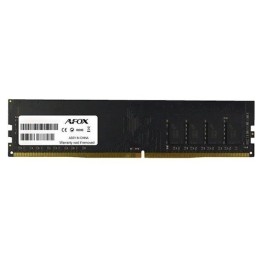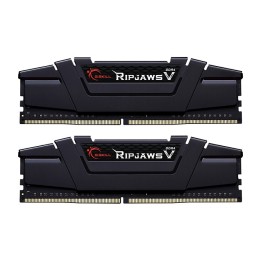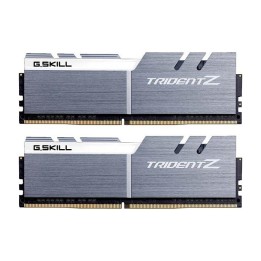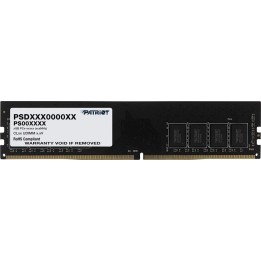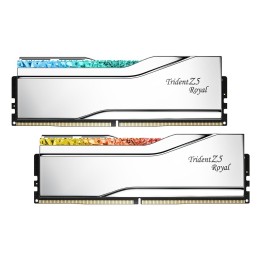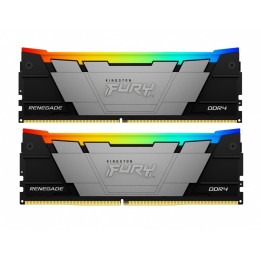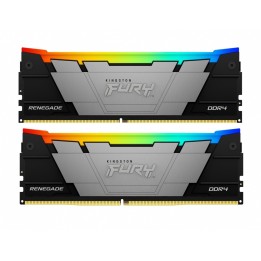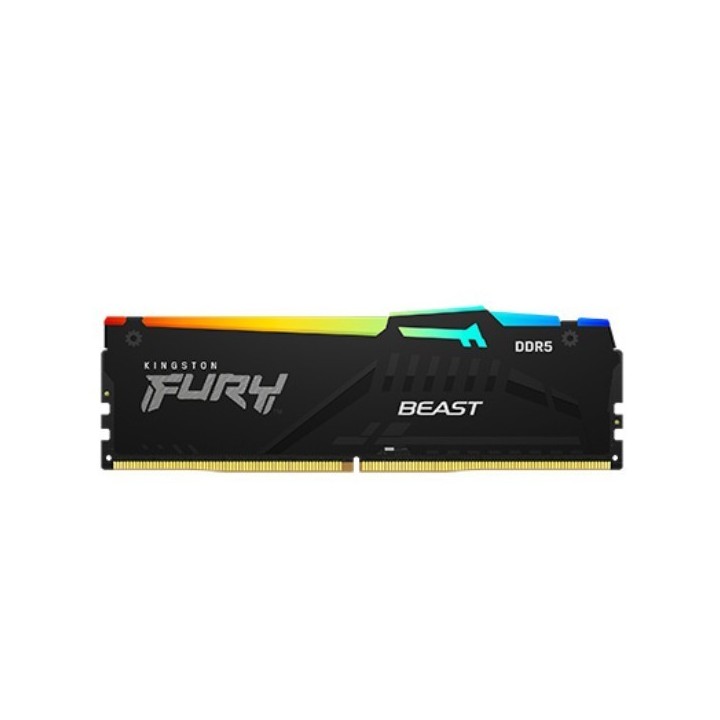
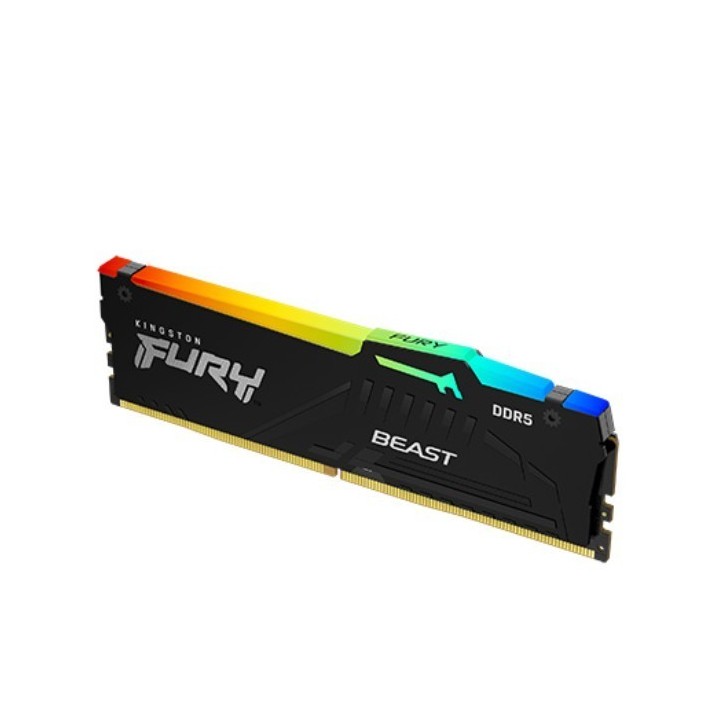
KINGSTON 32GB 5600MT/s DDR5 CL36 DIMM FURY Beast RGB
Opis produktu
Producer - Kingston
Specyfikacja
- Opis produktu: Kingston FURY Beast DDR5 moduł 32 GB DIMM 288pin 2800 MHz PC544800 niebuforowana
- Typ produktu: Moduł pamięci
- Pojemność: 32 GB
- Typ pamięci: DDR5 SDRAM DIMM 288pin
- Sposób rozbudowy: Standardowy
- Sprawdzenie intgralności danych: Ondie ECC
- Szybkość: 2800 MHz (PC544800)
- Latency Timings: CL36 (363838)
- Cechy: Intel Extreme Memory Profiles (XMP 3.0), profile rozszerzone AMD do podkręcania (EXPO), konfigurowalne oświetlenie RGB, radiator, Technologia Synchronizacji Podczerwieni Kingston FURY, obsługa Kingston FURY CTRL, obsługa Gigabyte RGB Fusion 2.0, obsługa MSI Mystic Light RGB, obsługa ASUS Aura Sync, obsługa ASRock Polychrome, Moduł Jednostronny, niebuforowana
- Napięcie: 1.25 V
- Powłoka łączówki: Złoto
Szczegóły produktu
- Marka Kingston
- Kod produktu 682e8635c5facfed87dee1fa
- Dostępność 21 Przedmioty
- EAN13 0740617350333
- MPN KF556C36BBE2A32
Specyfikacja
- Typ pamięci RAM DDR5
- Opóźnienie CAS CL36
- Pojemność zestawu RAM (GB) 32 GB
- Format modułu RAM DIMM
- Taktowanie efektywne RAM (MT/s) 5600 MT/s
- Pojemność jednego modułu (GB) 32 GB
- Liczba modułów (szt.) 1 szt.
- ECC Nie
- Napięcie pamięci (V) 1,25 V
- Podświetlenie RGB Tak
Producent
Producent
Kingston Technology International Ltd
Blanchardstown Road North D15 PEC4 Dublin Irlandia
E-mail: customerservice@kingston.eu
Bezpieczeństwo
Informacje o bezpieczeństwie
List of RAM security warnings based on the requirements of Regulation (EU) 2023/988 on General Product Safety (GPSR) 1. Risk of hardware damage: * Make sure you shut down your computer before installing or disassembling RAM to avoid electrical damage. * Check the compatibility of RAM with your computer's motherboard to avoid problems with system operation. 2. Risk of cuts: * Be careful when manipulating RAM to avoid cuts to sharp edges. 3. Electrostatic hazard: * Protect your RAM from electrostatic discharge (ESD) that can damage electronic components. Use an antistatic band and work on an antistatic surface. 4. Risk of incorrect assembly: * Thoroughly insert RAM modules into the sockets to ensure proper connection and avoid problems with system operation. 5. Overheating: * Provide adequate ventilation in the computer case to prevent overheating of RAM, which can lead to unstable system operation. 6. Voltage: * Make sure the voltage settings in the BIOS are appropriate for the installed RAM to avoid damage or malfunction. 7. Hazard for children: * Keep RAM out of reach of children to prevent ingestion of small items. 8. Suitable use: * Use RAM for its intended purpose, avoid extreme conditions that can lead to damage. 9. Disassembly: * Carefully disassemble the RAM so as not to damage the modules or sockets on the motherboard. 10. Disposal: * Dispose of used RAM in accordance with local e-waste recycling regulations.
Pamięć RAM
Ostatnio oglądane
Produkty, które ostatnio zwróciły Twoją uwagę.