- Nowy
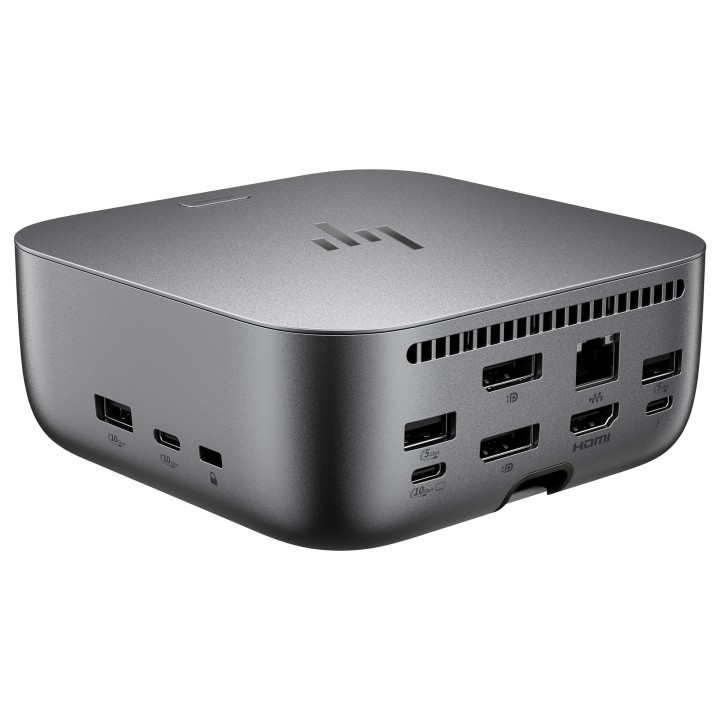
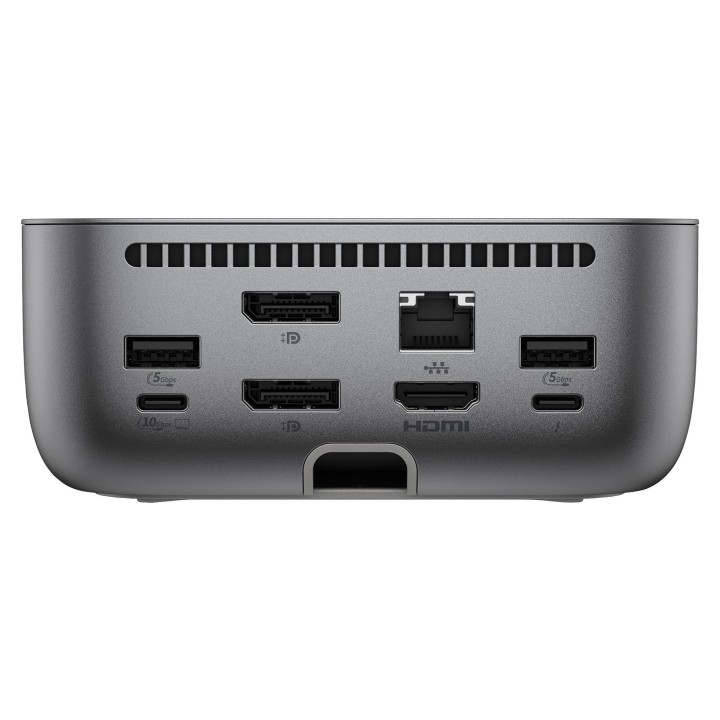
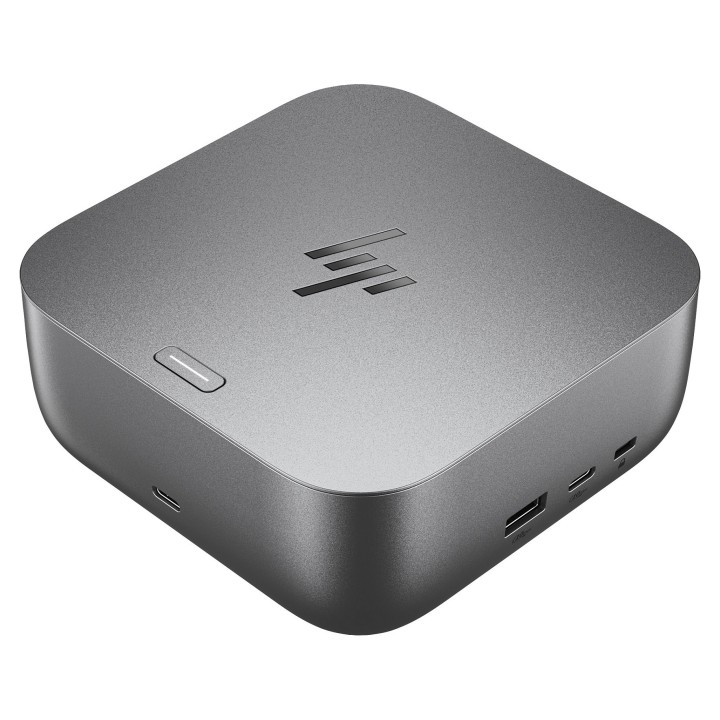
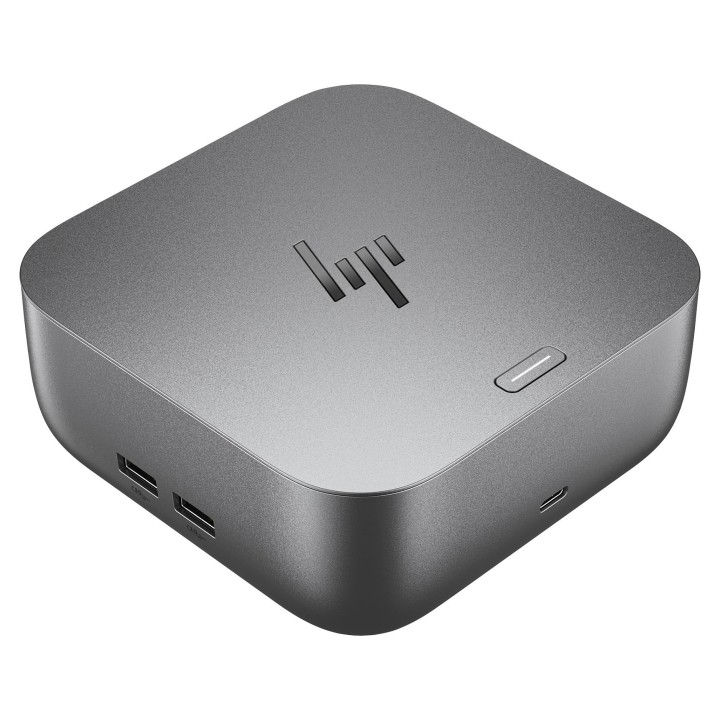
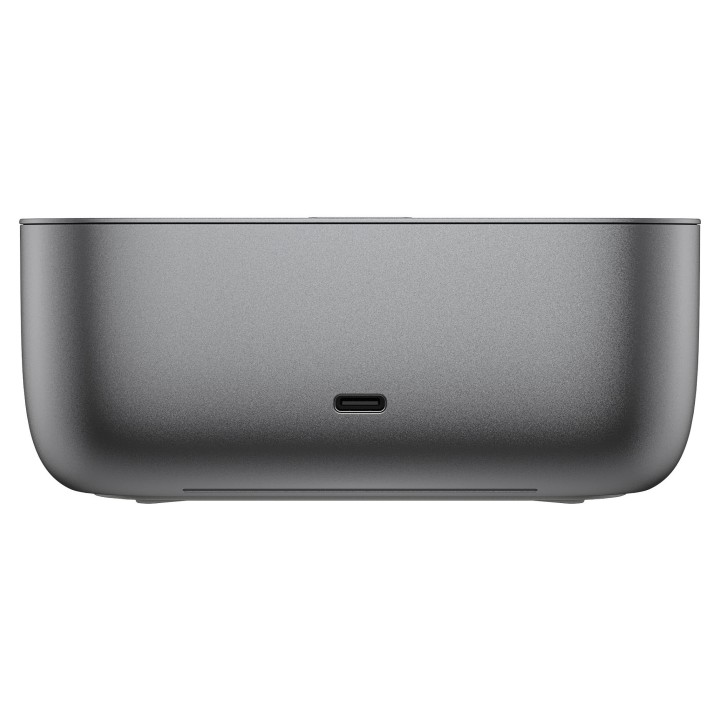
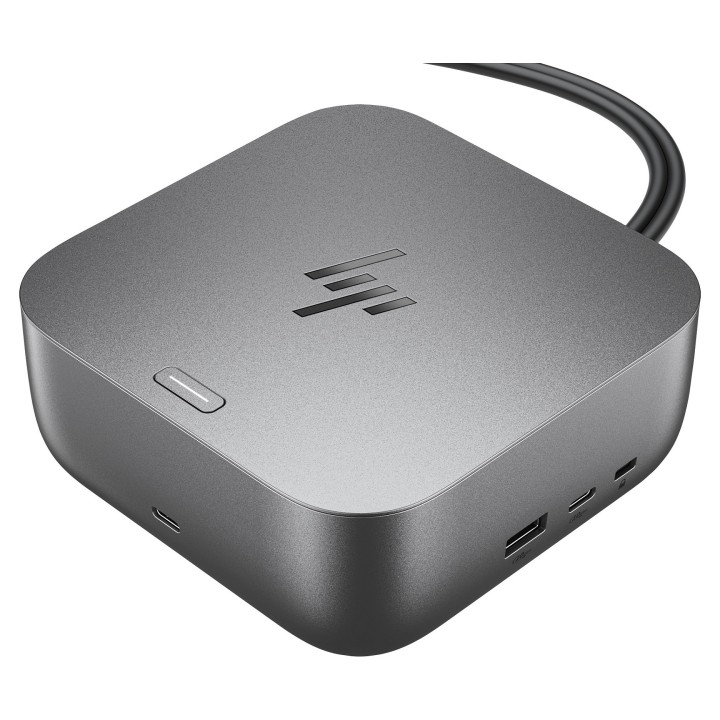
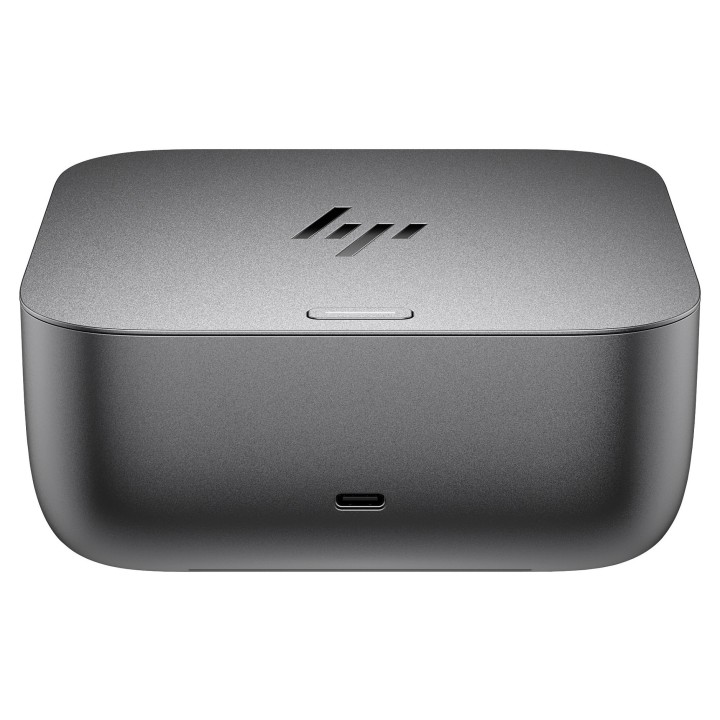
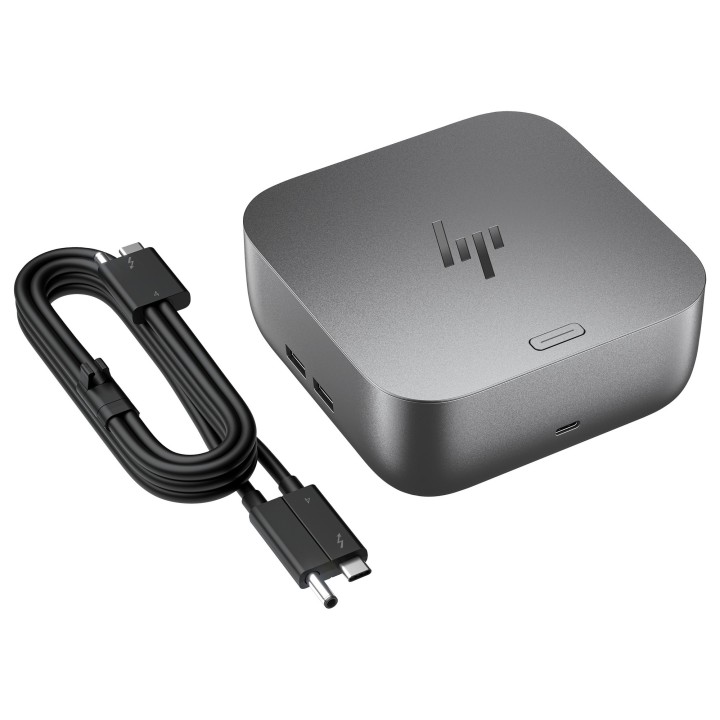

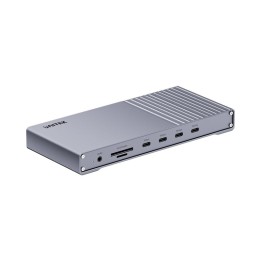
Stacja dokująca HP Inc. Thunderbolt 4 Ultra 280W G6 łączy szybkie połączenia z wysokim dostarczaniem mocy, umożliwiając ładowanie i zasilanie stacji oraz podłączonych urządzeń do 280 W poprzez USB Power Delivery. Urządzenie komunikuje się z komputerem przez Thunderbolt 4, oferując transfery danych do 40 Gb/s przy jednoczesnym zasilaniu z zasilacza o mocy 330 W.
Rozbudowane możliwości wideo obejmują dwa porty DisplayPort 1.4 oraz jeden port HDMI 2.1, co pozwala na wyświetlanie obrazu do 8K Ultra HD oraz obsługę do 360 Hz odświeżania w zależnych konfiguracjach. Stacja posiada złącze Ethernet RJ-45 z obsługą prędkości do 2,5 Gb/s (10/100/1000/2500 Mbit/s) oraz wielokanałowe porty USB-C i USB-A dla peryferiów i urządzeń pamięci masowej.
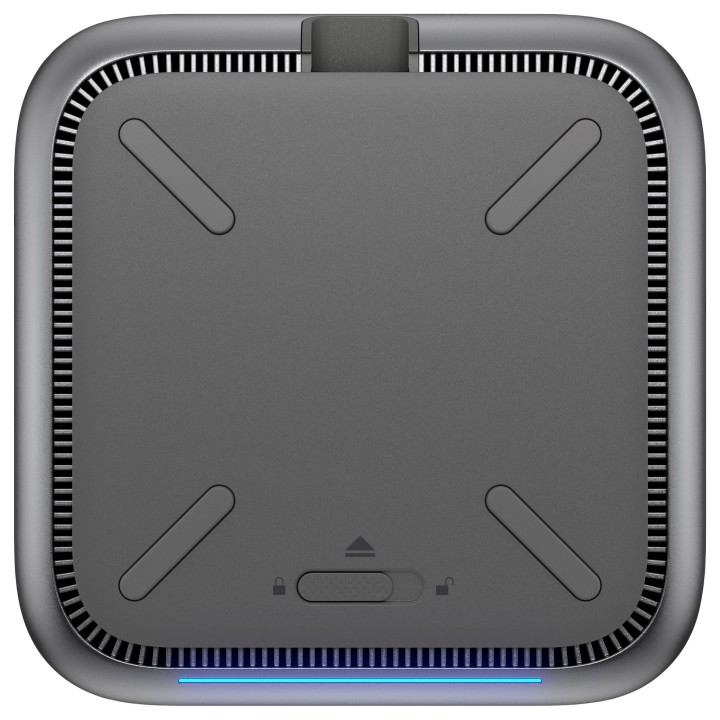
Urządzenie zostało zaprojektowane z myślą o zarządzaniu i bezpieczeństwie – wspiera funkcje HP Quick Connect, rozwiązania zabezpieczeń klasy HP Wolf Security oraz zdalne zarządzanie przez Poly Lens. Kompaktowa, modułowa konstrukcja z diodą zasilania i gniazdem zamka typu Nano ułatwia organizację stanowiska. Dane środowiskowe i wymiary czynią stację odpowiednią do typowych biurowych warunków pracy.
HP Inc Polska Sp. z o.o.
ul. Szturmowa 2a 02-678 Warszawa Polska
E-mail: support@hp.com
Formularz kontaktowy: https://www.hp.com/us-en/contact-hp/contact.html
Telefon: +1 650-857-1501
HP Inc Polska sp. z o.o
Plac marsz. Józefa Piłsudskiego 1 00-078 Warszawa Polska
E-mail: support@hp.com
List of safety warnings for docking stations based on the requirements of General Product Safety Regulation (EU) 2023/988 (GPSR) * Risk of electric shock: * Make sure that the docking station is connected to an efficient grounded outlet. * Do not touch the plug or cable with wet hands. * Avoid using the docking station in areas with high humidity. * Risk of overheating: * Provide adequate ventilation while maintaining at least 5 cm of free space around the docking station. * Do not block ventilation openings. * Do not place the docking station on soft surfaces such as blankets or pillows. * Fire risk: * Use only original power supplies and accessories recommended by the manufacturer. * Do not leave the docking station on unattended near flammable materials. * Risk of bodily injury: * Use the docking station on a stable surface to minimize the risk of falling connected devices. * Avoid using the docking station in a position that causes excessive heat pressure on the skin to prevent burns. * Hazards in humid environments: * Do not use the docking station outdoors in rain or in places with high humidity, such as bathrooms. * If the docking station is flooded, immediately disconnect it from the power source and contact the service. * Hazards at high temperatures: * Do not expose the docking station to direct sunlight. * Avoid using the docking station at temperatures above the recommended range (usually 5-35°C). * Risk of damage during cleaning: * Disconnect the docking station from the power supply before cleaning and use a soft, slightly damp cloth. * Avoid using strong detergents that can damage the surface of the docking station. * Caution when replacing accessories: * Use only accessories recommended by the manufacturer. * When replacing batteries, follow the manufacturer's instructions and do not expose the battery to high temperatures. * Battery Use Hazards: * Avoid damaging the battery by impact or puncture. * If the battery overheats or swells, stop using the docking station immediately. * Child warnings: * Keep power cables out of reach of children. * Make sure your kids don't play with the docking station or accessories that can be dangerous. * Cleanliness: * Failure to regularly clean ports and sockets can lead to damage or failure. * Clean ports and sockets regularly using a dry and clean cloth, avoiding moisture input.
Produkty, które ostatnio zwróciły Twoją uwagę.