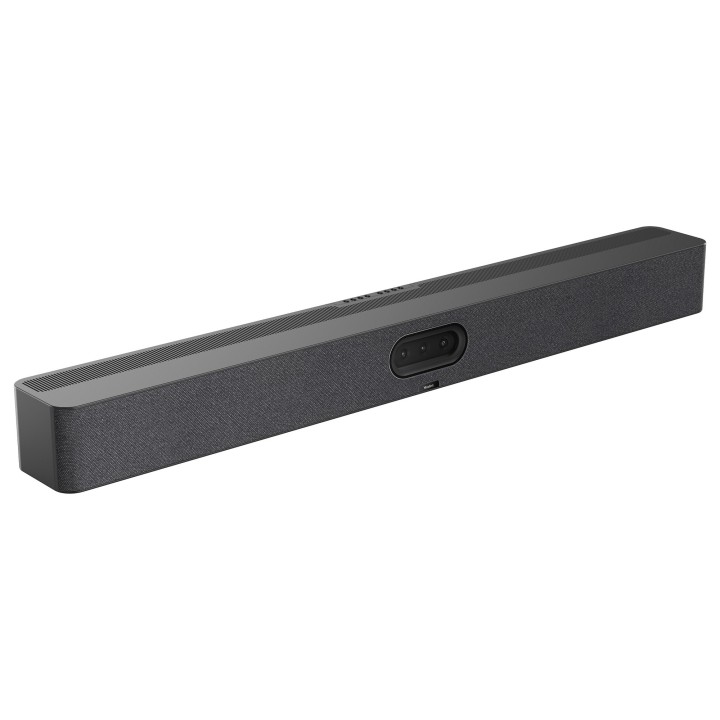
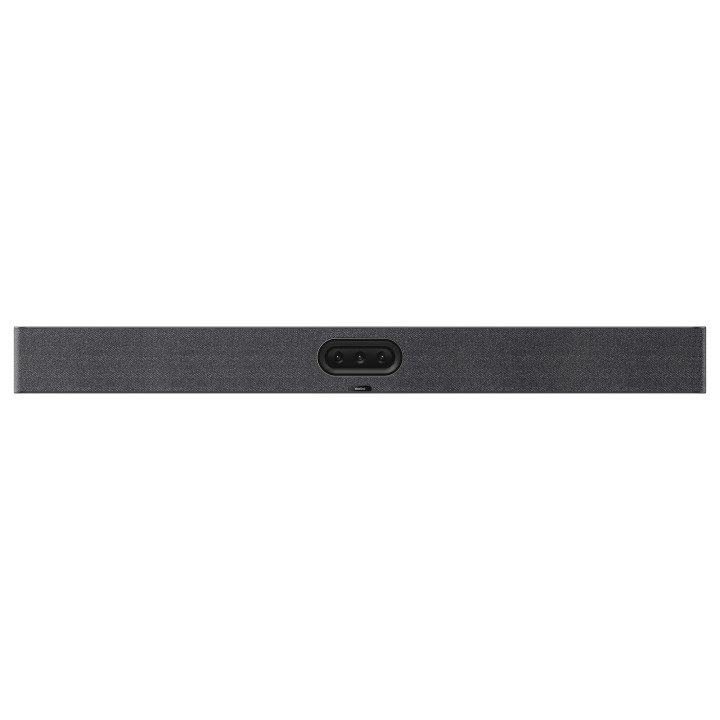
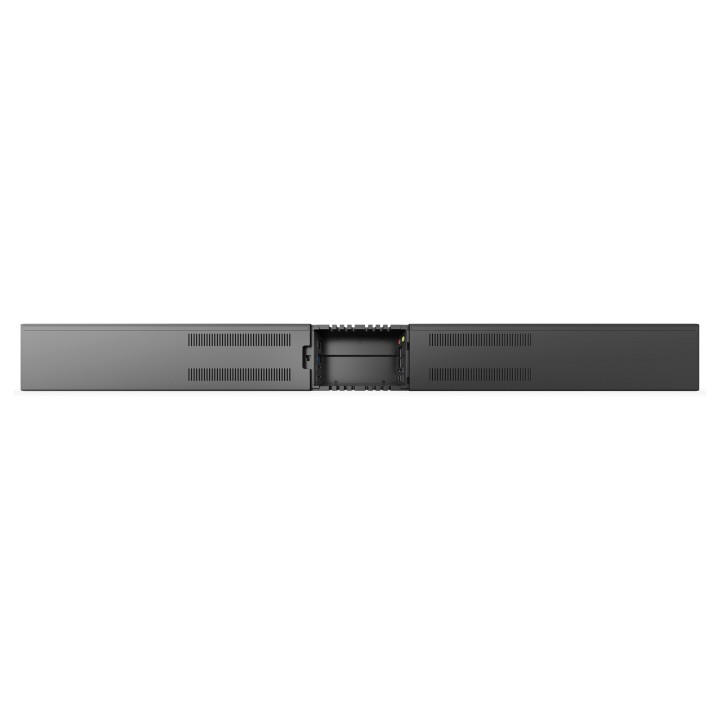
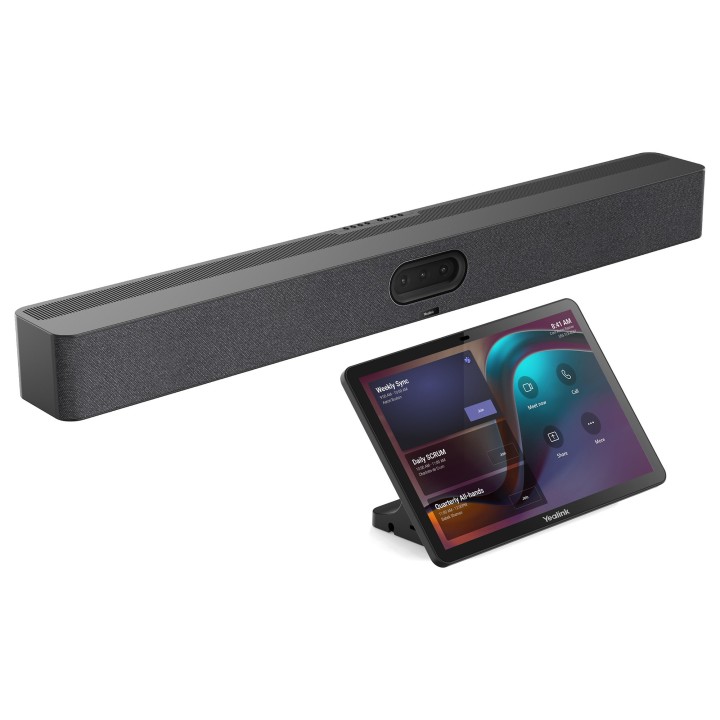
MeetingBar Yealink A50-031

Cena: 12 174,49 zł
Brutto
Dostępność produktu: Dostępny 9 szt.
Czas dostawy Wysyłka w ciągu 2 dni roboczych
Koszt dostawy Bezpłatna dostawa od 250 zł.

Opis produktu

System operacyjny:

Android 13

Kamera:

Maksymalna rozdzielczość: 3 50 MP

Liczba zaprogramowanych pozycji (presetów): 9
Elektroniczny gimbal
Obiektywy:

1 szerokokątny: HFOV 98, VFOV 81
2 teleobiektywy: HFOV 41,6, VFOV 31,8

Zoom cyfrowy: 8

Maksymalna rozdzielczość wideo: 4K
Osłona prywatności: automatyczna (elektryczna)
Kalibracja obiektywu
Funkcje AI:

IntelliFocus (inteligentne ogniskowanie)

Auto Framing (automatyczne kadrowanie)
Speaker Tracking (śledzenie mówcy)
Liczenie uczestników (People Counting)
PictureinPicture
Smart Gallery (tylko dla Zoom)

Liczba kamer: 3

Porty:

1 USB 3.0 typu A
1 USB 3.0 typu B
1 USB 2.0 typu C (do parowania z donglem)
1 port Ethernet
2 porty Yealink VCH (RJ45)
1 wejściewyjście liniowe audio 3,5 mm
1 port zasilania
1 gniazdo zabezpieczające (slot na blokadę Kensington)
1 przycisk reset
2 HDMIout (wyjścia wideo)

Głośniki:

4 wbudowane głośniki o mocy 5W każdy

Mikrofony:

Wbudowana matryca 16 mikrofonów MEMS

Zasięg zbierania dźwięku: do 10 metrów

Czynniki środowiskowe:

Wilgotność pracy: 10 95

Temperatura pracy: 0 40C

Montaż:

Montaż na ścianie

Montaż na ekranie (TV Mount)
Ustawienie na blaciestole

Wymiary i waga:

Wymiary urządzenia (szer. gł. wys.): 910 88 102 mm

Waga netto (N.W.): 8,5 kg (z opakowaniem)

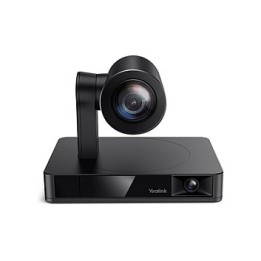
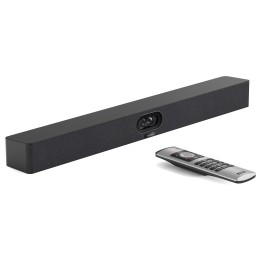
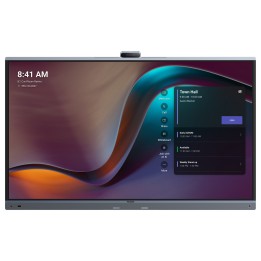
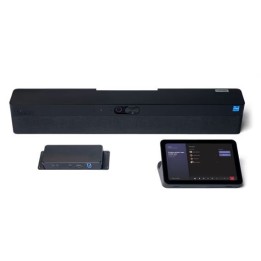
Yealink MeetingBar A50 to zaawansowany wideobar typu AllinOne, stworzony z myślą o średnich i dużych salach konferencyjnych. Urządzenie łączy najwyższej jakości obraz i dźwięk z zaawansowaną technologią sztucznej inteligencji, zapewniając naturalną interakcję i maksymalny komfort uczestnikom spotkań zarówno na miejscu, jak i zdalnie.
Zintegrowany potrójny system kamer 50 MP gwarantuje wysoką rozdzielczość w różnych ogniskowych: szerokokątnej i tele. AI automatycznie rozpoznaje mówców, kadruje ich i prezentuje w czasie rzeczywistym za pomocą funkcji takich jak IntelliFocus, Video Fence i MultiStream IntelliFrame. To pozwala uczestnikom zdalnym poczuć się, jakby naprawdę byli w sali.
MeetingBar A50 ma wbudowany system audio z 16mikrofonową matrycą MEMS i stereofonicznymi głośnikami, co zapewnia czysty dźwięk i zasięg zbierania głosu do 10 metrów. Dodatkowo obsługuje podłączenie do 3 zewnętrznych mikrofonów rozszerzających (opcjonalnie), dzięki czemu z łatwością poradzi sobie w dużych przestrzeniach.
Urządzenie obsługuje Microsoft Teams Rooms zarówno w wersji Android, jak i Windows (pod nazwą MVC S50). Jest zgodne z Microsoft MDEP, co zapewnia bezpieczne wdrożenie i zarządzanie w organizacjach. MeetingBar A50 można także przełączyć w tryb BYOD (Bring Your Own Device).
MeetingBar A50 dostępny jest w dwóch wariantach:

A50010 wersja z pilotem do sterowania

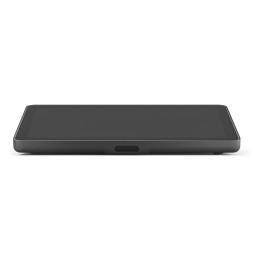
A50031 wersja z konsolą dotykową CTP25, umożliwiającą szybkie logowanie i pełną kontrolę

Ważna informacja: To urządzenie może działać w trybie Microsoft Teams Rooms (MTR) lub Zoom Rooms, ale wymaga odpowiedniej licencji w Twojej organizacji. Możesz także używać go jako standardowego urządzenia AV, jednak w tym trybie może być konieczne użycie dodatkowego akcesorium. Sprawdź wymagania przed zakupem, aby zapewnić pełną kompatybilność.

Szczegóły produktu

  • Marka Yealink
  • Kod produktu 6871ca34a1d66fd8f73a65b2
  • Dostępność 9 Przedmioty
  • EAN13 6938818323162
  • MPN 1206707

Producent

Producent

Yealink (Europe) Network Technology B.V.

Keizersgracht 62 1015 CS Amsterdam Holandia

E-mail: europe@yealink.com

Formularz kontaktowy: https://www.yealink.com/en/contact

Telefon: +86 5925702000

Osoba odpowiedzialna w UE

Yealink (Europe) Network Technology B.V.

Keizersgracht 62 1015 CS Amsterdam Netherlands

E-mail: europe@yealink.com

Formularz kontaktowy: https://www.yealink.com/

Telefon: +86 5925702000

Bezpieczeństwo

Informacje o bezpieczeństwie

List of safety warnings for video conferencing sets and cameras based on the requirements of Regulation (EU) 2023/988 on General Product Safety (GPSR) 1. Risk of electric shock: * Make sure that the device is connected to a working socket with grounding. * Do not touch the plug or cable with wet hands. * Avoid using the device in places with high humidity. 2. Risk of overheating: * Provide adequate ventilation while maintaining at least 5 cm of free space around the device. * Do not block ventilation openings. 3. Fire risk: * Use only original chargers and accessories recommended by the manufacturer. * Do not leave the device on unattended near flammable materials. 4. Risk of bodily injury: * Avoid using the device in a position that causes excessive heat pressure on the skin to prevent burns. * Use the device on a stable surface to minimize the risk of falling. 5. Hazards in humid environments: * Do not use the unit outdoors in rain or in areas with high humidity, such as bathrooms. * If the device is flooded, immediately disconnect it from the power source and contact the service. 6. Hazards at high temperatures: * Do not expose the device to direct sunlight. * Avoid using the device at temperatures exceeding the recommended range (usually 5-35°C). 7. Risk of damage during cleaning: * Before cleaning, disconnect the device from the power supply and use a soft, slightly damp cloth. * Avoid using strong detergents that can damage the surface of the device. 8. Caution when replacing accessories: * Use only the accessories recommended by the manufacturer. * When replacing batteries, follow the manufacturer's instructions and do not expose the battery to high temperatures. 9. Risks associated with battery use: * Avoid damage to the battery by impact or puncture. * If the battery overheats or swells, stop using the device immediately. 10. Child Hazards: * Keep power cables out of reach of children. * Make sure that children do not play with the device or accessories that can be dangerous. 11. Risk of mechanical damage and injury: * The device's fall may cause the screen to shatter, which can lead to user cuts. * Use durable protective cases and tempered glass for your screen. If the screen is damaged, do not use the device until repaired. 12. Risk of electromagnetic interference * Using the device near medical devices such as pacemakers can cause electromagnetic interference. * Maintain a distance of at least 15 cm between the device and medical devices. 13. Effects on vision * Long-term use of the device, especially in dark conditions, can lead to eye strain. * Use eye protection mode if available, and take breaks from the screen regularly. 14. Regular maintenance * Failure to regularly clean ports and sockets can lead to damage or failure. * Clean ports and sockets regularly using a dry and clean cloth, avoiding moisture input. 15. Allergic reactions to materials * Materials used in the device housing (e.g. silicone, metal) can cause skin irritation or allergic reactions. * In case of redness or discomfort, remove the device and consult a dermatologist. Clean the case regularly to avoid accumulation of sweat or dirt.

Ładowanie...
Wróć na górę