- Nowy
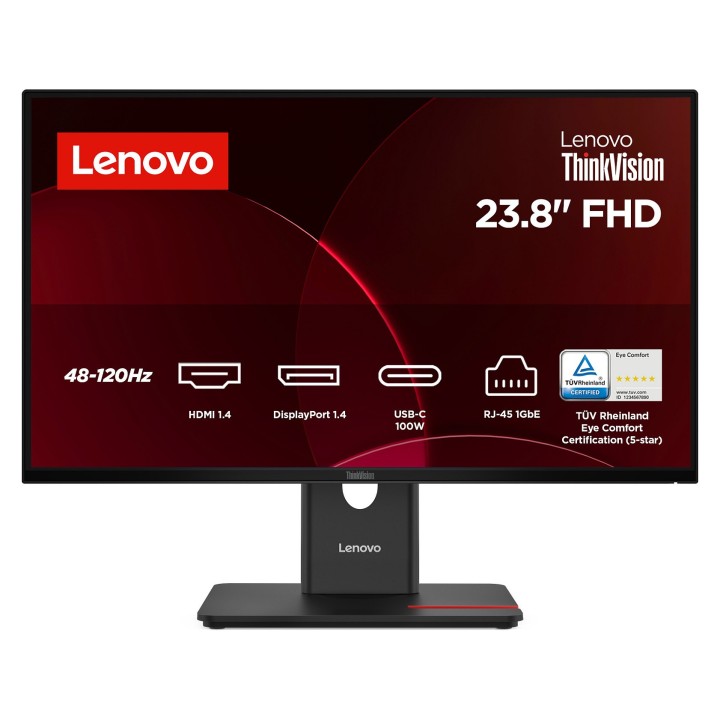
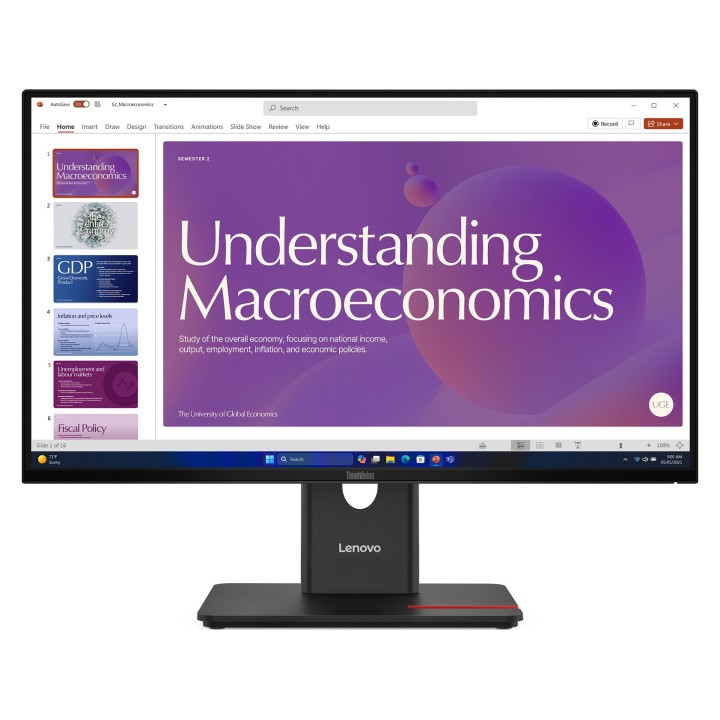



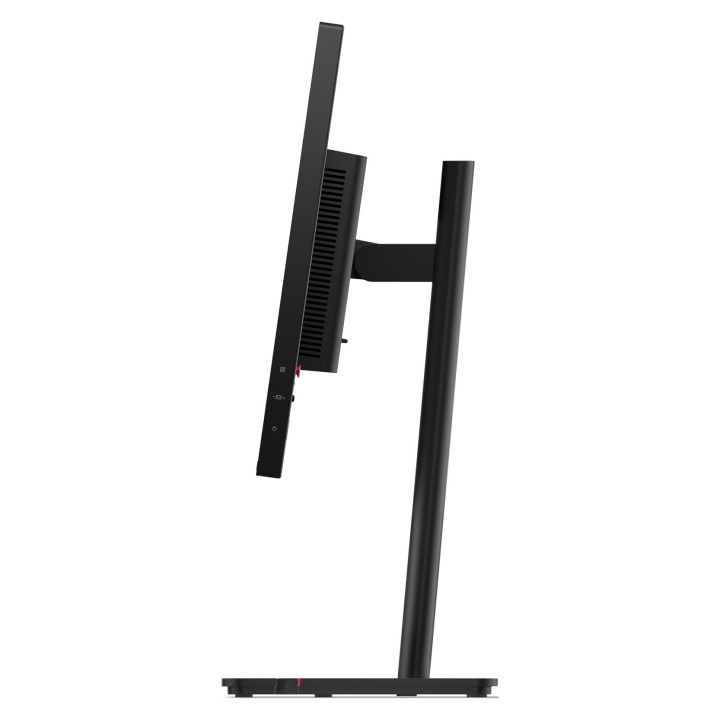
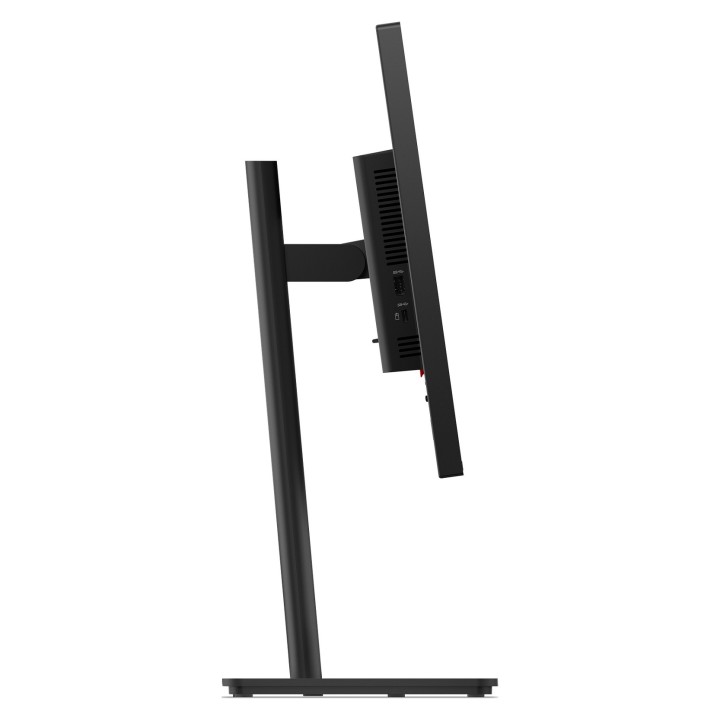
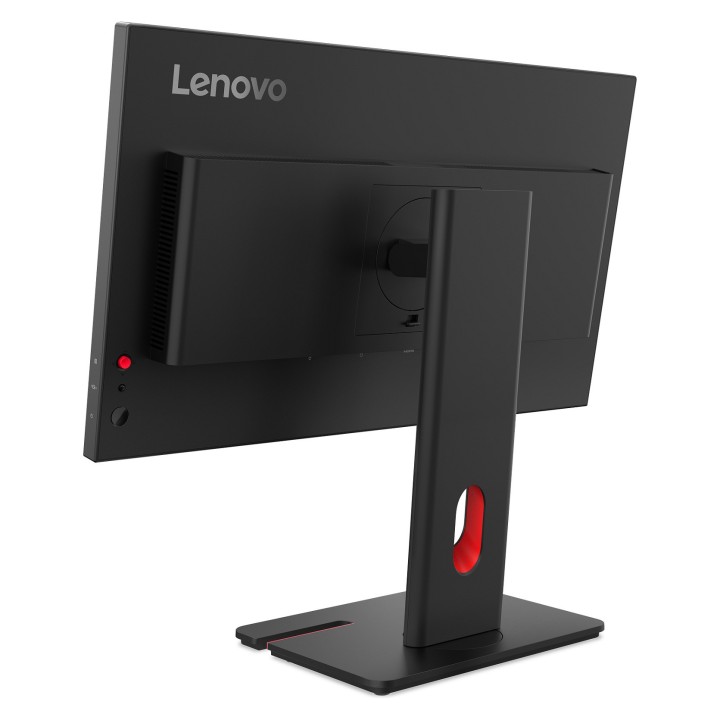
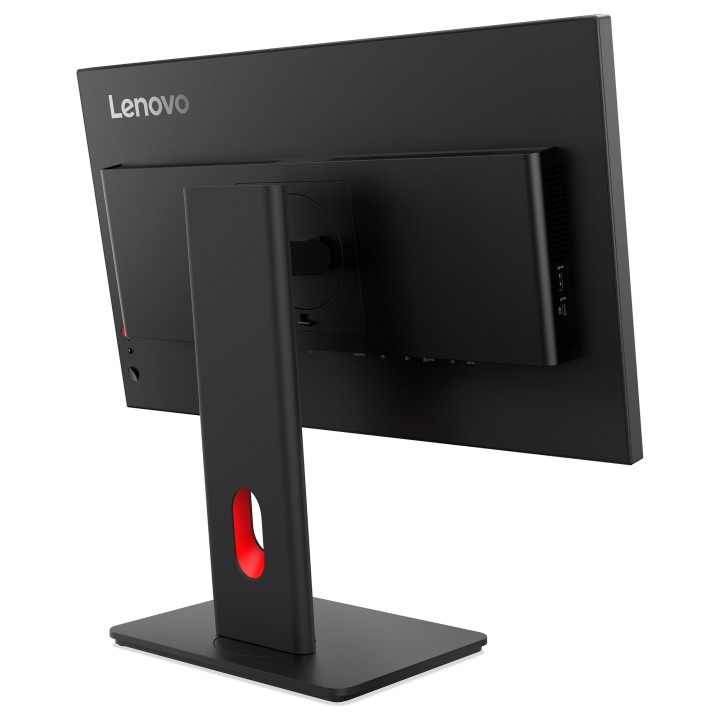
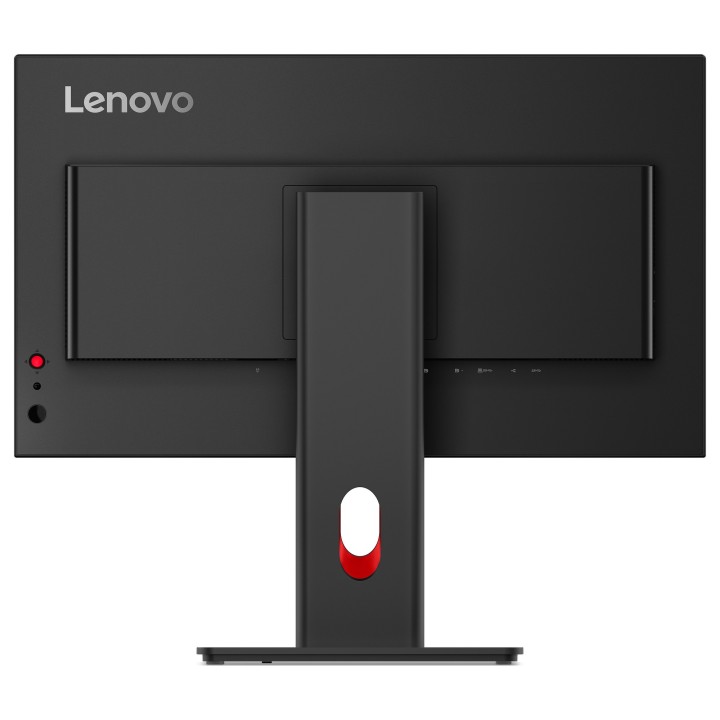
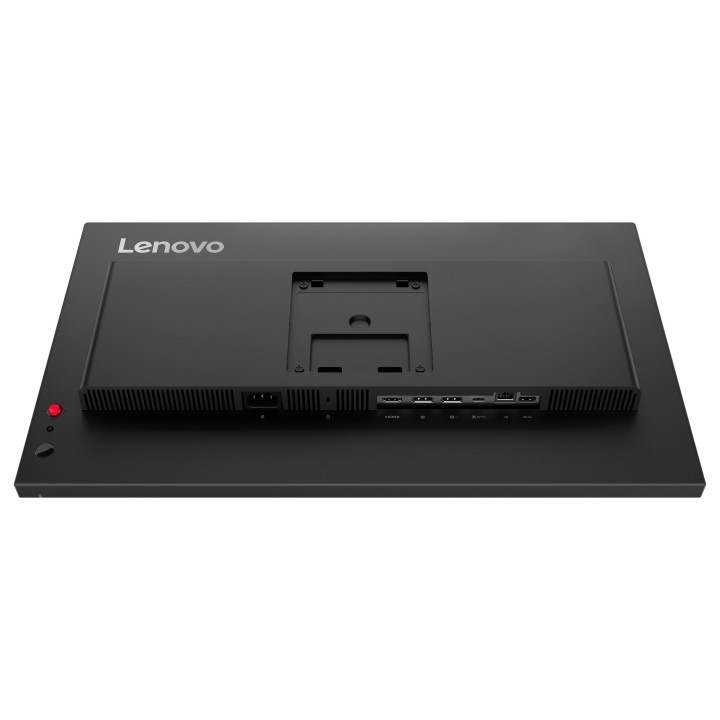
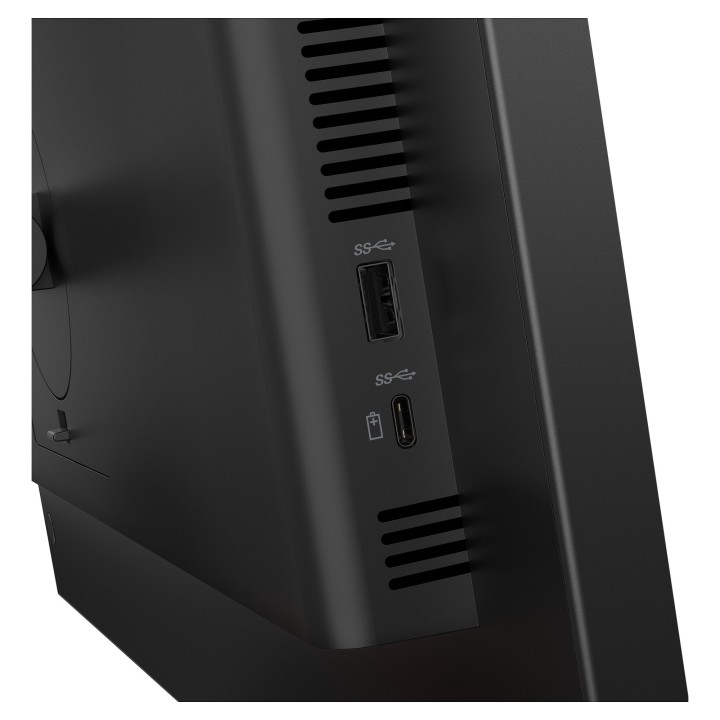
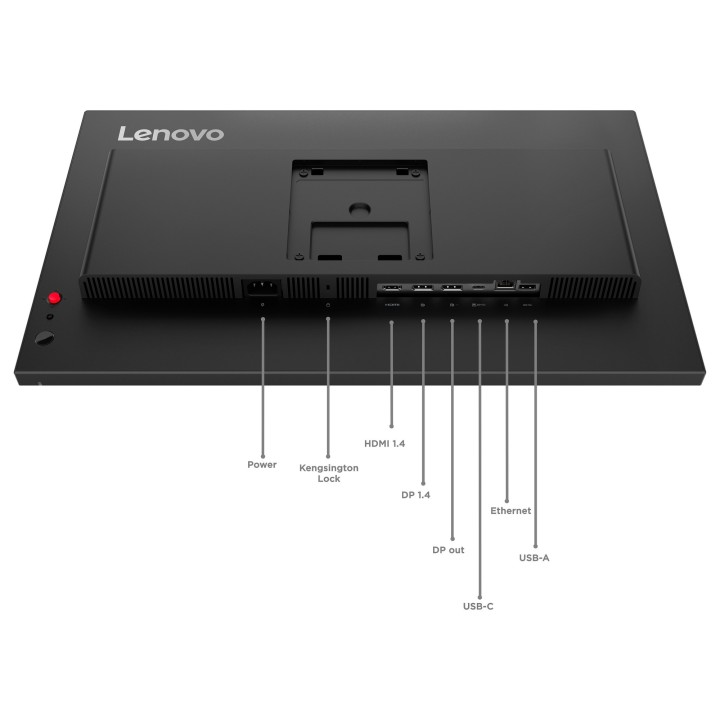
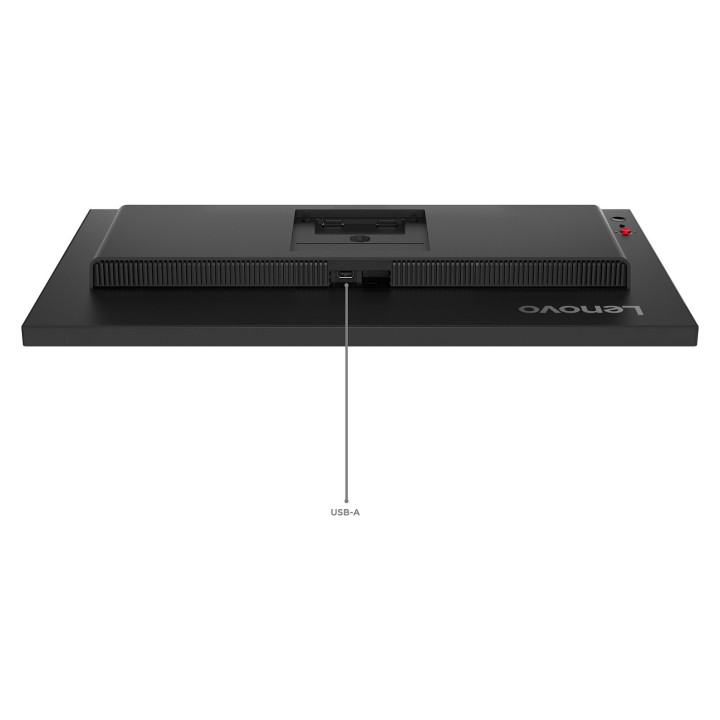
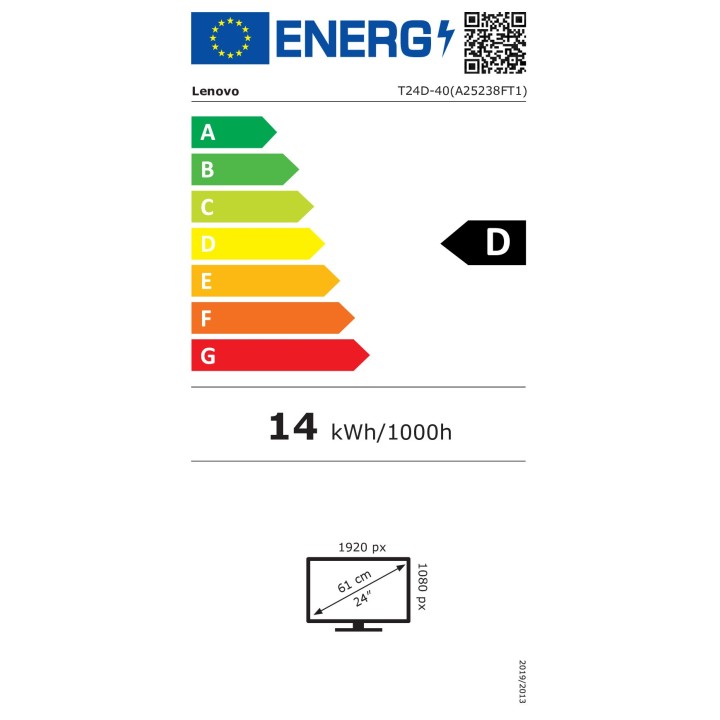
Lenovo ThinkVision T24d-40 to 24-calowy monitor stacjonarny zaprojektowany z myślą o zwiększeniu wydajności i zapewnieniu doskonałych wrażeń wizualnych. Dzięki natywnej rozdzielczości 1920 x 1080 i technologii IPS zapewnia żywe kolory i ostry obraz, dzięki czemu nadaje się zarówno do pracy, jak i rozrywki. Ekran antyodblaskowy zapewnia komfort oglądania w różnych warunkach oświetleniowych, a kąty widzenia wynoszące 178 stopni w poziomie i w pionie umożliwiają współpracę bez zniekształceń kolorów.Dzięki regulowanej obudowie monitor można regulować na wysokość, obracać w pionie i poziomie oraz pochylać, co zapewnia ergonomiczny komfort użytkowania. Wbudowany hub USB 3.2 Gen 1, zintegrowane zarządzanie kablami i różne opcje sygnału wejściowego, w tym HDMI i DisplayPort, upraszczają łączność i poprawiają organizację miejsca pracy. Monitor jest również wyposażony w technologię Smart Power i Natural Low Blue Light, które zapewniają komfort dla oczu podczas długotrwałego użytkowania.
24-calowy wyświetlacz Full HD o rozdzielczości 1920 x 1080
Regulowana wysokość, obrót, obracanie w pionie i pochylenie dla ergonomicznej pracy
Wbudowany hub USB 3.2 Gen 1 zapewniający płynną łączność
Technologia Natural Low Blue Light zapewniająca komfort dla oczu
Wysoka dokładność odwzorowania kolorów z pokryciem 99% przestrzeni barw sRGB
Lenovo Technology B.V. Sp. z o.o. Oddział w Polsce
ul. Gottlieba Daimlera 1 02-460 Warszawa Polska
Lenovo (Slovakia) s.r.o.
Landererova 12 811 09 Bratislava SLOVAKIA
E-mail: balenovo_sk@lenovo.com
Telefon: +421 2/686 880 00
List of computer monitor safety warnings based on the requirements of General Product Safety Regulation (EU) 2023/988 (GPSR): * Risk to vision: Long-term gazing at the monitor screen may cause eye strain, dry eyes or headaches. * Limit the working time with the monitor. * Take regular breaks. * Maintain proper distance from the screen. * Ensure proper lighting in the room. * Set the brightness and contrast of the monitor to a comfortable level. * Ergonomics: Incorrect position when working with the monitor can lead to back, neck, and shoulder pain. * Set the monitor to the correct height so that the top edge of the screen is at eye level or slightly below. * Use an adjustable chair and desk to ensure an ergonomic position. * Maintain proper posture while sitting. * Risk of electric shock: Improper use or damage to the monitor can lead to electric shock. * Do not use the monitor in humid environments. * Do not touch the monitor with wet hands. * Do not put any items inside the monitor. * If the power cable is damaged, replace it with a new one. * Disconnect the monitor from power before cleaning. * Fire risk: Overheating or short circuiting in the monitor can cause a fire. * Do not cover the ventilation holes of the monitor. * Do not place the monitor near heat sources. * Use only the original power supply that came with your monitor. * If the monitor overheats, disconnect it from power immediately. * Mechanical damage: The fall of the monitor can cause damage and pose a threat to the user. * Set the monitor on a stable surface. * Secure cables to avoid accidental tripping. * For monitor transport, use appropriate protective packaging. * Cleaning: Improper cleaning of the monitor can damage the screen or cause other problems. * Use only a soft, dry cloth to clean the screen. * Do not use cleaning products containing alcohol, ammonia or other corrosive substances. * Disconnect the monitor from power before cleaning. * Disposal: Incorrect disposal of the monitor can pose a threat to the environment. * Return the used monitor to the e-waste collection point. * Do not throw the monitor in a regular trash can. * Children: The monitor is not a toy and should not be used by children without supervision. * Make sure children do not touch the power cables. * Make sure kids don't play around with the monitor packaging. * Repairs: Do not try to repair the monitor yourself. * Any repairs should be done by qualified personnel. * Monitor portability: Be careful when moving your monitor. * Disconnect all cables before moving. * Use appropriate packaging. * Weather conditions: Do not expose the monitor to extreme temperatures or moisture. * Protect your monitor from direct sunlight. * Adjustable settings: Do not use extreme brightness or contrast settings. * These can cause faster eye strain. * Noise: If the monitor makes disturbing noises, turn it off immediately. * Contact the technical service. * Environmental protection: Be sure to turn off the monitor when not in use. * You save energy this way. * Software: Use only the software provided by the manufacturer. * You will avoid compatibility issues.

Produkty, które ostatnio zwróciły Twoją uwagę.