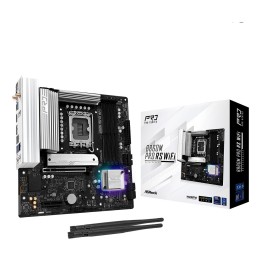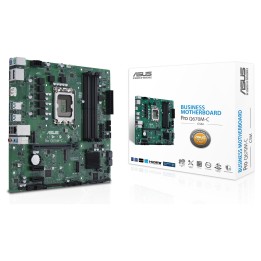
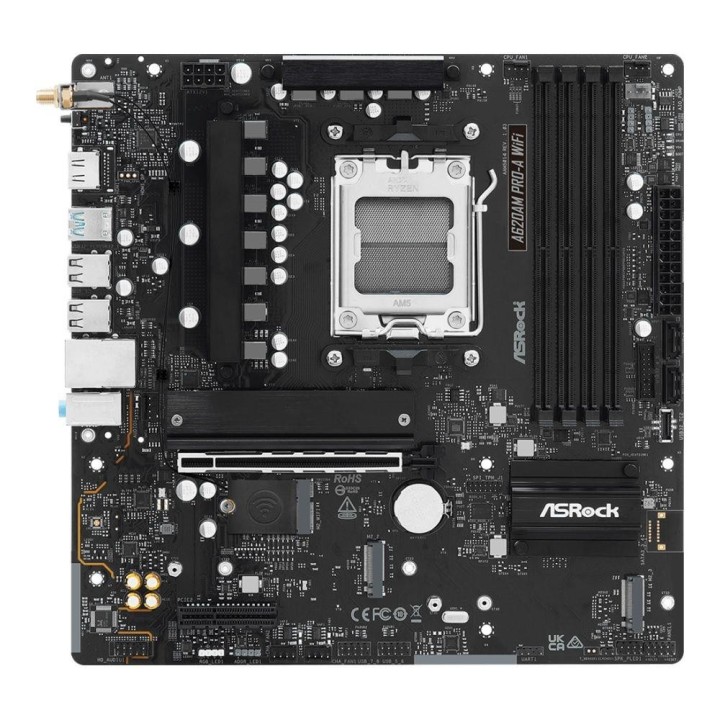
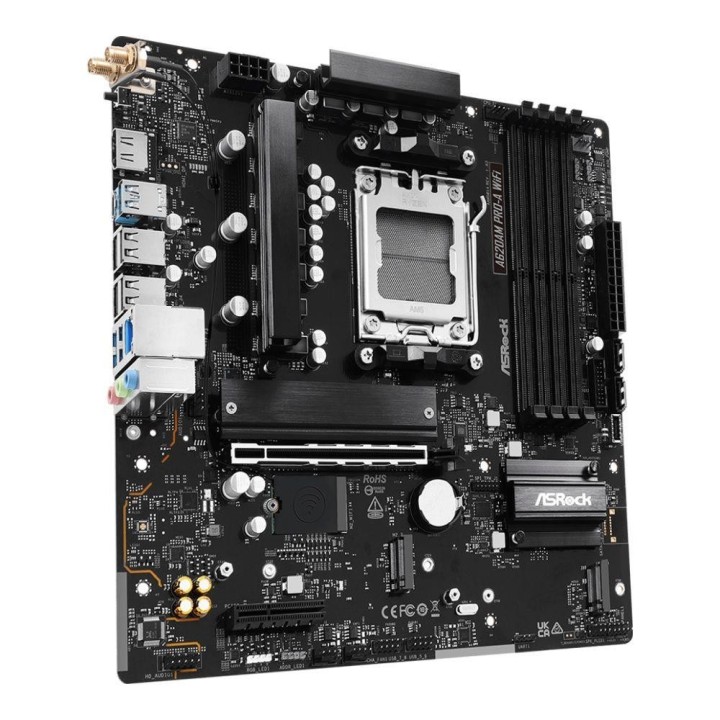
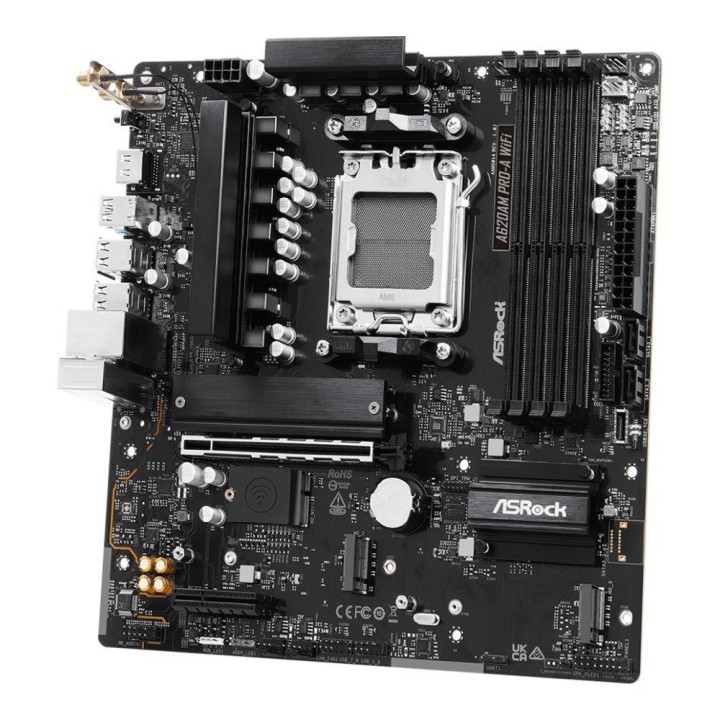
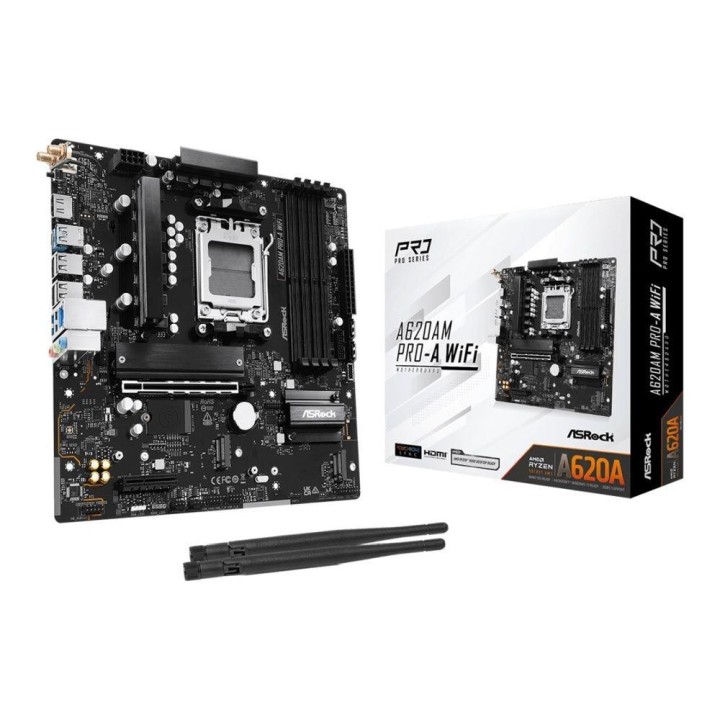
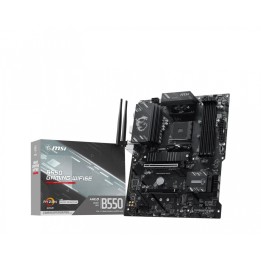
Płyta ASRock A620AM Pro-A WiFi /AMD A620/DDR5/SATA3/M.2/USB3.0/WiFi/BT/PCIe4.0/AM5/mATX

Cena: 472,99 zł
Brutto
Dostępność produktu: Dostępny 2 szt.
Czas dostawy Wysyłka w ciągu 2 dni roboczych
Koszt dostawy Bezpłatna dostawa od 250 zł.

Opis produktu

Płyta ASRock A620AM Pro-A WiFi /AMD A620/DDR5/SATA3/M.2/USB3.0/WiFi/BT/PCIe4.0/AM5/mATX

Specyfikacja

  • Gniazdo procesora: Socket AM5
  • Obsługiwane typy procesorów: AMD Ryzen™ (AM5)
  • Uwagi do procesora: Obsługuje procesory AMD z gniazdem AM5: serie Ryzen 9000, 8000 i 7000
  • Format płyty: Micro-ATX
  • BIOS: 256 Mb AMI UEFI Legal BIOS z obsługą interfejsu graficznego (GUI)
  • Chipset płyty głównej: AMD A620
  • Ilość złącz pamięci DDR5: 4
  • Maksymalna wielkość pamięci: 256 GB
  • Tryb pracy pamięci RAM: Dual Channel
  • Standard pamięci: DDR5-8000+ (OC)
  • Uwagi do pamięci RAM: EXTended Profiles for Overclocking (EXPO)
  • Zintegrowany kontroler SATA: Chipset+CPU: 2x SATA III 6Gb/s - RAID 0, 1 + 3x M.2 - RAID 0, 1, 10
  • Uwagi do kontrolera SATA: trybu RAID 10
  • Wbudowana karta graficzna: Brak lub AMD RDNA™ 2 (zależy od procesora)
  • Gniazda karty graficznej: HDMI
  • Uwagi do karty graficznej: rozdzielczość do 4K przy 120 Hz
  • Zintegrowana karta dźwiękowa: Realtek® ALC 897 7.1-Channel High Definition Audio CODEC
  • Gniazda karty dźwiękowej: Wewnętrzne gniazdo audio przedniego panelu
  • Uwagi do karty dźwiękowej: Nahimic Audio
  • Złącza PCI Express x16: 1
  • Złącza PCI Express x4: 1
  • Uwagi do złącz PCI: Obsługa dysków SSD NVMe jako dyski startowe (bootowalne)
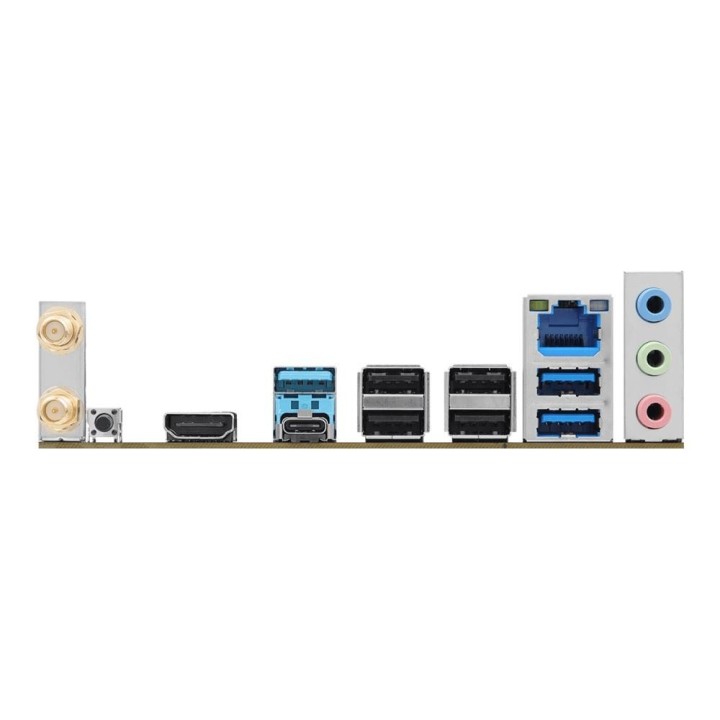
  • Port LAN: 1x 2,5 Gigabit LAN 10/100/1000/2500 Mb/s (Dragon RTL8125BG)
  • Uwagi do karty sieciowej: Możliwość dostosowania priorytetów według preferencji użytkownika
  • Maksymalna ilość portów USB 2.0: 8
  • Maksymalna ilość portów USB 3.x: 6
  • Porty USB na panelu tylnym: 4x USB 2.0 + 3x USB 3.0 + 1x USB 3.0 Type-C
  • Gniazda USB na płycie głównej: 2x USB 2.0 (4 porty) + 1x USB 3.0 (2 porty) + 1x USB 3.0 Type-C (1 port)
  • Port Wi-Fi: IEEE 802.11a/b/g/n/ac/ax
  • Port Bluetooth: Bluetooth V5.2
  • Uwagi do WiFi / BT: Obsługuje MU-MIMO
  • Port PS/2: Brak
  • Port szeregowy (COM): Brak
  • Port równoległy (LPT): Brak
  • Inne porty i gniazda: BIOS FlashBack button 
  • Gniazdo zasilania: ATX (24-pin) + ATX12V (8-pin)
  • Wymiary [S x W] (mm): 244 x 244
  • Opakowanie: BOX
  • Wyposażenie dodatkowe: 2 x anteny ASRock WiFi 2.4/5/6 GHz
  • Zawiera baterię / akumulator: Tak
  • Informacje dodatkowe: Certyfikaty: FCC, CE, ErP/EuP ready

Szczegóły produktu

  • Marka ASRock
  • Kod produktu 68e5e11a445b533a944e405a
  • Dostępność 2 Przedmioty
  • EAN13 4711581490970
  • MPN A620AM PRO-A WIFI

Specyfikacja

  • Typ pamięci RAM DDR5
  • Wi-Fi Tak
  • Bluetooth Tak
  • Maksymalna pojemność RAM (GB) 256 GB
  • Chipset AMD A620
  • Liczba slotów RAM (szt.) 4 szt.

Producent

Producent

ASRock EUROPE B.V.

Bijsterhuizen 11-11, 6546 AR Nijmegen 6546 AR Nijmegen Netherlands

E-mail: sales@asrock.nl

Formularz kontaktowy: https://www.asrock.com/support/index.asp

Telefon: +31-24-345-44-33

Osoba odpowiedzialna w UE

ASRock EUROPE B.V.

Bijsterhuizen 11-11, 6546 AR Nijmegen 6546 AR Nijmegen Netherlands

E-mail: sales@asrock.nl

Formularz kontaktowy: https://www.asrock.com/support/index.asp

Telefon: +31-24-345-44-33

Bezpieczeństwo

Informacje o bezpieczeństwie

List of motherboard safety warnings based on the requirements of General Product Safety Regulation (EU) 2023/988 (GPSR): * Risk of electric shock: Make sure the power supply is disconnected before installing or disassembling any components. Do not touch pins, connectors or paths on the board with wet hands or in humid environments. * Short-circuit risk: Be careful that no metal objects come into contact with the plate during installation or use. * Risk of Electrostatic Damage (ESD): Use an antistatic band when working with the motherboard to avoid damage to sensitive components. * Risk of injury: Sharp edges and small elements on the board can pose a risk of injury. Be careful when manipulating. * Fire risk: Incorrect connection of power supply or overheating of components can lead to fire. Make sure all connections are correct and cooling is adequate. * Risk of component damage: Do not use excessive force when installing components to avoid damaging the board or the component itself. * Compatibility: Make sure that all components (processor, RAM, graphics card) are compatible with your motherboard. * Stability: Place the motherboard on a stable, flat surface to prevent mechanical damage. * Overheating: Provide adequate cooling to prevent the motherboard and its components from overheating. Clean radiators and fans regularly. * Kids: Keep the motherboard and small items out of reach of children to avoid the risk of ingestion or other accidents. * Installation: Disconnect the motherboard from power before any interference.
Ładowanie...
Wróć na górę