- Nowy
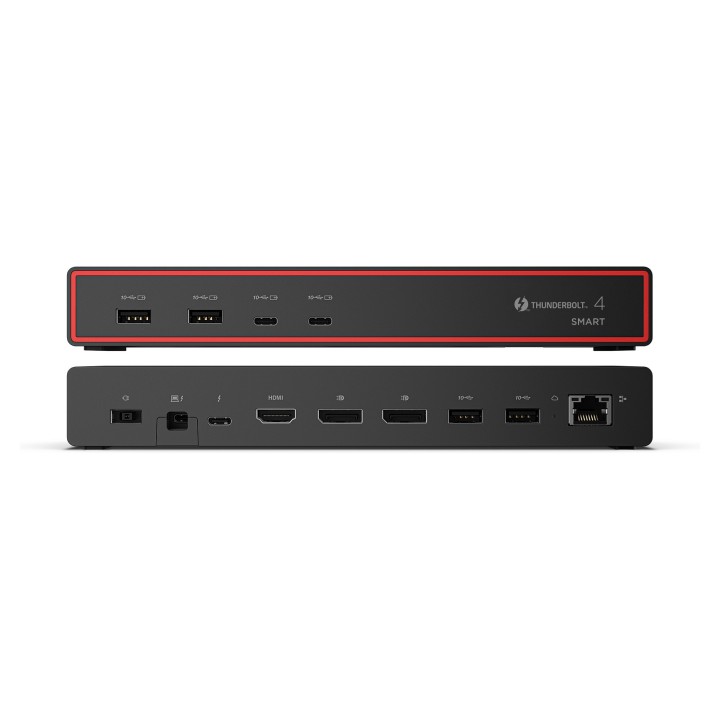
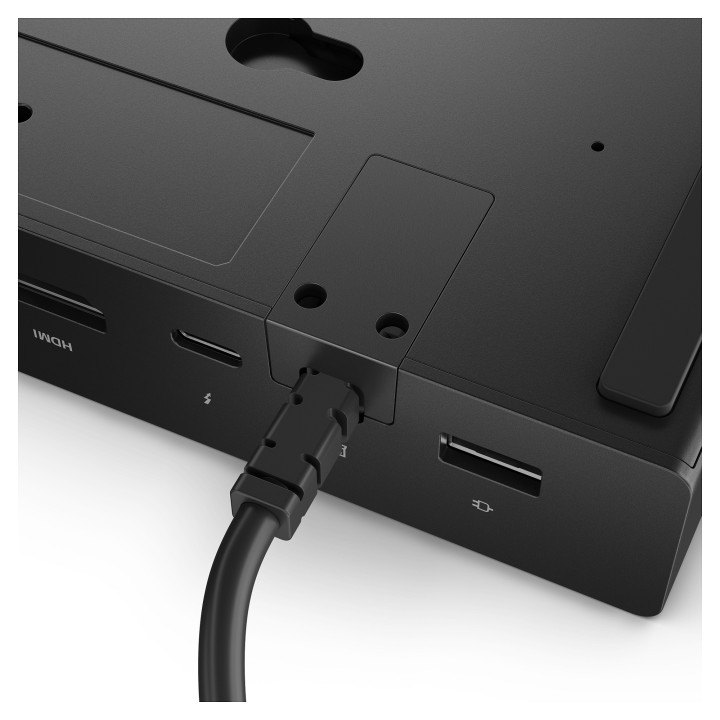
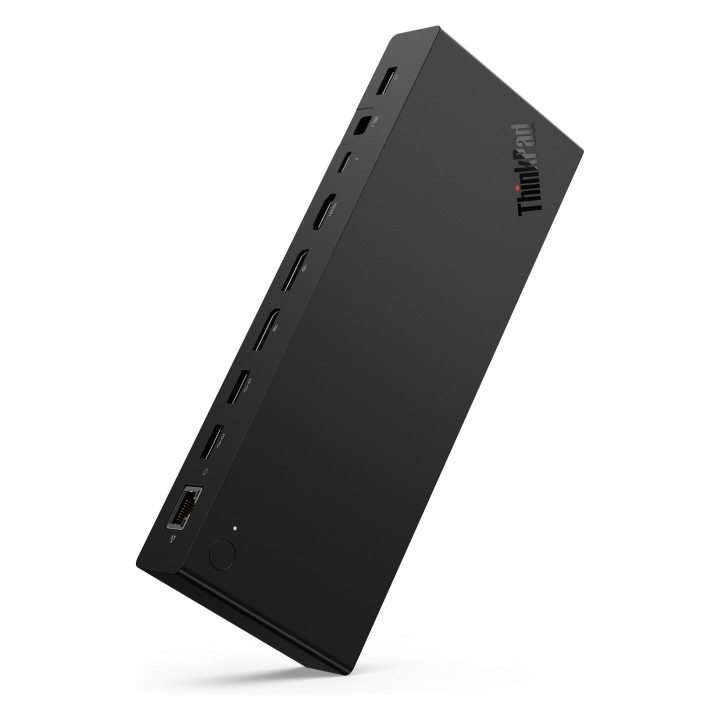
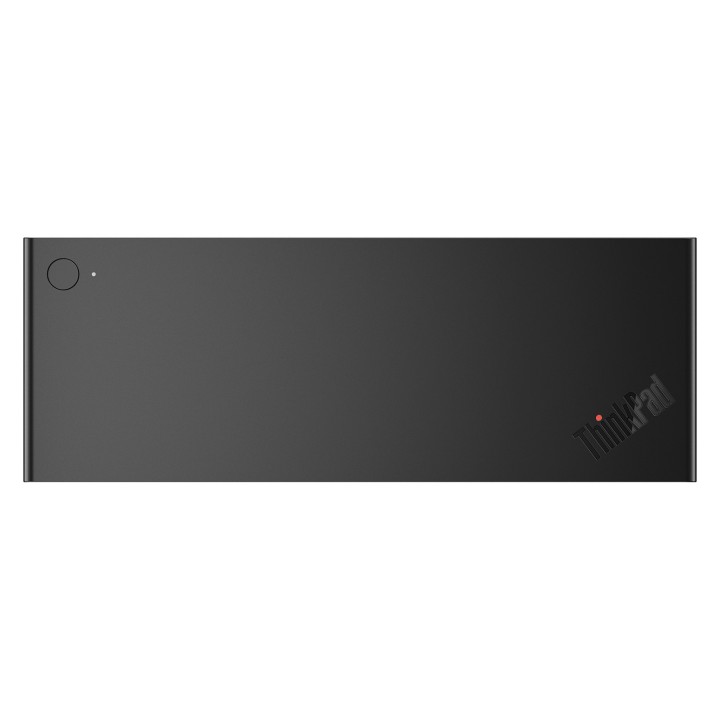
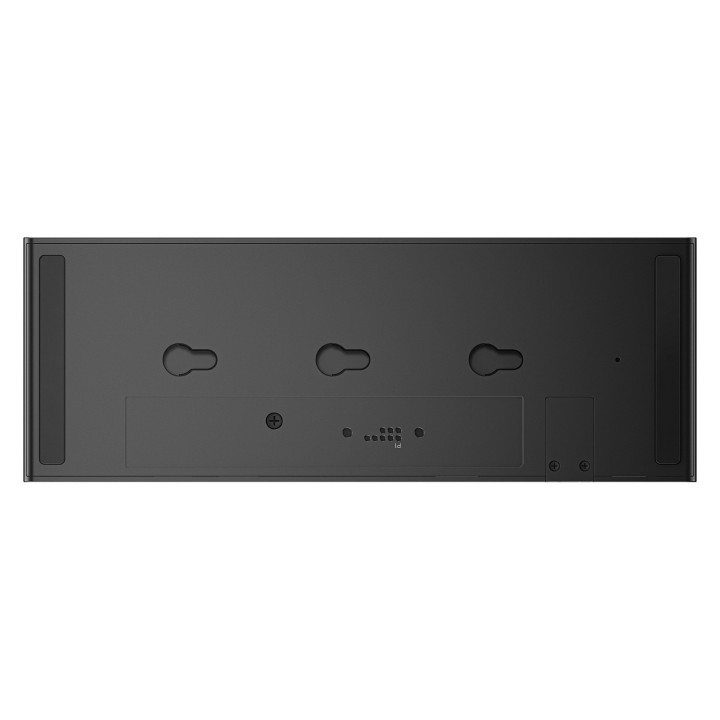
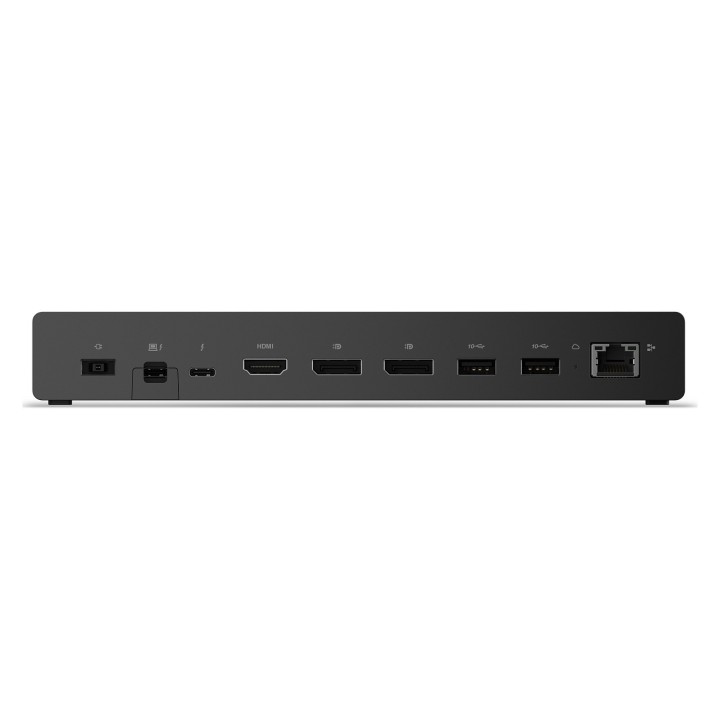
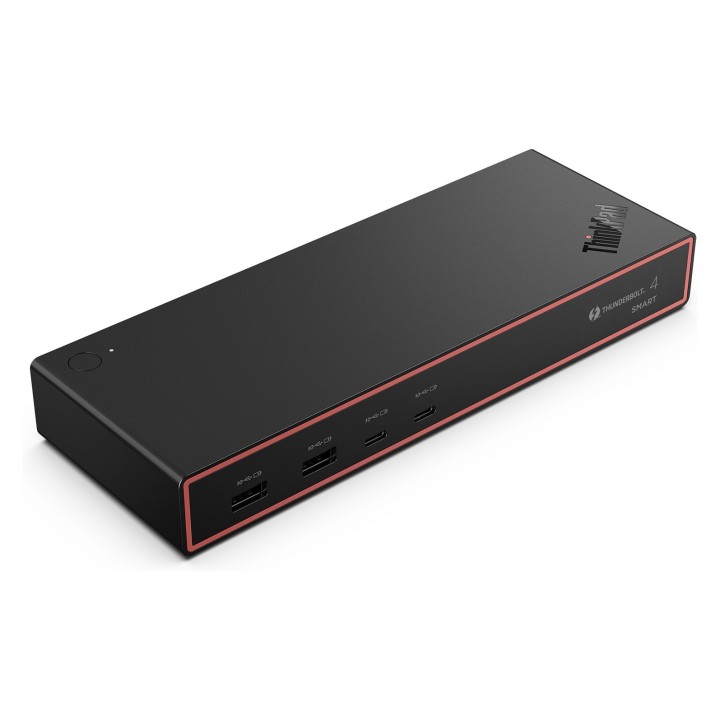
ThinkPad Thunderbolt 4 Smart Dock Gen2 7500 - EU/INA/VIE/ROK obrazki
ThinkPad Thunderbolt 4 Smart Dock Gen2 7500 - EU/INA/VIE/ROK
Opis produktu
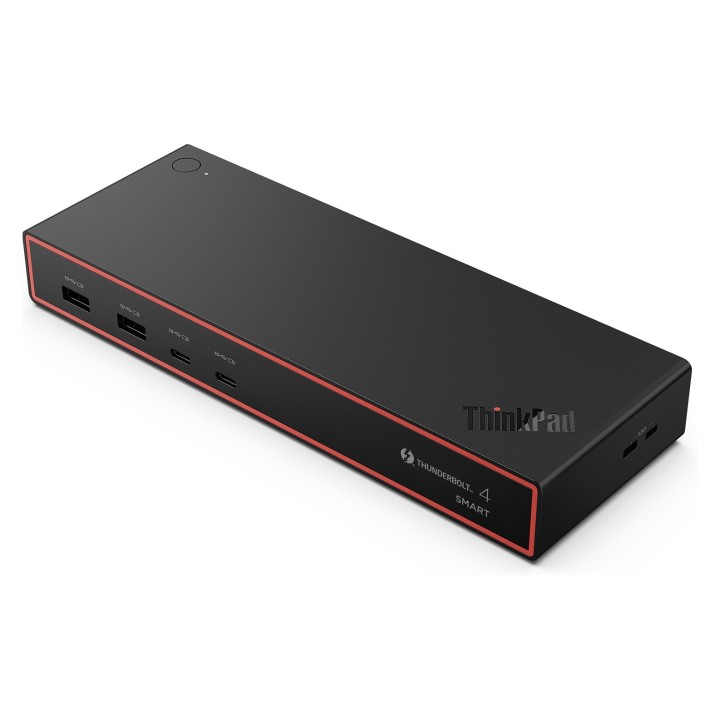
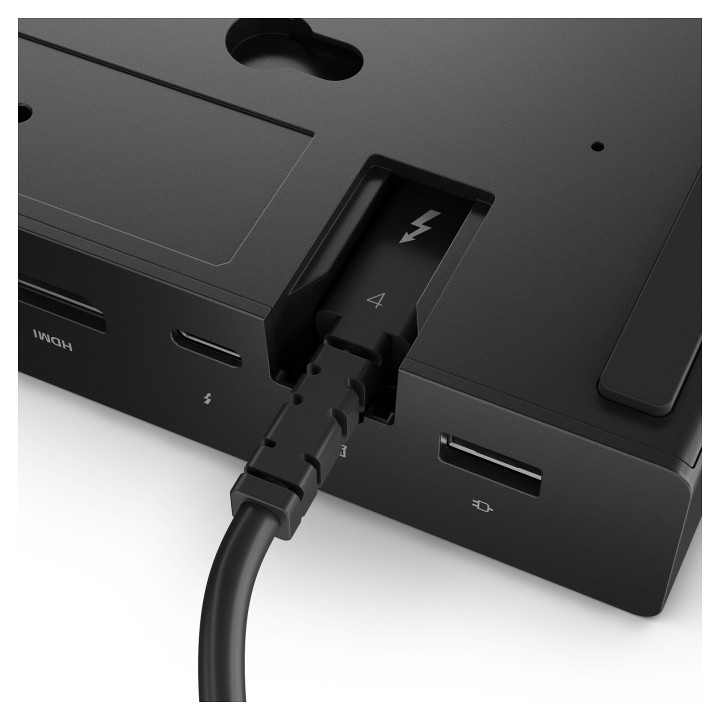
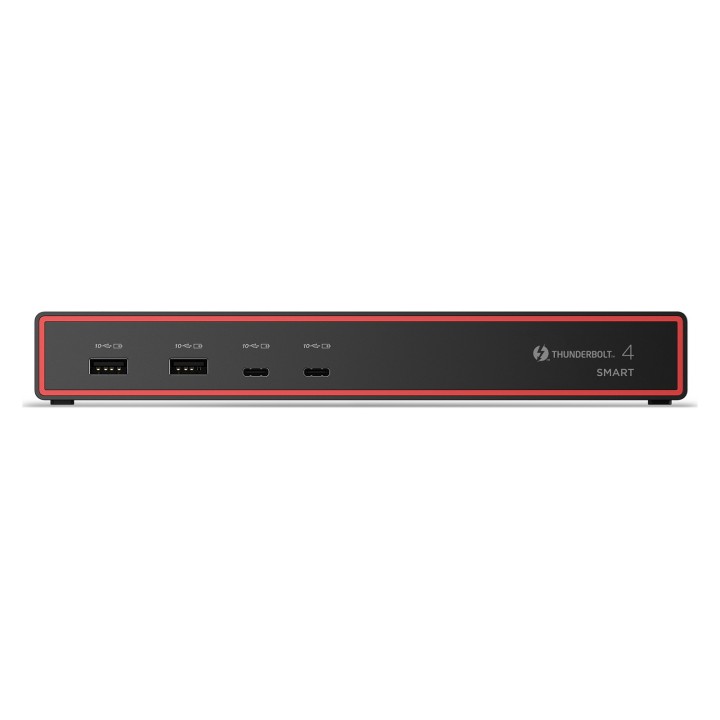
New Generation ThinkPad® Thunderbolt™ 4 Smart Dock; The ThinkPad® Thunderbolt™ 4 Smart Dock Gen 2 7500 is a refresh of its Thunderbolt™ 4 Smart Dock Predecessor, Best for business professionals, IT decision-makers, and creative professionals who need Premium PC experience with multiple displays setup, secure and reliable connections for intensive tasks. Capable of driving up to 8K 60Hz display and 40Gbps data speed, and new generation cloud-based management console powered by AWS for IT managers.
Specyfikacja
- USB 3.2 Gen 1 (3.1 Gen 1) Type-A ports quantity: 0
- Host interface: Thunderbolt 4
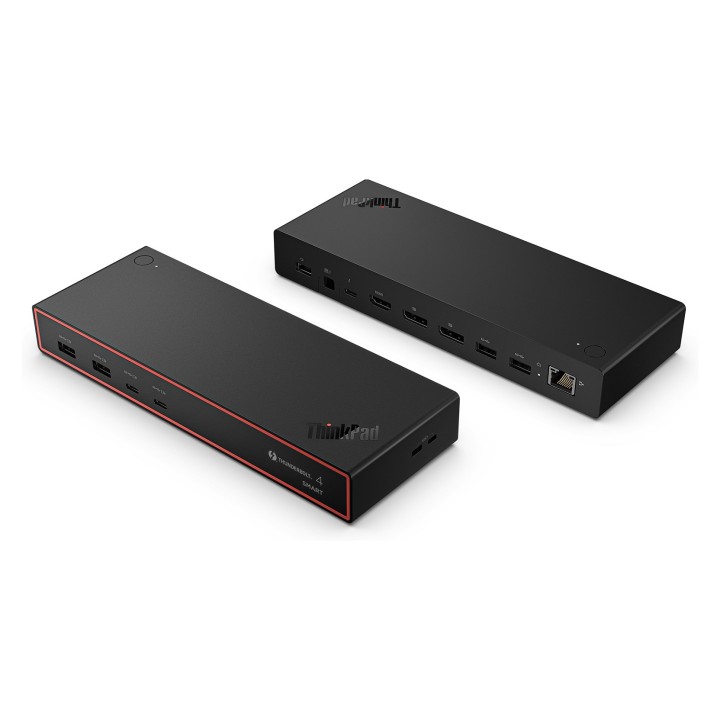
- HDMI ports quantity: 1
- DisplayPorts quantity: 2
- HDMI version: 2.1
- USB 3.2 Gen 2 (3.1 Gen 2) Type-C ports quantity: 2
- USB 2.0 ports quantity: 0
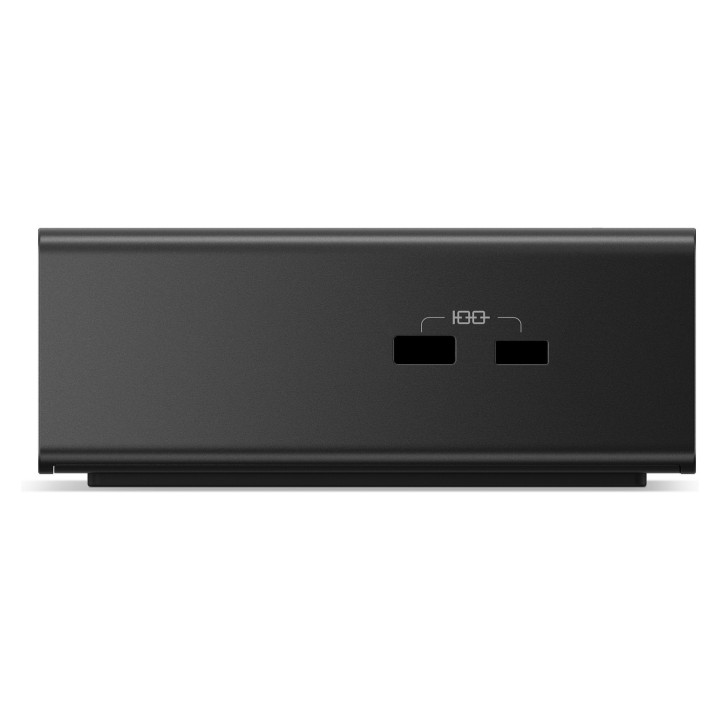
- USB 3.2 Gen 2 (3.1 Gen 2) Type-A ports quantity: 4
- USB Type-C DisplayPort Alternate Mode: Yes
- USB Power Delivery (USB PD): Yes
- USB Power Delivery up to: 100 W
- Headphone outputs: 0
- DisplayPort version: 1.4
- Connectivity technology: Wired
- Microphone in: No
- USB Power Delivery revision: 3.1
- Thunderbolt 4 ports quantity: 2
- Thunderbolt ports quantity: 2
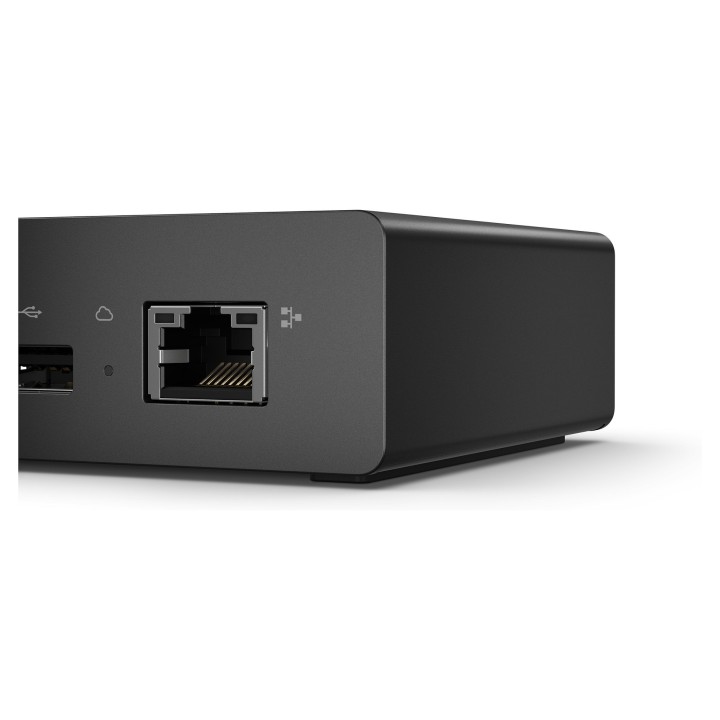
- Ethernet LAN (RJ-45) ports: 1
- Ethernet LAN: Yes
- Ethernet LAN data rates: 2500 Mbit/s
- Product colour: Black
- Number of displays supported: 4
- Card reader integrated: No
- Cable lock slot type: Kensington
- LED indicators: Yes
- Maximum refresh rate: 60 Hz
- Cable lock slot: Yes
- Certification: FCC/ICES CE KCC RCM BSMI NCC VCCI CB cULus EAC TUV-Mark LoA Ukraine DoC NOM IFT TELEC UKCA FAC DoC VNTA WPC ETA SRRC SDPPI IMDA SIRIM NBTC SUBTEL KVALITET/RATEL MCIT ANRT UCC INACOM CITRA TRA NTC PSRC NCA ARTCI INCM Thunderbolt Cert. EVO
- On/off switch: Yes
- Maximum digital resolution: 7680 x 4320 pixels
- Colour name: Eclipse Black
- Power source type: AC
- Power supply: 135 W
- Windows operating systems supported: Yes
- Mac operating systems supported: Yes
- Linux operating systems supported: Yes
- Operating temperature (T-T): 0 - 40 °C
- Operating relative humidity (H-H): 20 - 95 %
- Weight: 547.5 g
- Depth: 80 mm
- Width: 220 mm
- Height: 30 mm
- Package width: 237.8 mm
- Package depth: 141 mm
- Package height: 75.8 mm
- Package weight: 1261.5 g
Szczegóły produktu
- Marka Lenovo
- Kod produktu 68eb1b39814733e74fb8195c
- Dostępność 50 Przedmioty
- EAN13 0195892121305
- MPN 40BE0135EU
Specyfikacja
- Złącze do komputera Thunderbolt 4
- Maksymalna rozdzielczość wyjścia 7680 × 4320
- Liczba portów USB-A (szt.) 4 szt.
- Liczba obsługiwanych monitorów (szt.) 4 szt.
- Liczba portów USB-C (szt.) 2 szt.
- Moc ładowania laptopa (W) 100 W
Producent
Producent
Lenovo Technology B.V. Sp. z o.o. Oddział w Polsce
ul. Gottlieba Daimlera 1 02-460 Warszawa Polska
Osoba odpowiedzialna w UE
Lenovo (Slovakia) s.r.o.
Landererova 12 811 09 Bratislava SLOVAKIA
E-mail: balenovo_sk@lenovo.com
Telefon: +421 2/686 880 00
Bezpieczeństwo
Informacje o bezpieczeństwie
List of safety warnings for docking stations based on the requirements of General Product Safety Regulation (EU) 2023/988 (GPSR) * Risk of electric shock: * Make sure that the docking station is connected to an efficient grounded outlet. * Do not touch the plug or cable with wet hands. * Avoid using the docking station in areas with high humidity. * Risk of overheating: * Provide adequate ventilation while maintaining at least 5 cm of free space around the docking station. * Do not block ventilation openings. * Do not place the docking station on soft surfaces such as blankets or pillows. * Fire risk: * Use only original power supplies and accessories recommended by the manufacturer. * Do not leave the docking station on unattended near flammable materials. * Risk of bodily injury: * Use the docking station on a stable surface to minimize the risk of falling connected devices. * Avoid using the docking station in a position that causes excessive heat pressure on the skin to prevent burns. * Hazards in humid environments: * Do not use the docking station outdoors in rain or in places with high humidity, such as bathrooms. * If the docking station is flooded, immediately disconnect it from the power source and contact the service. * Hazards at high temperatures: * Do not expose the docking station to direct sunlight. * Avoid using the docking station at temperatures above the recommended range (usually 5-35°C). * Risk of damage during cleaning: * Disconnect the docking station from the power supply before cleaning and use a soft, slightly damp cloth. * Avoid using strong detergents that can damage the surface of the docking station. * Caution when replacing accessories: * Use only accessories recommended by the manufacturer. * When replacing batteries, follow the manufacturer's instructions and do not expose the battery to high temperatures. * Battery Use Hazards: * Avoid damaging the battery by impact or puncture. * If the battery overheats or swells, stop using the docking station immediately. * Child warnings: * Keep power cables out of reach of children. * Make sure your kids don't play with the docking station or accessories that can be dangerous. * Cleanliness: * Failure to regularly clean ports and sockets can lead to damage or failure. * Clean ports and sockets regularly using a dry and clean cloth, avoiding moisture input.
Stacje dokujące
- Nowy
- Nowy
- Nowy
- Nowy
- Nowy
- Nowy
- Nowy
- Nowy
- Nowy
- Nowy
Ostatnio oglądane
Produkty, które ostatnio zwróciły Twoją uwagę.
- Nowy
- Nowy
- Nowy
- Nowy

- Nowy
- Nowy

- Nowy
- Nowy
- Nowy
- Nowy
- Nowy