- Nowy
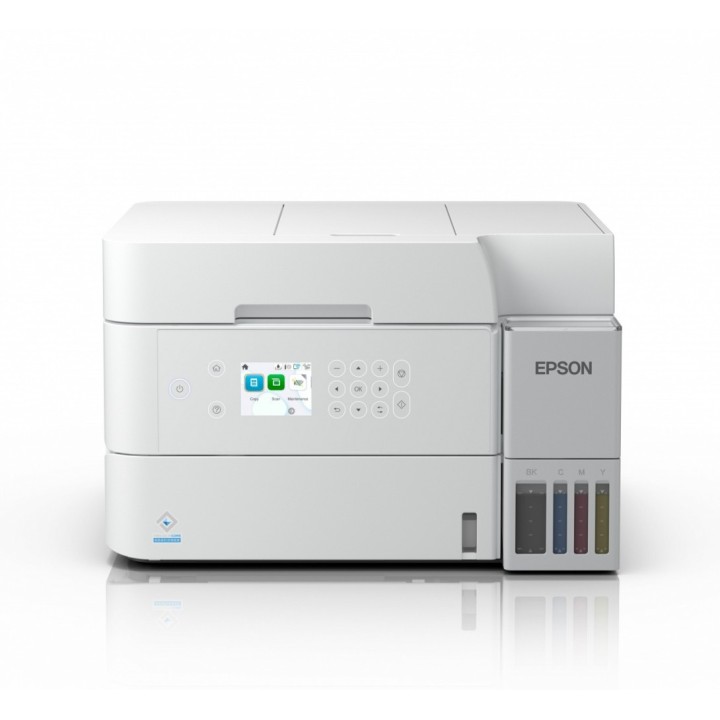
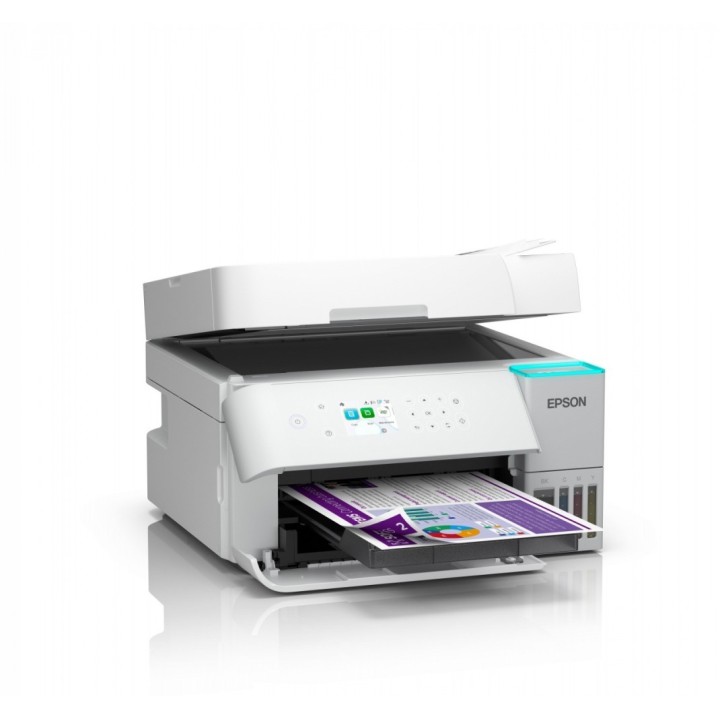
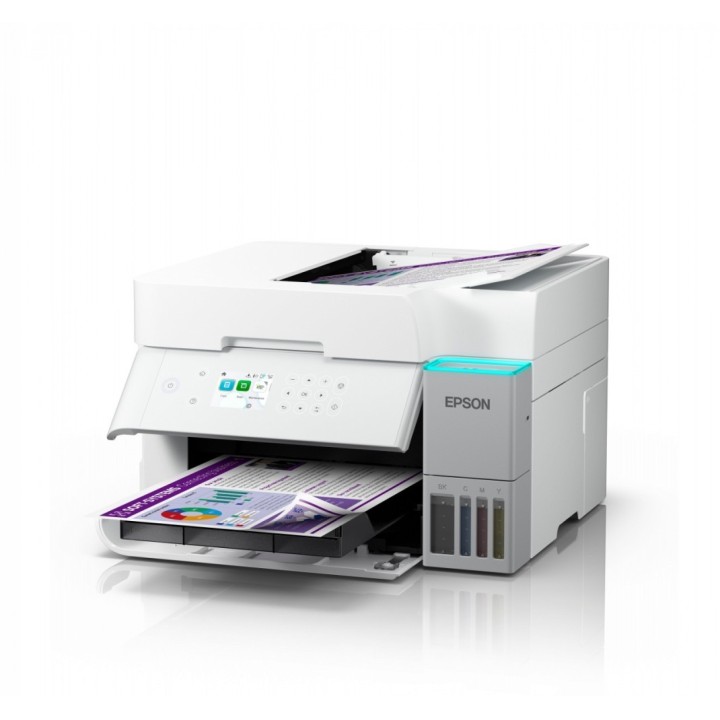
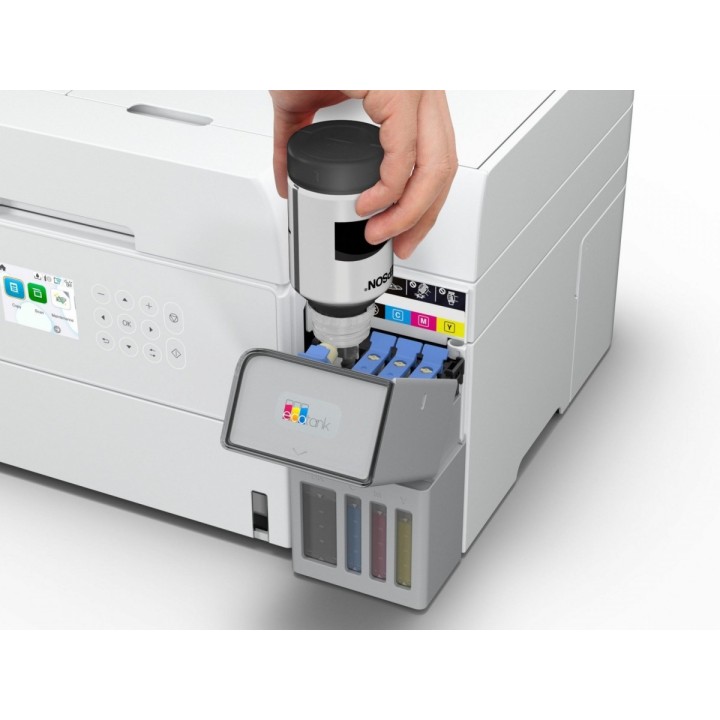
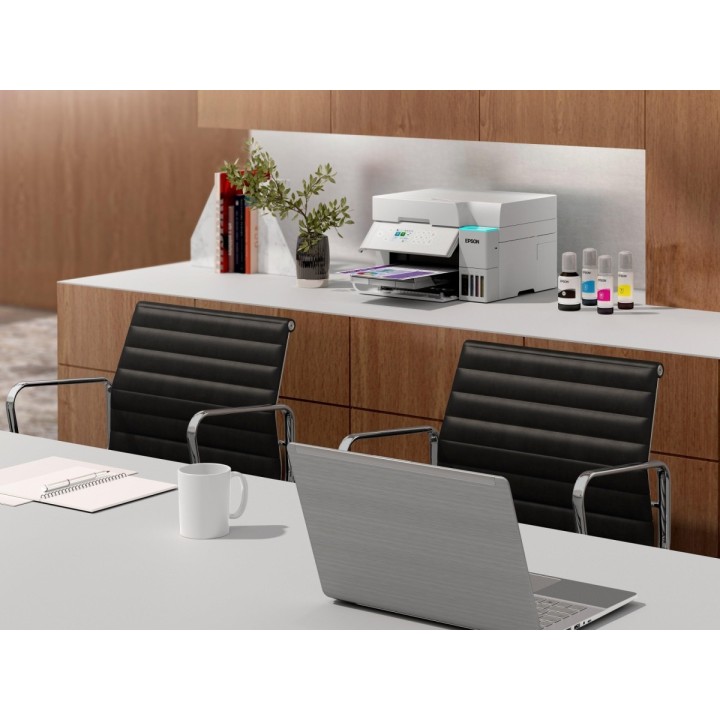
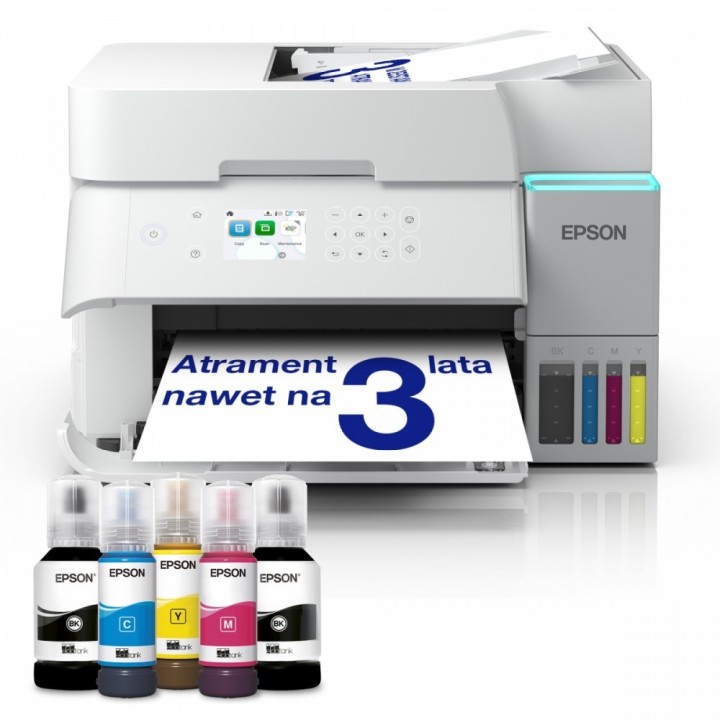
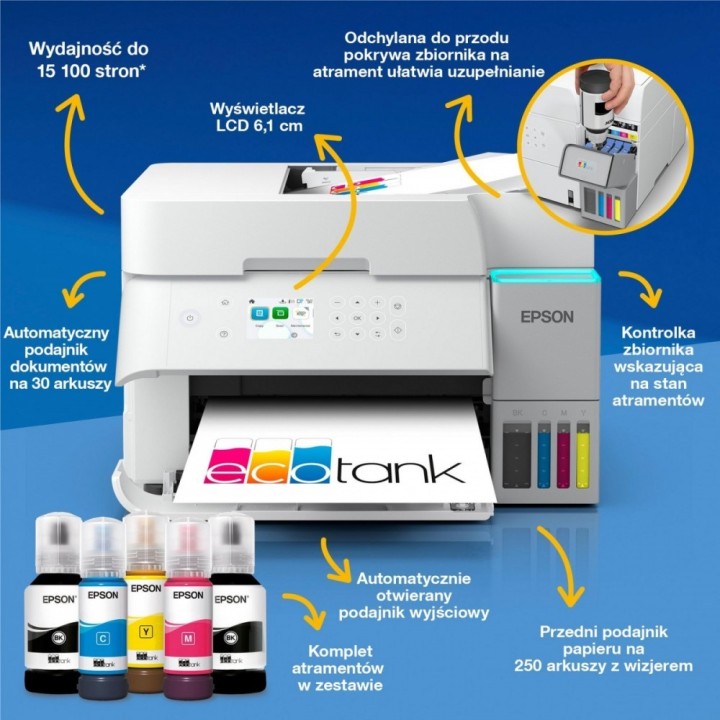
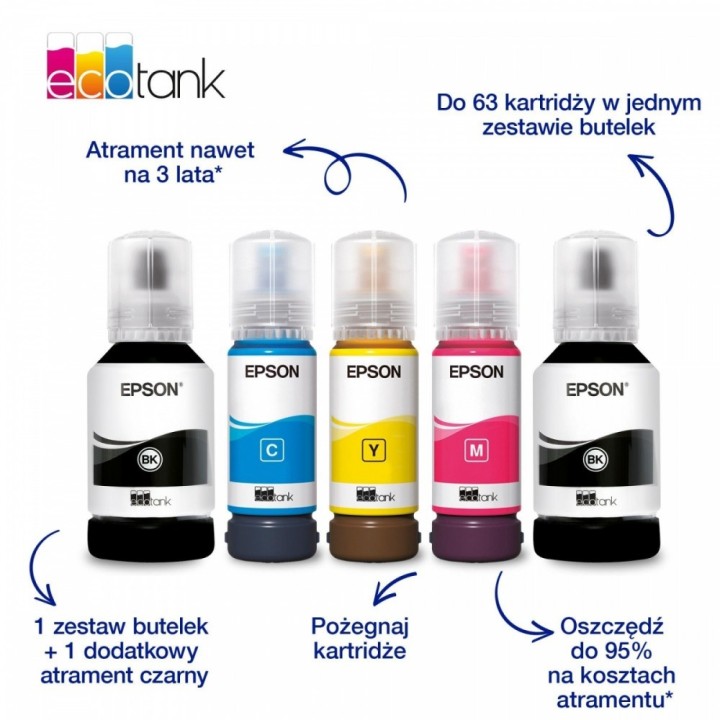

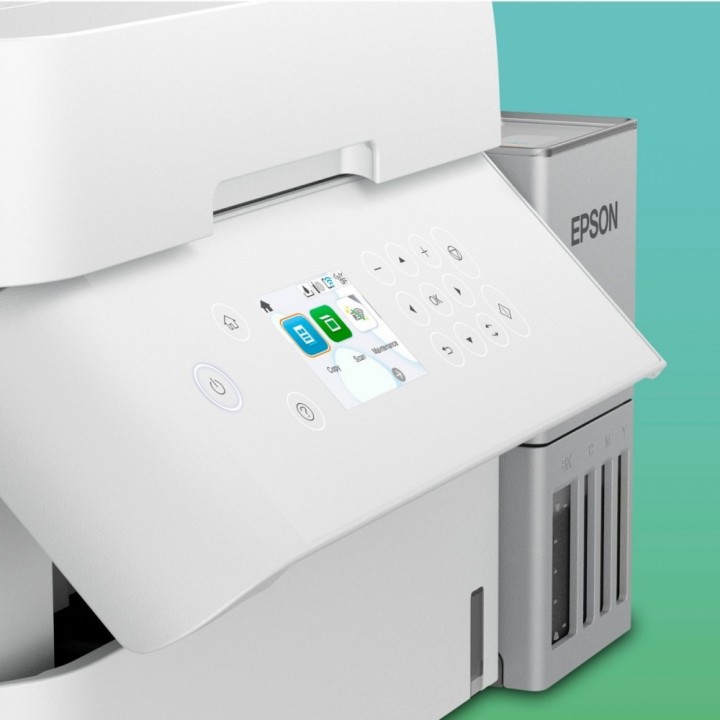
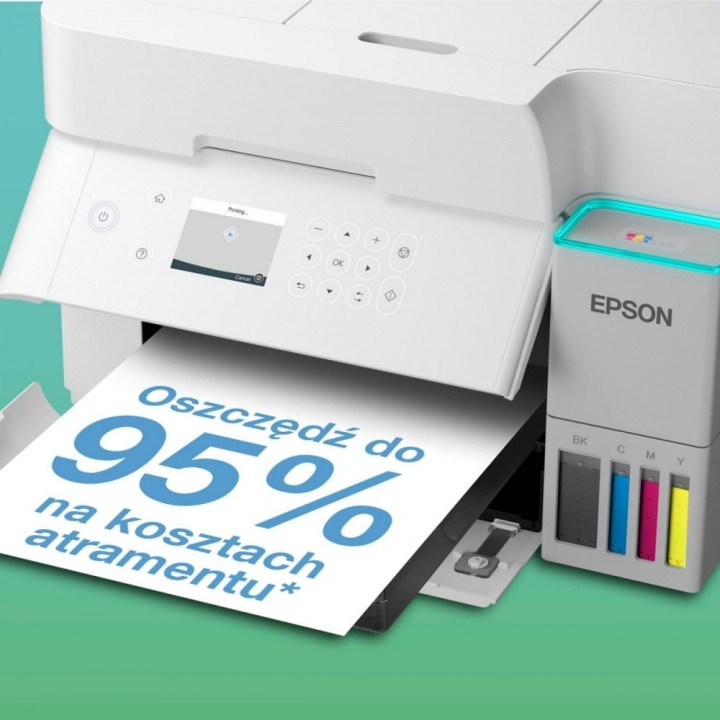
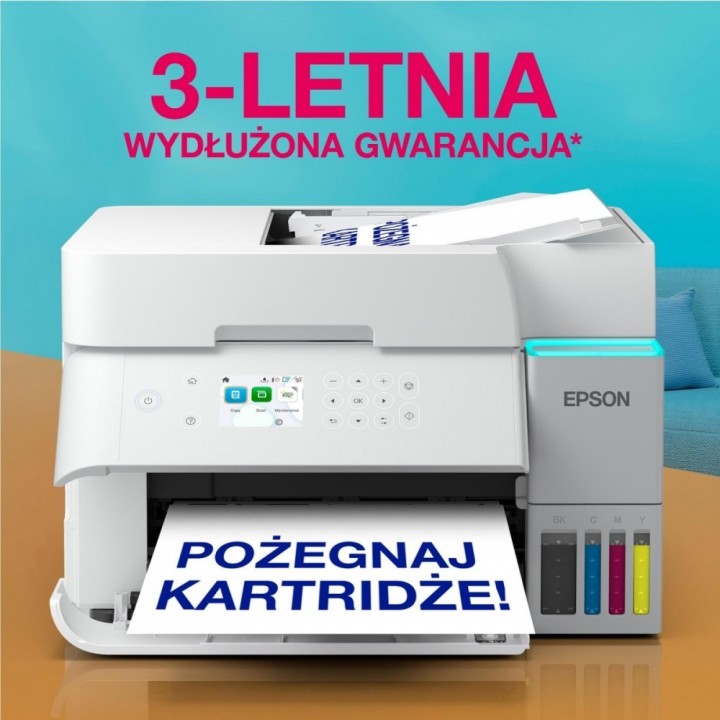
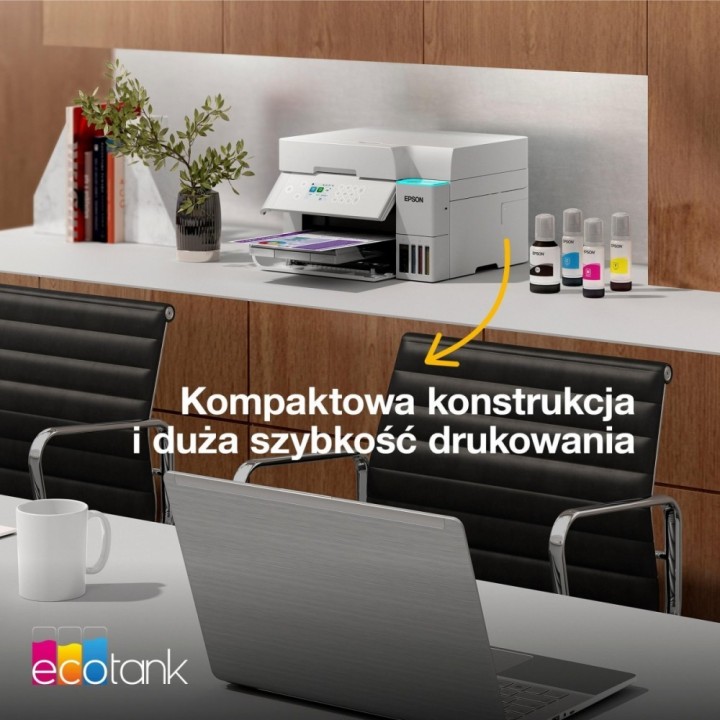
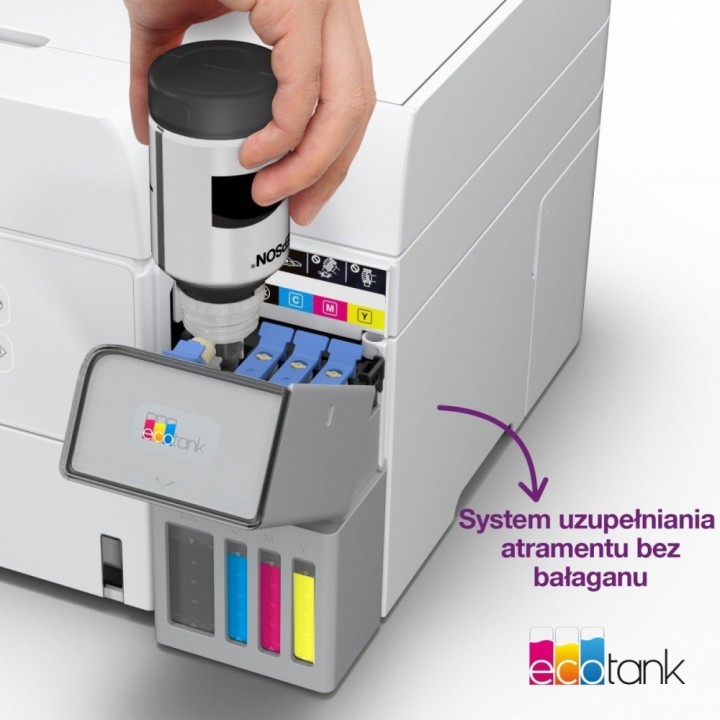
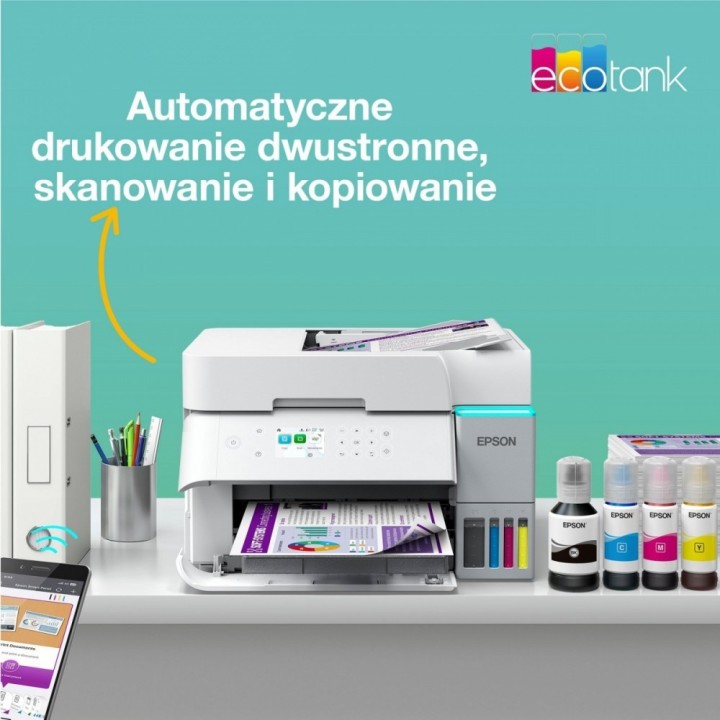
Oszczędność do 95% na kosztach atramentu dzięki drukarce EcoTank ze stałym zasilaniem w atrament
Epson Europe B.V.
Azië Building, Atlas Arena, Hoogoorddreef 5 1101BA Nagano Netherlands
E-mail: office@epson.eu
Epson Europe B.V.
Zuidermolenweg 7 3994 DA Houten Netherlands
E-mail: contact@epson.eu
List of safety warnings for inkjet and laser printers based on the requirements of Regulation (EU) 2023/988 on General Product Safety (GPSR): 1. Risk of electric shock: * Make sure that the printer is connected to an outlet with grounding. * Do not touch the power cable with wet hands. 2. Risk of burns: * Wait for the printer to cool down before replacing consumables. 3. Risk to vision (laser printers): * Avoid looking at the laser beam while the printer is running. 4. Risk of fire: * Do not place the printer near flammable materials. * Regularly clean the inside of your printer to remove accumulated dust and paper debris. 5. Risk of hearing damage (needle printers): * Use the printer in a quiet environment or use protective headphones. 6. Risk for children: * Place the printer out of reach of children. * Do not allow children to play with consumables. 7. Risk of cuts: * Beware of sharp edges inside the printer. * Use protective gloves when replacing consumables. 8. Risk of poisoning: * Do not inhale toner fumes. * Dispose of used consumables in accordance with local regulations. 9. Risk of injury: * Place the printer on a stable surface to prevent it from tipping over. * Do not put heavy objects on the printer. 10. Maintenance risk: * Disconnect the printer from the power supply before cleaning. * Use only the intended cleaning products. 11. Warnings on battery (if applicable): * Do not throw the battery into the fire. * Keep batteries out of reach of children. 12. Allergy risk: * Use protective gloves when replacing toner.
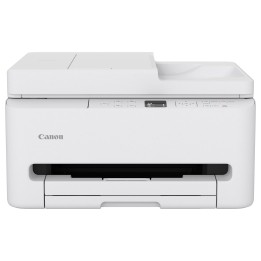
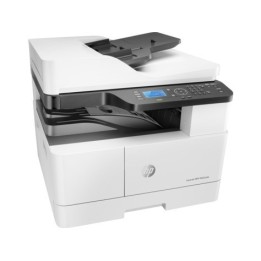
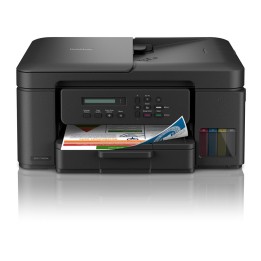
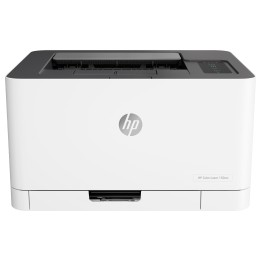
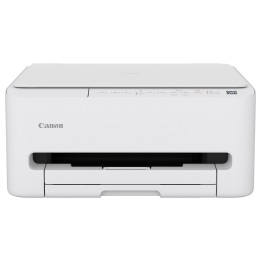
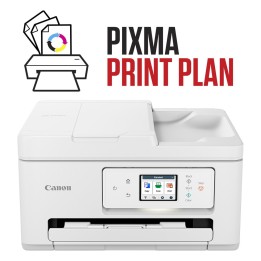
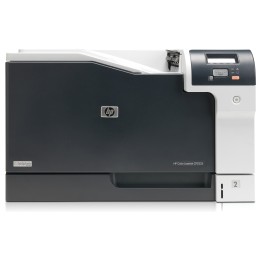
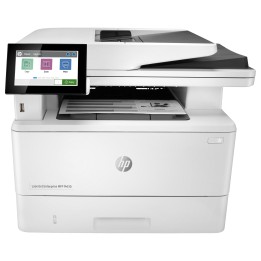
Produkty, które ostatnio zwróciły Twoją uwagę.