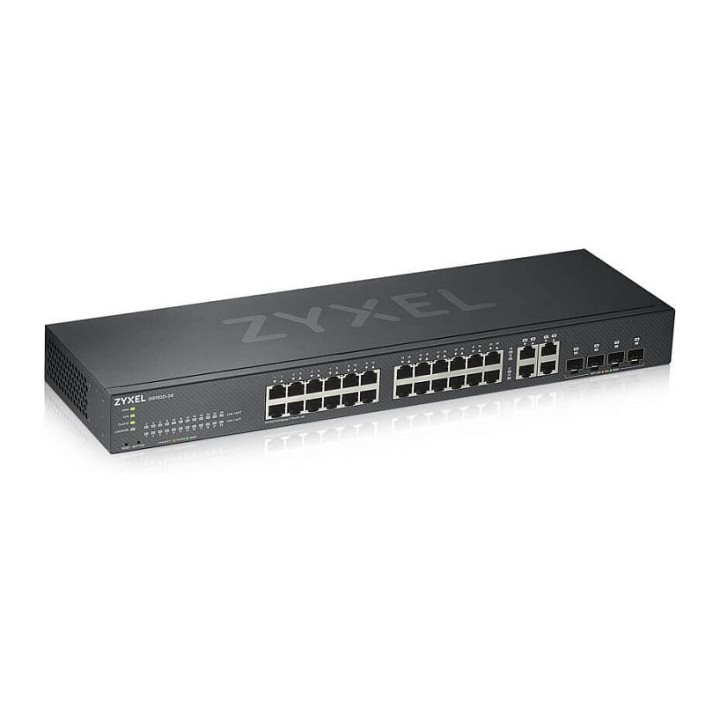
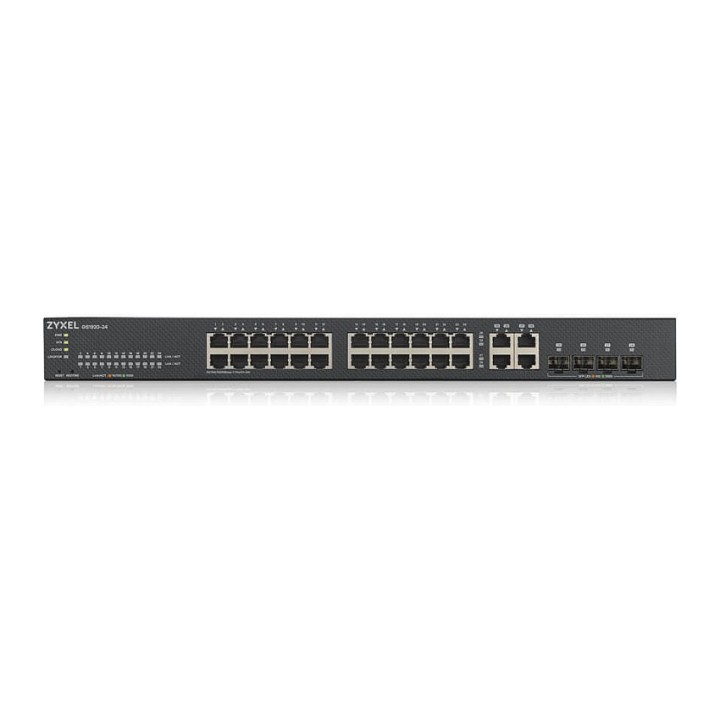
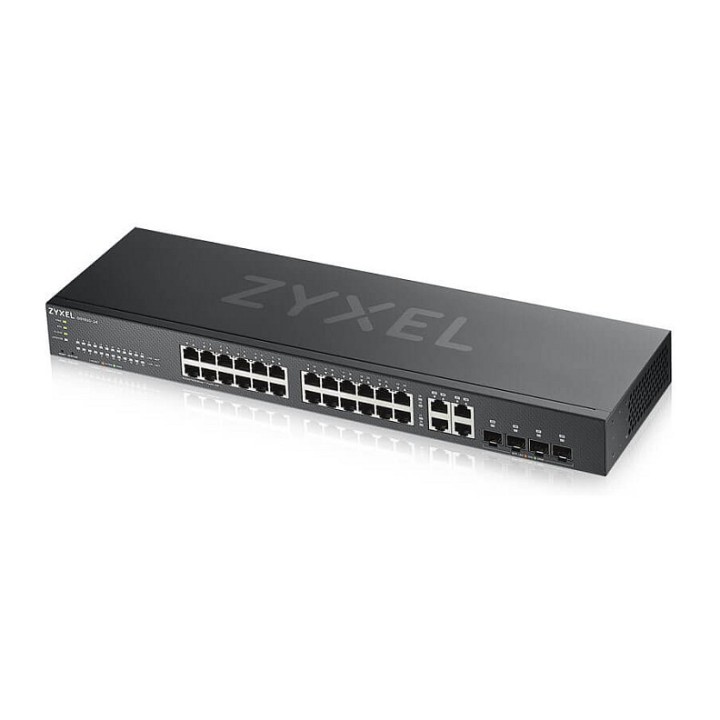
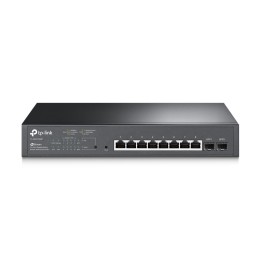
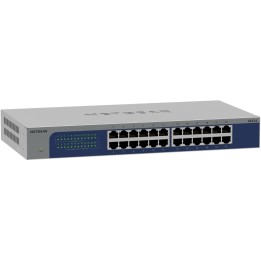
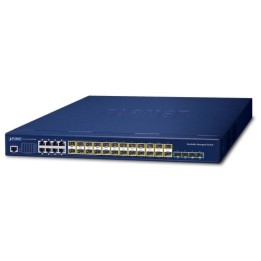
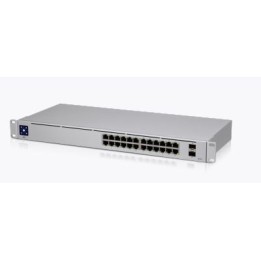
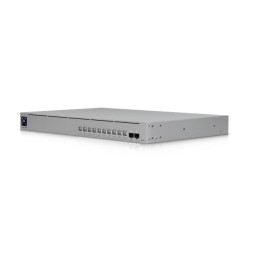
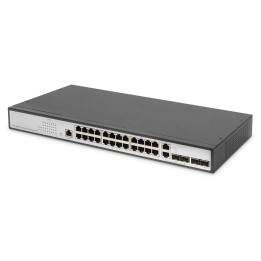
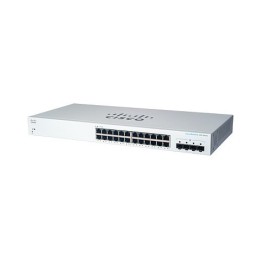
Przełącznik GS1920-24v2 28 Port Smart Managed Switch 24xGb 4xGb Standalone or NebulaFlex Cloud
Opis produktu
Przełącznik GS1920-24v2
Przełączniki Smart Managed serii Zyxel GS1920v2 przedstawia Zyxel NebulaFlex który pozwala łatwo przełączać się między naszą wolną od licencji platformą do zarządzania chmurą Nebula w dowolnym czasie za pomocą zaledwie kilku prostych3 kliknięć.
Specyfikacja
- Klasa przełącznika: Zarządzalny
- Zastosowanie (switche): Średnie i duże firmy (powyżej 16 portów)
- Warstwa przełączania (switche): L2
- Architektura sieci (switche): GigabitEthernet
- Liczba portów 10/100/1000 Mbps: 24
- Liczba portów COMBO: 4
- Przepustowość (switche Gbps): 56 GB/s
- Prędkość przekazywania (Mpps): 42 Mpps
- Bufor pakietów: 1.5 MB
- Rozmiar tablicy adresów MAC: 16000
- Możliwość łączenia w stos: Tak
- Obsługiwane protokoły i standardy: IEEE 802.3ab 1000BASE-T Ethern IEEE 802.3z 1000BASE-X* IEEE 802.3af PoE* IEEE 802.3at PoE Plus* IEEE 802.3az EEE* IEEE 802.3x flow control IEEE 802.1AB LLDP/LLDP-MED IEEE 802.3ad LACP aggregation* IEEE 802.1D Spanning Tree Protocol (STP)* IEEE 802.1w Rapid Spanning Tree Protocol (RSTP)* IEEE 802.1s Multiple Spanning Tree Protocol (MSTP) IEEE 802.1Q VLAN tagging* IEEE 802.1p Class of Service (CoS) Prioritization* IEEE 802.1X port authentication
- QoS: No. of hardware queues per port: 8* 802.1p queuing methods: SPQ, WRR, WFQ* Storm control: broadcast, multicast, unknown unicast (DLF)* Port-based rate limiting (ingress/egress) Rate limiting per IP/TCP/UDP per port Policy-based rate limiting 802.3x flow control 802.1p Class of Service (SPQ, WFQ, SPQ/WFQ combination capable) DiffServ (DSCP)
- Bezpieczeństwo: 802.1X* Port security* Layer 2 MAC filtering Layer 3 IP filtering Layer 4 TCP/UDP socket filteri Static MAC forwarding Multiple RADIUS servers* Multiple TACACS+ servers 802.1x VLAN and 802.1p assignment by RADIUS* Login authentication by RADIUS* Login authentication by TACACS+ TACACS+ accounting Authorization on RADIUS* Authorization on TACACS+ SSL* MAC freeze DHCP snooping IPv4* DHCP snooping IPv6 ARP inspection Static IP-MAC-Port binding Policy-based security filtering Port isolation IP source guard MAC search Guest VLAN* ACL packet filtering (IPv4/IPv6)* CPU protection Interface related trap enable/disable (by port) IPv6 Duplicated Address Detection
- Zarządzanie, monitorowanie, konfiguracja: SNMP v1, v2c, v3 SNMP trap group RMON (1, 2, 3, 9) ICMP echo/echo reply Syslog* IEEE 802.1AB LLDP IEEE 802.1AB LLDP-MED Custom default Syslog (IPv4/IPv6) Display port utilization* Support NebulaFlex for hybrid mod
- Funkcje L2: L2 multicast IGMP snooping (v1, v2, v3)* IGMP snooping fast Leave Configurable IGMP snooping timer and priority IGMP snooping statistics IGMP throttling MVR support IGMP filtering IGMP snooping immediate leave IGMP proxy mode & snooping mode selection MLD snooping
- Typ obudowy: Rack (Switche/UPS)
- Wentylator (switche): Tak
- Zasilacz (switche): Wewnętrzny
- Pobór mocy: 22.5 W
- Czas pracy pomiędzy awariami (MTBF): 911.301 h
- Akcesoria w zestawie: Kabel zasilający Dokumentacja techniczna Zestaw do montażu
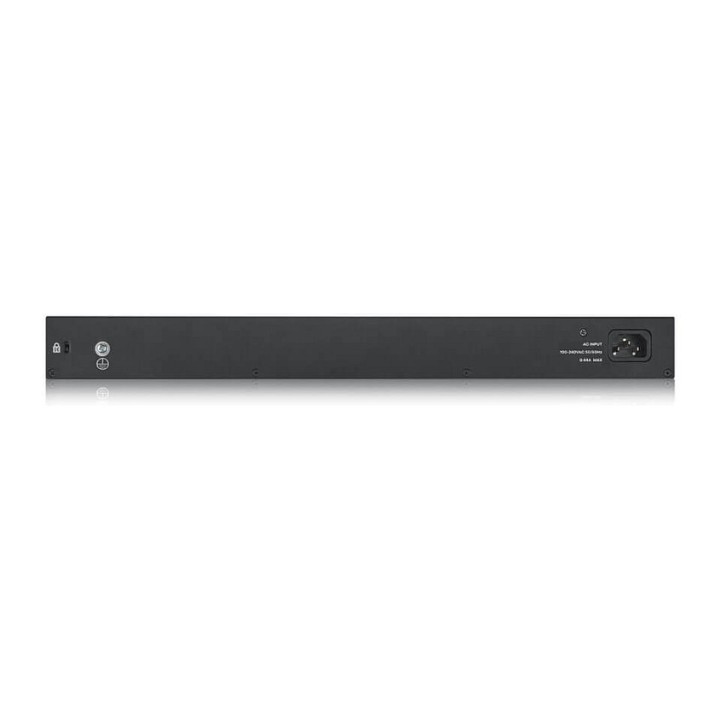
- Zasilanie: 100 to 240 V AC, 50/60 Hz
- Wymiary: 441 x 131 x 44 mm
- Waga: 2.1 kg
- Uwaga: CE+WEEE

Szczegóły produktu
- Marka Zyxel
- Kod produktu 660fbac871a267703caf12f9
- Dostępność 16 Przedmioty
- EAN13 4718937601851
- MPN GS192024V2EU0101F
Specyfikacja
- Liczba portów (szt.) 24 szt.
- Rodzaj zarządzania Zarządzalny
- Montaż Rack Tak
- Typ obudowy sieciowej Rack (Switche/UPS)
Producent
Producent
Zyxel Communications A/S
Generatorvej 8D 2860 Søborg Dania
E-mail: sales@zyxel.eu
Formularz kontaktowy: https://www.zyxel.com/service-provider/global/en/contact-us
Osoba odpowiedzialna w UE
Zyxel Networks A/S
Gladsaxevej 378 2860 Søborg Denmark
E-mail: sales@zyxel.dk
Formularz kontaktowy: https://www.zyxel.com/global/en/contact
Telefon: +45 39550700
Bezpieczeństwo
Informacje o bezpieczeństwie
List of safety warnings for network equipment based on the requirements of General Product Safety Regulation (GPSR) 2023/988: 1. Risk of electric shock: * Make sure that the device is connected to a working socket with grounding. * Do not touch the plug or cable with wet hands. * Avoid using the device in places with high humidity. 2. Risk of overheating: * Provide adequate ventilation while maintaining at least 5 cm of free space around the device. * Do not block ventilation openings and avoid putting network equipment on soft surfaces such as blankets or pillows. 3. Fire risk: * Use only original power supplies and accessories recommended by the manufacturer. * Do not leave the device on unattended near flammable materials. 4. Risk of bodily injury: * Use the device on a stable surface to minimize the risk of falling. 5. Hazards in humid environments: * Do not use network equipment outdoors in rain or in places with high humidity. * If the device is flooded, immediately disconnect it from the power source and contact the service. 6. Hazards at high temperatures: * Do not expose the device to direct sunlight. * Avoid using network equipment at temperatures above the recommended range (usually 5-35°C). 7. Risk of damage during cleaning: * Before cleaning, disconnect the device from the power supply and use a soft, slightly damp cloth. * Avoid using strong detergents that can damage the surface of the device. 8. Caution when replacing accessories: * Use only the accessories recommended by the manufacturer. * When replacing batteries, follow the manufacturer's instructions and do not expose the battery to high temperatures. 9. Risks associated with battery use: * Avoid damage to the battery by impact or puncture. * If the battery overheats or swells, stop using the device immediately. 10. Warnings for children: * Keep power cables out of reach of children. * Make sure that children do not play with the device or accessories that can be dangerous. 11. Electromagnetic interference: * Using network equipment near medical devices such as pacemakers can cause electromagnetic interference. * Maintain a distance of at least 15 cm between network equipment and medical devices. 12. Fire hazard: * Storing network equipment near flammable materials or using non-original power supplies may increase the risk of fire. * Use your smartphone away from fabrics, paper, and other flammable materials. 13. Regular maintenance: * Failure to regularly clean ports and sockets can lead to damage or failure. * Clean ports and sockets regularly using a dry and clean cloth, avoiding moisture input.
Switche
Ostatnio oglądane
Produkty, które ostatnio zwróciły Twoją uwagę.