- Nowy
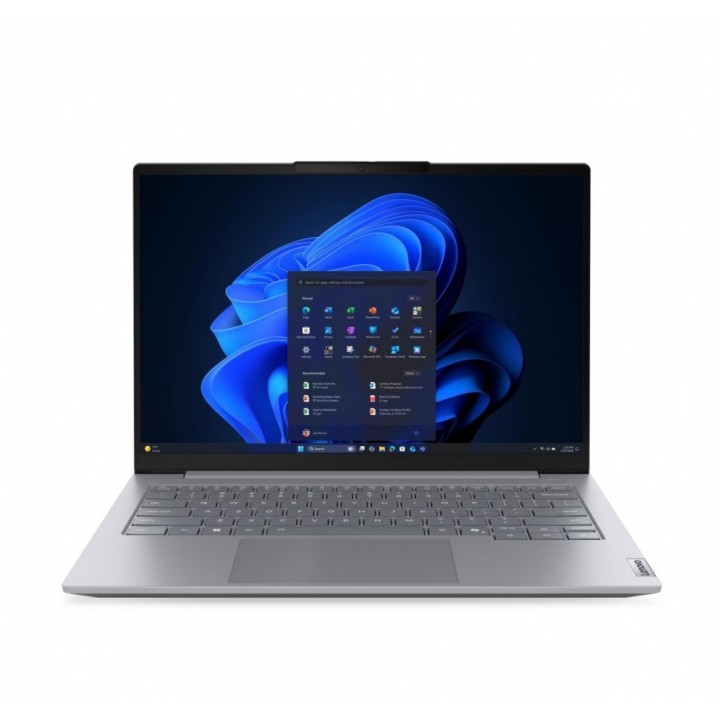
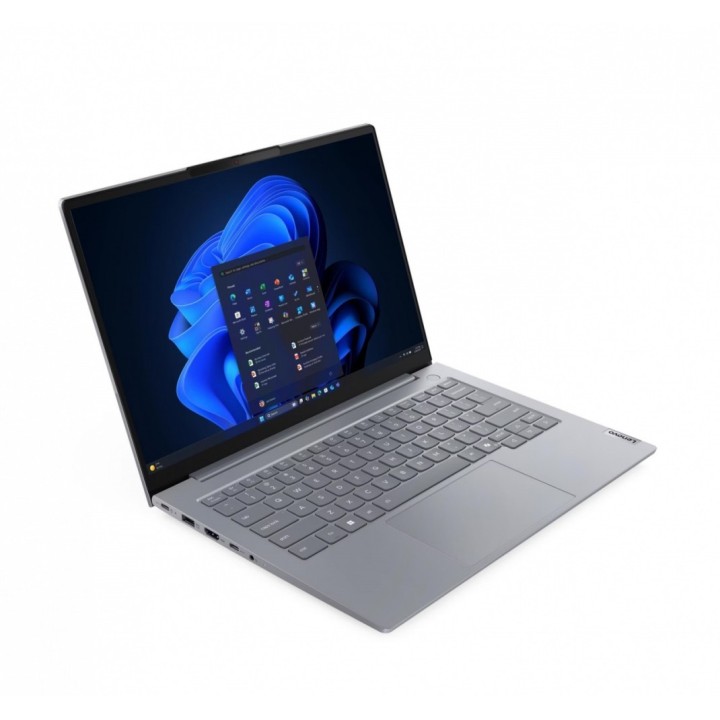
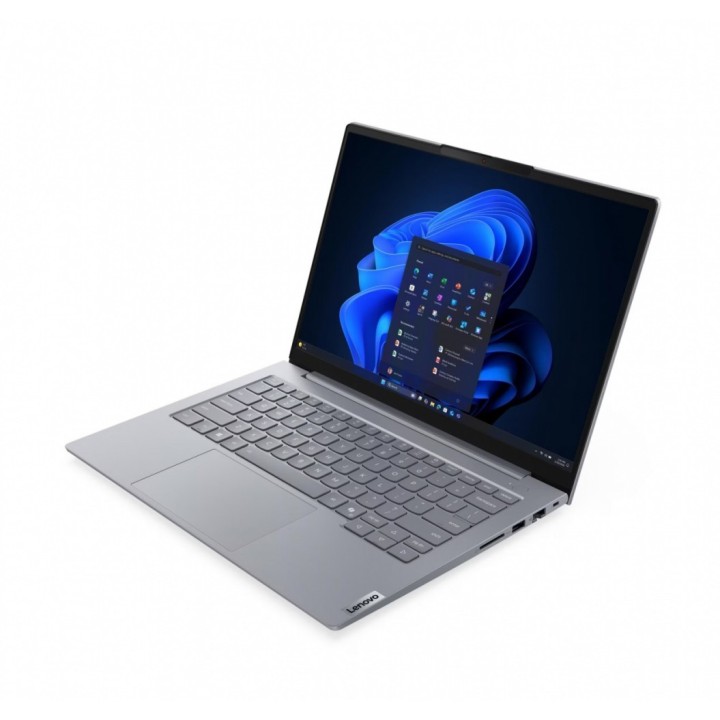
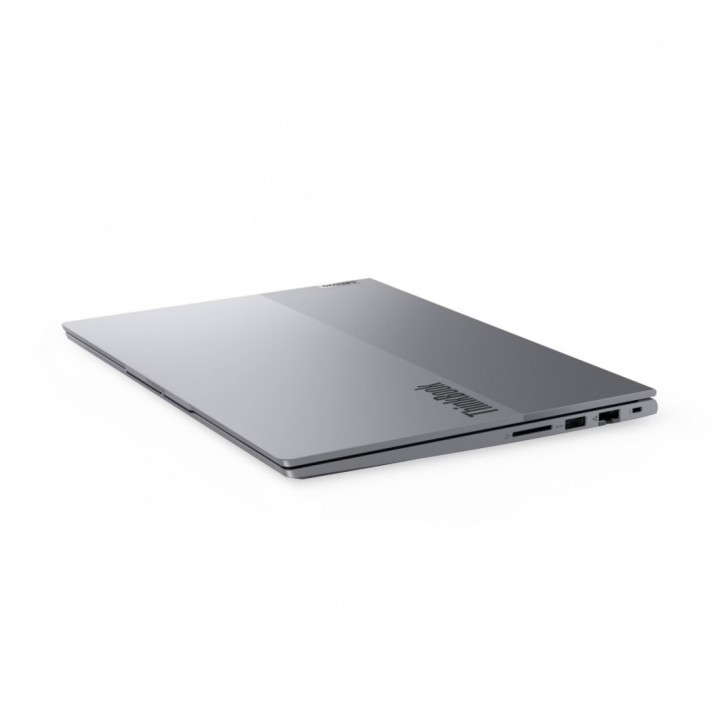
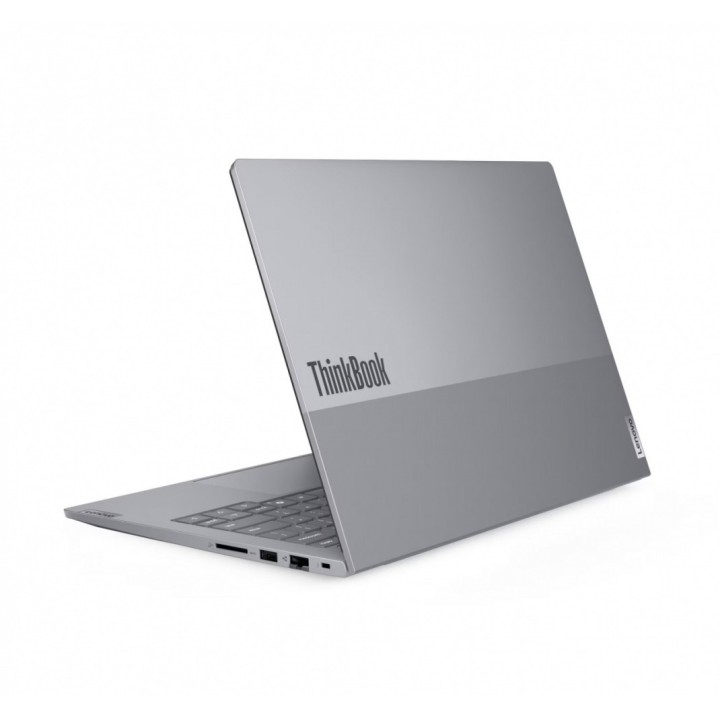
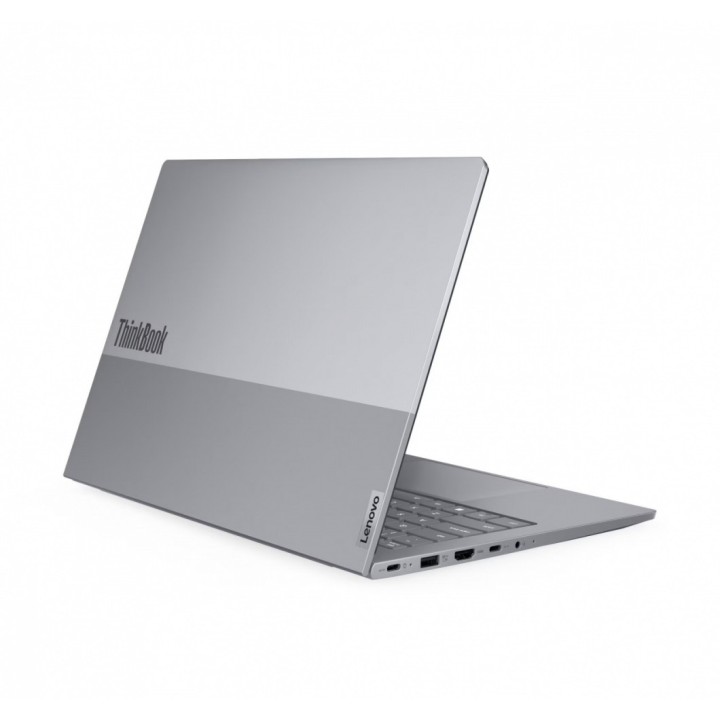
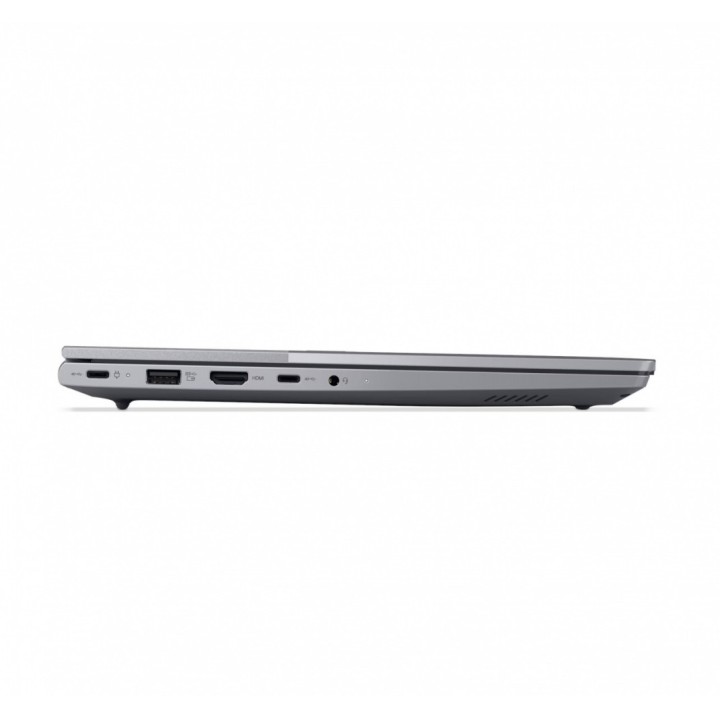
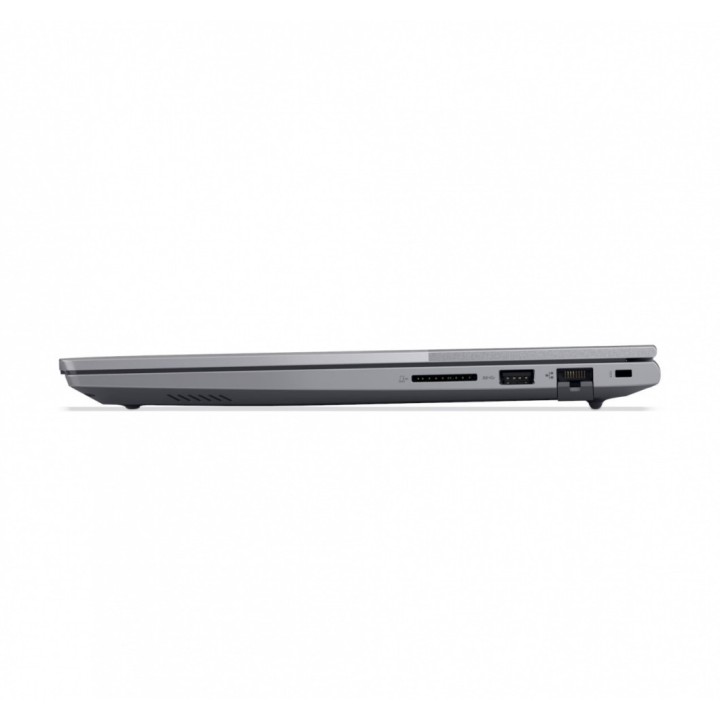
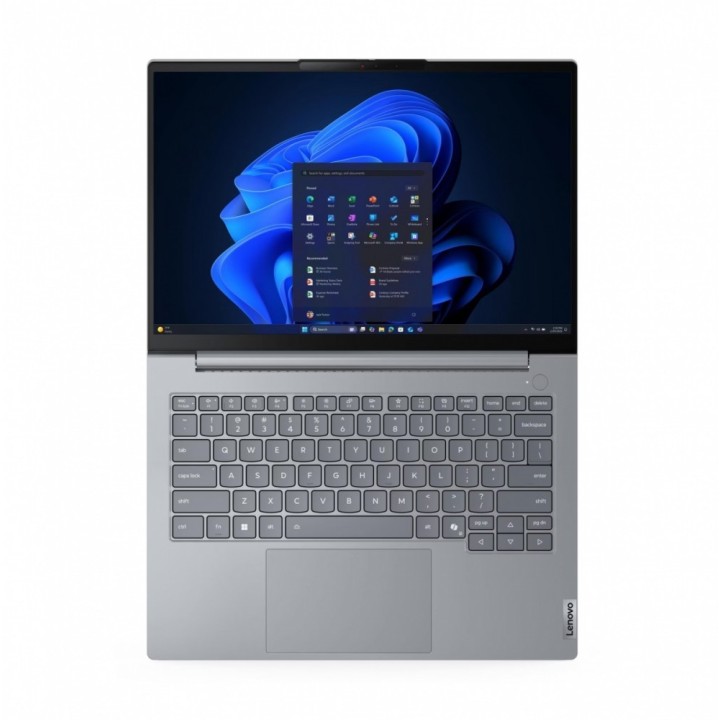
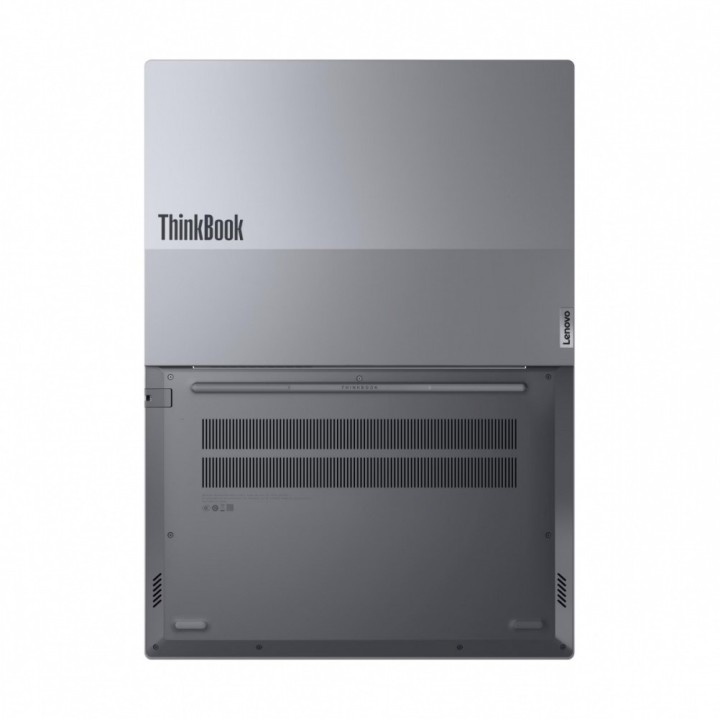
LENOVO ThinkBook 14 G9 IRL Intel Core 7 240H 14inch WUXGA 16GB 512GB SSD obrazki
LENOVO ThinkBook 14 G9 IRL Intel Core 7 240H 14inch WUXGA 16GB 512GB SSD
Opis produktu
Lenovo ThinkBook 14 G9 IRL 21UY - Intel Core 7 - 240H - Win 11 Pro - Intel Graphics - 16 GB RAM - 512 GB SSD NVMe - 14" IPS 1920 x 1200 - Gigabit Ethernet - Wi-Fi 7, Bluetooth - arctic gray -klawiatura: Angielska - Europejska - z 3 Lata Lenovo Onsite Support, kompensacja CO2 w ilo¶ci 0,5 tony (2. Generacji)
Szczegóły produktu
- Marka Lenovo
- Kod produktu 6a52054c9042cea65a38925e
- Dostępność 38 Przedmioty
- EAN13 0199276592828
- MPN 21UY00G2PB
Specyfikacja
- Przekątna ekranu (cal) 14 cal
- Rozdzielczość natywna 1920 × 1200
- Typ matrycy IPS
- Ekran dotykowy Nie
- Model procesora 240H
- Seria procesora Intel Core 7
- Typ pamięci RAM DDR5
- Pamięć RAM (GB) 16 GB
- Pojemność dysku (GB) 512 GB
- Masa (kg) 1,36 kg
- Model układu graficznego Intel Graphics
- System operacyjny Windows 11 Pro
Producent
Producent
Lenovo Technology B.V. Sp. z o.o. Oddział w Polsce
ul. Gottlieba Daimlera 1 02-460 Warszawa Polska
Osoba odpowiedzialna w UE
Lenovo (Slovakia) s.r.o.
Landererova 12 811 09 Bratislava SLOVAKIA
E-mail: balenovo_sk@lenovo.com
Telefon: +421 2/686 880 00
Bezpieczeństwo
Informacje o bezpieczeństwie
List of shredder safety warnings based on the requirements of General Product Safety Regulation (GPSR) 2023/988: 1. Risk of injury: Be careful when using the shredder to avoid injury by sharp cutting elements. 2. Risk of pulling in: Make sure loose clothing items, hair and jewelry are kept away from the shredder’s entry hole to prevent pulling in. 3. Child protection: The shredder should be kept out of reach of children to avoid accidental start-up and potential injury. 4. Power off: Always disconnect the shredder from power before cleaning, maintaining or emptying the clipping container. 5. Overload protection: Do not exceed the recommended number of sheets of paper during one-time destruction to avoid overloading and damage to the device. 6. Suitable materials: Destroy only materials intended for destruction by the shredder. Avoid destroying metal, plastic, credit cards (unless the shredder is designed for this) or other hard objects that can damage the device. 7. Electrical safety: Make sure the shredder is grounded and connected to the appropriate power source. Do not use the device in wet conditions. 8. Overheating protection: Avoid prolonged, continuous use of the shredder to prevent overheating. Allow the device to cool down after each work cycle. 9. Regular cleaning: Regularly clean the shredder to remove accumulated paper and dust, ensuring proper operation and preventing potential hazards. 10. Safe emptying: Empty the clipping container regularly to avoid overfilling and potential problems with the operation of the device. 11. Avoid contact with water: Protect the shredder from contact with water and other liquids. 12. Stable Setting: Set the shredder on a stable surface to prevent the device from tipping over. 13. Maintenance: All repairs and maintenance activities should be performed by qualified personnel. 14. Manual storage: Store the instruction manual in an easily accessible location so that you can quickly check safety and usage policies if needed. 15. Disposal: Used shredders must be disposed of in accordance with local regulations on electronic waste.
Laptopy
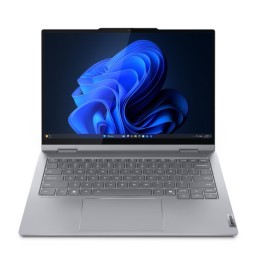
- Nowy
- Nowy
- Nowy

- Nowy
Ostatnio oglądane
Produkty, które ostatnio zwróciły Twoją uwagę.