- Nowy

Rozwiązanie dedykowane dla Ciebie
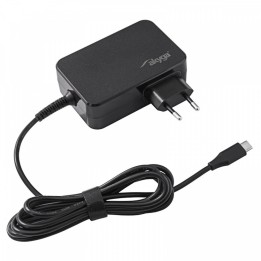
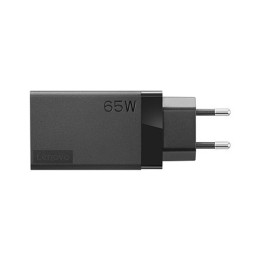
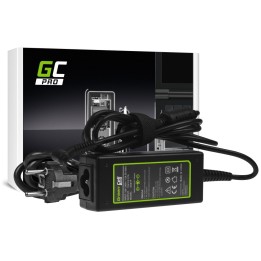
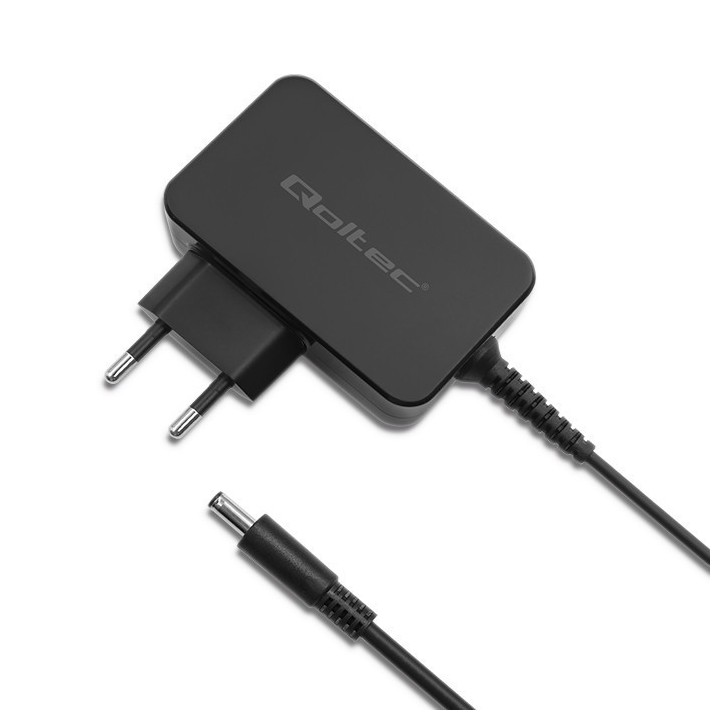
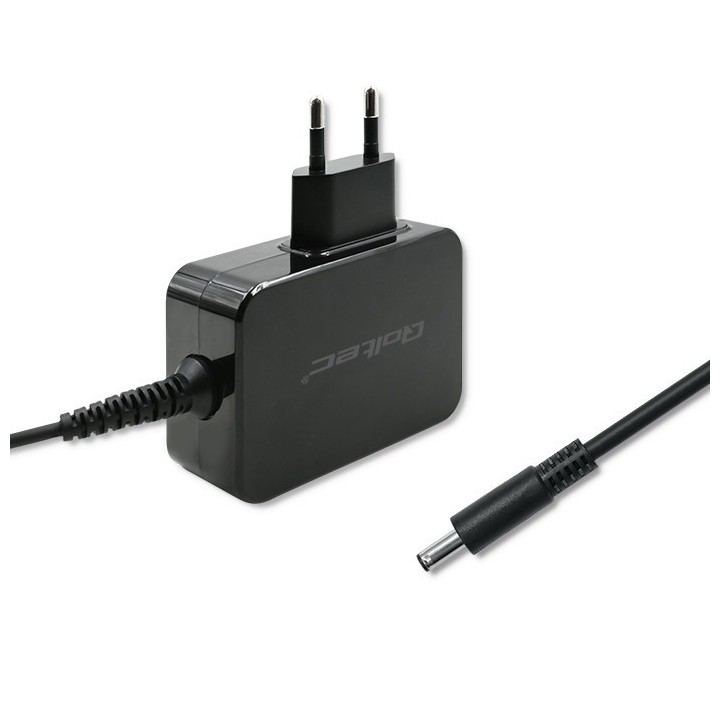
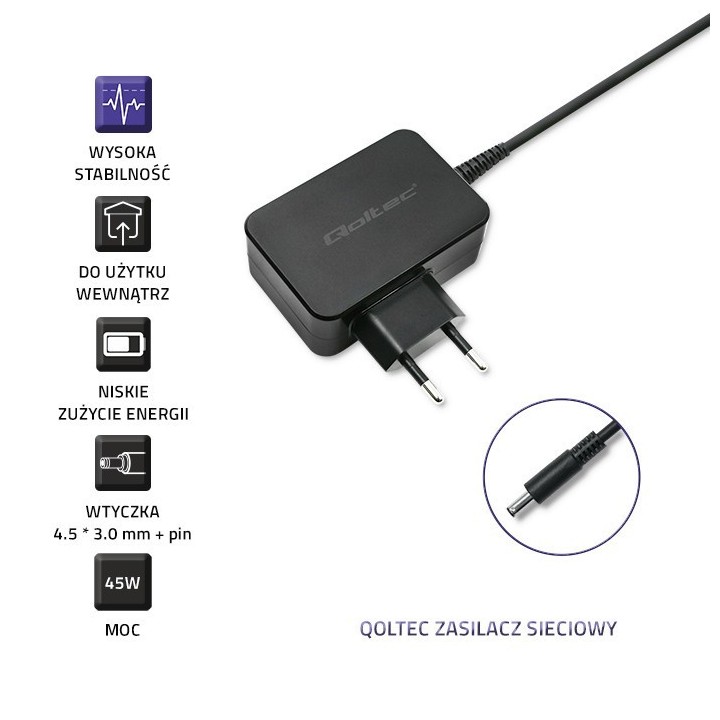
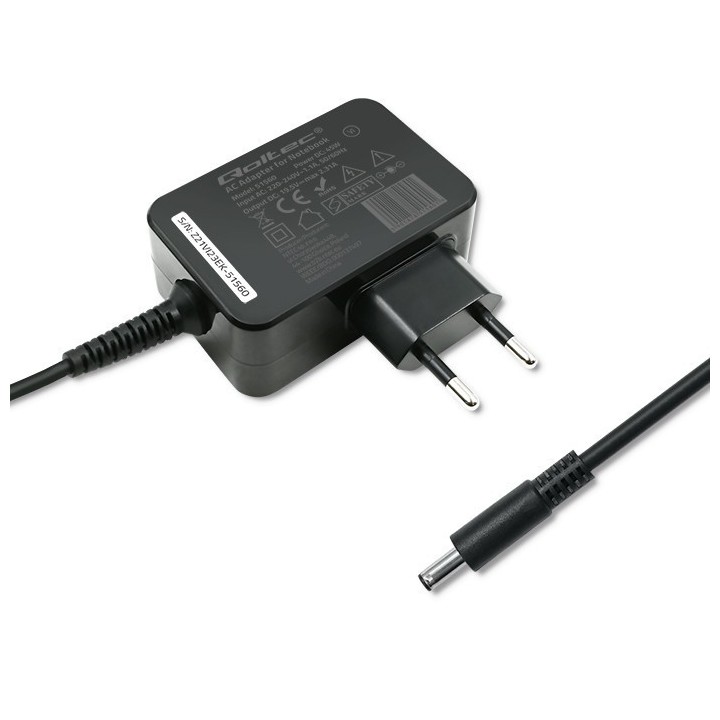
Niezawodność ma dla Ciebie kluczowe znaczenie? Wybierz zasilacz sieciowy Qoltec dedykowany do laptopów marki Dell. Idealnie sprawdzi się w domu lub w biurze, jako zasilacz główny lub dodatkowy. Został wykonany z materiałów najwyższej jakości, a zastosowane w nim technologie pozwolą na niskie zużycie energii oraz wysoką wydajność. W zestawie znajdziesz zasilacz wraz z rzepem do porządkowania kabla, dzięki któremu dostosujesz długość przewodu do swoich potrzeb.
Bezpieczne zasilanie w uniwersalnym wydaniu
Zbudowana z wysokiej jakości materiałów zapewnia całkowite bezpieczeństwo użytkowania.
Dodatkowo posiada zabezpieczenia przeciw:
- zbyt niskim lub zbyt wysokim napięciem wejściowym,
- przeciążeniem każdej z linii zasilających,
- zwarciem w obwodzie zasilacza,
- przeciążeniem lub złą cyrkulacją powietrza.
Dopasowanie zasilacza podajemy pomocną dłoń
Dopasowanie odpowiedniego zasilacza do posiadanego modelu laptopa jest bardzo ważne. Przymusową przerwę w działaniu skrócisz do minimum stosując tych kilka prostych zasad:
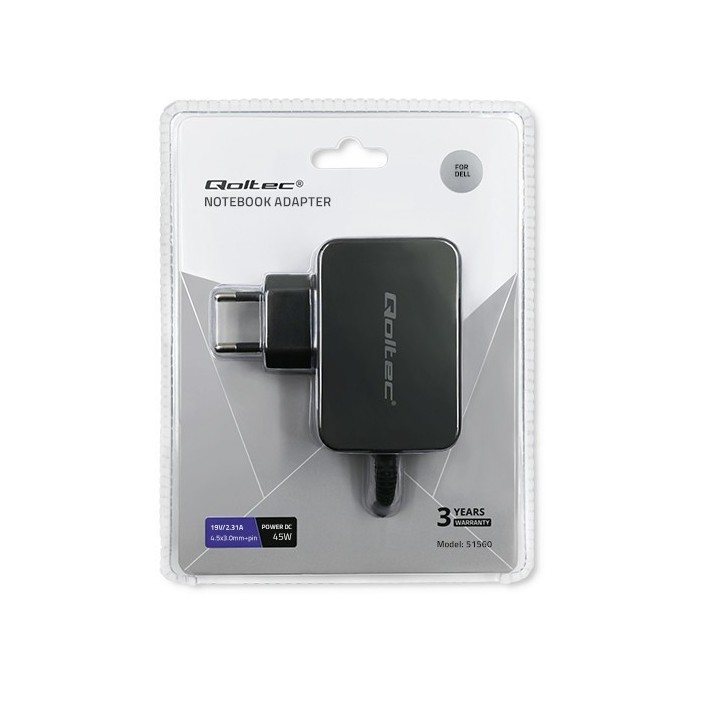
Podstawowe parametry odczytasz z etykiety znajdującej się na spodzie laptopa, będą to: MOC (W), NAPIĘCIE (V), NATĘŻENIE (A). Poniższe punkty rozwieją wszelkie wątpliwości, które mogą się pojawić przy dokonywaniu wyboru sprzętu:
1. MOC (W) liczba ta oznacza minimalną wartość jaką powinien mieć nowy zasilacz. Nic nie stoi na przeszkodzie, by zastosować produkt o wyższej mocy. Dzięki temu będzie on mniej obciążony, a w związku z tym mniej się będzie nagrzewał.
2. NATĘŻENIE (A) tu tak jak w przypadku MOCY wartość na nowym zasilaczu może być równa lub wyższa od podanej na etykiecie znamionowej laptopa.
3. NAPIĘCIE (V) liczba przy tym parametrze jest bardziej restrykcyjnie wymagana. Dopuszcza się jedynie wahanie +/- 0,5V.
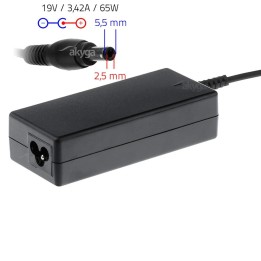
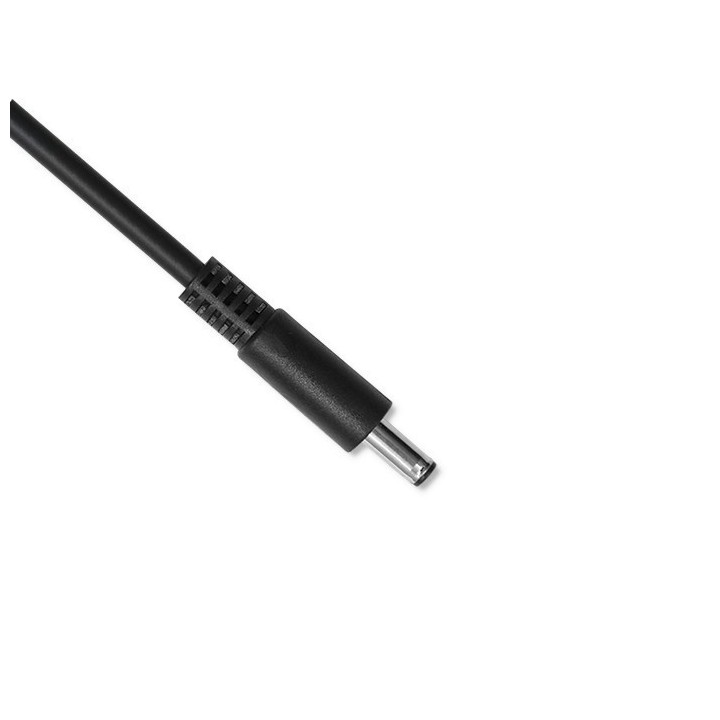
Ostatnią i równie istotną kwestią jest WTYCZKA. Bez niej ani rusz! Tutaj nie ma żadnych odstępstw, konieczne jest, by była identyczna z oryginałem. Podany rozmiar oznacza średnicę zewnętrzną oraz średnicę wewnętrzną bolca. Jeżeli porównanie na podstawie przedstawionego zdjęcia nie wystarczy, konieczny będzie pomiar, który ostatecznie upewni Cię w Twoim wyborze.
ntec sp. z o.o.
Chorzowska 44B 44-100 Gliwice Polska
E-mail: info@qoltec.pl
Telefon: +48 32 600 79 89
List of safety warnings Laptop power supplies based on the requirements of Regulation (EU) 2023/988 on General Product Safety (GPSR) 1. Risk of electric shock: * Make sure the power supply is connected to a working grounded outlet. * Do not touch the plug or cable with wet hands. * Avoid using the power supply in places with high humidity. * Regularly check the condition of cables and plugs for damage. 2. Risk of overheating: * Provide adequate ventilation around the power supply, do not block ventilation openings. * Do not cover the power supply during use. * Do not use the power supply near heat sources or in a sunny place. 3. Fire risk: * Use only the original power supplies recommended by the laptop manufacturer. * Do not leave the power supply on unattended near flammable materials. * Do not use damaged cables or plugs. 4. Risk of damage to the power supply: * Protect the power supply from drops and bumps. * Do not wrap the cable around the power supply when it is connected to electricity. * Store the power supply in a dry and clean place. 5. Compatibility risks: * Make sure that the power supply parameters (voltage and current) are in line with the requirements of your laptop. * Do not use a power adapter that is not designed for your laptop model. 6. Caution when cleaning: * Disconnect the power supply from the power supply before cleaning. * Use a soft, slightly damp cloth to clean the power supply. * Avoid using strong detergents that can damage the surface of the power supply. 7. Child warnings: * Keep the power supply and power cables out of reach of children. * Make sure kids don't play with the power supply or accessories. 8. Battery-related hazards (if the power supply contains a battery): * Avoid damaging the battery by impacts or punctures. * If the battery overheats or swells, stop using the power supply immediately. * Do not expose the battery to high temperatures. * When replacing batteries, follow the manufacturer's instructions. 9. Disposal: * Waste electrical and electronic equipment, including power supplies, must not be placed in municipal waste containers. They should be returned to special collection points or to the seller. * Dispose of the battery in the right place, according to local regulations. 10. Additional precautions: * If the power supply is flooded, immediately disconnect it from the power source and contact the service. * Do not try to repair the power supply yourself.
Produkty, które ostatnio zwróciły Twoją uwagę.