- Nowy
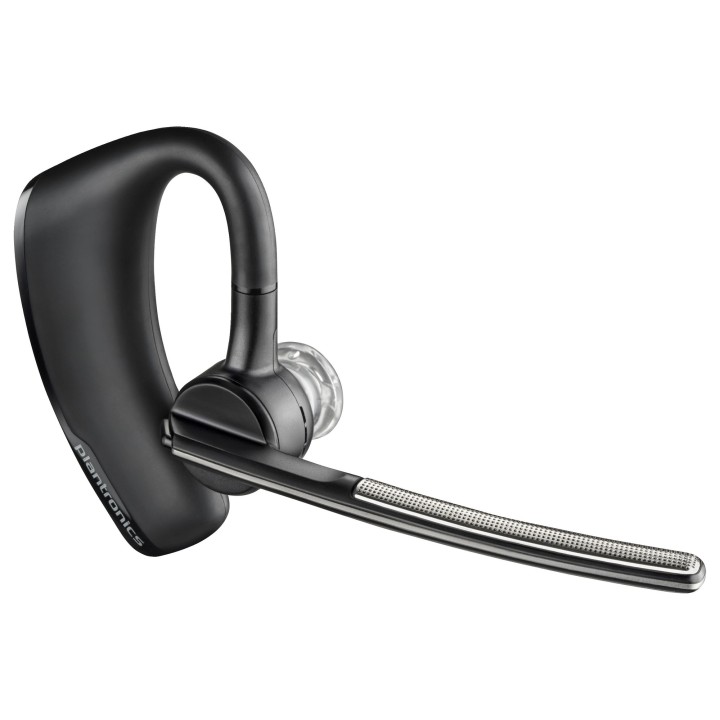

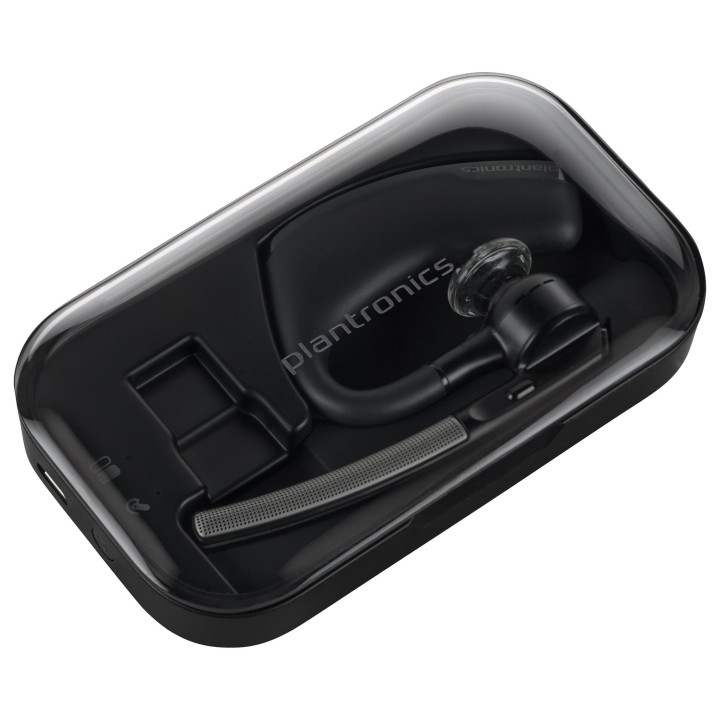
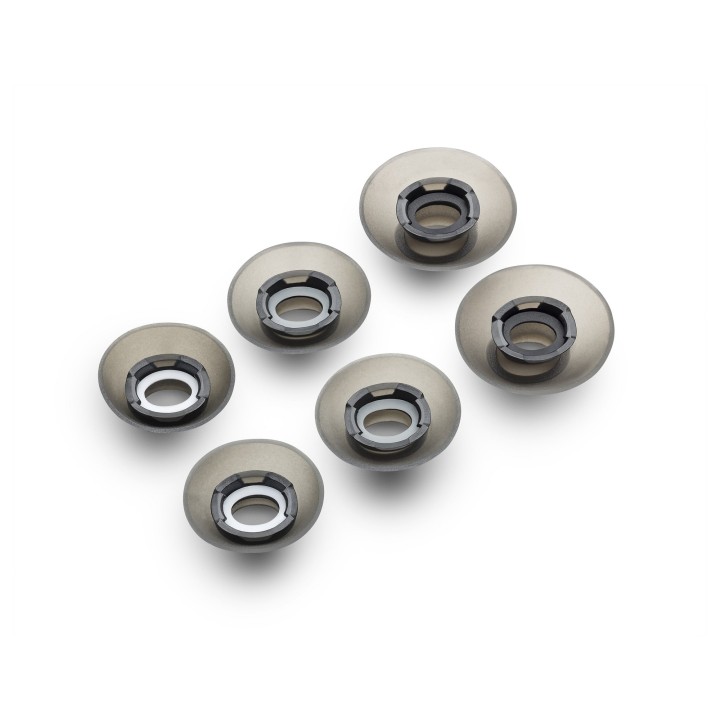
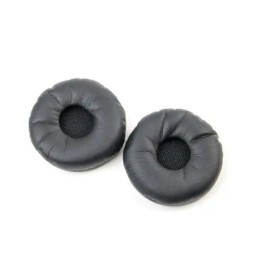
Zestaw końcówek dousznych HP Poly jest niezbędnym akcesorium dla użytkowników zestawów słuchawkowych poszukujących zarówno komfortu, jak i trwałości. Zestaw ten zawiera niewielkich rozmiarów końcówki douszne i piankowe nakładki, wykonane z wysokiej jakości pianki, zaprojektowane w celu poprawy wrażeń dźwiękowych poprzez zapewnienie dokładnego dopasowania bez powodowania zmęczenia uszu. Niezależnie od tego, czy uczestniczysz w długich rozmowach konferencyjnych, słuchasz muzyki, czy grasz, te końcówki douszne i piankowe osłony zapewniają niezawodność i wygodę potrzebną do długotrwałego użytkowania. Ulepsz swój zestaw słuchawkowy za pomocą zestawu końcówek dousznych HP Poly i poczuj różnicę w komforcie i jakości dźwięku.
Małe końcówki douszne dla idealnego dopasowania
Zawiera piankowe nakładki dla większego komfortu
Wysokiej jakości materiał piankowy zapewnia trwałość
HP Inc.
Cami de Can Graells 1-21 08174 Sant Cugat del Valles Spain
E-mail: reg@hp.com
Formularz kontaktowy: https://www.hp.com/es-es/contact-hp
Telefon: 902 02 70 20
HP REG 23010
HP REG 23010 08028 Barcelona Spain
E-mail: reg@hp.com
Formularz kontaktowy: https://www.hp.com/us-en/hp-information.html
List of safety warnings for laptop enclosures and hulls based on the requirements of General Product Safety Regulation (EU) 2023/988 (GPSR): * Make sure the housing is compatible with your laptop model to avoid problems with fitting and component damage. * Check that the housing does not have sharp edges or burrs that could cause cuts. * Be careful when mounting the case so as not to damage delicate laptop components such as motherboard, connectors or cables. * Avoid overtightening the screws that fasten the housing so as not to damage the threads or cause cracks. * If the case has ventilation elements, make sure that they are open and do not block air flow, which could lead to overheating of the laptop. * Do not use the housing in a humid or dusty environment, as this may affect its durability and safety of use. * Store the housing in a dry and safe place, away from heat sources and direct sunlight, to avoid deformation or damage. * Make sure the case does not interfere with laptop ports and connectors, such as USB, HDMI, or power outlet. * If the housing is made of flammable materials, avoid contact with open fire or high temperatures. * In case of damage to the housing (cracks, deformation) immediately stop using it and replace it with a new one. * Pay attention to the ergonomics of the case – make sure that its shape and finish do not cause discomfort when using the laptop. * If the case has additional features (e.g. LED backlight), make sure that they comply with safety standards and do not pose a health hazard. * Be sure to properly recycle the used housing to minimize the negative impact on the environment.

Produkty, które ostatnio zwróciły Twoją uwagę.