- Nowy
Przeznaczenie
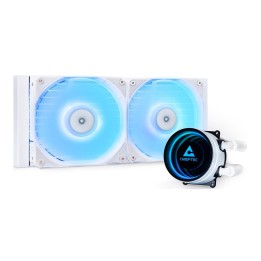
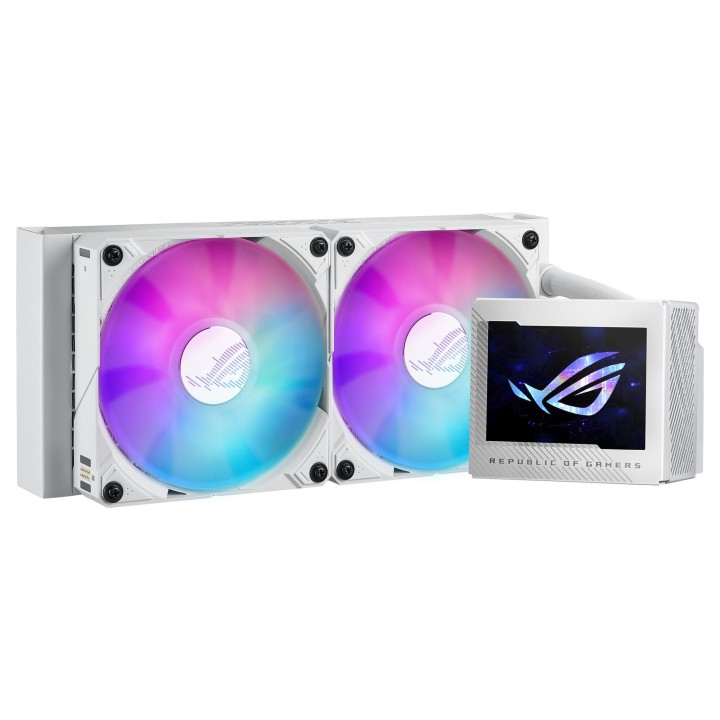
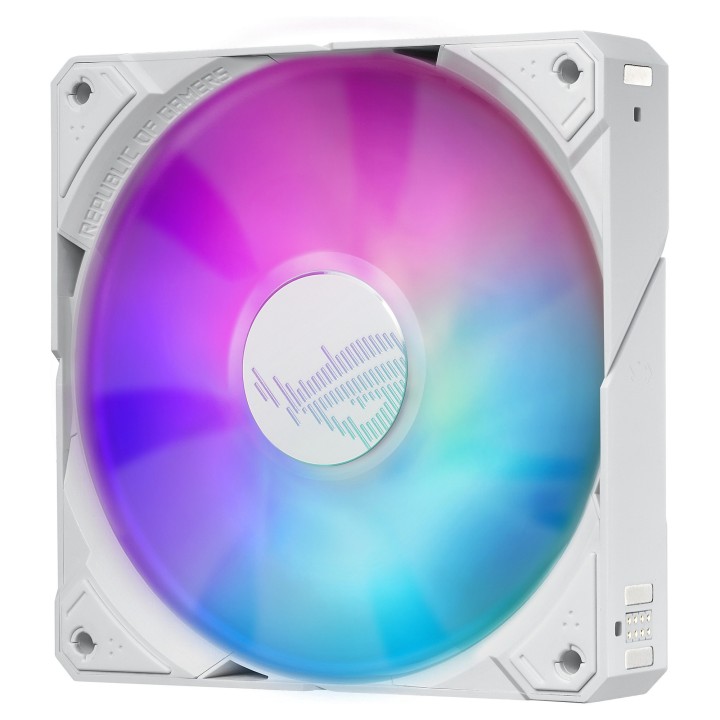
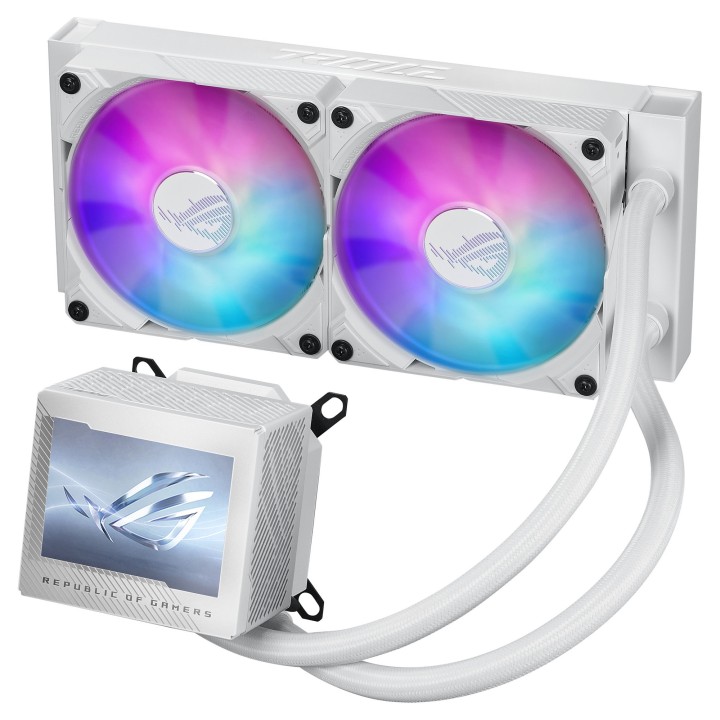
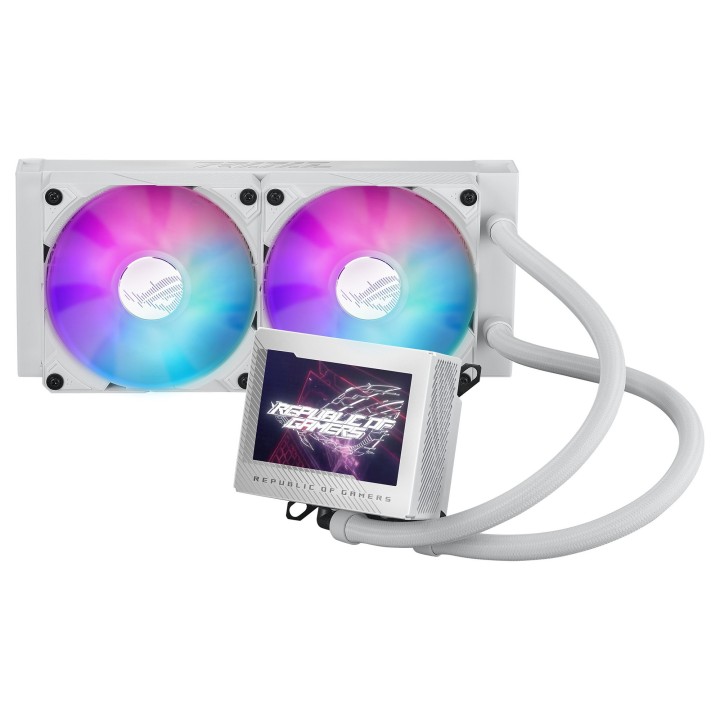
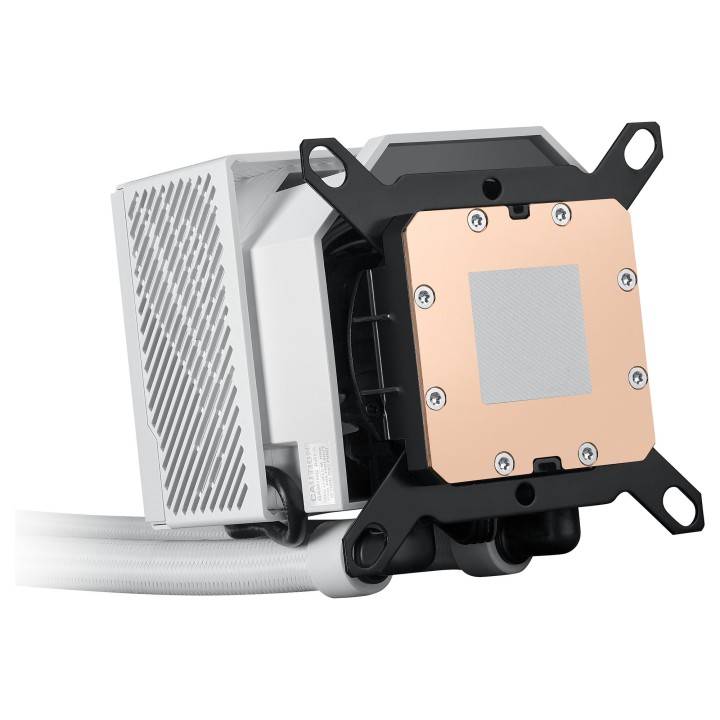
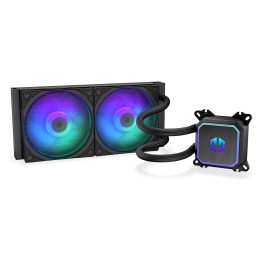
Chłodzenie wodne ASUS ROG Ryujin III 240 ARGB Biała Edycja to rozwiązanie przeznaczone do skutecznego odprowadzania ciepła z procesora w komputerach stacjonarnych. Produkt sprawdzi się zarówno w komputerach do pracy, jak i w zestawach do gier, gdzie wymagane jest utrzymanie stabilnych temperatur przy długotrwałym obciążeniu. Konstrukcja ukierunkowana jest na zapewnienie równowagi między efektywnością chłodzenia a estetyką wnętrza obudowy.
Wydajność chłodzenia
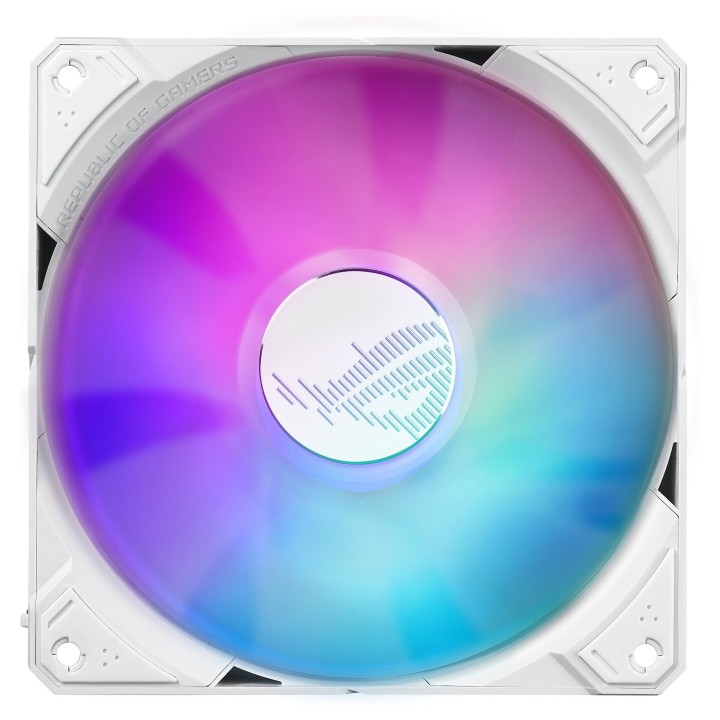
Układ wykorzystuje chłodnicę o długości 240 mm współpracującą z zestawem dwóch wentylatorów o średnicy 120 mm, co umożliwia efektywne rozproszenie ciepła z powierzchni procesora. Przepływ powietrza jest prowadzony przez żeberka radiatora w sposób sprzyjający stabilizacji temperatur w czasie intensywnej pracy systemu. Takie rozwiązanie przyczynia się do zachowania przewidywalnych warunków termicznych przy obciążeniu.
Konstrukcja i podświetlenie
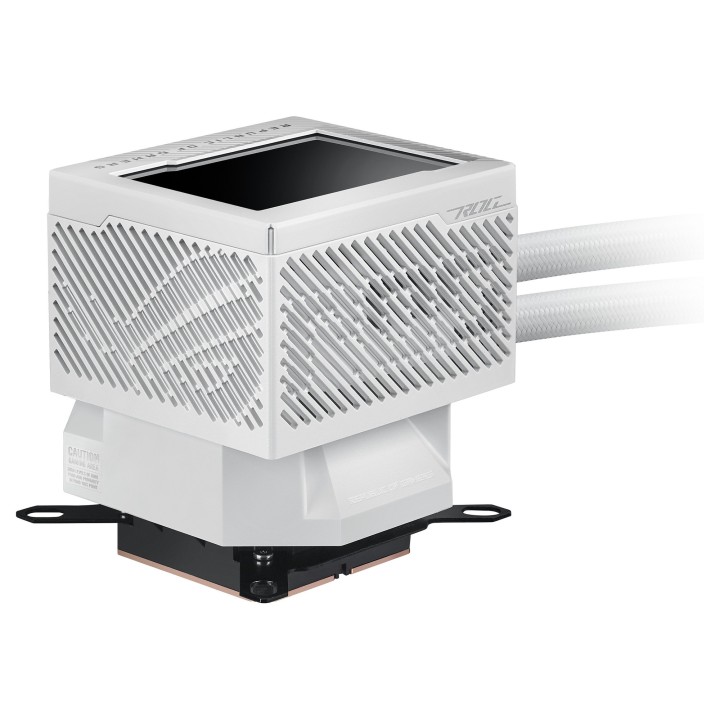
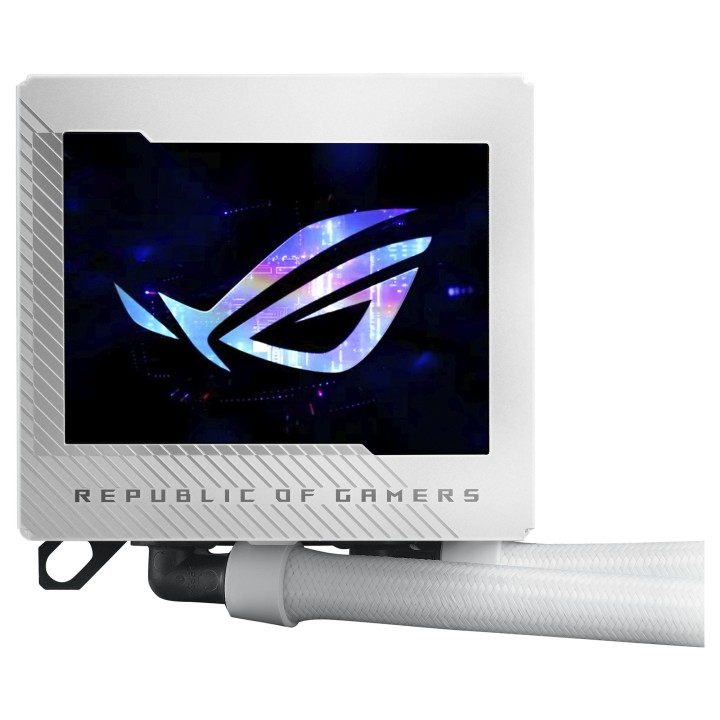
Obudowa bloku wodnego oraz elementy zewnętrzne wykonane są w białym wykończeniu, co nadaje układowi elegancki, spójny wygląd we wnętrzu obudowy. Zintegrowane podświetlenie ARGB pozwala na uzyskanie efektów świetlnych oraz ich synchronizację z innymi komponentami obsługującymi ARGB. Projekt przewiduje układ przewodów i mocowań ułatwiający montaż chłodnicy w typowych obudowach obsługujących rozwiązania 240 mm.
Kompatybilność i cechy
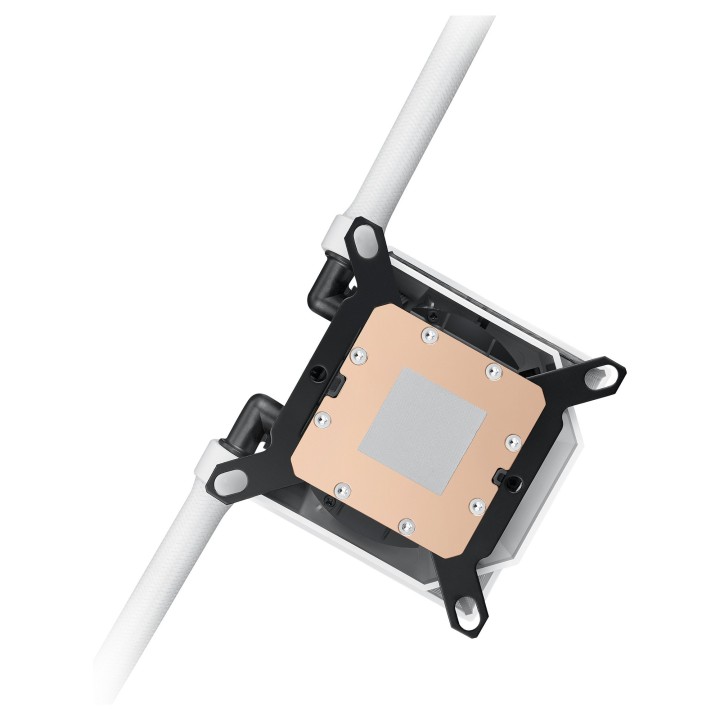
Chłodzenie jest zgodne z popularnymi gniazdami procesora, w tym z Socket 1700, Socket 1151, Socket 1150, Socket 1155, Socket 1156 oraz z gniazdami AMD AM5 i AM4. W zestawie zastosowano elementy charakterystyczne dla konstrukcji typu AiO: blok wodny z pompką, radiator 240 mm i dwa wentylatory 120 mm oraz podświetlenie ARGB, co czyni go opcją uniwersalną dla wielu konfiguracji komputerowych.
ASUS Polska SP. z o.o.
Cybernetyki 9 02-677 Warszawa Polska
E-mail: sales@asus-polska.pl
ASUS Polska Sp. z o.o.
Harkort str 21-23 40880 Ratingen Germany
E-mail: sales@asus-polska.pl
Telefon: 22 571 80 00
List of computer cooling and tuning safety warnings based on the requirements of General Product Safety Regulation (EU) 2023/988 (GPSR): 1. Risk of electric shock: * Before assembly or disassembly, make sure your computer is disconnected from power. * Do not touch the power cords with wet hands. * Use only power supplies and cables that comply with safety standards. 2. Fire risk: * Make sure the cooling system is compatible with your central unit and power supply. * Regularly check the condition of wires and fittings for damage or overheating. * Do not block ventilation holes in the computer case. * Use only non-flammable coolants designed for liquid cooling systems. 3. Risk of physical injury: * Use protective gloves during assembly to avoid cuts to the sharp edges of the components. * Beware of heavy elements such as heat sinks to avoid dropping them on your feet or other body parts. * Secure tuning components such as fans so they don't cause injury while your computer is running. * Take special care when working with liquids - avoid contact with eyes and skin. 4. Risk of damage to equipment: * Before installation, make sure that all components are compatible with your computer. * Follow assembly and disassembly instructions to avoid damage to components. * Do not exceed the recommended voltage and current values to avoid overheating and damage to components. * Clean cooling elements regularly to ensure efficient heat transfer. 5. Coolant Hazards: * In case of coolant leakage, disconnect the computer from power immediately. * Cooling liquid can cause corrosion - it should be removed from the surface of the elements. * Avoid inhaling coolant fumes. 6. Hazards for children: * Keep small items (screws, fittings) out of reach of children. * Do not allow children to assemble or disassemble computer components themselves. 7. Noise: * Fans can generate noise - use headphones or limit the time spent near a loud computer. 8. Electronics hazards: * Use antistatic mats during operation to protect components from electrostatic discharge. * Do not repair damaged items yourself - return them to service. 9. Overheating: * Regularly monitor the temperature of components to avoid overheating. * Make sure your cooling system is working properly and is sufficient for your computer. 10. Fire safety: * Use only certified power supplies and cooling systems. * Regularly check that no dust accumulates inside the housing, which can be flammable.
Produkty, które ostatnio zwróciły Twoją uwagę.