- Nowy
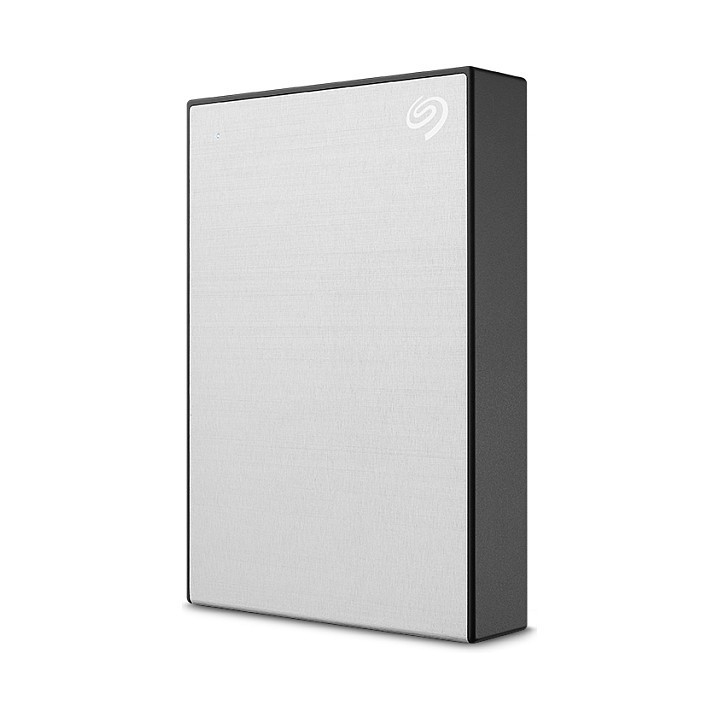
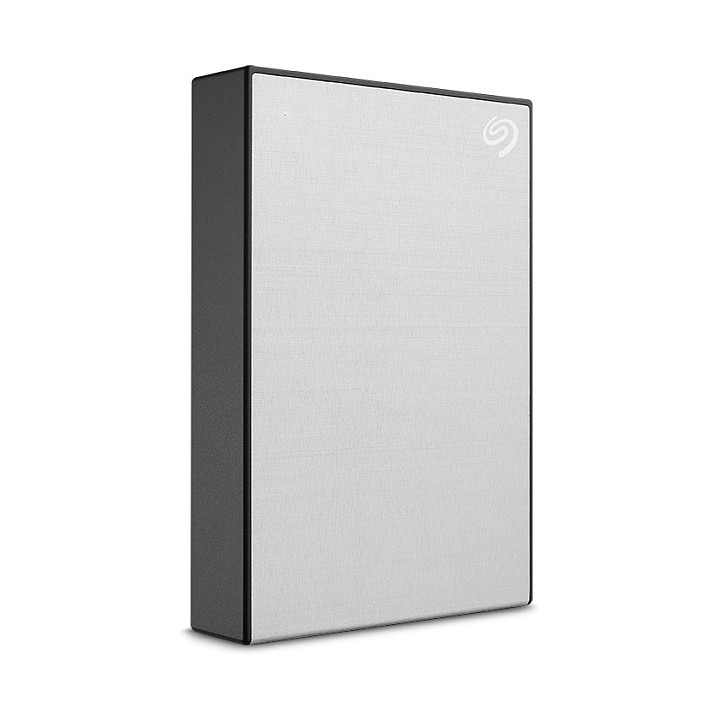
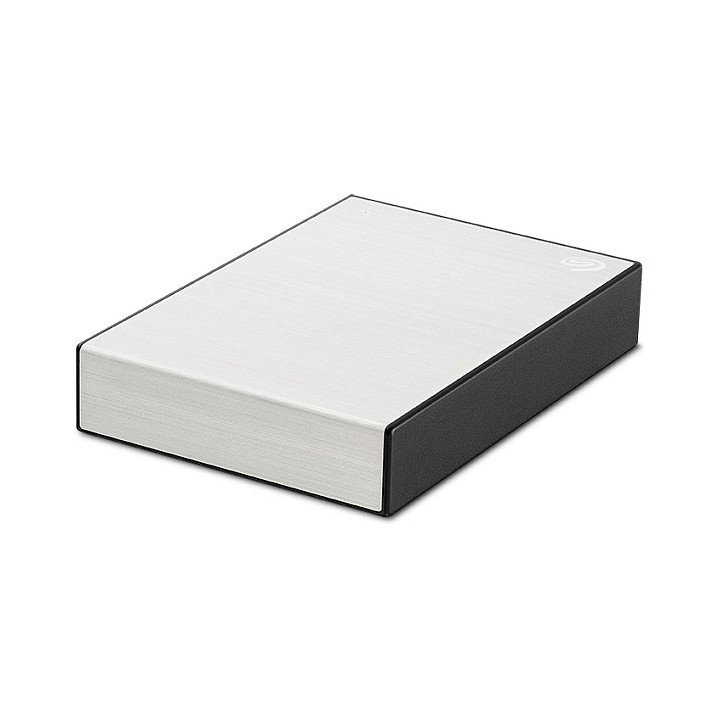
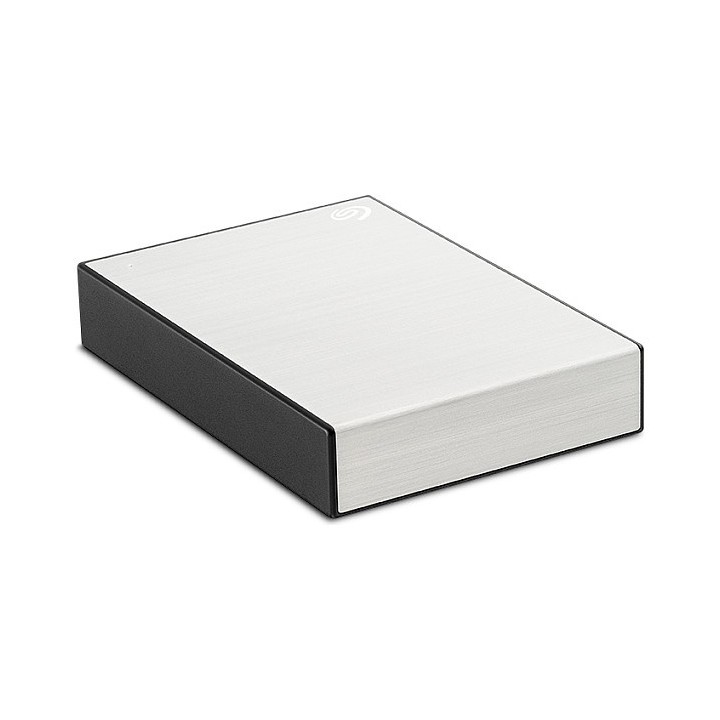
Potrzebne miejsce na rozwój
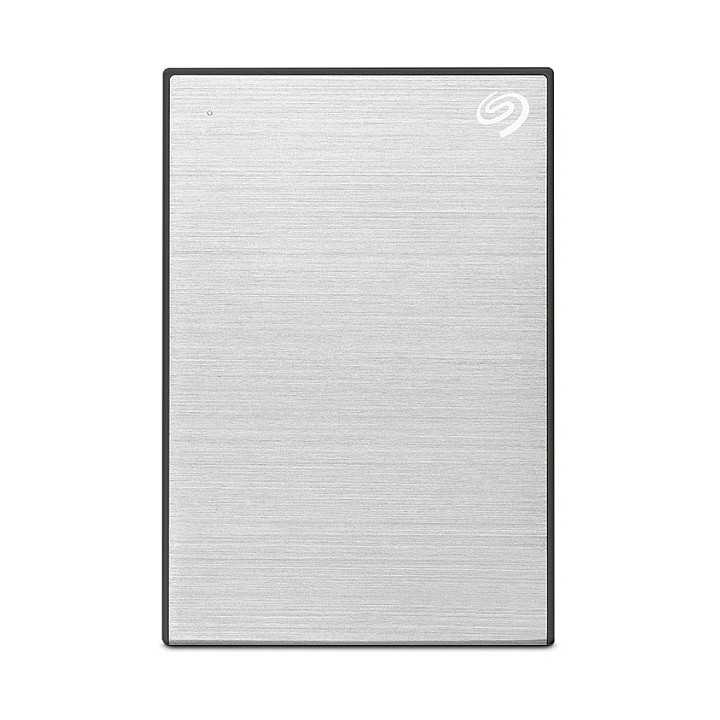
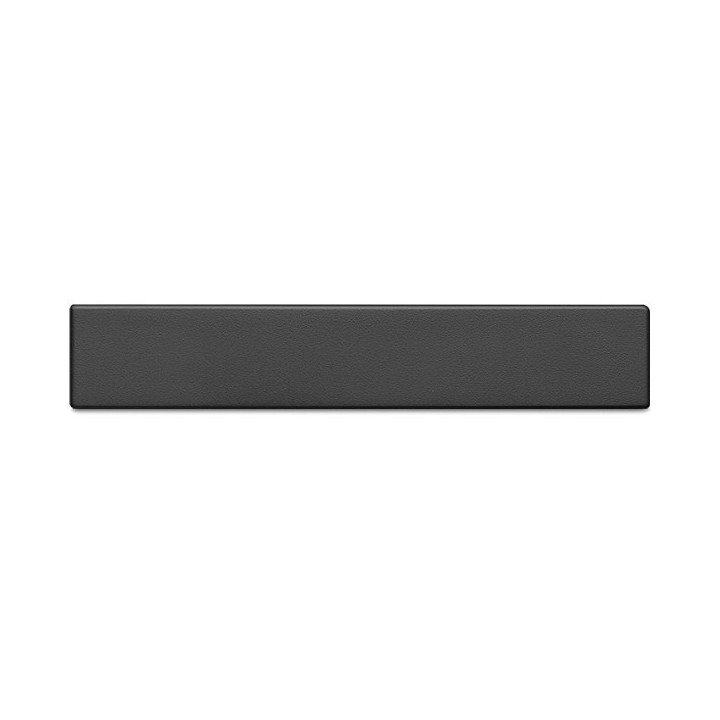
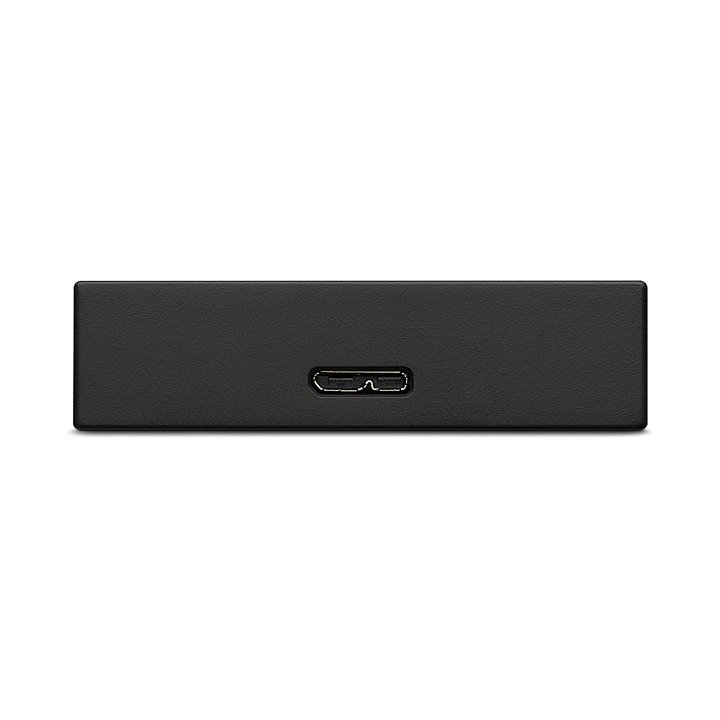
Czy poszukujesz przenośnego dysku twardego, który jest na tyle mały, aby można go zmieścić do torby na laptop, i jednocześnie zapewnia wystarczająco dużo miejsca na mnóstwo treści? Oto przenośna pamięć masowa Seagate One Touch. Ten przenośny dysk HDD, kompatybilny ze złączem (USB 3.0) i komputerami z systemem Windows oraz Mac, zapewnia możliwość wyboru stylowych kolorów oraz opcje do 5 TB pojemności na pomieszczenie rosnącej biblioteki plików cyfrowych. Dopełnieniem tych korzyści są dostępne na żądanie konfigurowalne opcje tworzenia kopii zapasowych, które znacznie upraszczają zabezpieczenie plików, i usługi odzyskiwania danych Rescue.
Seagate Technology (Netherlands) B.V.
Tupolevlaan 105 1119 PA Schiphol-Rijk Holandia
Formularz kontaktowy: https://www.seagate.com/em/en/contacts/
List of external and portable drive safety warnings based on the requirements of General Product Safety Regulation (GPSR) 2023/988: * Use the drive according to the manufacturer’s instructions to avoid mechanical damage or data loss. * Do not expose the disc to extreme temperatures, moisture, or direct sunlight to prevent overheating or damage. * Protect your drive from drops and bumps, as this can cause damage to internal components and data loss. * Disconnect the drive from your computer in a secure manner (using the "Safe Hardware Removal" feature) to avoid data loss or damage to the drive. * Do not open the disk housing, as this may result in loss of warranty and damage to delicate components. * In case of disk failure, do not try to repair it yourself; contact a professional data recovery service. * Keep the drive away from strong magnetic fields that can disrupt operation and cause data loss. * Use only the original cables and power supplies that came with the drive to avoid compatibility issues and damage. * Regularly back up data from disk to other media to avoid losing important information in the event of a failure. * Keep the disc out of reach of children to avoid accidental damage or ingestion of small items. * When transporting the disk, protect it from shocks and moisture by placing it in a suitable protective case. * Do not attempt to connect a damaged drive to your computer as this may cause additional problems. * Regularly scan the drive with an antivirus program to prevent malware infection. * Do not use the disc near flammable substances, as overheating and fire may occur in the event of a breakdown. * Make sure the voltage in the electrical outlet complies with the requirements of the disk power supply to avoid damage. * If the drive overheats, disconnect it from power immediately and let it cool before reusing. * Clean the disc housing with a soft, dry cloth; do not use chemicals that can damage the surface. * For long-term disk storage, place it in a dry and cool place to avoid component degradation. * If your drive is equipped with encryption software, make sure your password is secure and remembered to avoid permanent loss of access to your data. * When connecting and disconnecting the drive, hold by the housing, not by the cable, to avoid damaging the connector.
Produkty, które ostatnio zwróciły Twoją uwagę.