- Nowy
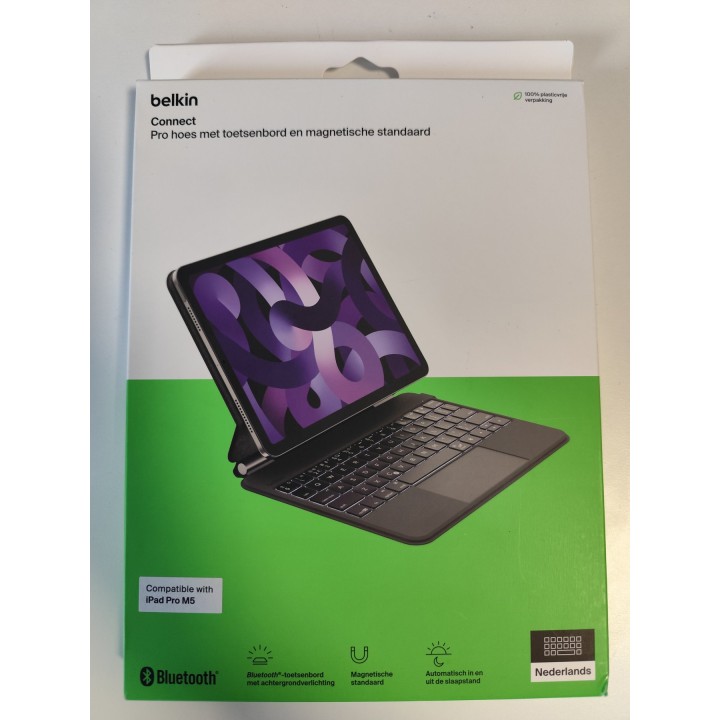
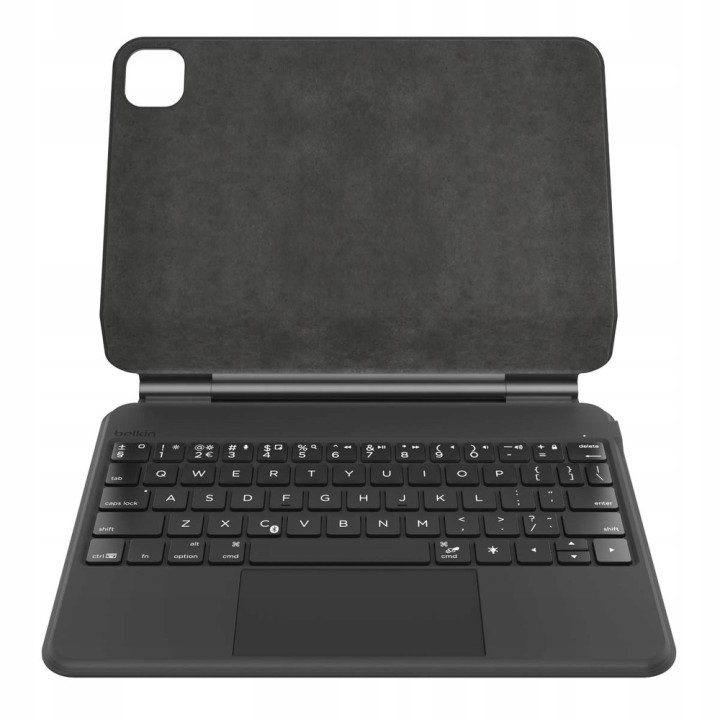
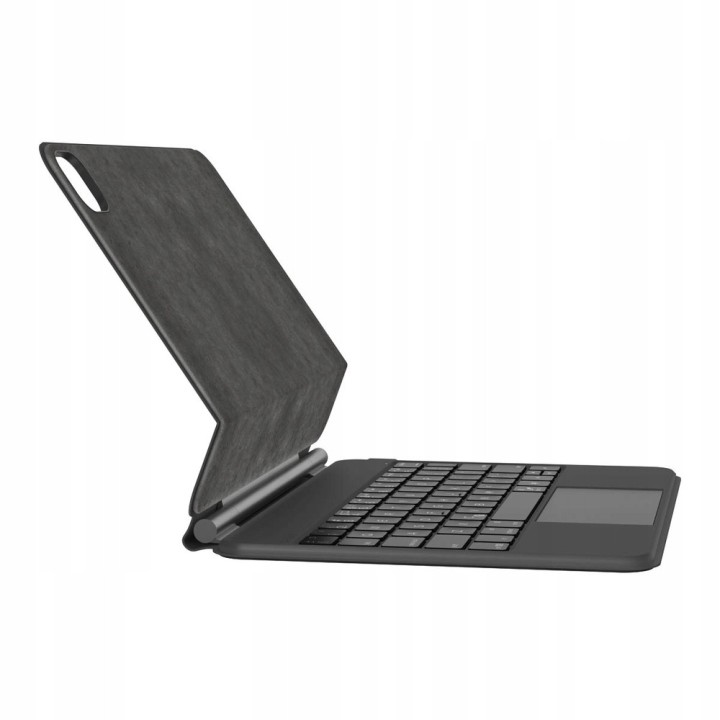
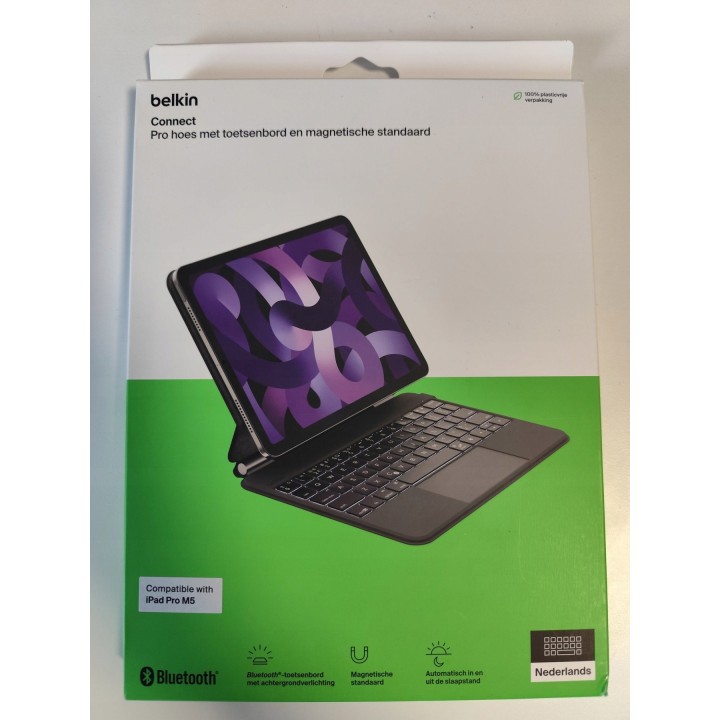
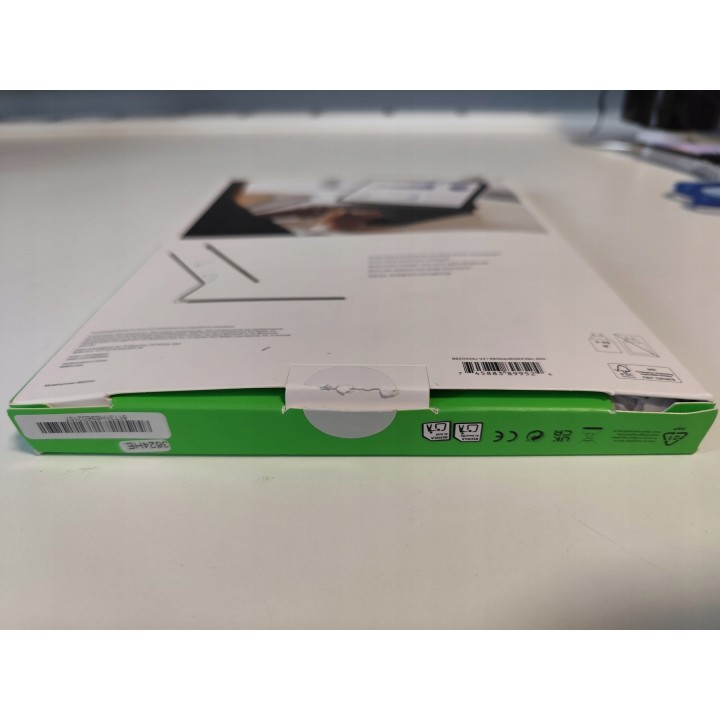
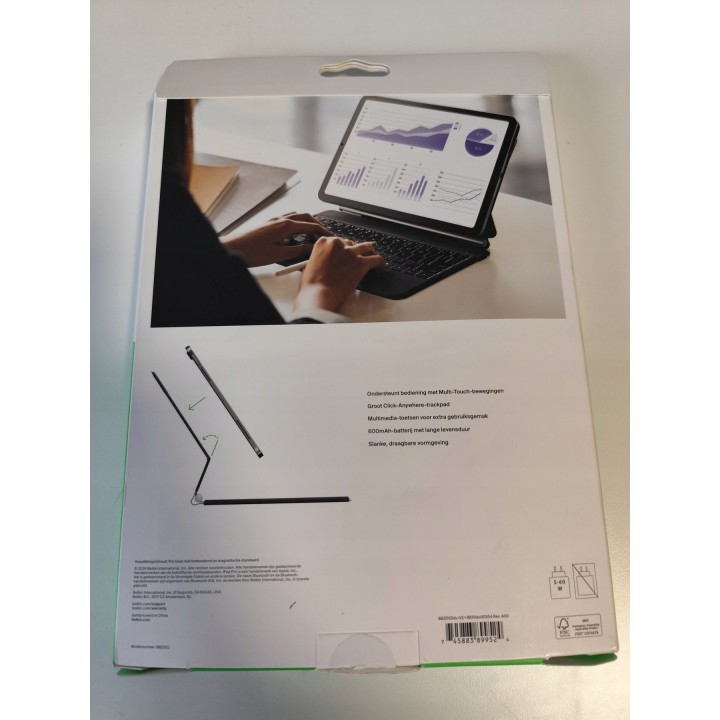
Belkin Etui do iPad Pro 11'' M4 z klawiaturą i magnetyczną podstawką — po zwrocie obrazki
Belkin Etui do iPad Pro 11'' M4 z klawiaturą i magnetyczną podstawką — po zwrocie
Opis produktu
Outlet — produkt używany, po zwrocie
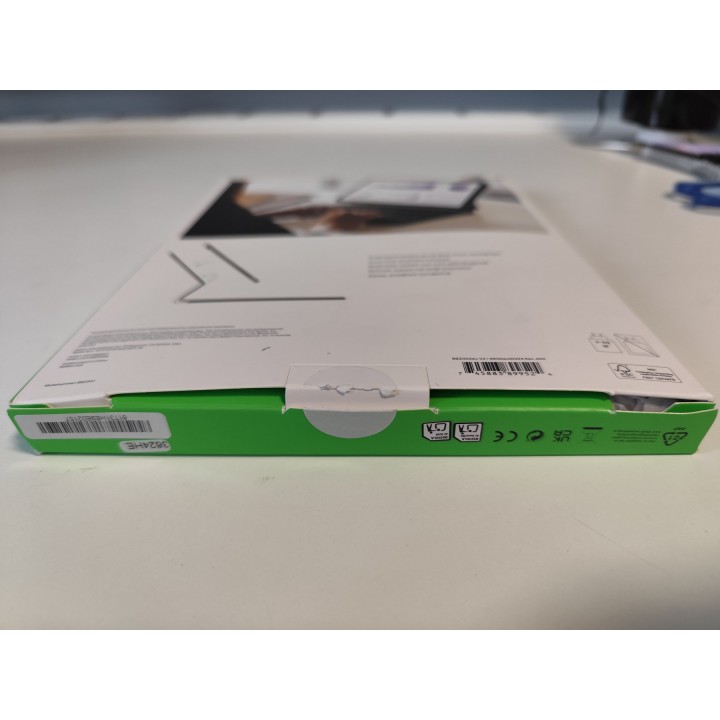
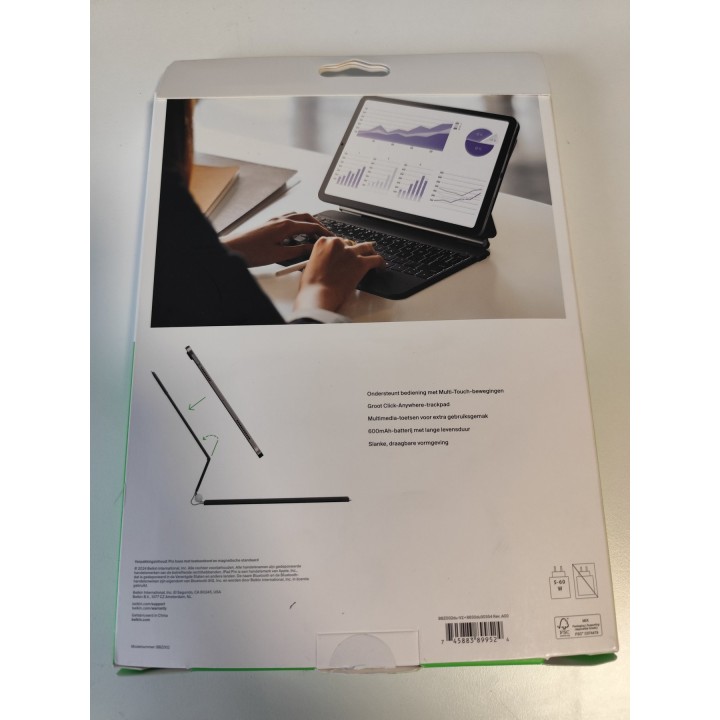
Stan: otwarte opakowanie
Produkt jak nowy, tylko otwarte opakowanie
stan towaru zgodny ze zdjęciami
Belkin Etui z klawiaturą do iPad Pro 11 M4, eko-skóra, USB-C
Belkin
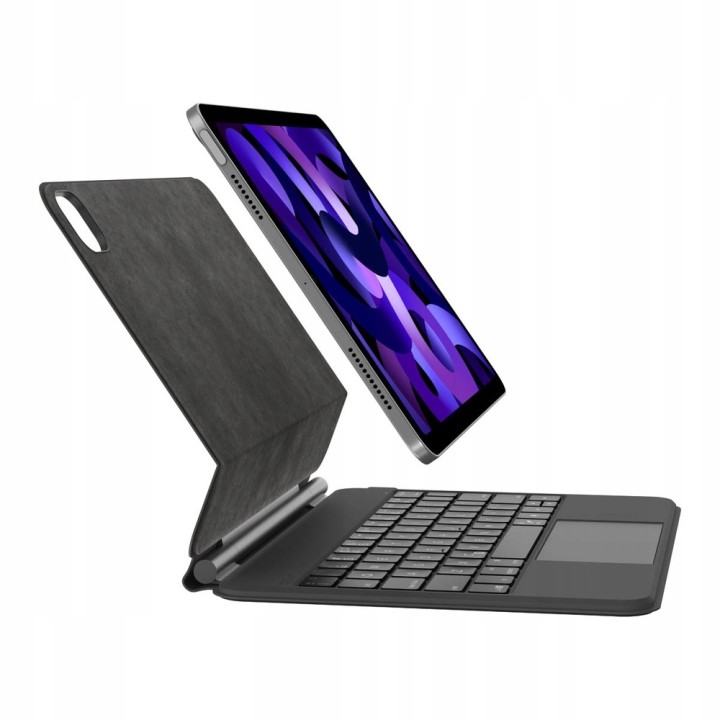
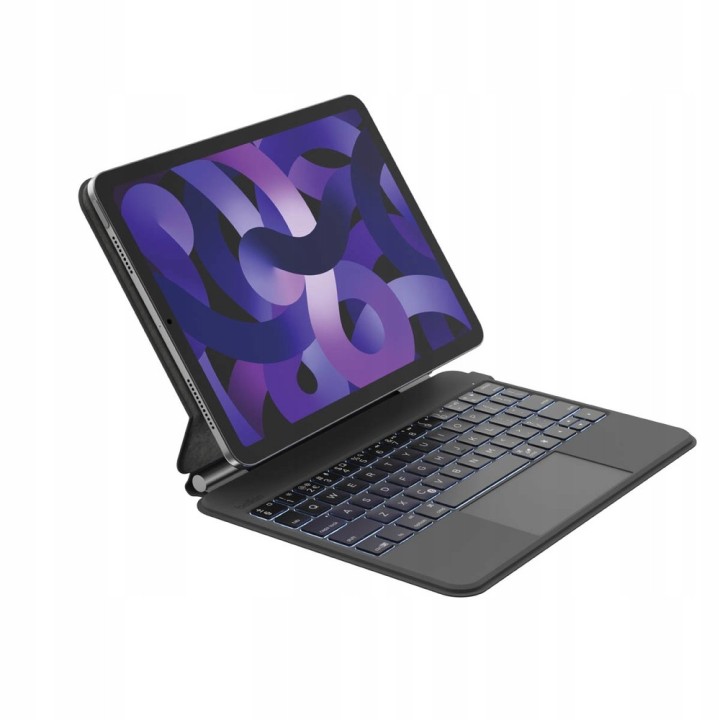
Belkin etui z klawiaturą Bluetooth to wszechstronne akcesorium przeznaczone dla iPada Pro 11". Podczas pracy może pełnić funkcję laptopa, dzięki czemu pisanie dokumentów i korzystanie z komunikatorów tekstowych staje się znacznie wygodniejsze. Urządzenie jest wyposażone w podświetlaną klawiaturę, działającą na własnej baterii o pojemności 600 mAh, co wpływa na oszczędność energii tabletu.
Etui jest wykonane z estetycznej ekoskóry, co zapewnia nowoczesny i minimalistyczny wygląd, typowy dla produktów Apple. Magnetyczna konstrukcja etui ułatwia jego montaż, oraz zapewnia solidną ochronę przodu i tyłu tabletu przed uszkodzeniami mechanicznymi i zabrudzeniami. Dzięki możliwości ustawienia pod dowolnym kątem, użytkownicy mogą komfortowo pisać, oglądać filmy lub korzystać z innych funkcji iPada.
Klawiatura w etui jest przeznaczona na rynek europejski, co oznacza, że układ klawiszy jest dostosowany do standardów używanych w Europie. Posiada także podświetlane klawisze, co ułatwia pracę w warunkach słabego oświetlenia. Dodatkowym atutem są klawisze multimedialne, które ułatwiają nawigację i zarządzanie multimediami na tablecie.
Dzięki dużemu trackpadowi obsługującemu gesty dłoni, korzystanie z iPada staje się jeszcze bardziej intuicyjne. W trybie czuwania klawiatura minimalnie zużywa energię, przedłużając tym samym czas pracy na jednym naładowaniu. W sumie, Belkin etui z klawiaturą to eleganckie i funkcjonalne rozwiązanie, które przekształca iPada w wygodne narzędzie pracy i rozrywki.
- Dla modelu: iPad Pro 11'' (M4)
- Ilość portów USB-C: 1 szt
- Rodzaj urządzenia: Etui / pokrowiec
- Dla urządzeń: iPad
- Materiał zewnętrzny: Eko-skóra
- Kolor: Czarny
- Wysokość: 25.4 cm
- Szerokość: 19.38 cm
- Głębokość: 1.83 cm
- Waga: 0.644 kg
Szczegóły produktu
- Kod produktu OUT:6ad77b6c753d8e26c2d1d952:KT-82A9EB990C551D70
- Dostępność 1 Przedmiot
- Stan Używane
Producent
Producent
Belkin B.V.
Eduard van Beinumstraat 8 1077 CZ Amsterdam Holandia
E-mail: regionalRC@belkin.com
Formularz kontaktowy: https://www.belkin.com/company/contact-us/
Osoba odpowiedzialna w UE
Belkin B.V.
Eduard van Beinumstraat 8 1077 CZ Amsterdam Netherlands
Formularz kontaktowy: https://www.belkin.com/company/contact-us/
Telefon: +31 (0)20 658 0800
Bezpieczeństwo
Informacje o bezpieczeństwie
List of tablet safety warnings and accessories based on the requirements of General Product Safety Regulation (EU) 2023/988 (GPSR) * Risk of electric shock: * Connect the tablet charger only to an outlet with grounding. * Do not touch the charger or cable with wet hands. * Use only the original charger provided by the manufacturer or approved by the manufacturer. * Risk of hearing damage: * Use headphones for your tablet in moderation to avoid permanent hearing damage. Adjust the volume to a safe level. * Fire risk: * Do not cover the tablet while charging to avoid overheating. * Do not use the tablet near flammable materials. * Do not leave your tablet in direct sunlight or in a hot car. * Risk of injury: * Use the tablet on a stable surface to avoid falling and damage. * Use a protective case to reduce the risk of damage to your tablet in the event of a fall. * Risk of eye damage: * Take regular breaks when using the tablet to avoid eye strain. * Adjust the brightness of your tablet screen to match the lighting conditions. * Risk of suffocation: * Keep small tablet accessories such as SIM cards and memory cards away from children to avoid ingestion. * Risk of electromagnetic interference: * Turn off the tablet in hospitals or other places where interference with electronic devices is prohibited. * Risk of skin allergy: * If you experience an allergic reaction to the materials from which the tablet or accessories are made, stop using and consult your doctor. * Battery Hazards: * Do not damage your tablet battery. * Do not expose the battery to high temperatures. * Use only the original battery or manufacturer approved. * Cleaning Hazards: * Turn off the tablet before cleaning. * Use only a soft, dry cloth to clean your tablet. * Do not use liquids or cleaning products that can damage your tablet. * Maintain proper operating temperature: * Use the tablet at temperatures from 0°C to 35°C. * Maintain proper humidity: * Use the tablet in humidity from 5% to 95%. * Remember about the appropriate service: * Return the tablet to qualified service in case of damage or malfunction. * Store your tablet properly: * Keep your tablet out of reach of children and pets. * Store your tablet in a place protected from moisture and extreme temperatures. * Incorrect charging: * Do not leave the tablet connected to the charger for longer than necessary to fully charge.
Outlet



Ostatnio oglądane
Produkty, które ostatnio zwróciły Twoją uwagę.