- Nowy
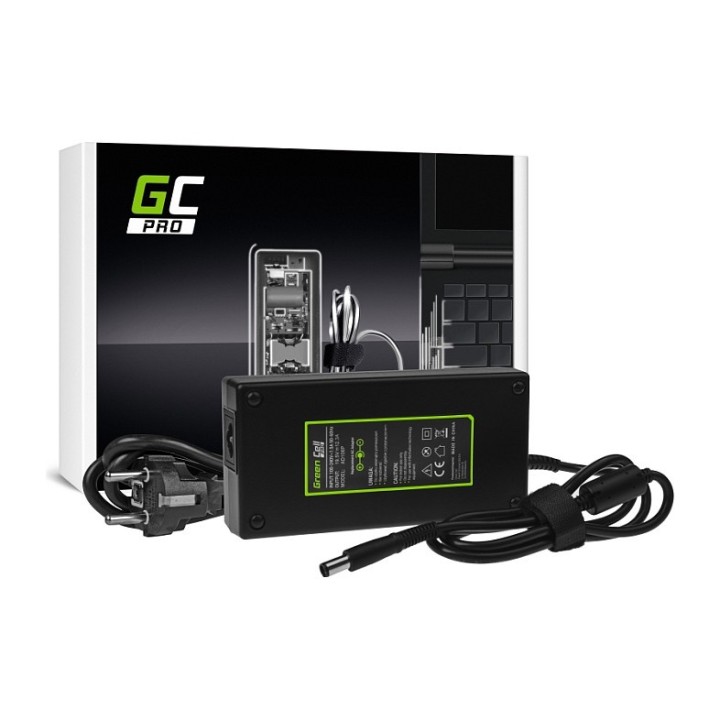
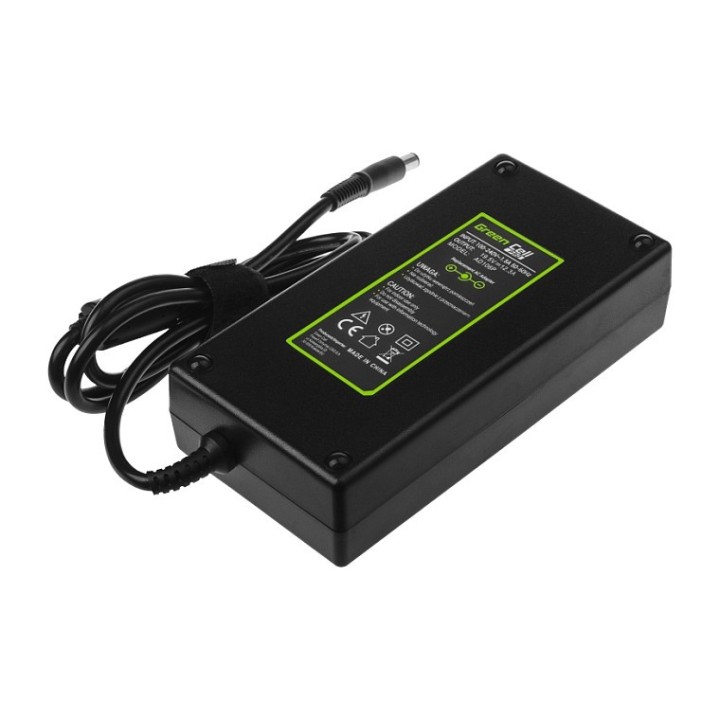
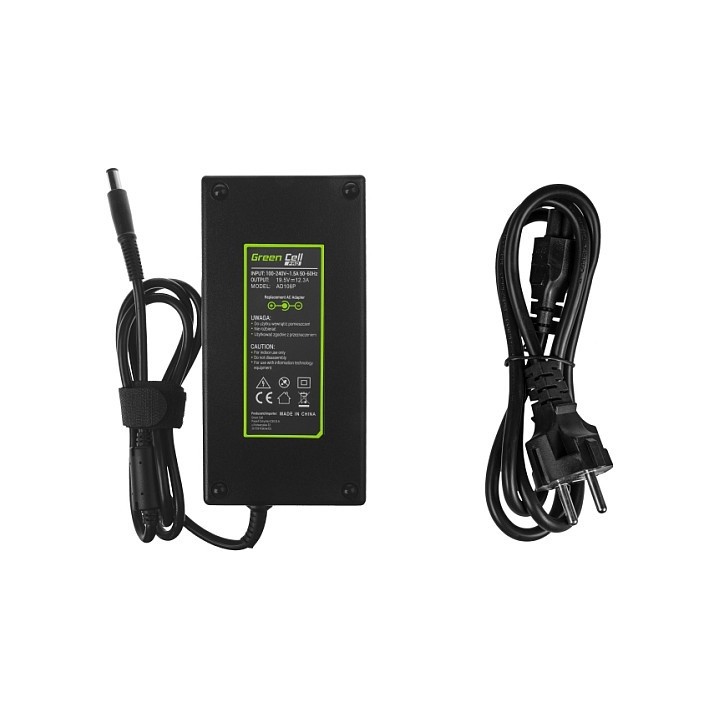
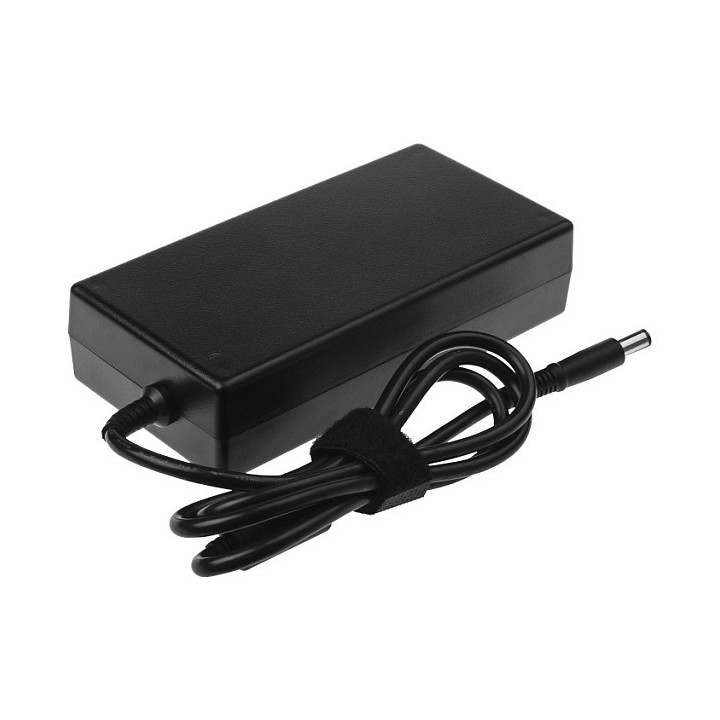
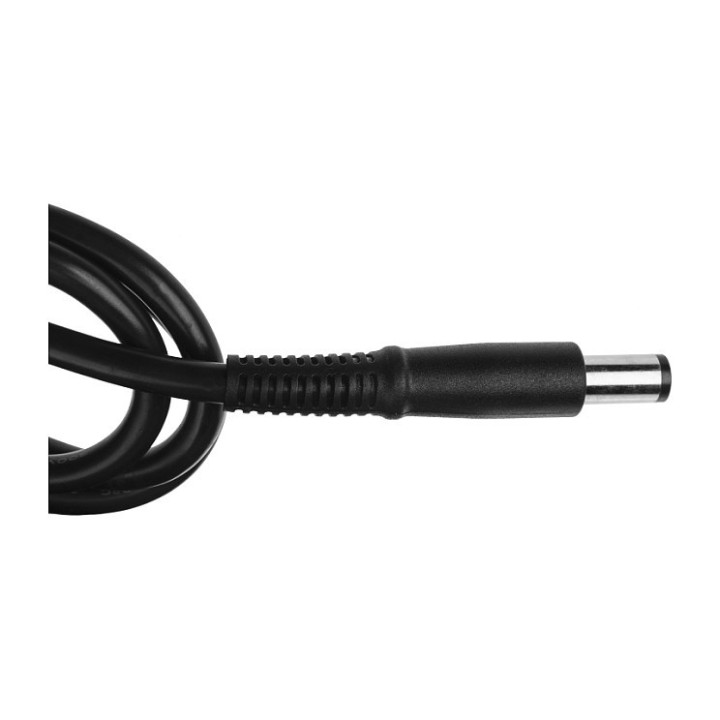
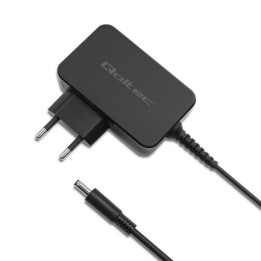
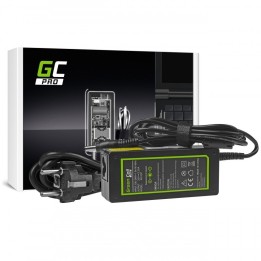
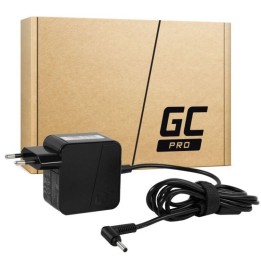
Zasilacz Ładowarka Green Cell PRO 19.5V 12.3A 240W AD106P
Wybierz niezawodność
Ładowarka Green Cell PRO to najpewniejsze źródło zasilania dla Twojego laptopa. Wykonana z najwyższej jakości materiałów i układów elektronicznych, abyś był pewien że nie zawiedzie w ważnym momencie.
Zasilacz serii PRO
Zasilacze serii profesjonalnej są z założenia wydajne i wytrzymałe. Wyposażono je w komplet zabezpieczeń elektronicznych dbających o dokładną kontrolę parametrów ładowania. Naładują one Twojego laptopa nie tylko szybko, ale i bezpiecznie.
Niezrównana trwałość
Przemyślana konstrukcja i wysoka jakość komponentów wpływają na podwyższoną trwałość ładowarki. Dodatkowy filtr sieciowy filtruje napięcie już na wejściu zasilacza, a większy radiator efektywniej odprowadza ciepło dzięki czemu ładowarka nie nagrzewa się. Wszystko to sprawia, że zasilacz jest zdumiewająco wytrzymały i może pracować bezawaryjnie latami.
Funkcjonalny i estetyczny
Ładowarka Green Cell PRO sprawdzi się idealnie niezależnie czy potrzebujesz drugiej ładowarki np. do pracy, czy też stara uległa awarii. W zestawie z zasilaczem znajduje się dedykowany przewód zasilający zapewniający maksymalną swobodę użytkowania. Najwyższa jakość wykonania ładowarki połączona jest z nowoczesnym, estetycznym wyglądem.
Świeża energia dla Twojego laptopa
Z ładowarką serii PRO Twój laptop zyska nowe życie, a my zadbamy o środowisko. Nie tylko projektując wytrzymały sprzęt na lata, ale też promując i finansując odzysk oraz recykling zużytego sprzętu elektronicznego.
CSG Spółka Akcyjna
ul. rtm. Witolda Pileckiego 8 32-050 Skawina Polska
E-mail: support@greencell.global
Formularz kontaktowy: https://greencell.global/pl/kontakt
Telefon: +48 12 444 62 47
List of safety warnings Laptop power supplies based on the requirements of Regulation (EU) 2023/988 on General Product Safety (GPSR) 1. Risk of electric shock: * Make sure the power supply is connected to a working grounded outlet. * Do not touch the plug or cable with wet hands. * Avoid using the power supply in places with high humidity. * Regularly check the condition of cables and plugs for damage. 2. Risk of overheating: * Provide adequate ventilation around the power supply, do not block ventilation openings. * Do not cover the power supply during use. * Do not use the power supply near heat sources or in a sunny place. 3. Fire risk: * Use only the original power supplies recommended by the laptop manufacturer. * Do not leave the power supply on unattended near flammable materials. * Do not use damaged cables or plugs. 4. Risk of damage to the power supply: * Protect the power supply from drops and bumps. * Do not wrap the cable around the power supply when it is connected to electricity. * Store the power supply in a dry and clean place. 5. Compatibility risks: * Make sure that the power supply parameters (voltage and current) are in line with the requirements of your laptop. * Do not use a power adapter that is not designed for your laptop model. 6. Caution when cleaning: * Disconnect the power supply from the power supply before cleaning. * Use a soft, slightly damp cloth to clean the power supply. * Avoid using strong detergents that can damage the surface of the power supply. 7. Child warnings: * Keep the power supply and power cables out of reach of children. * Make sure kids don't play with the power supply or accessories. 8. Battery-related hazards (if the power supply contains a battery): * Avoid damaging the battery by impacts or punctures. * If the battery overheats or swells, stop using the power supply immediately. * Do not expose the battery to high temperatures. * When replacing batteries, follow the manufacturer's instructions. 9. Disposal: * Waste electrical and electronic equipment, including power supplies, must not be placed in municipal waste containers. They should be returned to special collection points or to the seller. * Dispose of the battery in the right place, according to local regulations. 10. Additional precautions: * If the power supply is flooded, immediately disconnect it from the power source and contact the service. * Do not try to repair the power supply yourself.
Produkty, które ostatnio zwróciły Twoją uwagę.