- Nowy
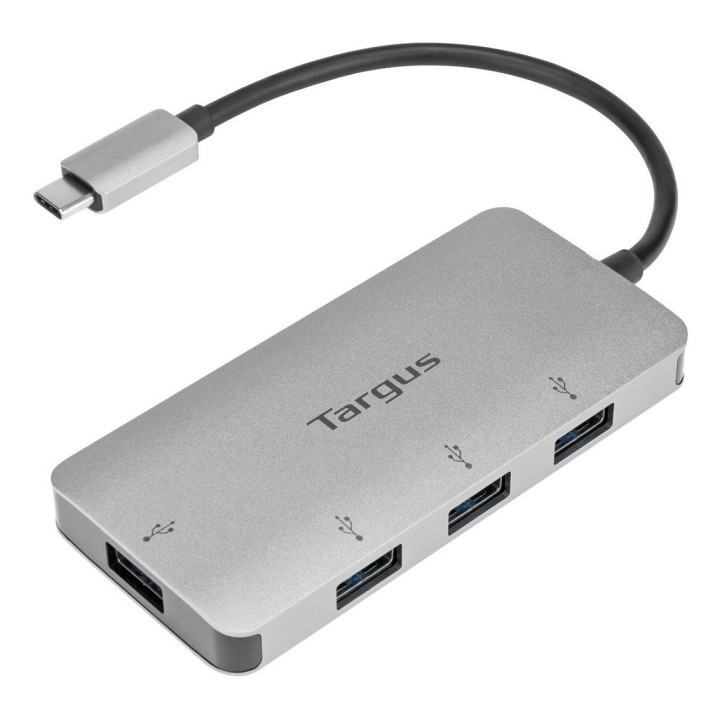
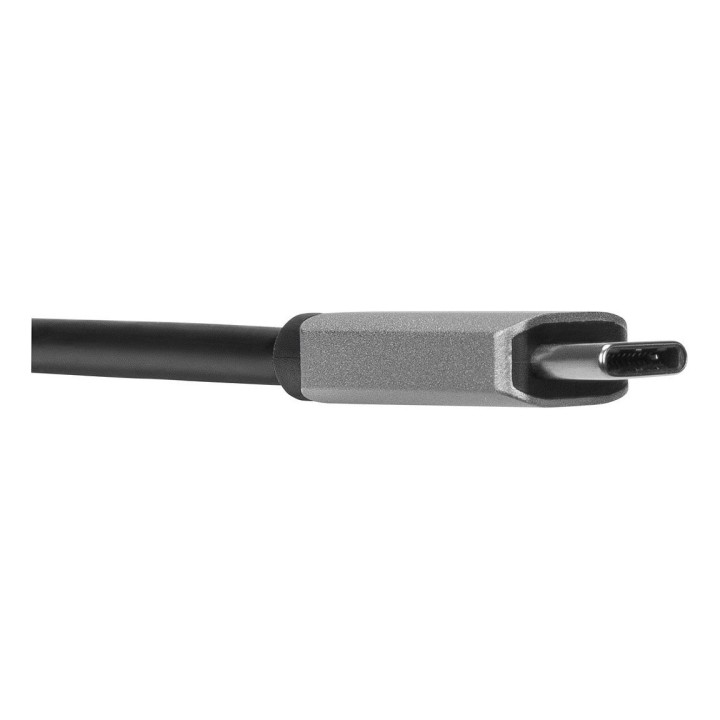
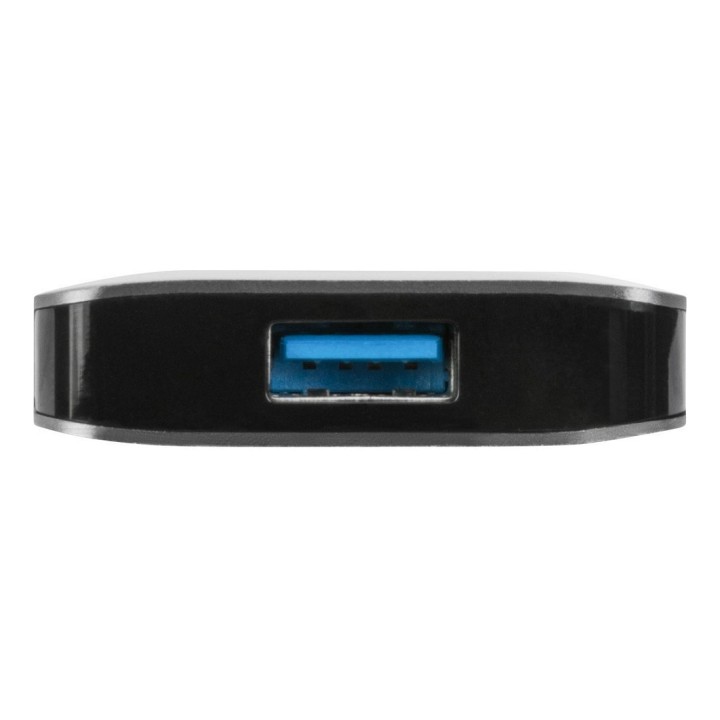
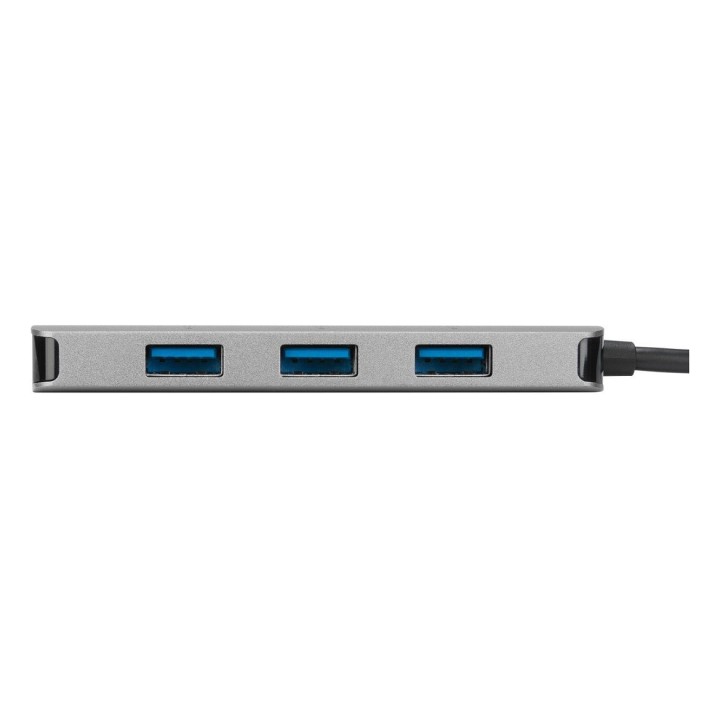
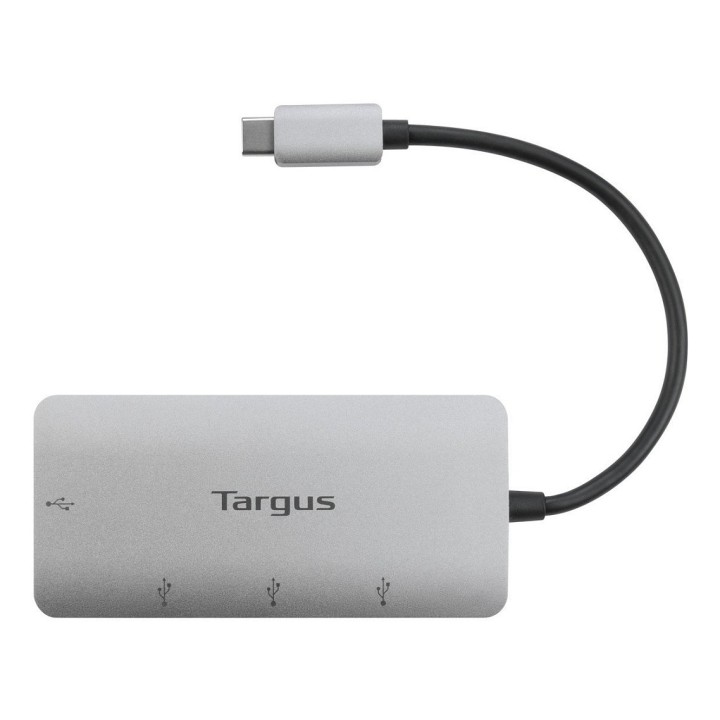
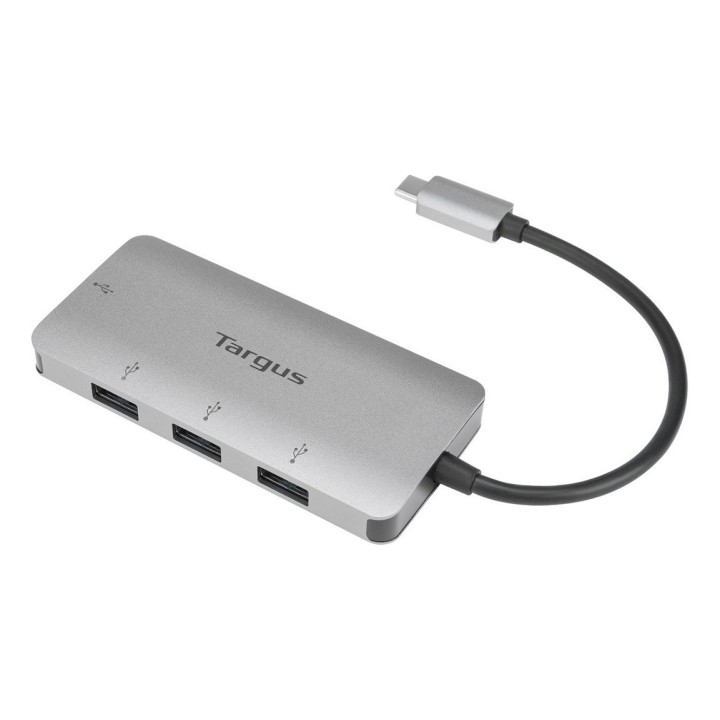
Koncentrator USB-C na 4xPort USB-A obrazki
Koncentrator USB-C na 4xPort USB-A
Opis produktu
Koncentrator USB Targus HUB USB-C z 4 portami USB-A ACH226EU
Zaprojektowany jako niezbędny towarzysz do obsługi laptopów ze skonsolidowanymi portami, aby przekształcić jeden port USB-C w cztery porty USB-A 3.0. Podłącz urządzenia peryferyjne USB-A takie jak myszy, klawiatury, dyski flash i dyski twarde podłączając maksymalnie cztery urządzenia do portów USB-A i podłączając połączony kabel USB do portu USB-C komputera. Ten koncentrator zapewnia prędkość transferu do 5 Gb / s. Kompaktowy i lekki, łatwo go zabrać ze sobą, gdziekolwiek jesteś.
Specyfikacja
- Liczba portów: 4
- Standard USB: USB 3.0/USB 3.1 gen 1/USB 3.2 gen 1
- Porty (koncentratory USB): 4 x USB Type A Żeńska
- Zasilanie (lista): USB 5V
- Akcesoria w zestawie: Kabel USB-C
- Kolor (wyliczeniowy): Srebrny
- Wymiary: 4,5 x 9,4 x 1,1 cm
- Waga: 0.1 kg
Szczegóły produktu
- Marka Targus
- Kod produktu 660fbc9071a267703cb164a8
- Dostępność 25 Przedmioty
- EAN13 5051794030341
- MPN ACH226EU
Specyfikacja
- Złącze do komputera USB 3.2 Gen 1 (3.1 Gen 1) Type-C
Producent
Producent
Targus
Berner Str. 40 60437 Frankfurt Niemcy
E-mail: support@targus.com
Formularz kontaktowy: https://eu.targus.com/pages/support
Osoba odpowiedzialna w UE
Targus Europe Ltd.
Van Hilststraat 19 5145 RK Waalwijk Netherlands
E-mail: AMurphy@targus.com
Formularz kontaktowy: https://eu.targus.com/pages/contact-us
Telefon: +44 7720 285 161
Bezpieczeństwo
Informacje o bezpieczeństwie
List of safety warnings for docking stations based on the requirements of General Product Safety Regulation (EU) 2023/988 (GPSR) * Risk of electric shock: * Make sure that the docking station is connected to an efficient grounded outlet. * Do not touch the plug or cable with wet hands. * Avoid using the docking station in areas with high humidity. * Risk of overheating: * Provide adequate ventilation while maintaining at least 5 cm of free space around the docking station. * Do not block ventilation openings. * Do not place the docking station on soft surfaces such as blankets or pillows. * Fire risk: * Use only original power supplies and accessories recommended by the manufacturer. * Do not leave the docking station on unattended near flammable materials. * Risk of bodily injury: * Use the docking station on a stable surface to minimize the risk of falling connected devices. * Avoid using the docking station in a position that causes excessive heat pressure on the skin to prevent burns. * Hazards in humid environments: * Do not use the docking station outdoors in rain or in places with high humidity, such as bathrooms. * If the docking station is flooded, immediately disconnect it from the power source and contact the service. * Hazards at high temperatures: * Do not expose the docking station to direct sunlight. * Avoid using the docking station at temperatures above the recommended range (usually 5-35°C). * Risk of damage during cleaning: * Disconnect the docking station from the power supply before cleaning and use a soft, slightly damp cloth. * Avoid using strong detergents that can damage the surface of the docking station. * Caution when replacing accessories: * Use only accessories recommended by the manufacturer. * When replacing batteries, follow the manufacturer's instructions and do not expose the battery to high temperatures. * Battery Use Hazards: * Avoid damaging the battery by impact or puncture. * If the battery overheats or swells, stop using the docking station immediately. * Child warnings: * Keep power cables out of reach of children. * Make sure your kids don't play with the docking station or accessories that can be dangerous. * Cleanliness: * Failure to regularly clean ports and sockets can lead to damage or failure. * Clean ports and sockets regularly using a dry and clean cloth, avoiding moisture input.
Stacje dokujące
Ostatnio oglądane
Produkty, które ostatnio zwróciły Twoją uwagę.