- Nowy
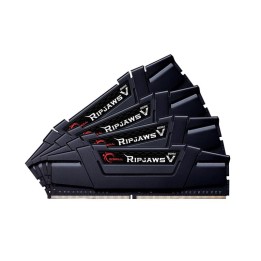
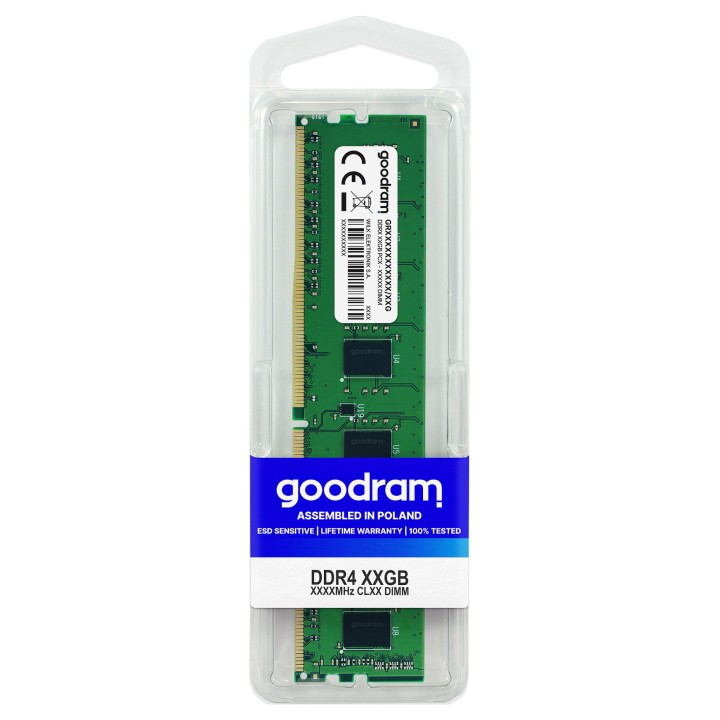
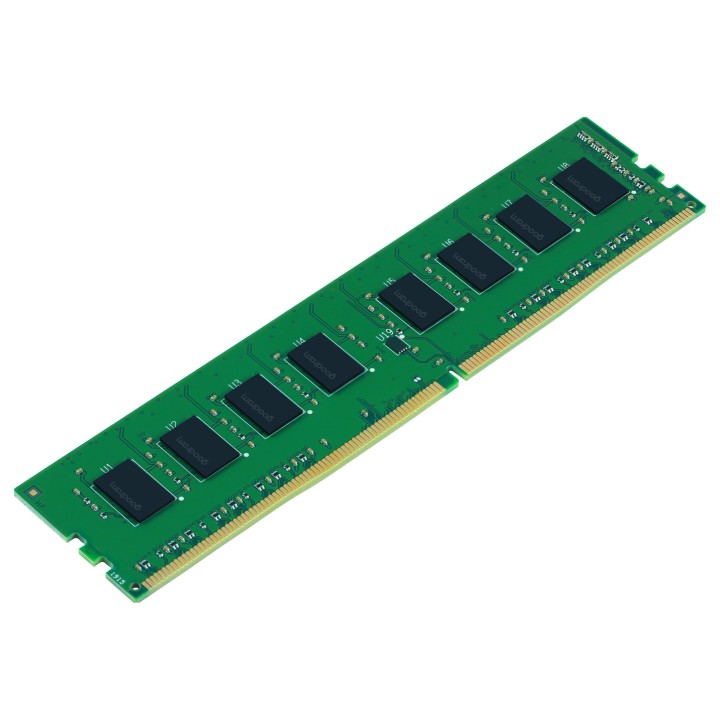
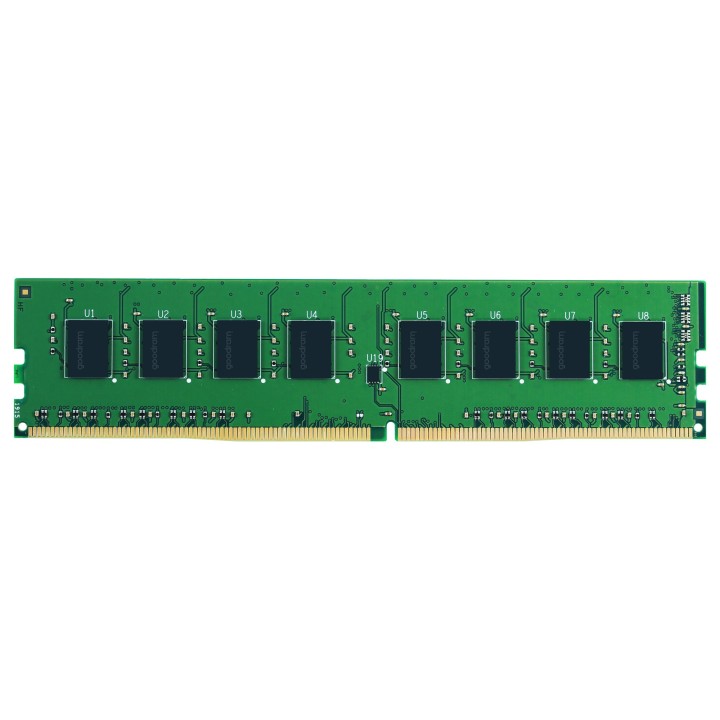
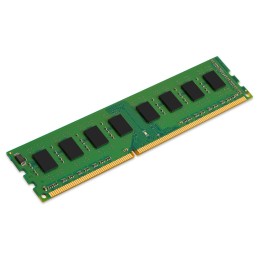
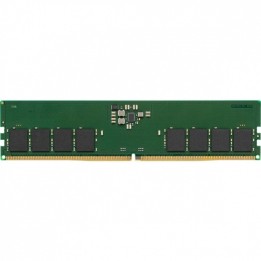
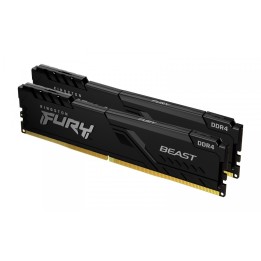
DDR4 to najnowsza generacja modułów pamięci RAM. Dostarcza użytkownikom najwyższy poziom wydajności i przepustowości, pobierając co najmniej 20% mniej mocy w porównaniu do poprzedniej generacji. W celu zapewnienia najwyższej jakości modułów pamięci marki GOODRAM, do produkcji stosowane są tylko wyselekcjonowane komponenty. Dzięki wielostopniowej kontroli jakości oraz drobiazgowym testom każdej wyprodukowanej pamięci, w ręce użytkownika trafiają tylko produkty o najwyższej niezawodności i jakości wykonania.
Wilk Elektronik S.A.
ul. Mikołowska 42, 43-173 Łaziska Górne 43-173 Łaziska Górne Poland
E-mail: sales@goodram.com
Formularz kontaktowy: https://www.goodram.com/dane-podstawowe-i-kontaktowe
Telefon: +48 32 736 90 00
List of RAM security warnings based on the requirements of Regulation (EU) 2023/988 on General Product Safety (GPSR) 1. Risk of hardware damage: * Make sure you shut down your computer before installing or disassembling RAM to avoid electrical damage. * Check the compatibility of RAM with your computer's motherboard to avoid problems with system operation. 2. Risk of cuts: * Be careful when manipulating RAM to avoid cuts to sharp edges. 3. Electrostatic hazard: * Protect your RAM from electrostatic discharge (ESD) that can damage electronic components. Use an antistatic band and work on an antistatic surface. 4. Risk of incorrect assembly: * Thoroughly insert RAM modules into the sockets to ensure proper connection and avoid problems with system operation. 5. Overheating: * Provide adequate ventilation in the computer case to prevent overheating of RAM, which can lead to unstable system operation. 6. Voltage: * Make sure the voltage settings in the BIOS are appropriate for the installed RAM to avoid damage or malfunction. 7. Hazard for children: * Keep RAM out of reach of children to prevent ingestion of small items. 8. Suitable use: * Use RAM for its intended purpose, avoid extreme conditions that can lead to damage. 9. Disassembly: * Carefully disassemble the RAM so as not to damage the modules or sockets on the motherboard. 10. Disposal: * Dispose of used RAM in accordance with local e-waste recycling regulations.
Produkty, które ostatnio zwróciły Twoją uwagę.