- Nowy
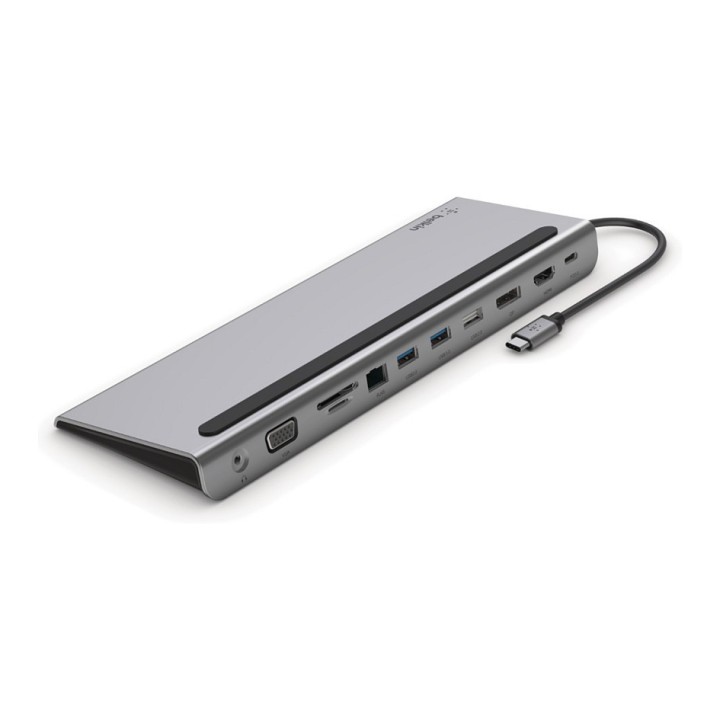
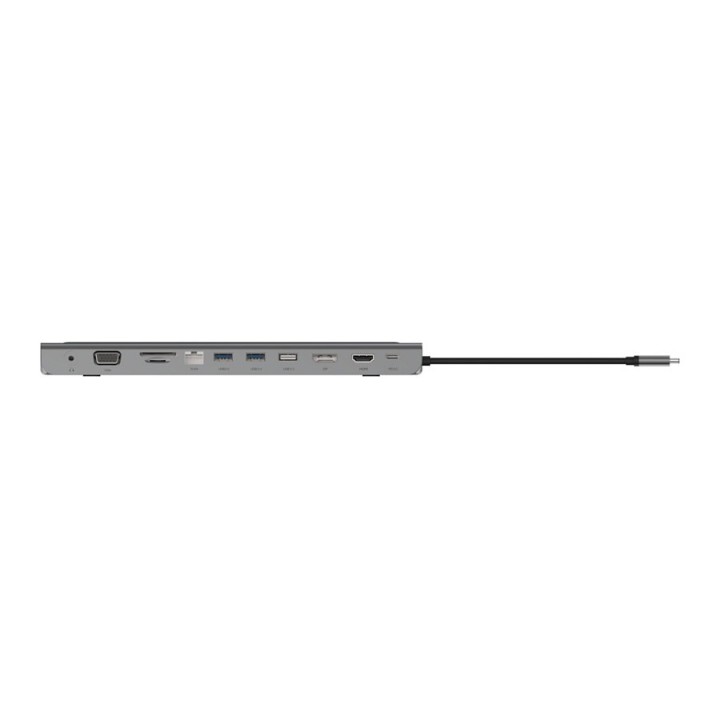
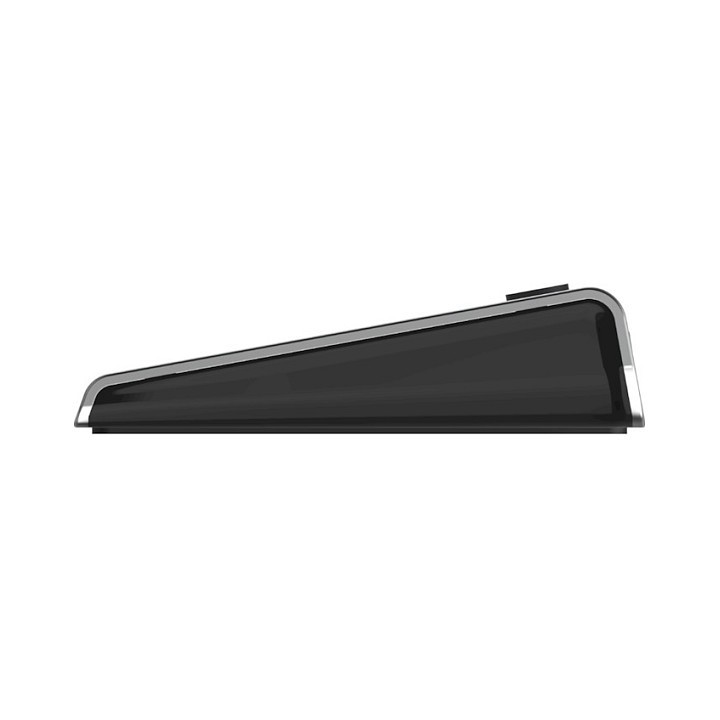
Stacja dokująca USB-C 11-1 Hub obrazki
Stacja dokująca USB-C 11-1 Hub
Opis produktu
Stacja dokująca BELKIN USB-C 11-1 Hub
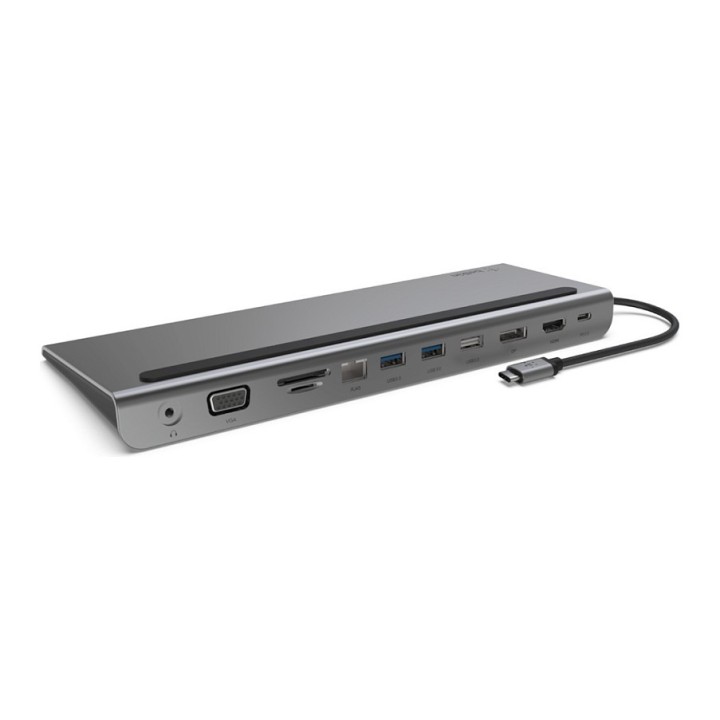
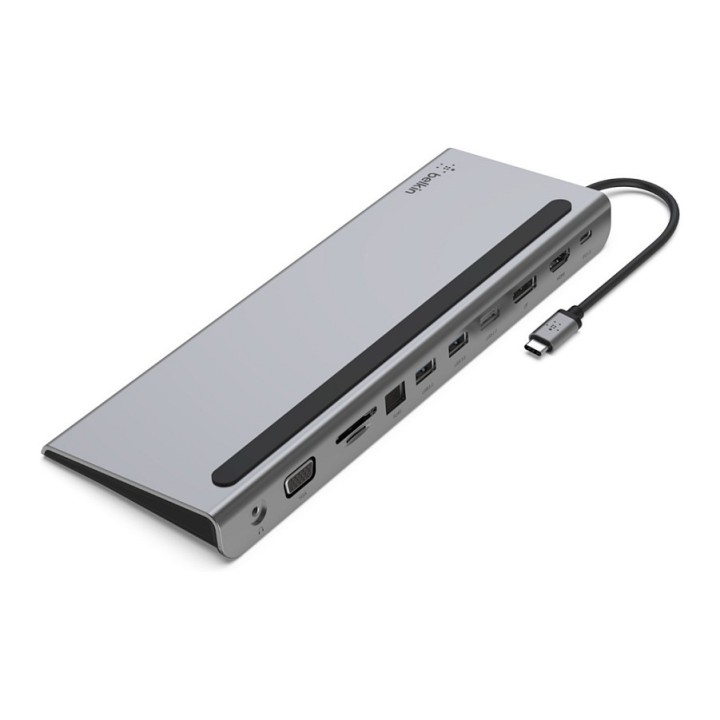
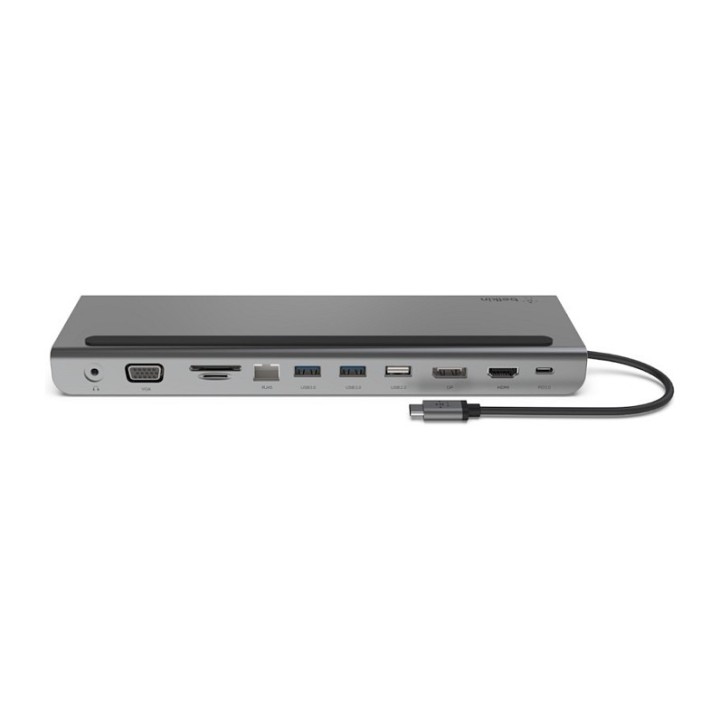
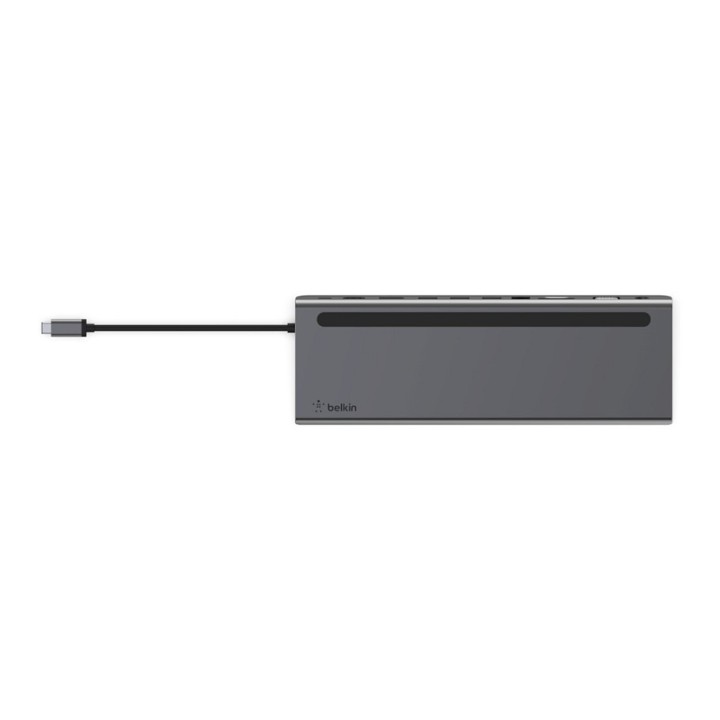
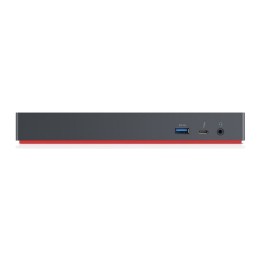
Zmień swój laptop z USB-C w najlepszą stację roboczą dzięki naszej wieloportowej stacji dokującej USB-C 11-w-1. To kompleksowe rozwiązanie zapewnia dostęp do portów, które nowsze laptopy wyeliminowały w ostatnich latach, umożliwiając podłączenie monitorów, kart SD, pendrive'ów i nie tylko przez port USB-C. Obsługuje ładowanie przelotowe do 100 W, więc nie musisz wybierać między rozszerzeniem portu a mocą. Ta stacja dokująca zapewnia do 5 Gb / s przepustowości między podłączonymi urządzeniami a laptopem, jednocześnie obsługując rozdzielczości wyświetlania w wysokiej rozdzielczości do 4K przez porty wideo HDMI, DisplayPort i VGA. Dodatkowo, dzięki portowi Gigabit Ethernet, zawsze będziesz mieć bezpieczne połączenie internetowe.
Zgodność urządzeń z Belkin Dock Utility
Zwiększ bezpieczeństwo swojej sieci dzięki darmowemu oprogramowaniu Belkin Dock Utility! Belkin Dock Utility podnosi wydajność Twojego zespołu, wzbogacając już potężne funkcje istniejących stacji dokujących, hubów i adapterów Belkin z portem Ethernet. Obejmuje to urządzenia z technologią Thunderbolt, GaN, USB-C, DisplayLink i SiliconMotion.
Dostępne do pobrania oprogramowanie jest kompatybilne z systemami Windows i macOS, a jego wdrożenie w firmie zapewnia funkcje takie jak kopiowanie adresu MAC (Media Access Control), zarządzanie interfejsem sieciowym oraz całkowicie automatyczną obsługę gwarantują one płynne i bezproblemowe użytkowanie.
Specyfikacja
- Porty we/wy (replikatory/stacje dok.): 1 x USB Zasilanie
- Dokowanie (laptopy): Tak
- Pasuje do: Google Pixelbook iPad 4. gen iPad trzeciej generacji MacBook Pro 16 "(2019) MacBook Air 13 "(2018) MacBook Pro 15 "(2018) MacBook Pro 15 "(2017) Macbook Pro 15 "(2016) Surface Pro X Surface Book 2 HP Envy 360 Acer Chromebook ASUS Chromebook Dell XPS 15 " Portege X20W-E Portege X30-E Lenovo Chromebook ThinkPad X1 Carbon Yoga 730 Yoga 920
- Wymagania sprzętowe: Obsługa technologii Thunderbolt, GaN, USB-C, DisplayLink i SiliconMotion
- Kolor (wyliczeniowy): Popielaty
- Wymiary: Stacja dokująca: 260 x 90 x 23 mm Przewód USB-C: 162 mm
- Waga: 348.8 g
- Pozostałe parametry: Obsługa MAPT (Mac Address Pas-trough)
- Uwaga: CE+WEEE
Szczegóły produktu
- Marka Belkin
- Kod produktu 660fbd5171a267703cb23e03
- Dostępność 21 Przedmioty
- EAN13 0745883819843
- MPN INC004BTSGY
Specyfikacja
- Złącze do komputera USB 3.2 Gen 1 (3.1 Gen 1) Type-C
Producent
Producent
Belkin B.V.
Eduard van Beinumstraat 8 1077 CZ Amsterdam Holandia
E-mail: regionalRC@belkin.com
Formularz kontaktowy: https://www.belkin.com/company/contact-us/
Osoba odpowiedzialna w UE
Belkin B.V.
Eduard van Beinumstraat 8 1077 CZ Amsterdam Netherlands
Formularz kontaktowy: https://www.belkin.com/company/contact-us/
Telefon: +31 (0)20 658 0800
Bezpieczeństwo
Informacje o bezpieczeństwie
List of safety warnings for docking stations based on the requirements of General Product Safety Regulation (EU) 2023/988 (GPSR) * Risk of electric shock: * Make sure that the docking station is connected to an efficient grounded outlet. * Do not touch the plug or cable with wet hands. * Avoid using the docking station in areas with high humidity. * Risk of overheating: * Provide adequate ventilation while maintaining at least 5 cm of free space around the docking station. * Do not block ventilation openings. * Do not place the docking station on soft surfaces such as blankets or pillows. * Fire risk: * Use only original power supplies and accessories recommended by the manufacturer. * Do not leave the docking station on unattended near flammable materials. * Risk of bodily injury: * Use the docking station on a stable surface to minimize the risk of falling connected devices. * Avoid using the docking station in a position that causes excessive heat pressure on the skin to prevent burns. * Hazards in humid environments: * Do not use the docking station outdoors in rain or in places with high humidity, such as bathrooms. * If the docking station is flooded, immediately disconnect it from the power source and contact the service. * Hazards at high temperatures: * Do not expose the docking station to direct sunlight. * Avoid using the docking station at temperatures above the recommended range (usually 5-35°C). * Risk of damage during cleaning: * Disconnect the docking station from the power supply before cleaning and use a soft, slightly damp cloth. * Avoid using strong detergents that can damage the surface of the docking station. * Caution when replacing accessories: * Use only accessories recommended by the manufacturer. * When replacing batteries, follow the manufacturer's instructions and do not expose the battery to high temperatures. * Battery Use Hazards: * Avoid damaging the battery by impact or puncture. * If the battery overheats or swells, stop using the docking station immediately. * Child warnings: * Keep power cables out of reach of children. * Make sure your kids don't play with the docking station or accessories that can be dangerous. * Cleanliness: * Failure to regularly clean ports and sockets can lead to damage or failure. * Clean ports and sockets regularly using a dry and clean cloth, avoiding moisture input.
Stacje dokujące
- Nowy
- Nowy
- Nowy
- Nowy
- Nowy
- Nowy
- Nowy
- Nowy
- Nowy
Ostatnio oglądane
Produkty, które ostatnio zwróciły Twoją uwagę.