- Nowy
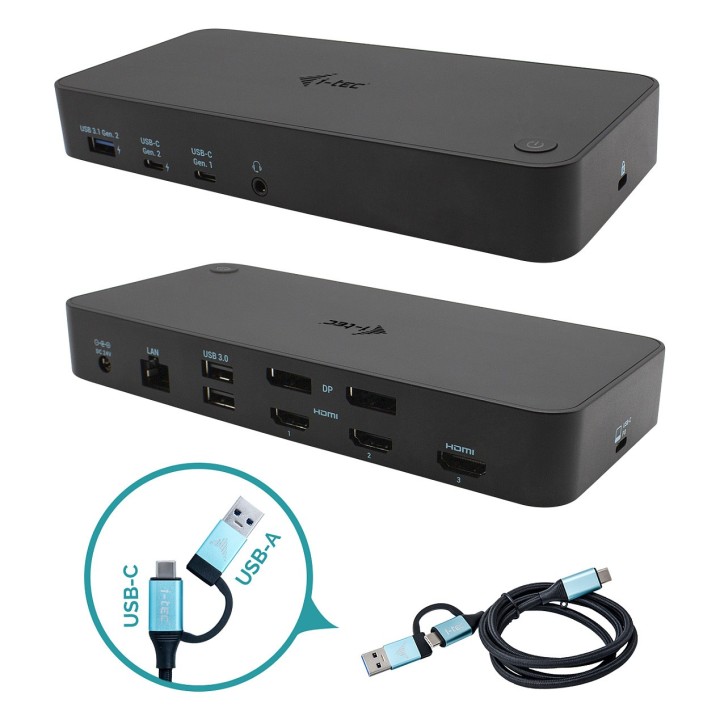
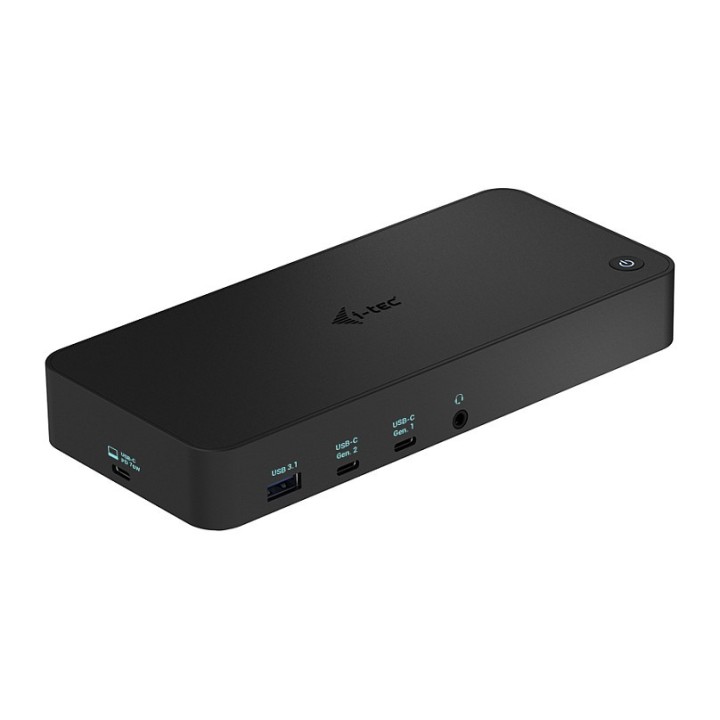
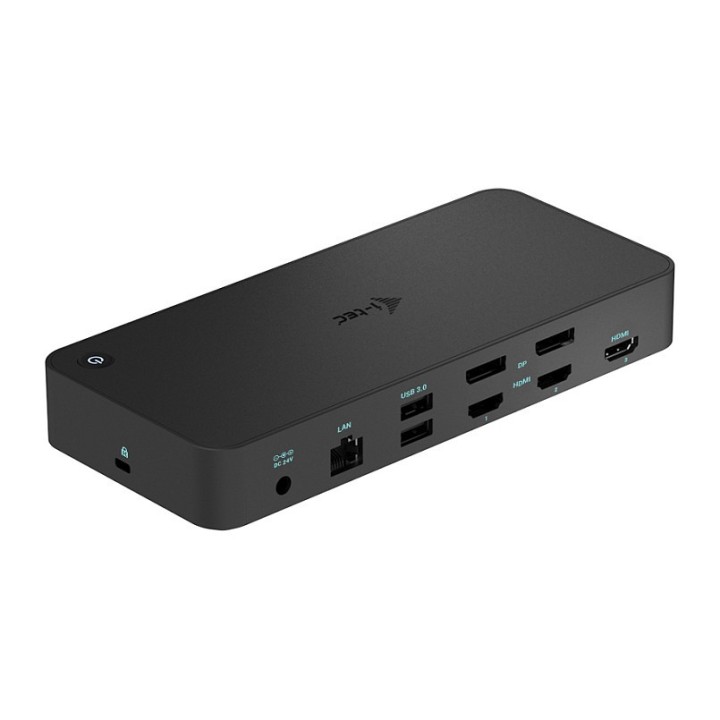
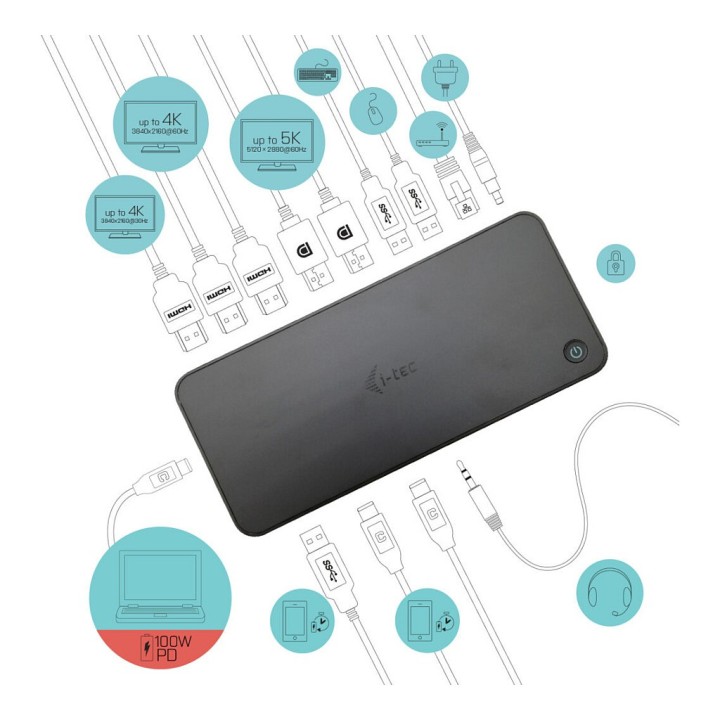
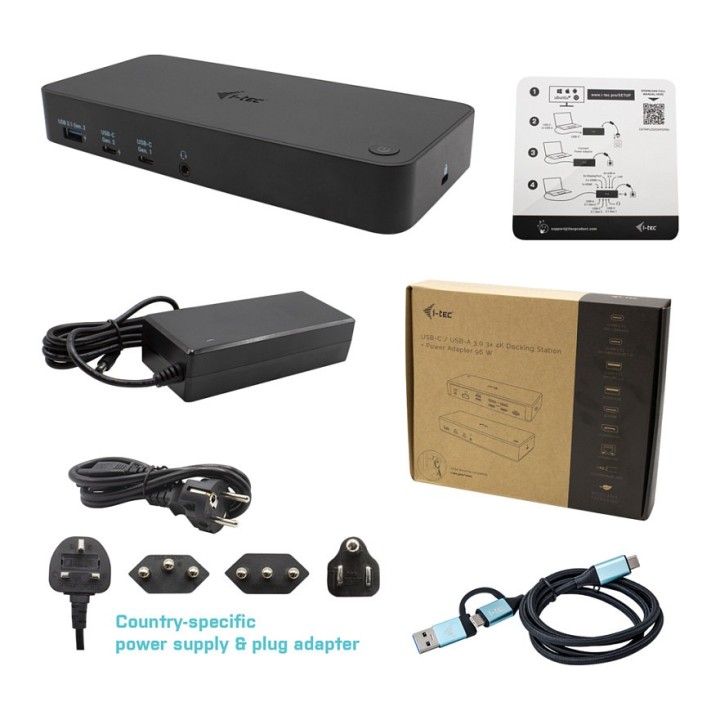
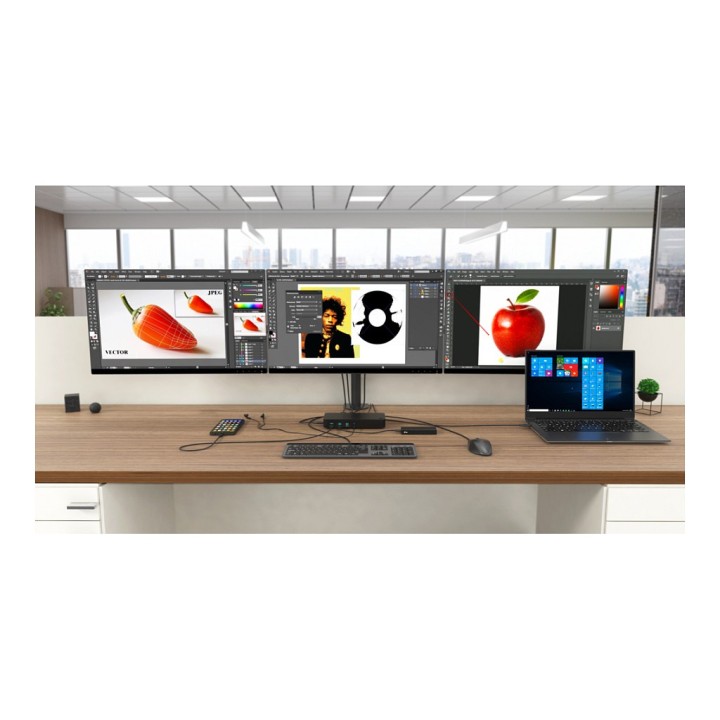
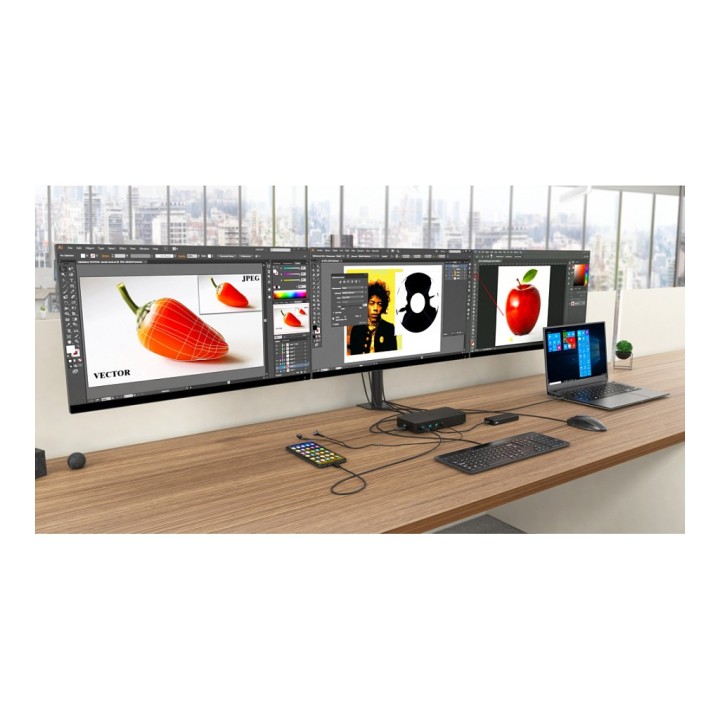
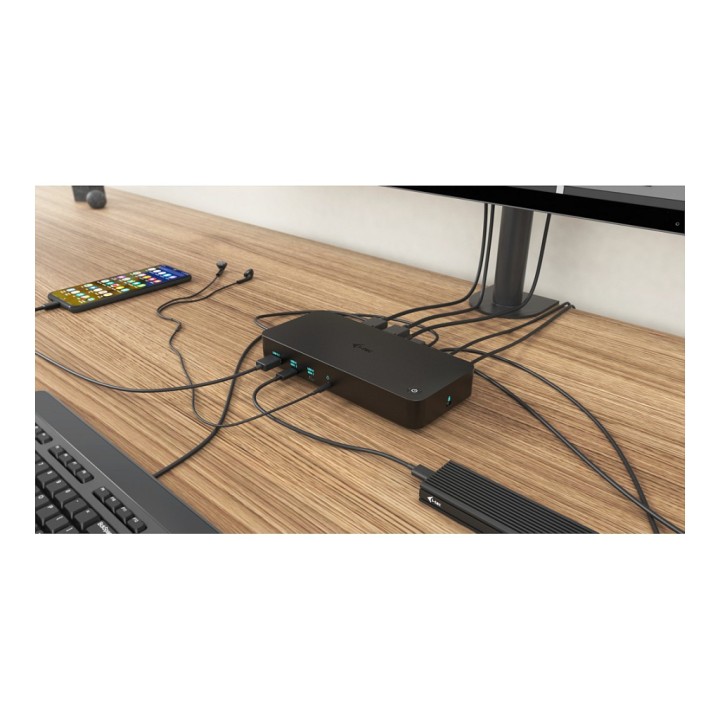
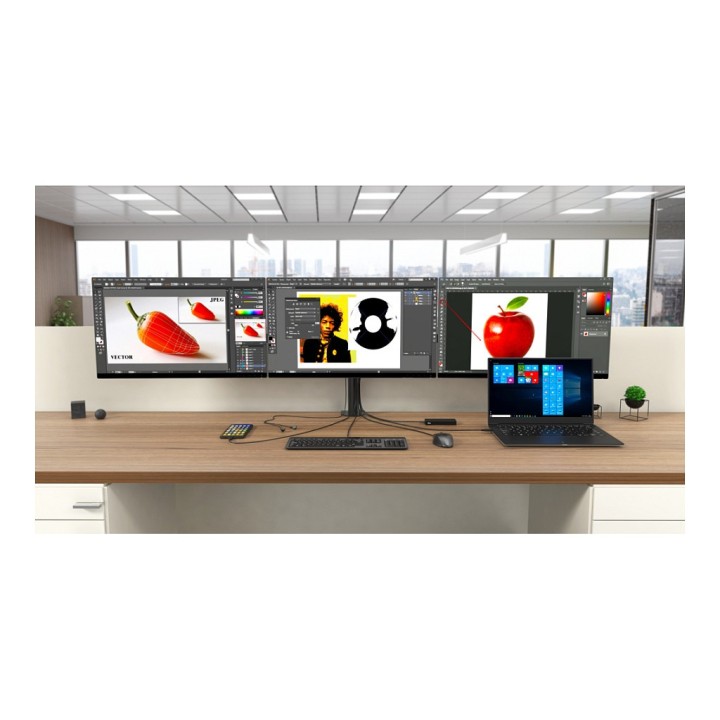
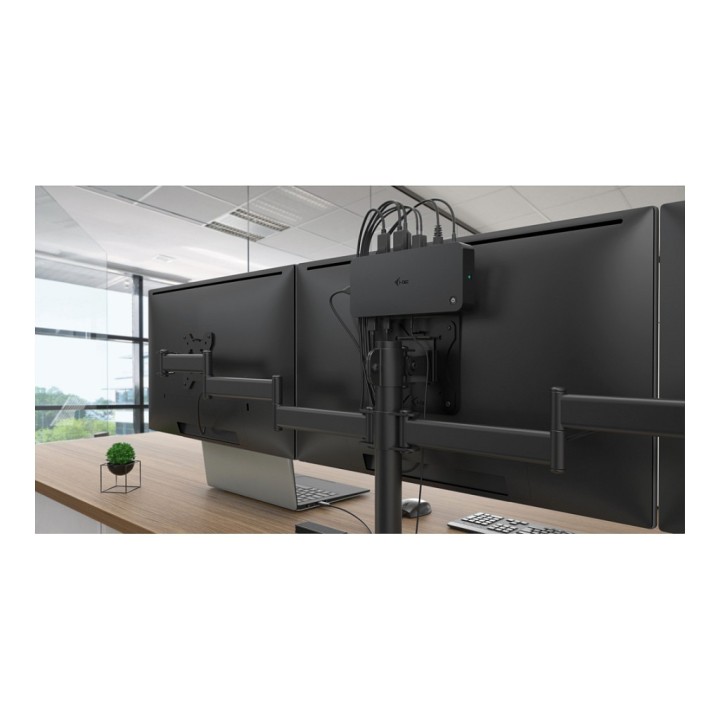
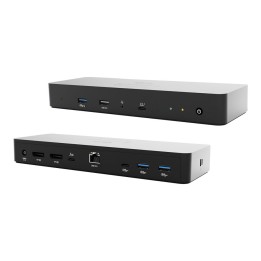
Potężna profesjonalna stacja dokująca, która obsługuje maksymalnie trzy monitory zewnętrzne w wysokiej rozdzielczości 4K. Stacja dokująca może być używana z praktycznie każdym laptopem, ponieważ obsługuje połączenia ze wszystkimi popularnymi portami: USB 3.0, USB-C i Thunderbolt 3/4, przy jednoczesnej obsłudze wszystkich popularnych systemów operacyjnych. Podłączenie do trzech monitorów będzie jednak możliwe tylko wtedy, gdy laptop posiada port Thunderbolt 3/4 lub port USB-C obsługujący przesyłanie obrazu (tryb USB-C DP Alt).
Mnóstwo portów USB (w tym porty obsługujące prędkość do 10 Gb/s), niezawodne i szybkie połączenie z siecią firmową dzięki zintegrowanemu portowi LAN oraz możliwość montażu za monitorem sprawiają, że ta stacja dokująca jest idealnym towarzyszem dla prawdziwych profesjonalistów. Oczywiście obsługuje ładowanie laptopa lub tabletu do 100 W.
i-tec Technologies s.r.o
Teslova 2 702 00 Ostrava Czechy
E-mail: skropka@i-tec.pl
Telefon: +48 513 168 695
List of safety warnings for docking stations based on the requirements of General Product Safety Regulation (EU) 2023/988 (GPSR) * Risk of electric shock: * Make sure that the docking station is connected to an efficient grounded outlet. * Do not touch the plug or cable with wet hands. * Avoid using the docking station in areas with high humidity. * Risk of overheating: * Provide adequate ventilation while maintaining at least 5 cm of free space around the docking station. * Do not block ventilation openings. * Do not place the docking station on soft surfaces such as blankets or pillows. * Fire risk: * Use only original power supplies and accessories recommended by the manufacturer. * Do not leave the docking station on unattended near flammable materials. * Risk of bodily injury: * Use the docking station on a stable surface to minimize the risk of falling connected devices. * Avoid using the docking station in a position that causes excessive heat pressure on the skin to prevent burns. * Hazards in humid environments: * Do not use the docking station outdoors in rain or in places with high humidity, such as bathrooms. * If the docking station is flooded, immediately disconnect it from the power source and contact the service. * Hazards at high temperatures: * Do not expose the docking station to direct sunlight. * Avoid using the docking station at temperatures above the recommended range (usually 5-35°C). * Risk of damage during cleaning: * Disconnect the docking station from the power supply before cleaning and use a soft, slightly damp cloth. * Avoid using strong detergents that can damage the surface of the docking station. * Caution when replacing accessories: * Use only accessories recommended by the manufacturer. * When replacing batteries, follow the manufacturer's instructions and do not expose the battery to high temperatures. * Battery Use Hazards: * Avoid damaging the battery by impact or puncture. * If the battery overheats or swells, stop using the docking station immediately. * Child warnings: * Keep power cables out of reach of children. * Make sure your kids don't play with the docking station or accessories that can be dangerous. * Cleanliness: * Failure to regularly clean ports and sockets can lead to damage or failure. * Clean ports and sockets regularly using a dry and clean cloth, avoiding moisture input.
Produkty, które ostatnio zwróciły Twoją uwagę.