- Nowy
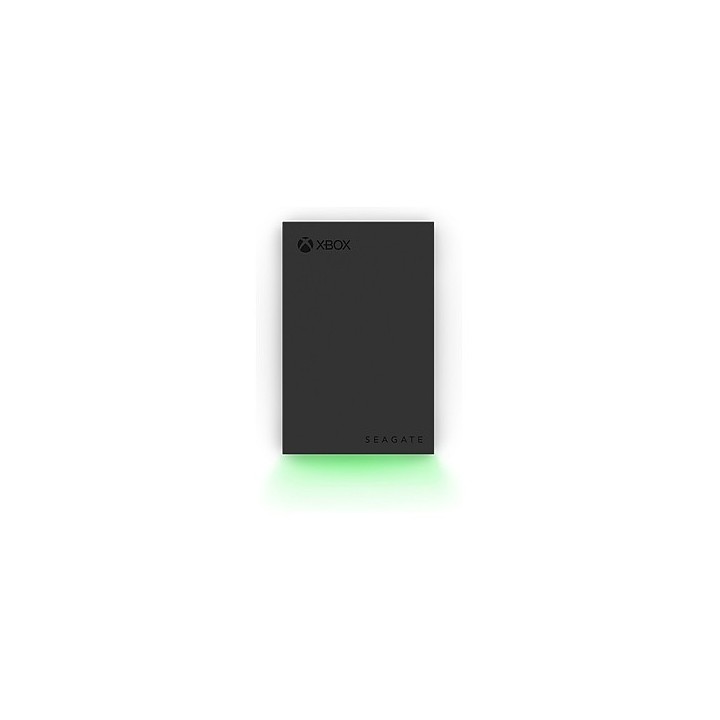
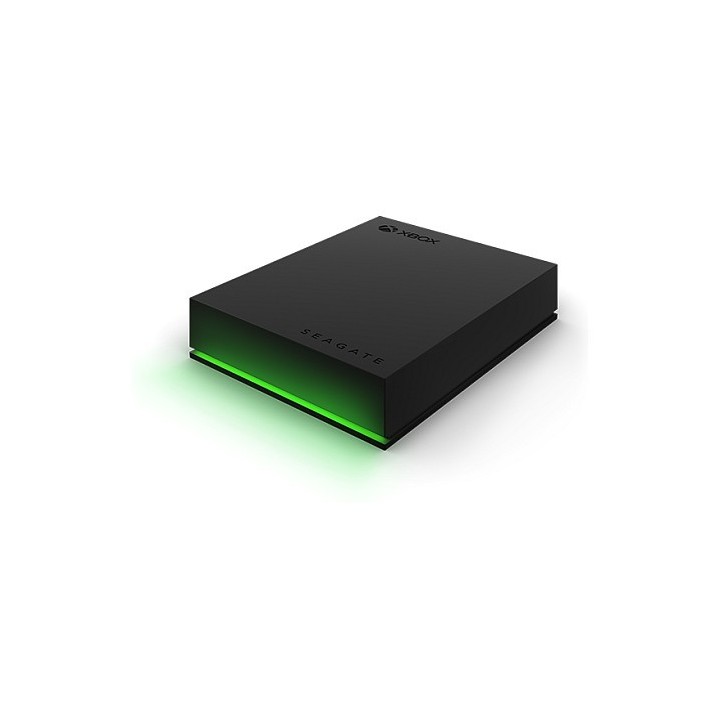
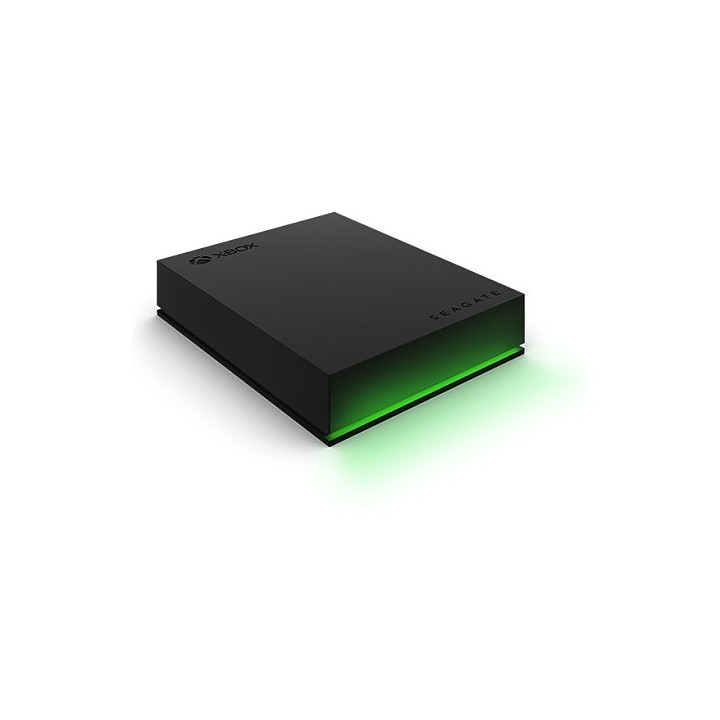
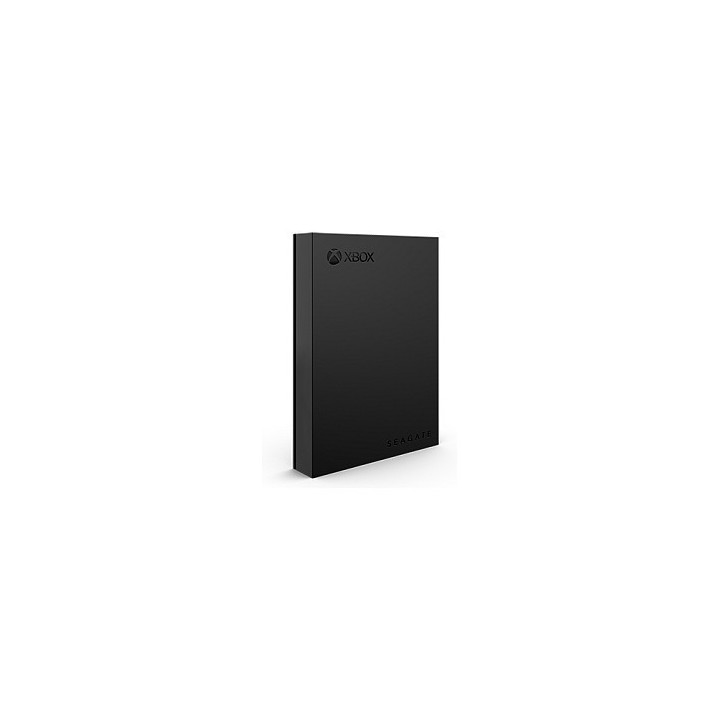
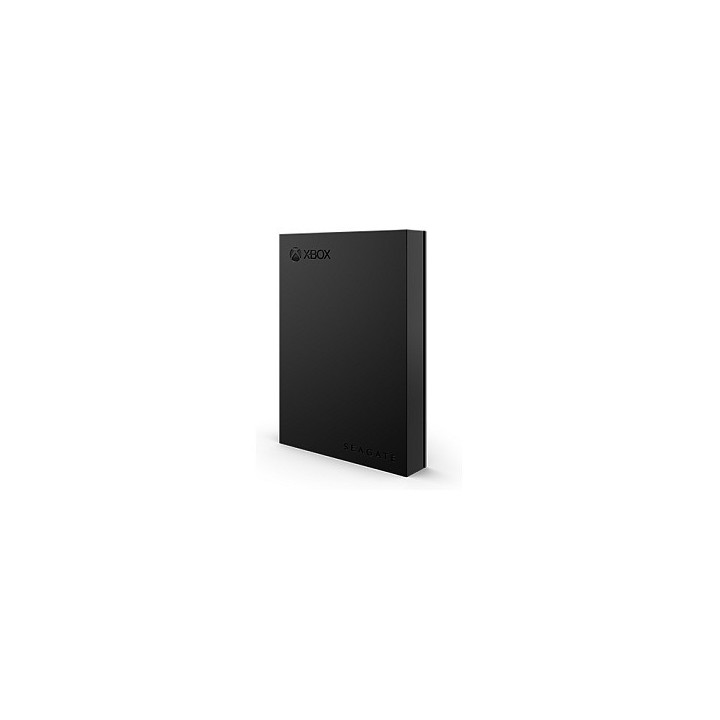
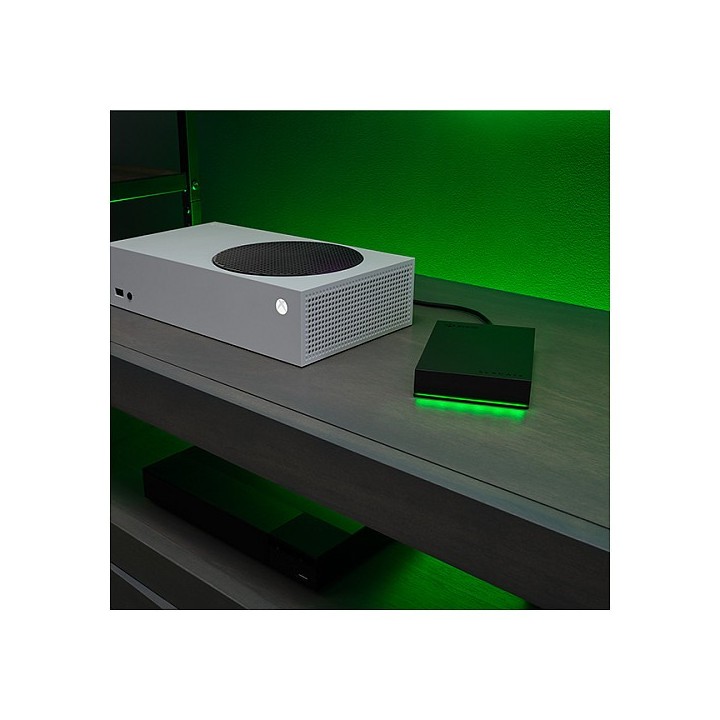
Dysk twardy Xbox Drive 2TB 2,5E STKX2000400 obrazki
Dysk twardy Xbox Drive 2TB 2,5E STKX2000400
Opis produktu
Dysk twardy Xbox Drive 2TB 2,5E STKX2000400
Klasyczny dysk Game Drive for Xbox
Nic tak nie odbiera przyjemności gry na konsoli Xbox One jak zapełniony dysk twardy. Zwiększ pojemność swojej konsoli za pomocą dysku Seagate Game Drive, jedynego dysku zewnętrznego zaprojektowanego specjalnie do konsoli Xbox.
Do 4 TB pojemności pozwala na przechowywanie ponad 100 gier na konsolę Xbox One. Instalacja w trybie plug-and-play pozwala natychmiast rozpocząć grę. Kompaktowy rozmiar i brak kabla zasilającego sprawiają, że dysk idealnie nadaje się do gry w domu, a także bez problemu można zabrać go ze sobą, aby grać u znajomych.
USB 3.2 Gen1 (USB 3.0) zapewnia najwyższą prędkość gry, jak przy korzystaniu z gier zapisanych bezpośrednio na dysku twardym konsoli.
Współpracuje z konsolami Xbox Series X|S
Dysk Seagate Game Drive, zaprojektowany z myślą o harmonijniej współpracy z konsolami Xbox Series X|S oraz Xbox One, nie ma problemów z przenoszeniem wszystkich Twoich ulubionych gier do konsoli nowej generacji. Archiwizuj nowe gry na konsolę Xbox Series X|S i zapewnij sobie możliwość gry w starsze tytuły bezpośrednio z poziomu dysku zewnętrznego. Zaopatrz się w dysk Seagate Game Drive do konsoli Xbox Series X|S i pozostań w grze.
Specyfikacja
- Model: STKX2000400
- Typ dysku: HDD
- Format szerokości dysku: 2,5'' (SFF)
- Typ napędu: Zewnętrzny
- Pojemność dysku: 2 TB
- Interfejs dysku: USB 3.1/USB 3.1 gen 2/USB 3.2 gen 2
- Kolor (wyliczeniowy): Zielony
- Wysokość: 14.8 mm
- Szerokość: 80 mm
- Głębokość: 117 mm
- Waga: 0.146 kg
- Uwaga: CE+WEEE
Szczegóły produktu
- Marka Seagate
- Kod produktu 660fbf1d71a267703cb4deba
- Dostępność 8 Przedmioty
- EAN13 3660619041213
- MPN STKX2000400
Specyfikacja
- Rodzaj nośnika HDD
- Pojemność nośnika (GB) 2000 GB
- Interfejs dysku USB 3.1/USB 3.1 gen 2/USB 3.2 gen 2
Producent
Producent
Seagate Technology (Netherlands) B.V.
Tupolevlaan 105 1119 PA Schiphol-Rijk Holandia
Formularz kontaktowy: https://www.seagate.com/em/en/contacts/
Bezpieczeństwo
Informacje o bezpieczeństwie
List of external and portable drive safety warnings based on the requirements of General Product Safety Regulation (GPSR) 2023/988: * Use the drive according to the manufacturer’s instructions to avoid mechanical damage or data loss. * Do not expose the disc to extreme temperatures, moisture, or direct sunlight to prevent overheating or damage. * Protect your drive from drops and bumps, as this can cause damage to internal components and data loss. * Disconnect the drive from your computer in a secure manner (using the "Safe Hardware Removal" feature) to avoid data loss or damage to the drive. * Do not open the disk housing, as this may result in loss of warranty and damage to delicate components. * In case of disk failure, do not try to repair it yourself; contact a professional data recovery service. * Keep the drive away from strong magnetic fields that can disrupt operation and cause data loss. * Use only the original cables and power supplies that came with the drive to avoid compatibility issues and damage. * Regularly back up data from disk to other media to avoid losing important information in the event of a failure. * Keep the disc out of reach of children to avoid accidental damage or ingestion of small items. * When transporting the disk, protect it from shocks and moisture by placing it in a suitable protective case. * Do not attempt to connect a damaged drive to your computer as this may cause additional problems. * Regularly scan the drive with an antivirus program to prevent malware infection. * Do not use the disc near flammable substances, as overheating and fire may occur in the event of a breakdown. * Make sure the voltage in the electrical outlet complies with the requirements of the disk power supply to avoid damage. * If the drive overheats, disconnect it from power immediately and let it cool before reusing. * Clean the disc housing with a soft, dry cloth; do not use chemicals that can damage the surface. * For long-term disk storage, place it in a dry and cool place to avoid component degradation. * If your drive is equipped with encryption software, make sure your password is secure and remembered to avoid permanent loss of access to your data. * When connecting and disconnecting the drive, hold by the housing, not by the cable, to avoid damaging the connector.
Dyski zewnętrzne i banki danych
- Nowy
- Nowy
- Nowy
- Nowy
- Nowy
- Nowy
- Nowy
Ostatnio oglądane
Produkty, które ostatnio zwróciły Twoją uwagę.
- Nowy
- Nowy
- Nowy

- Nowy
- Nowy
- Nowy
- Nowy
- Nowy
- Nowy
- Nowy