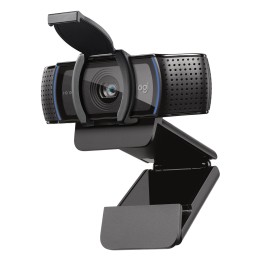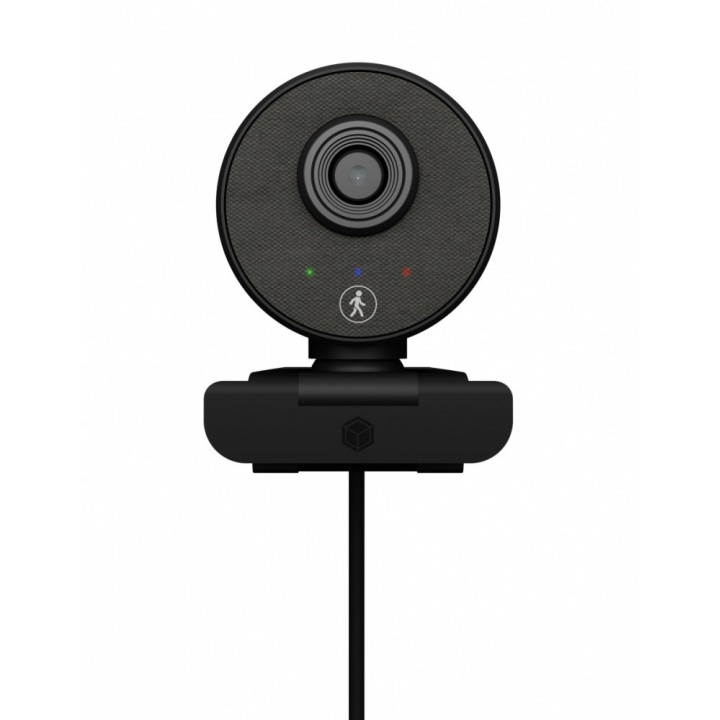
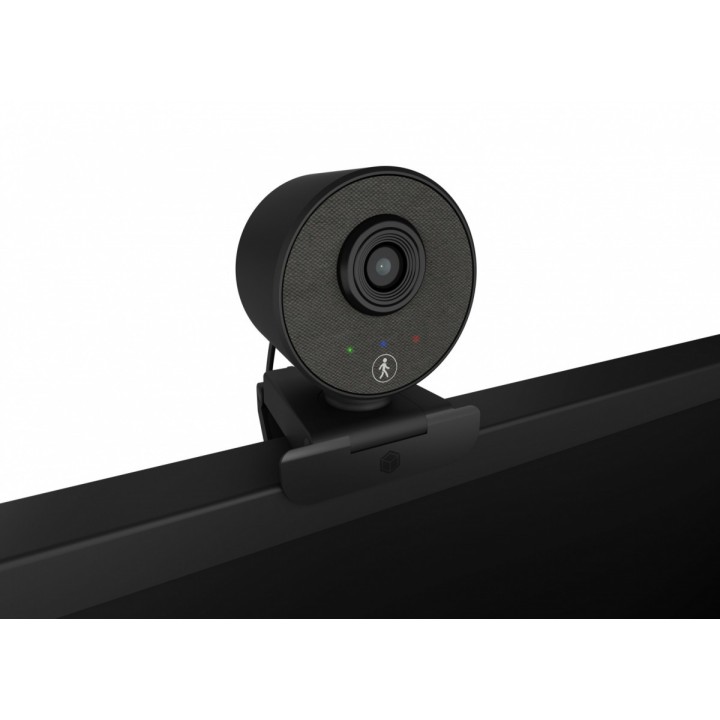
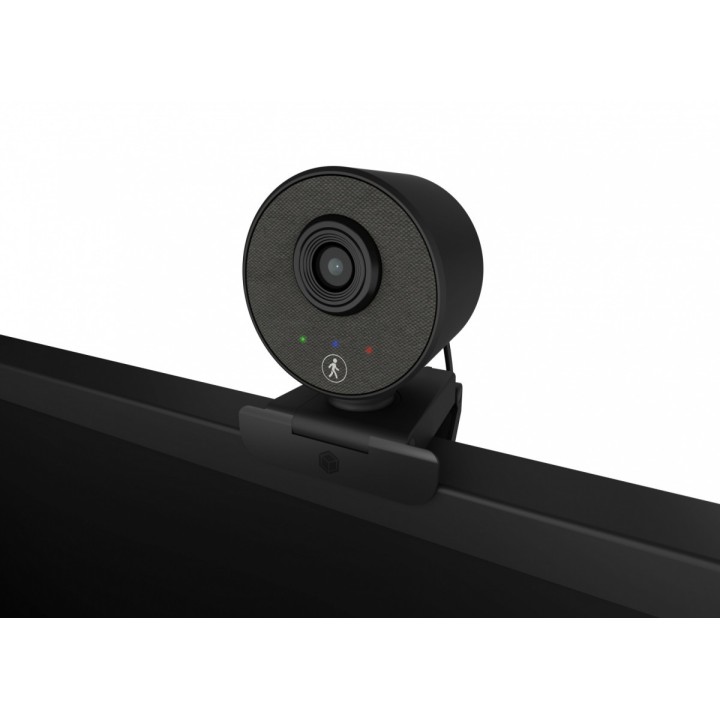
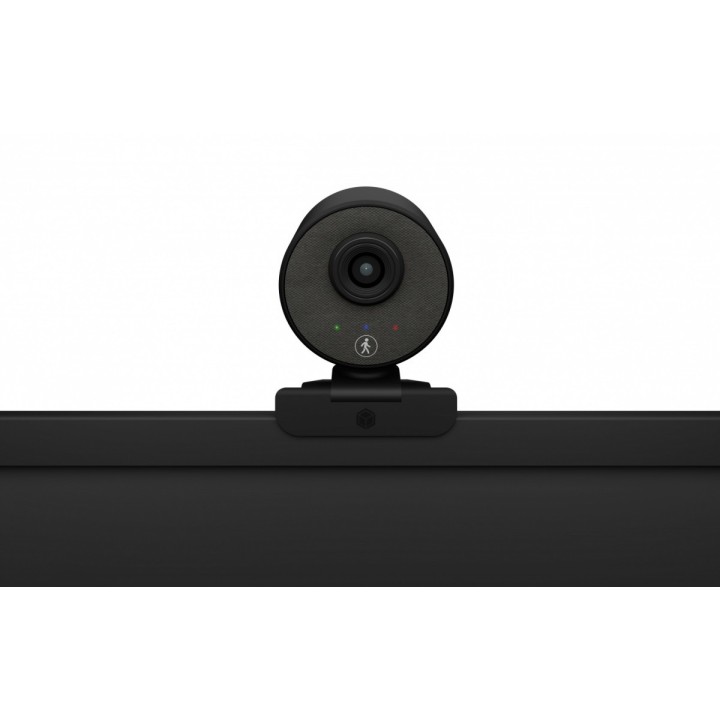
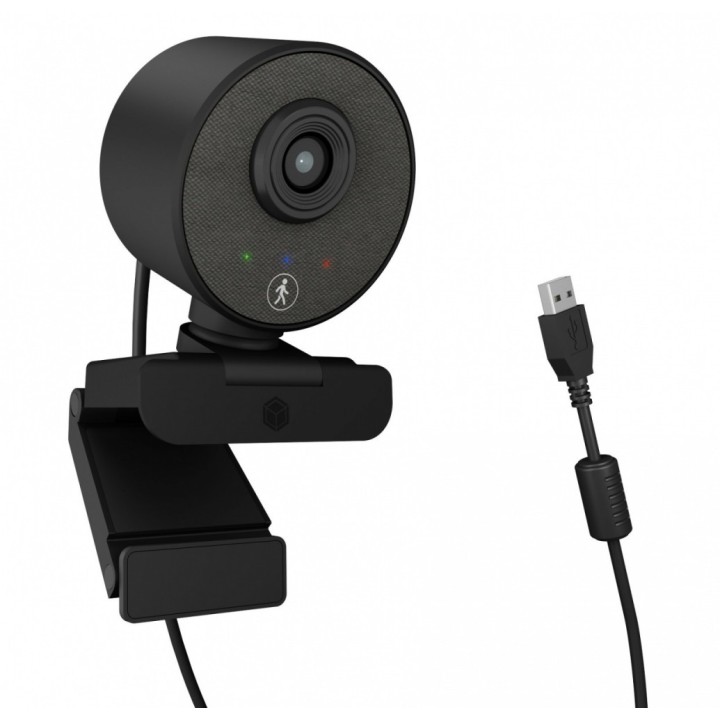
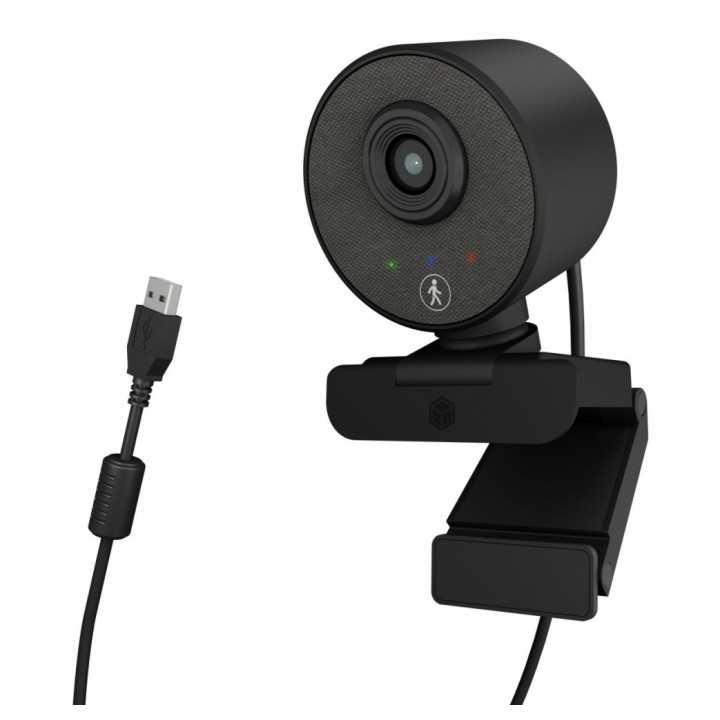
Kamera internetowa IB-CAM501-HD FHD Webcam, 1080P, wbudowany mikrofon, Autofocus, wide view angle, Autotracking
Opis produktu
ICY BOX IB-CAM501-HD
Full HD Webcam z Mikrofonem
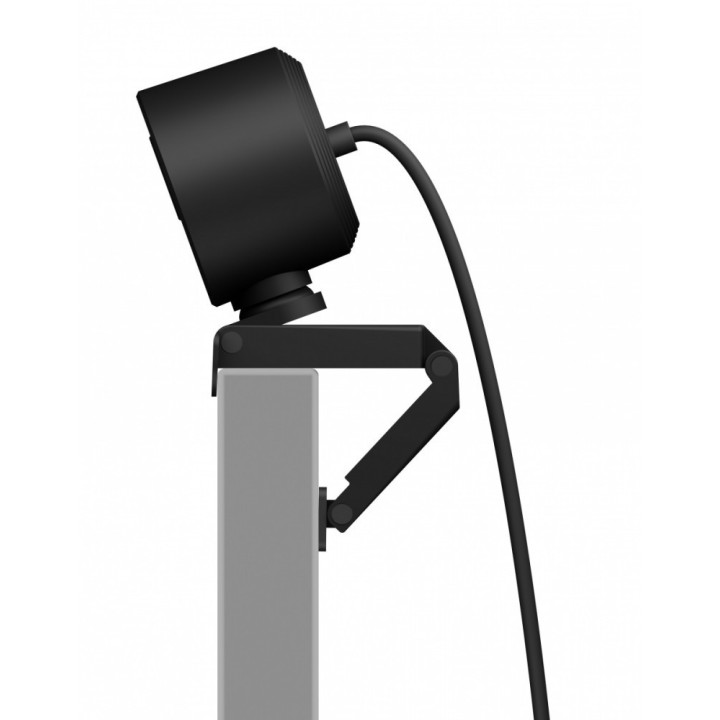
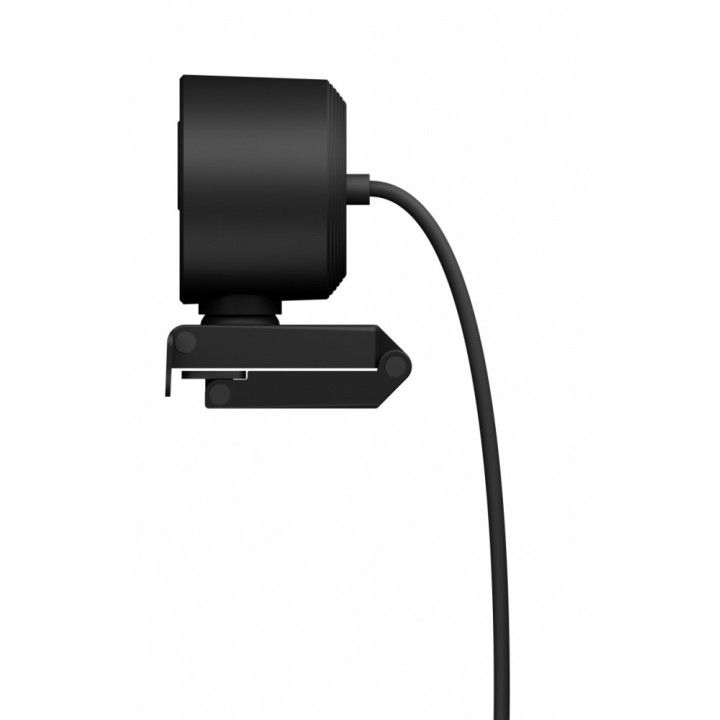
Kamera internetowa Full HD do oglądania filmów i transmisji na żywo w najlepszej jakości do 1080p Przetwornik CMOS o wysokiej rozdzielczości z 30 klatkami na sekundę i kątem widzenia 90 ° Autofokus HD zapewniający zoptymalizowaną jakość obrazu w każdej sytuacji WDR (szeroki zakres dynamiki) kompensuje duże różnice w kontraście i jasności Funkcja automatycznego śledzenia AI obejmuje kąt widzenia do 350 ° Dźwięk stereo z dwoma mikrofonami Idealny do nauki w domu, domowego biura i rozmów wideo (Skype, Teams, Zoom, YouTube) Stopka zaciskowa do montażu na monitorze oraz ze zintegrowanym gwintem statywu " Plug and play, nie wymaga instalacji sterowników ani oprogramowania Połączenie przez USB 2.0 Type-A, obsługuje protokół OTG
Specyfikacja
- Rozdzielczość (kamery int.): Full HD 1080p (1920x1080px)
- Cechy i funkcje (kamery int.): wbudowany mikrofon
- Liczba klatek na sekundę: 30
- Interfejs (kamery int.): USB
- Kolor (wyliczeniowy): Czarny
- Wymiary: 65 x 65 x 90 mm
- Waga: 0.1997 kg
- Uwaga: CE+WEEE
Szczegóły produktu
- Marka IcyBox
- Kod produktu 660fbf2671a267703cb4ecbc
- Dostępność 1 Przedmiot
- EAN13 4250078172475
- MPN IBCAM501HD
Producent
Producent
RaidSonic Technology GmbH
Kurt-Fischer-Strasse 50 D- 22926 Ahrensburg Germany
E-mail: potrykus@raidsonic.de
Formularz kontaktowy: https://icybox.de/contact
Telefon: +49 4102 468900
Bezpieczeństwo
Informacje o bezpieczeństwie
List of webcam safety warnings based on the requirements of General Product Safety Regulation (GPSR) 2023/988 1. Privacy Risk: * Make sure your webcam is turned off or obscured when not in use to prevent unauthorized access and potential privacy violations. 2. Security Risk: * Update your webcam software to the latest version to protect against known vulnerabilities. * Change your webcam passwords regularly to prevent unauthorized access. 3. Risk of equipment damage: * Do not place the webcam in places with high humidity or temperature to avoid damage to the equipment. * Protect your webcam from drops or bumps that can cause mechanical damage. 4. Risk for children: * Keep small webcam accessories out of reach of children to avoid the risk of ingestion. * Do not allow children to install the webcam themselves. 5. Connection risk: * Make sure your webcam cables are properly connected to avoid short circuits or other power problems. 6. Hygiene risk: * Clean your webcam regularly to prevent dust and dirt from accumulating. * Do not use harsh cleaning agents that can damage the lens or housing. 7. Risk of ergonomics: * Place the webcam on a stable surface to avoid accidental tipping over. * Set the camera at the right height and angle for comfortable use. 8. Risk of fire: * Do not place the webcam near flammable materials. 9. Health Risk: * Avoid prolonged use of the webcam in dark rooms to reduce eye strain. 10. Legal Risk: * Make sure that video and audio recording using your webcam complies with local privacy laws.
Kamery internetowe
Ostatnio oglądane
Produkty, które ostatnio zwróciły Twoją uwagę.