- Nowy
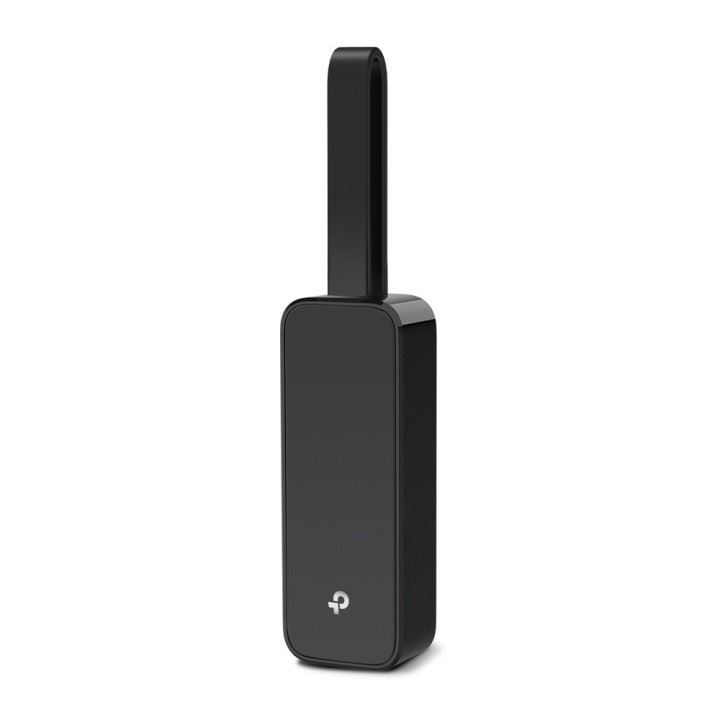
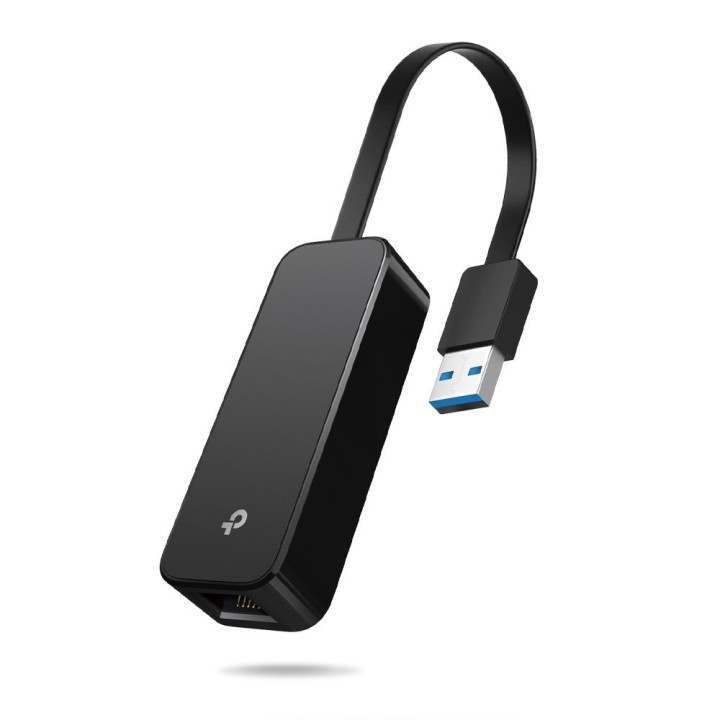
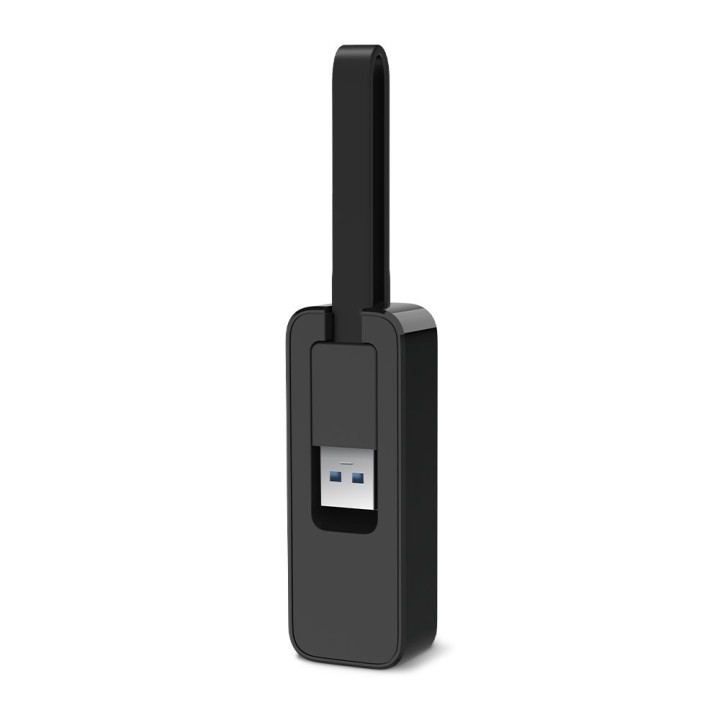
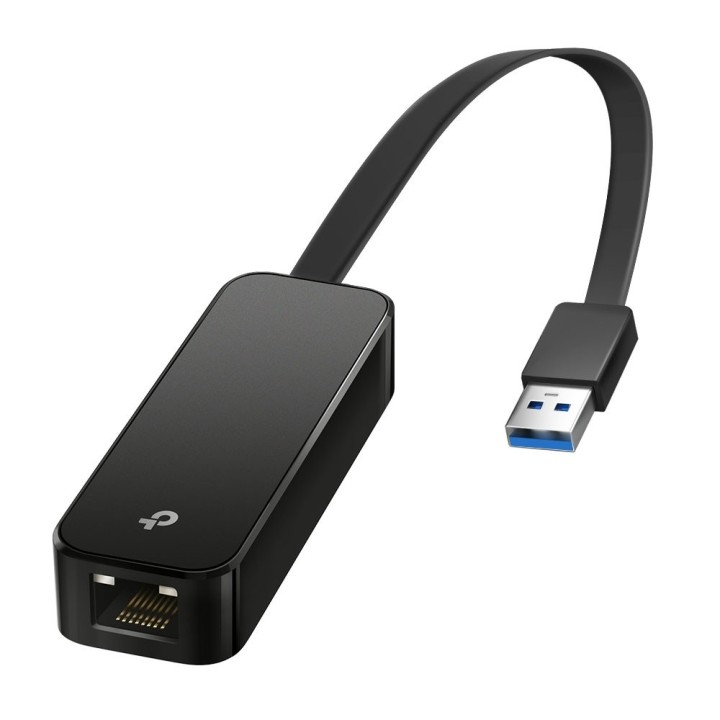
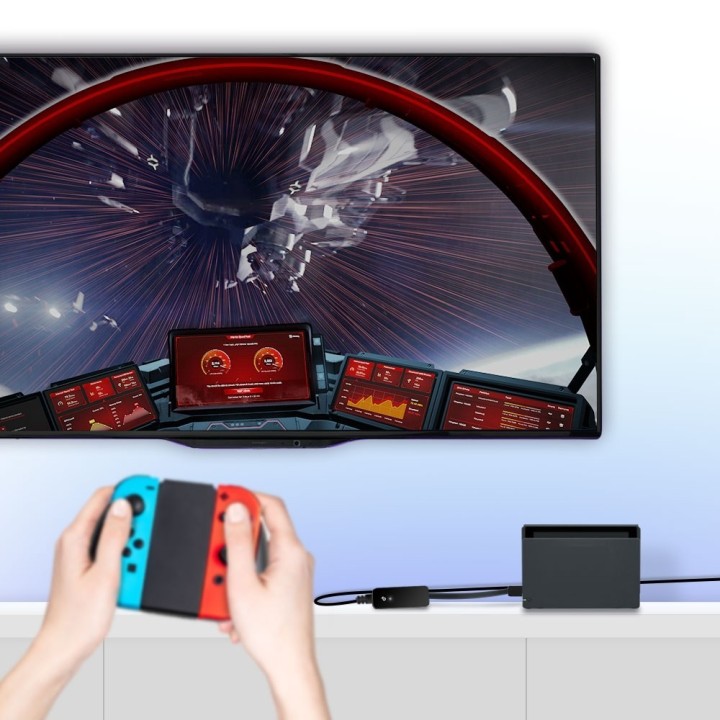
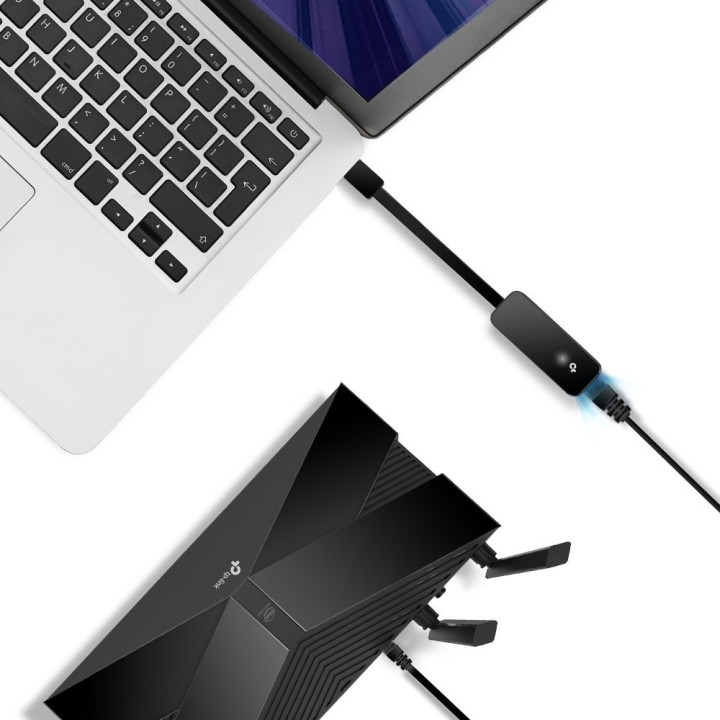
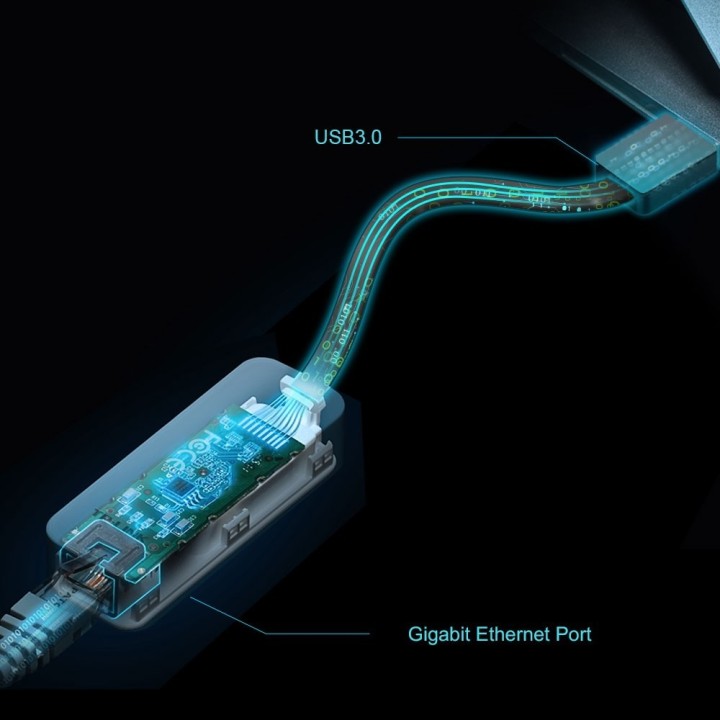
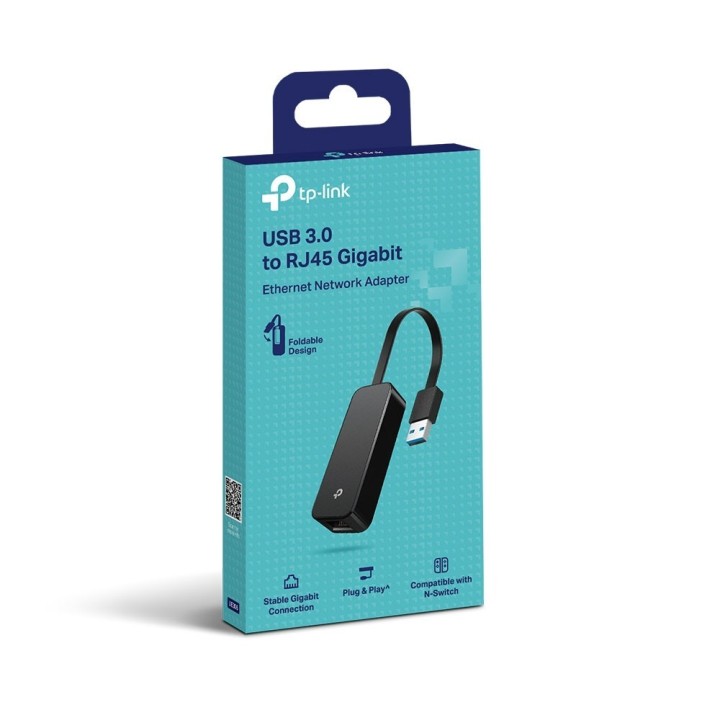
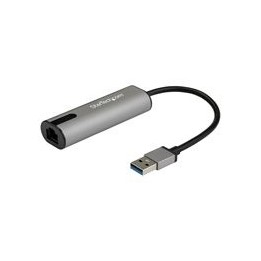
TP-LINK TL-UE306 to kompaktowa karta sieciowa umożliwiająca podłączenie komputera do przewodowej sieci Ethernet za pośrednictwem portu USB 3.0. Urządzenie oferuje wygodne rozszerzenie łączności bez konieczności instalacji wewnętrznych kart.
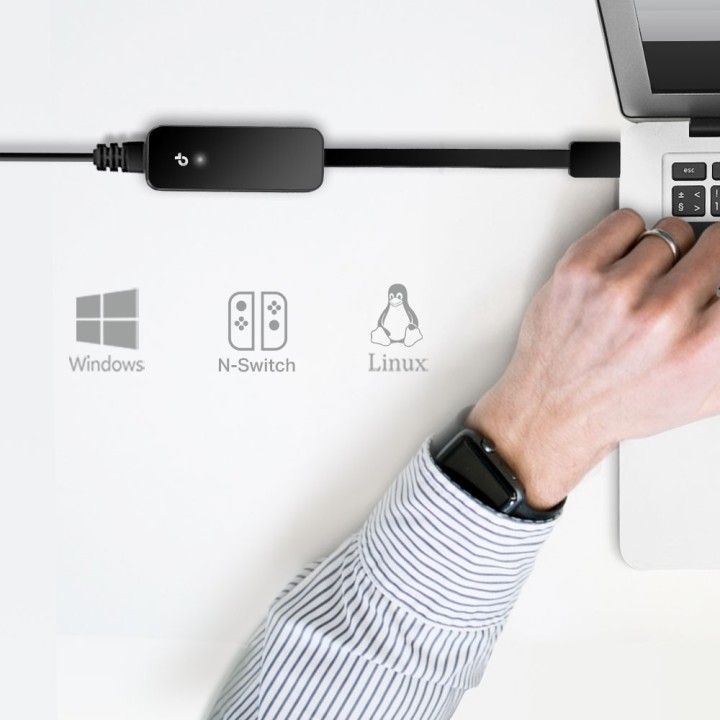
Interfejs USB 3.0 wraz z chipsetem AX88179 obsługuje transmisję z prędkościami do 10/100/1000 Mb/s, co pozwala na wykorzystanie połączeń gigabitowych. Karta jest zgodna z systemami Windows 7/8/8.1/10 oraz Linux, a instalacja odbywa się w trybie Plug and Play.
Model wyróżnia się składanym, niewielkim korpusem oraz krótkim kablem z wtykiem USB Typ A, co ułatwia przenoszenie i zastosowanie w ultrabookach i laptopach. Niewielkie wymiary i niska masa czynią urządzenie praktycznym dodatkiem do mobilnego stanowiska pracy.
TP-Link Polska Sp. z o.o.
Ożarowska 40/42 05-850 Duchnice Polska
E-mail: info.pl@tp-link.com
Telefon: +48 22 360 63 63
TP-Link
Ożarowska 40/42 05-850 Duchnice Polska
E-mail: office.poland@tp-link.com
Telefon: +48 22 360 63 00
List of network card security warnings based on the requirements of General Product Safety Regulation (GPSR) 2023/988: * Make sure that the installation of the network adapter complies with the manufacturer’s instructions. Incorrect installation can lead to damage to your device or computer. * Before installing or disassembling the network card, turn off the computer and disconnect it from power. * Protect your network card from moisture and extreme temperatures. Do not use it in places where it may be exposed to water or direct sunlight. * Use the network adapter for its intended purpose. Do not try to modify or repair it on your own. * Regularly check that the network card is properly attached to the motherboard slot. A loose connection can cause network problems. * Make sure your network adapter drivers are up to date. Outdated drivers can lead to compatibility and security issues. * Use a dry, soft cloth when cleaning the network card. Avoid using cleaning products that can damage components. * If your network card has an antenna, make sure it is properly attached and undamaged. A damaged antenna can affect signal quality. * Pay attention to sharp edges or card components that may pose a potential injury hazard during installation or disassembly. * If your network card has electronic components, keep it away from children.