Bezprzewodowa klawiatura i mysz - KM5221W RTL

Cena: 164,49 zł
Brutto
Dostępność produktu: Dostępny 21 szt.
Czas dostawy Wysyłka w ciągu 2 dni roboczych
Koszt dostawy Bezpłatna dostawa od 250 zł.

Opis produktu

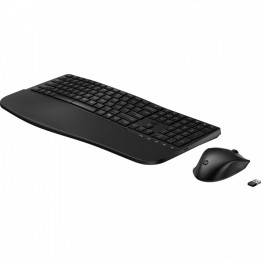
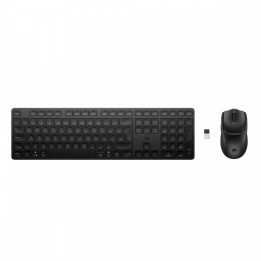
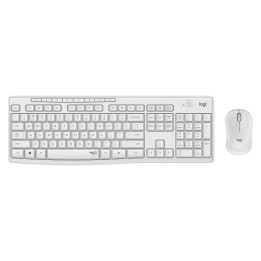
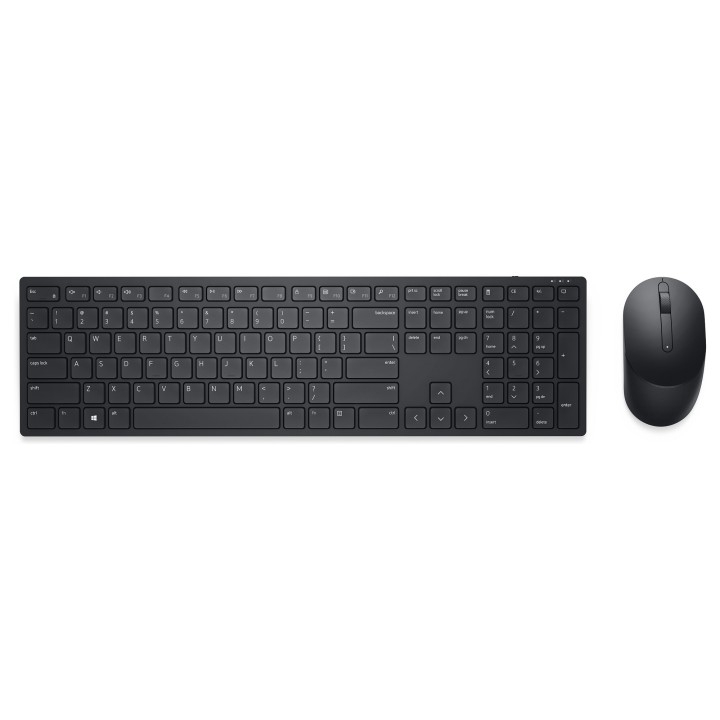
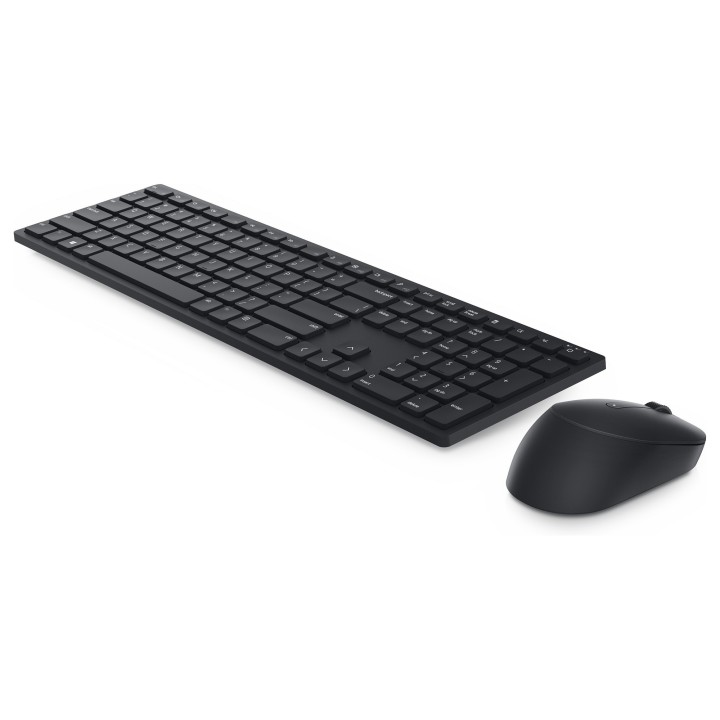
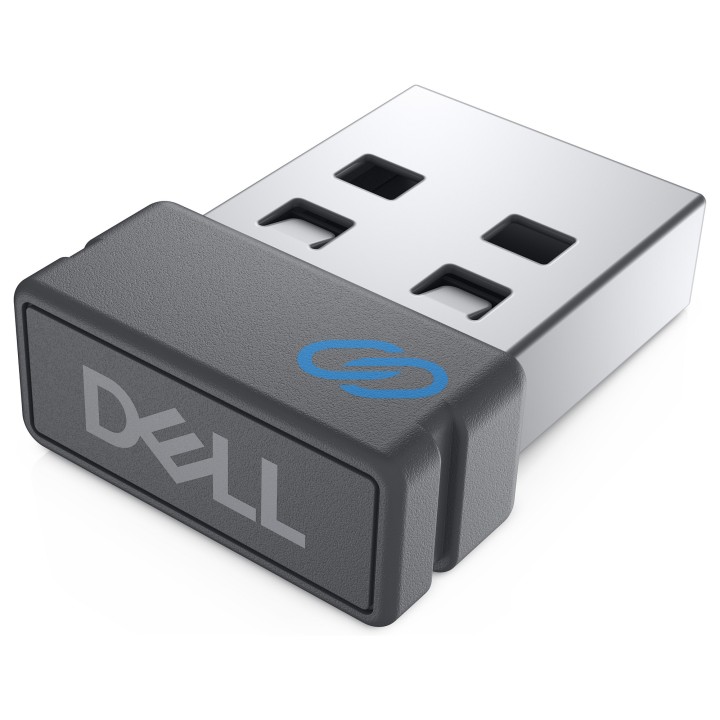
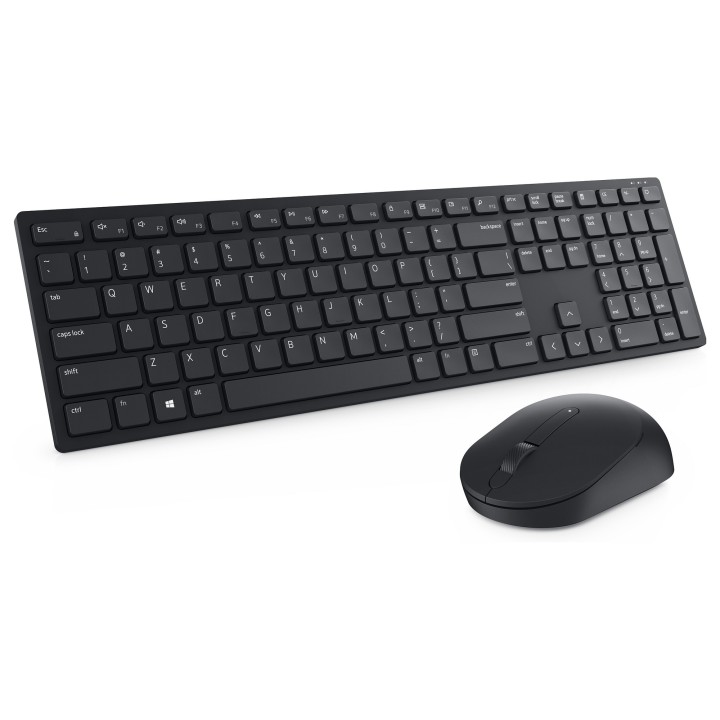
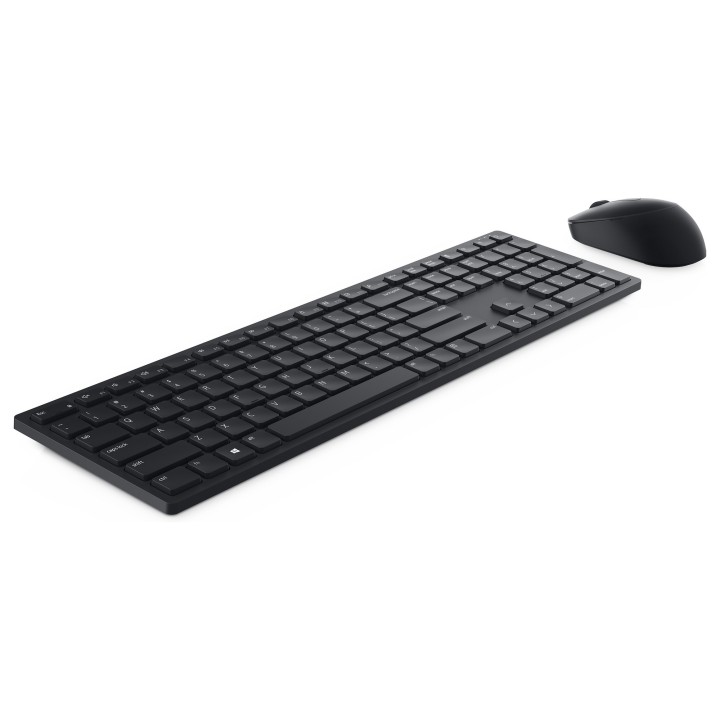
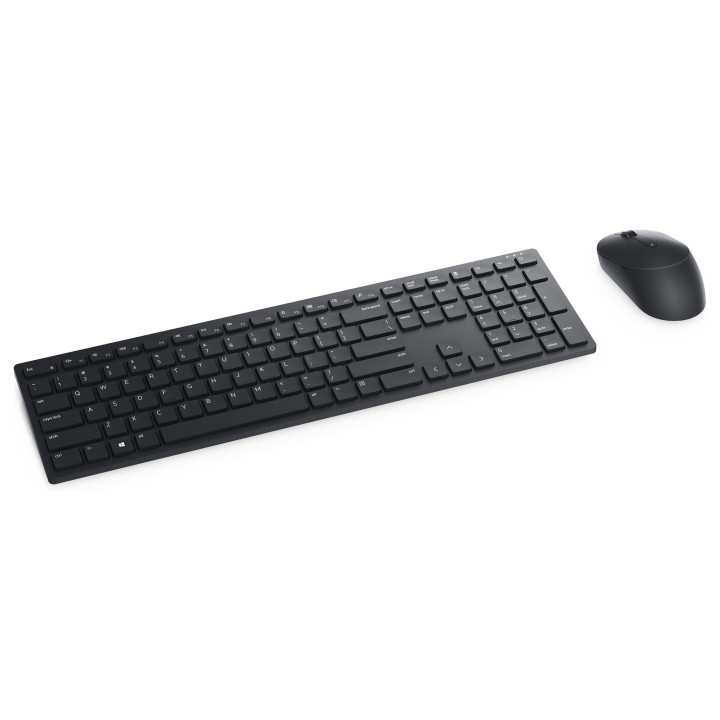
Dell KM5221W to bezprzewodowy zestaw klawiatury i myszy zaprojektowany z myślą o codziennej pracy biurowej i domowej. Urządzenia łączą się przez Bluetooth, co pozwala na wygodne użycie bez stosowania dodatkowych odbiorników.

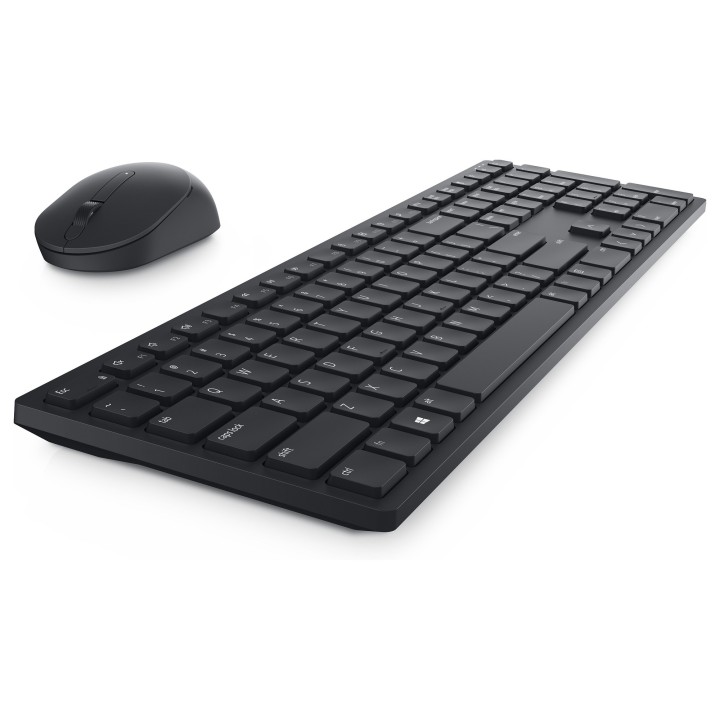
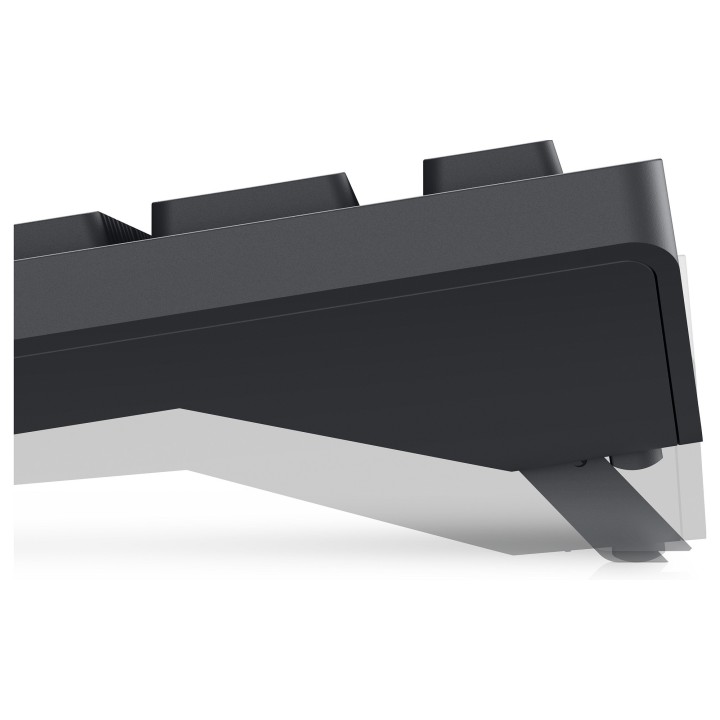
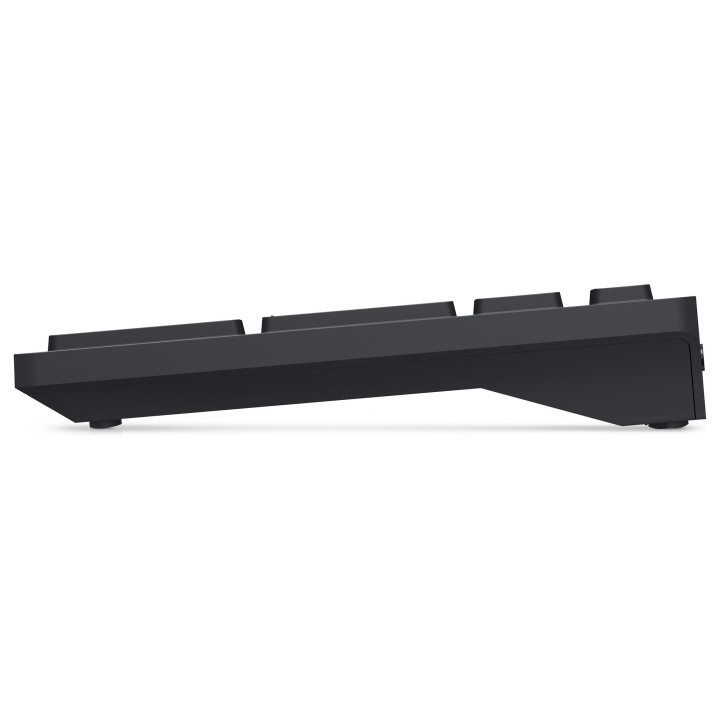
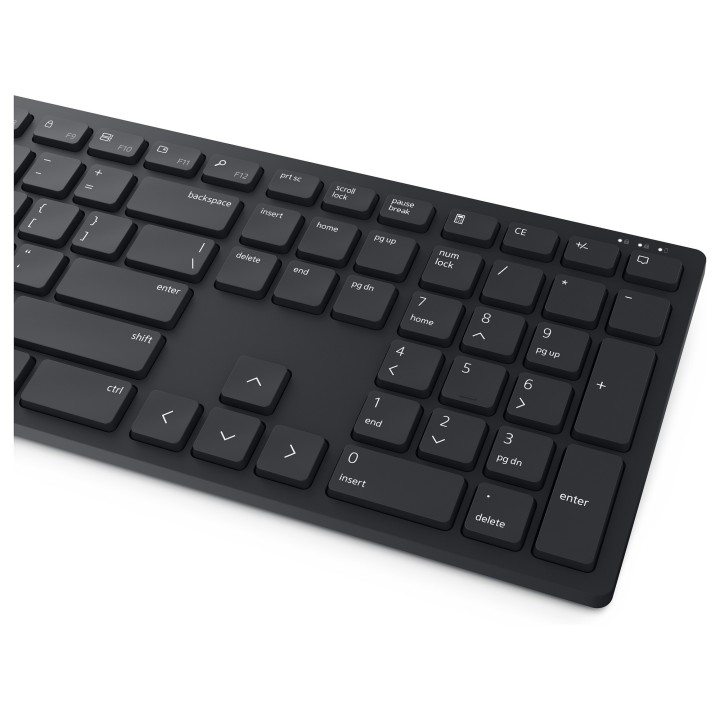
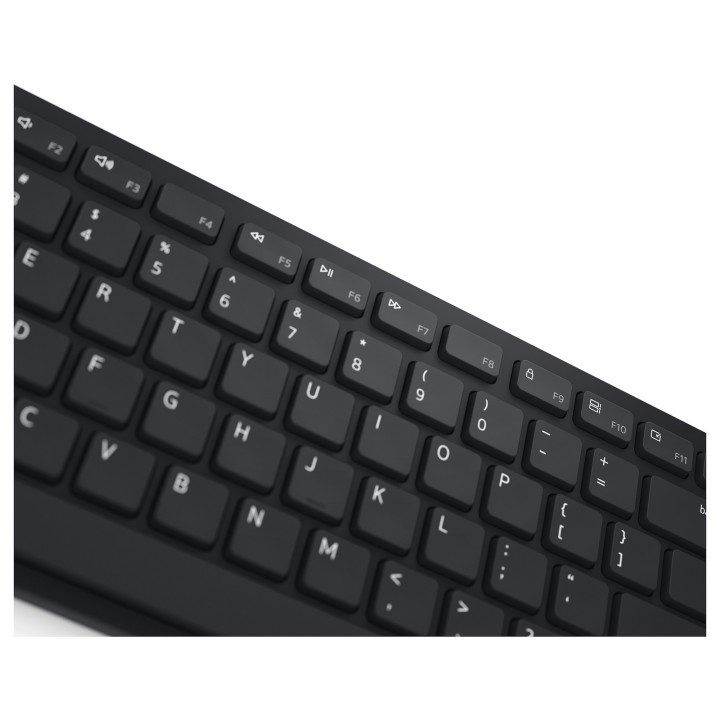
Klawiatura posiada membranowe, niskoprofilowe klawisze w formacie slim; nie jest podświetlana i nie ma wbudowanego touchpada ani podpórki pod nadgarstek. Konstrukcja podkreśla kompaktowy profil i ergonomię do pracy przy biurku.

Mysz z optycznym sensorem oferuje maksymalną rozdzielczość 4000 dpi oraz jedno pokrętło przewijania. Jej kompaktowe wymiary i niewielka masa ułatwiają codzienne użytkowanie i przenoszenie. Produkt dostarczany jest w opakowaniu BOX.

Specyfikacja

  • Model: KM5221W (580-AJRC)
  • Typ: Zestaw bezprzewodowy (klawiatura i mysz)
  • Komunikacja: Bezprzewodowa
  • Typ złącza: Bluetooth
  • Typ klawiszy: Membranowe
  • Profil klawiatury: Niski / Slim
  • Podświetlenie: Brak
  • Touchpad: Brak
  • Podstawka pod nadgarstek: Brak
  • Technologia czujnika myszy: Optyczna
  • Rozdzielczość maksymalna (dpi): 4000
  • Ilość pokręteł: 1
  • Kolor: Czarny
  • Opakowanie: BOX
  • Długość myszki: 115,32 mm
  • Szerokość myszki: 38,8 mm
  • Waga myszki: 91,8 g

Szczegóły produktu

  • Marka Dell
  • Kod produktu 660fbfd471a267703cb5e22c
  • Dostępność 21 Przedmioty
  • EAN13 0884116383475
  • MPN 580-AJRC

Specyfikacja

  • Układ klawiatury QWERTY
  • Język klawiatury Amerykański międzynarodowy
  • Podświetlenie klawiatury Nie
  • Typ zasilania Bateria

Producent

Producent

Dell Sp. z o.o.

ul. Inflancka 4A 00-189 Warszawa Poland

E-mail: regulatory.compliance@dell.com

Telefon: 15 123 381 551

Bezpieczeństwo

Informacje o bezpieczeństwie

List of keyboard safety warnings based on the requirements of General Product Safety Regulation (EU) 2023/988 (GPSR): * Make sure you use the keyboard as intended, avoid over-pressing or hitting the keys. * Protect your keyboard from flooding with liquids, as this can damage your electronics. * If you are using a wireless keyboard, be sure to replace the batteries regularly and dispose of them as per your regulations. * Keep your keyboard clean, vacuum it regularly, and clean with gentle agents to prevent dust and dirt buildup. * If the keyboard has LED backlighting, avoid staring at intense light for a long time, especially in dark environments. * Store your keyboard in a dry place, away from direct sunlight and heat sources. * Make sure that the keyboard cable is not an obstacle and does not threaten to trip. * If the keyboard has sharp edges, be careful to avoid cuts. * If you experience skin allergies to the materials from which the keyboard is made, stop using it and consult your doctor. * Do not use a damaged keyboard where the keys are loose or missing. * Keep your workstation organized to avoid accidental damage to your keyboard. * Avoid using the keyboard in conditions of high humidity or dustiness, as this can negatively affect its operation. * If you notice the keyboard overheating, disconnect it from the power source immediately. * If the keyboard is equipped with a USB receiver, store it in a safe place to avoid being swallowed by children. * Make sure that children do not play with the keyboard or its elements. * Do not try to repair the keyboard yourself if you are not qualified. * Pay attention to the ergonomics of the work to avoid problems with the wrists and hands during prolonged use of the keyboard.

Ładowanie...
Wróć na górę