- Nowy
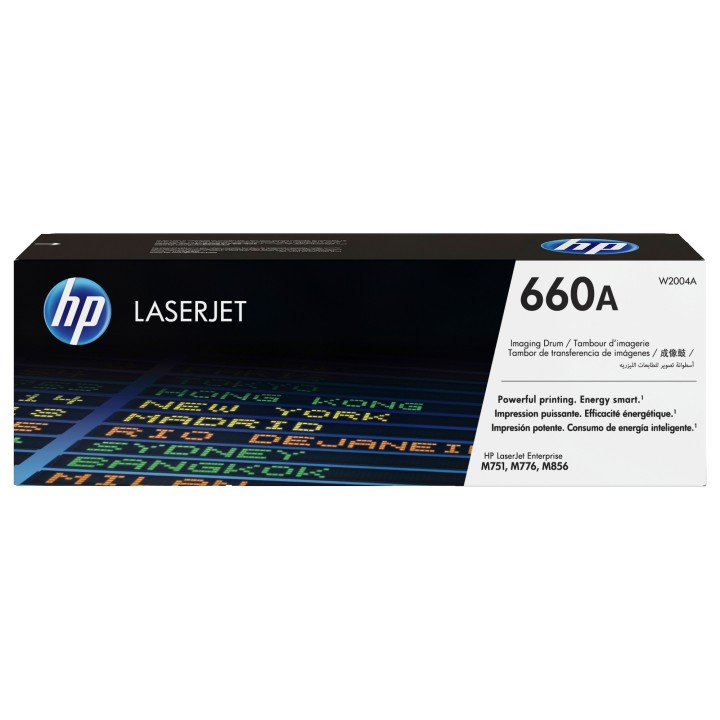
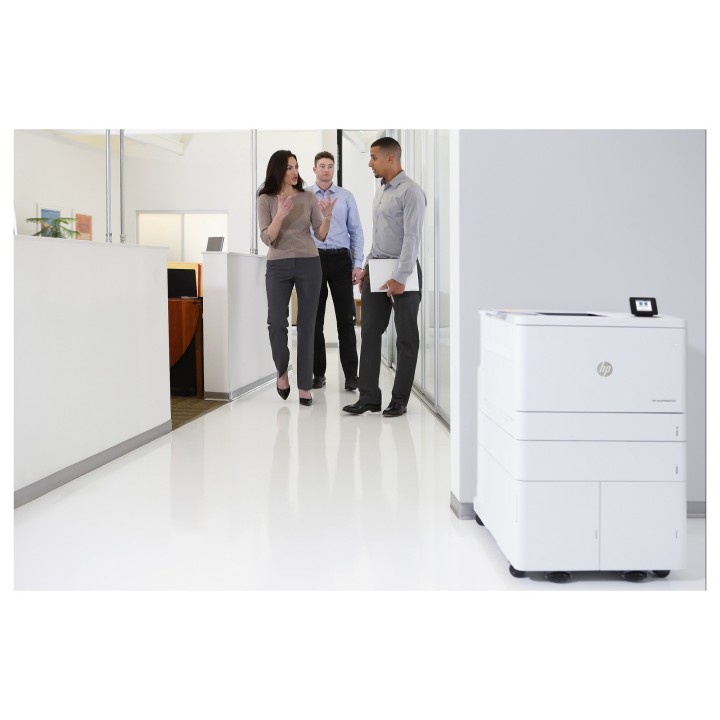
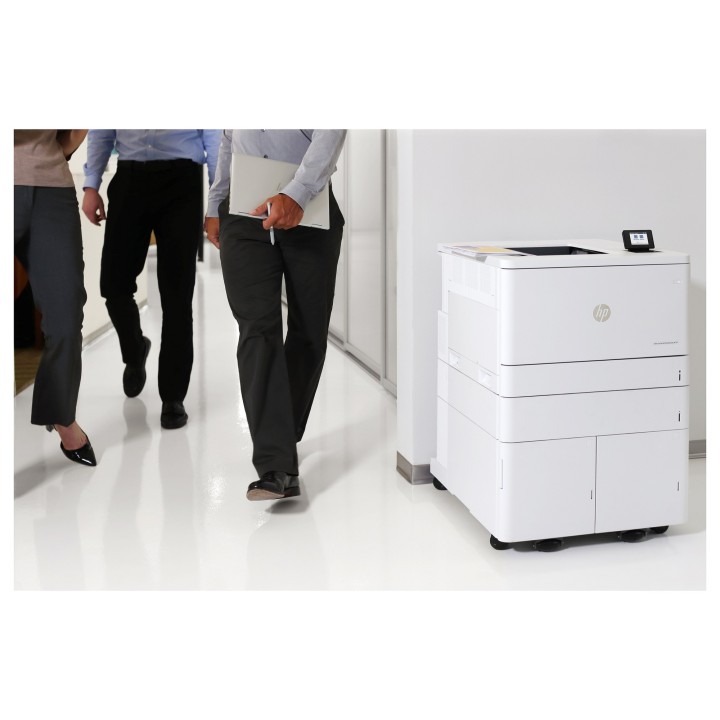
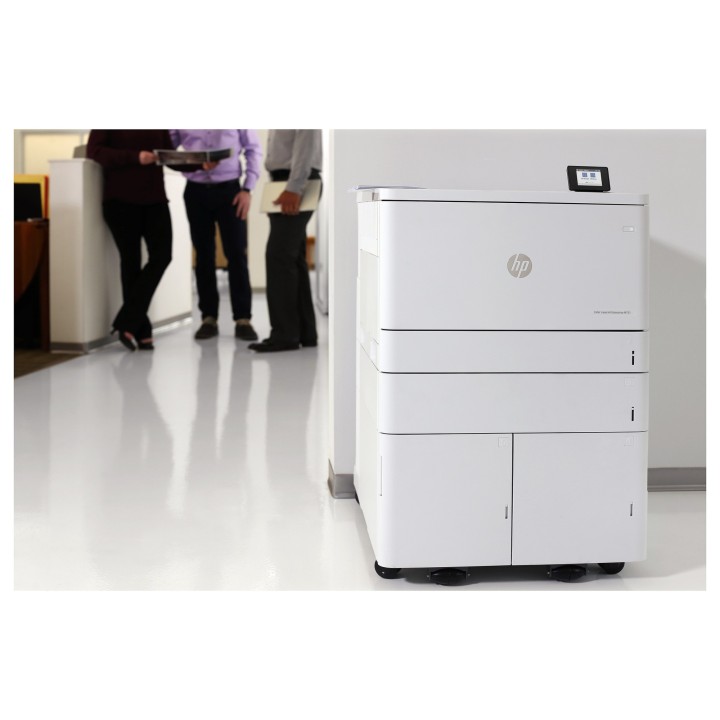

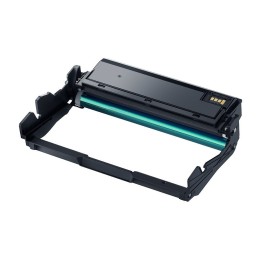
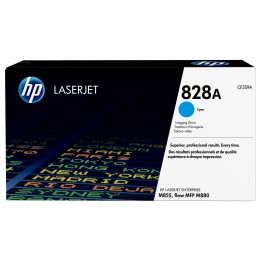
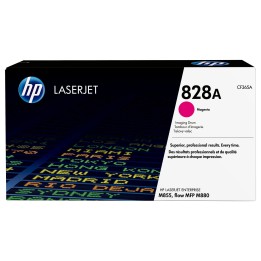
Oryginalny bęben obrazowy HP 660A LaserJet (W2004A)
Twórz materiały marketingowe w żywych kolorach i fotograficznej jakości, dzięki oryginalnym bębnom obrazowym HP z technologią JetIntelligence, które zostały zaprojektowane specjalnie z myślą o drukarce HP LaserJet. Utrzymuj produktywność swojej firmy za pomocą oryginalnych i niezawodnych bębnów obrazowych HP.
Drukuj wyjątkowe dokumenty biznesowe i materiały marketingowe
Zwiększ skuteczność materiałów marketingowych poprzez wykorzystanie szerokiej gamy kolorów, dzięki innowacyjnemu udoskonaleniu trybu druku.
Zachowaj produktywność dzięki niezawodnym bębnom obrazowym
Kompleksowe rozwiązanie dzięki dwuczęściowej konstrukcji oryginalnego wkładu i bębna obrazowego HP.
Technologia wskaźnika druku HP zapewnia oszczędność czasu
Szybkie wznowienie pracy. Szybka i łatwa wymiana bębnów światłoczułych.
HP Inc Polska Sp. z o.o.
ul. Szturmowa 2a 02-678 Warszawa Polska
E-mail: support@hp.com
Formularz kontaktowy: https://www.hp.com/us-en/contact-hp/contact.html
Telefon: +1 650-857-1501
HP Inc Polska sp. z o.o
Plac marsz. Józefa Piłsudskiego 1 00-078 Warszawa Polska
E-mail: support@hp.com
List of printer and scanner drum safety warnings based on the requirements of General Product Safety Regulation (GPSR) 2023/988 * Make sure the drum is compatible with your printer or scanner model. The wrong drum can damage the device. * Do not touch the surface of the drum. This can affect the print quality and life of the drum. * Replace the drum according to the manufacturer's instructions. Incorrect installation may cause damage to the printer. * Protect the drum from direct sunlight and high humidity. This can shorten its lifespan. * Do not use damaged drum. This can affect the quality of the print and damage the printer. * Keep the drum out of reach of children. The danger of swallowing small parts. * Use the drum as intended. Do not attempt to modify it or use it for other purposes. * Do not open or disassemble the drum. It contains substances that can be harmful to health. * If the substance from the drum comes into contact with the skin or eyes, immediately wash it with plenty of water and consult a doctor. * Recycle the used drum in accordance with local regulations. Do not throw it into ordinary waste. * Do not expose the drum to extreme temperatures. This can affect its performance and shorten its lifespan. * Use only recommended cleaning products to clean printer components that may come into contact with the drum. Strong detergents can damage it. * Regularly check the condition of the drum. If you notice any damage, replace it immediately. * If the printer displays an error message related to the drum, immediately check its status and correctness of installation. * When replacing the drum, make sure the printer is off power. This will minimize the risk of electric shock. * After replacing the drum, make sure all printer covers and protections are properly mounted. * If you have any doubts about the use of the drum, please contact the technical service of the printer manufacturer. * When cleaning the printer, avoid direct contact of cleaning agents with the drum surface.