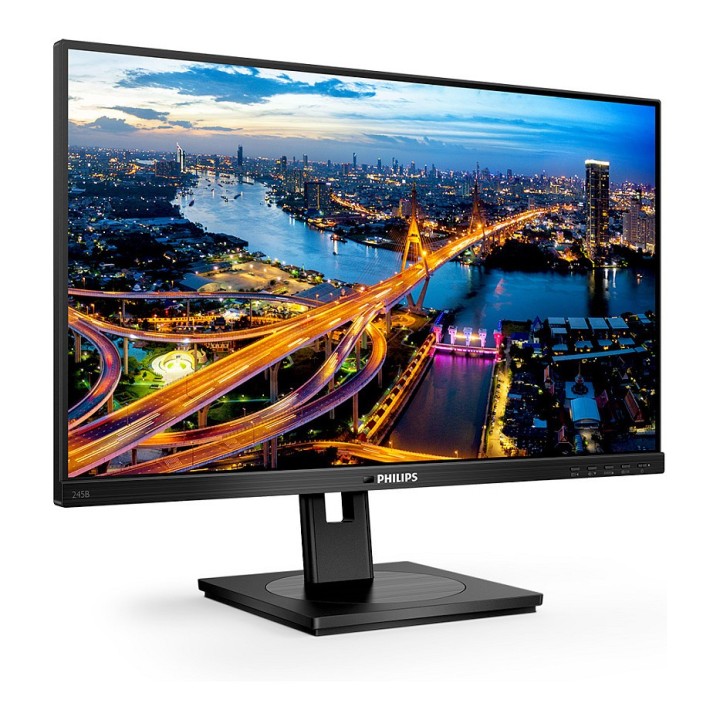
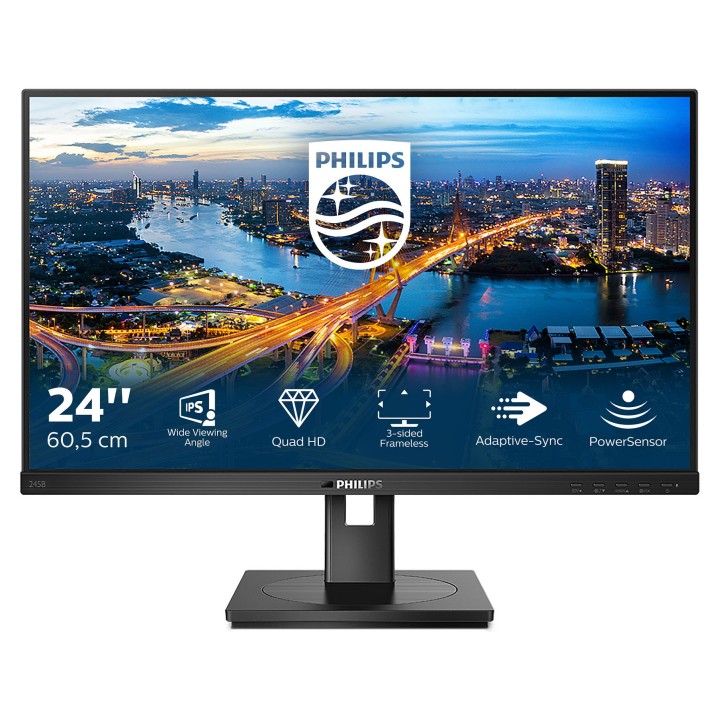
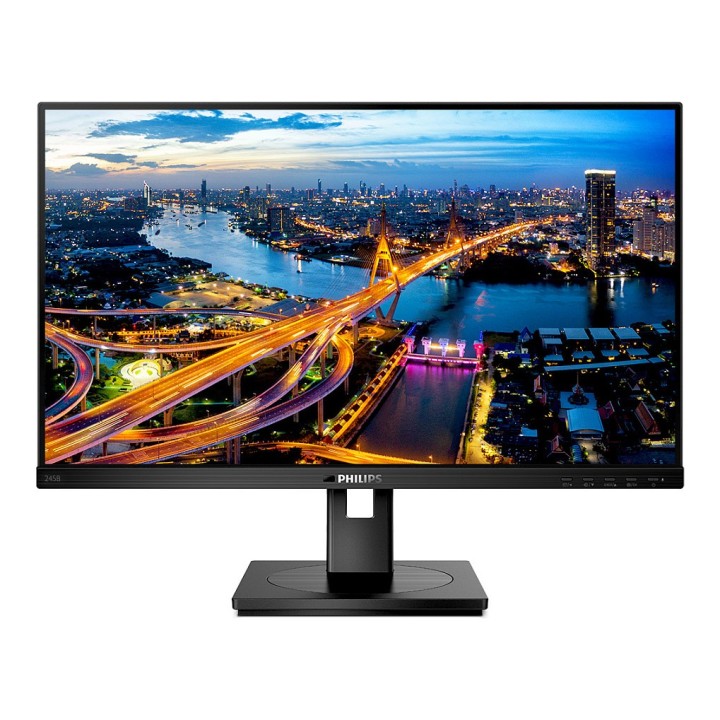
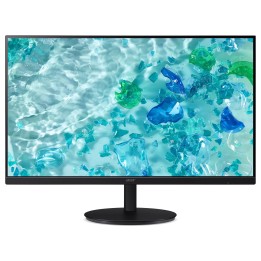
Profesjonalny monitor Philips 245B1 oferuje wyraźny obraz w rozdzielczości QHD (2560 x 1440) na matowej matrycy IPS o przekątnej 23,8". Dzięki jasności 250 cd/m², kontrastowi 1000:1 oraz szerokim kątom widzenia 178/178° uzyskasz czytelny i równomierny obraz przy pracy biurowej, przeglądaniu dokumentów i aplikacjach wymagających precyzji kolorów. Pokrycie sRGB na poziomie 116% zapewnia żywe odwzorowanie barw, a 16,7 mln kolorów i czas reakcji 4 ms redukują rozmycia przy dynamicznych zmianach obrazu.
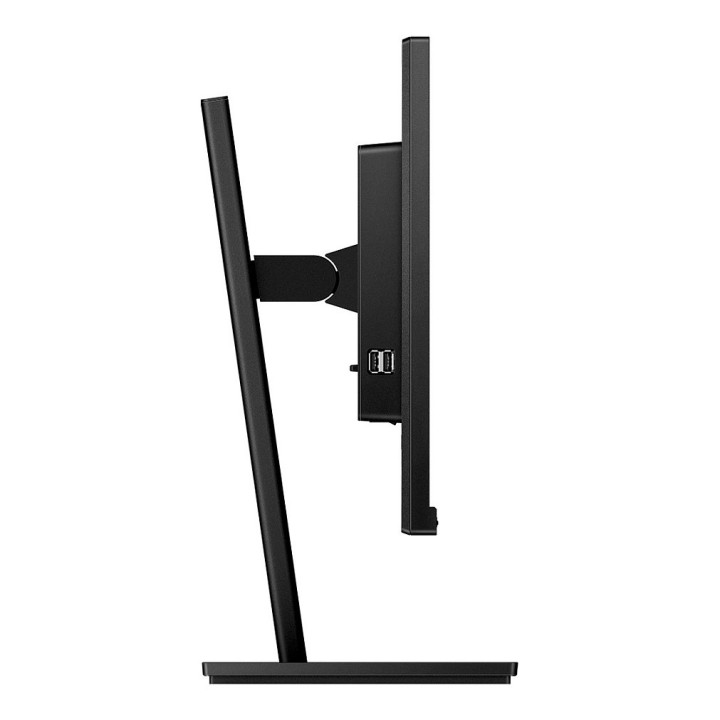
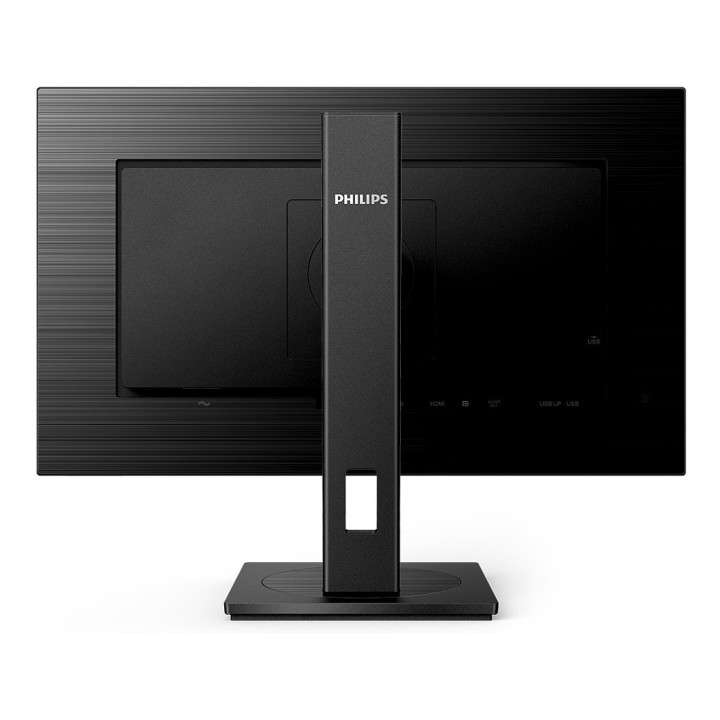
Monitor został zaprojektowany z myślą o ergonomii i codziennej wygodzie: stojak umożliwia regulację wysokości do 150 mm, pochylenie -5°/+35°, obrót oraz funkcję pivot (obrócenie ekranu do pionu). Standard montażu VESA 100 x 100 mm pozwala na łatwy montaż na ramieniu lub uchwycie. Wbudowane głośniki (2 x 2 W) oraz zestaw złączy obejmują DVI-D, HDMI i DisplayPort, a także port USB upstream typu B, co ułatwia integrację z zestawem biurowym.
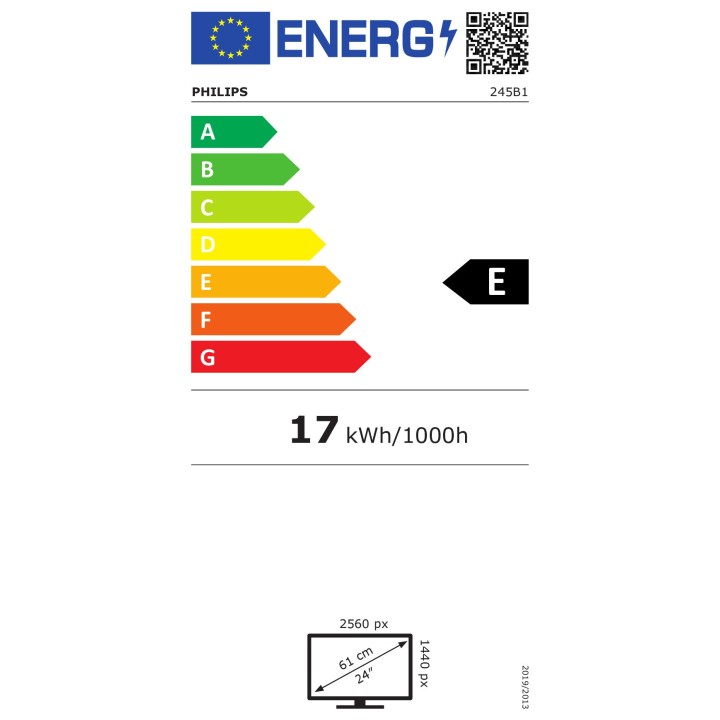
Philips zadbał także o komfort pracy wzrokowej i efektywność energetyczną: ekran posiada certyfikat TUV Eye Comfort oraz funkcje redukcji migotania i tryb niskiej emisji niebieskiego światła. Monitor wyposażono wewnętrzny zasilacz; typowe zużycie energii podczas pracy wynosi około 16,2 W, a w trybie czuwania 0,3 W. Obudowa w kolorze czarnym oraz matowe wykończenie ekranu ograniczają refleksy i ułatwiają koncentrację.
Specyfikacja
- Model: 245B1
- Przekątna ekranu: 23,8" (60,5 cm)
- Rozdzielczość: 2560 x 1440 (QHD)
- Typ matrycy: IPS (In-Plane Switching)
- Powierzchnia ekranu: Matowy (Anti-Glare, 3H, Haze 25%)
- Podświetlenie: W-LED
- Jasność (typowa): 250 cd/m²
- Kontrast statyczny: 1000:1
- Czas reakcji (typowy): 4 ms
- Częstotliwość odświeżania (max): 75 Hz
- Kąt widzenia (poziomy): 178°
- Kąt widzenia (pionowy): 178°
- Ilość wyświetlanych kolorów: 16,7 miliona (8-bitowy)
- Pokrycie sRGB (typ.): 116%
- Funkcje poprawy obrazu: Flicker-Free, tryb niskiej emisji niebieskiego światła, SmartContrast
- Wbudowane głośniki: 2 x 2 W
- Złącza - HDMI: 1 x HDMI (wersja 1.4)
- Złącza - DVI: 1 x DVI-D
- Złącza - DisplayPort: 1 x DisplayPort (wersja 1.2)
- Wersja HDCP: HDCP 1.4
- Port USB upstream: USB Typu B (1)
- Regulacja - Pivot: Tak (obrót do pionu)
- Regulacja - Tilt (pochylenie): -5° / +35°
- Regulacja - Swivel (obrót): -180° / +180°
- Regulacja wysokości (maks.): 150 mm
- Montaż VESA: 100 x 100 mm
- Pobór mocy (podczas pracy): 16.2 W
- Pobór mocy (tryb czuwania): 0.3 W
- Kolor obudowy: Czarny
- Wymiary z podstawą - szerokość: 540 mm
- Wymiary z podstawą - wysokość: 501 mm
- Wymiary z podstawą - głębokość: 205 mm
- Wymiary bez podstawy - szerokość: 540 mm
- Wymiary bez podstawy - wysokość: 323 mm
- Wymiary bez podstawy - głębokość: 51 mm
- Waga z podstawą: 4.78 kg
- Waga bez podstawy: 3.20 kg
- Certyfikaty: TUV Eye Comfort, ENERGY STAR, TCO