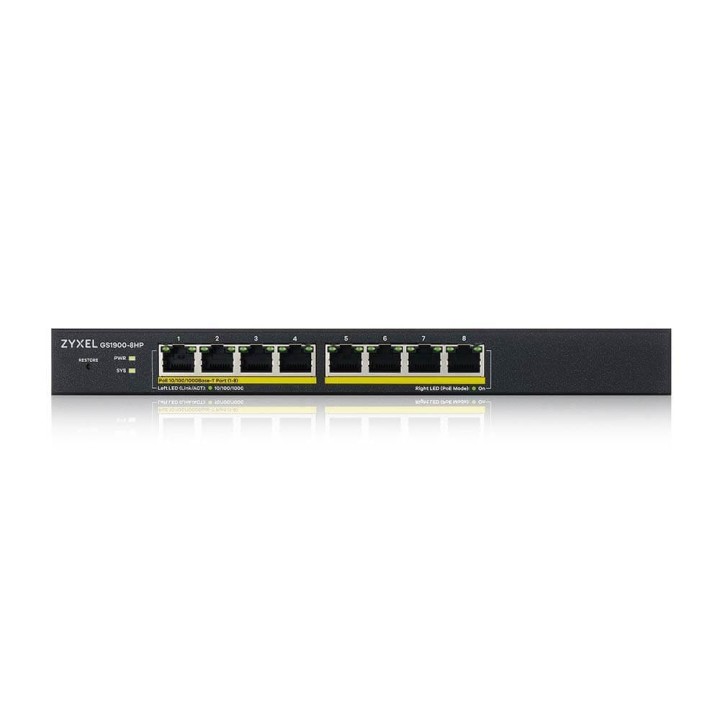
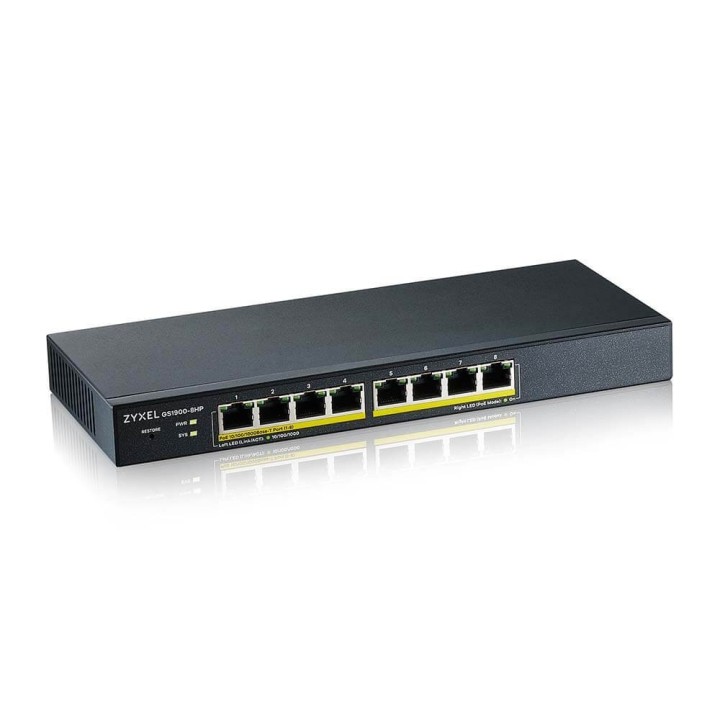
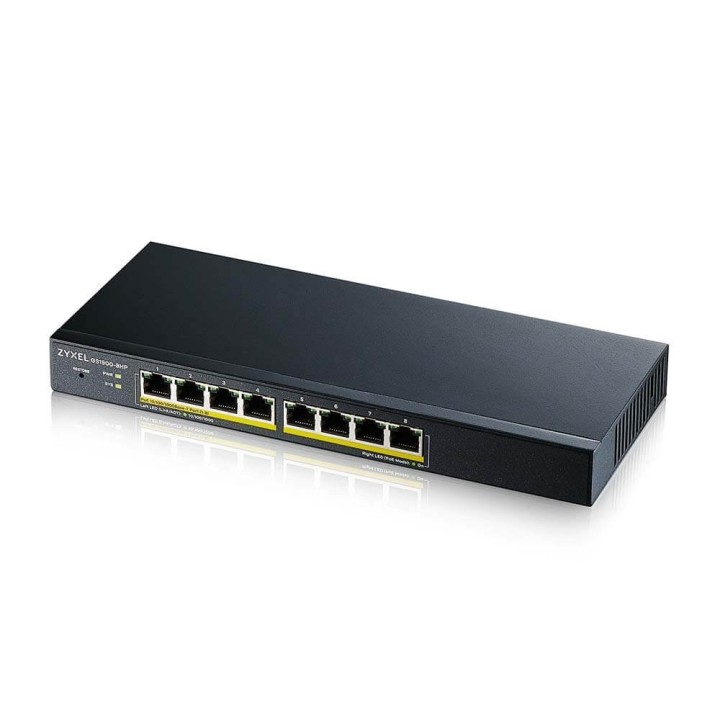
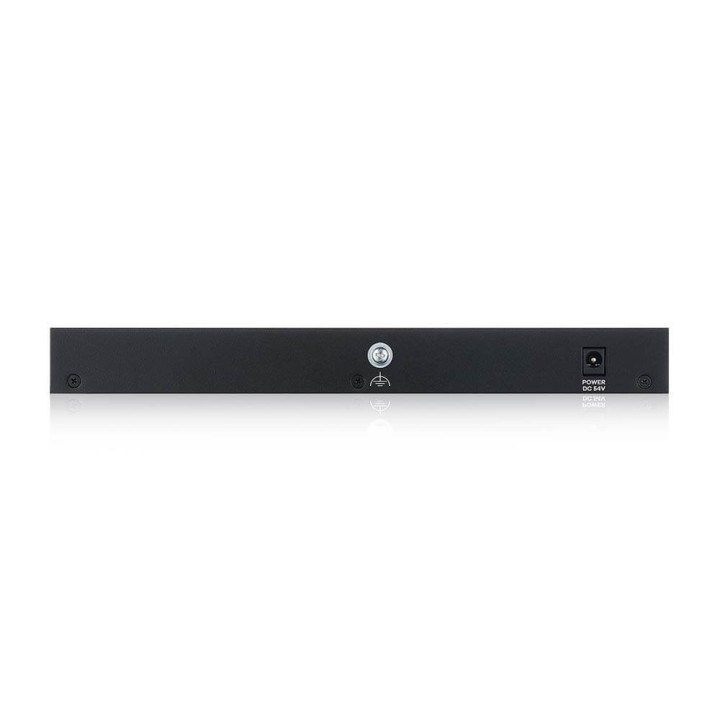
Przełącznik GS1900-8HP GS1900-8HP-EU0103F
Opis produktu
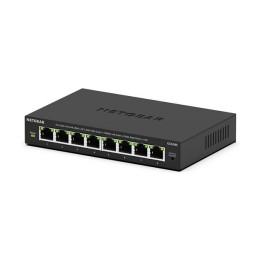
Switch zarządzalny Zyxel GS1900-8HP 8x100/1000Mbps PoE
Specyfikacja
- Klasa przełącznika: SMART
- Zastosowanie (switche): Dom i małe biuro (do 16 portów)
- Warstwa przełączania (switche): L2
- Architektura sieci (switche): GigabitEthernet
- Liczba portów 10/100 Mbps: Brak
- Liczba portów 10/100/1000 Mbps: 8
- Liczba portów 10/100/1000/2500 Mbps: Brak
- Liczba portów 10Gb: Brak
- Liczba portów PoE (PoE + PoE+): 8
- Liczba portów PoE+: Brak
- Liczba portów COMBO: Brak
- Liczba portów SFP: Brak
- Liczba portów SFP+: Brak
- Liczba portów QSFP+: Brak
- Port konsoli: Nie
- Przepustowość (switche Gbps): 16 Gb/s
- Prędkość przekazywania (Mpps): 11.9 Mpps
- Bufor pakietów: 525 KB
- Rozmiar tablicy adresów MAC: 8000
- Obsługa ramek Jumbo: Tak
- Rozmiar ramki Jumbo: 9 KB
- Możliwość łączenia w stos: Nie
- VLAN: IEEE 802.1Q VLAN tagging IEEE 802.3ad LACP Guest VLAN Voice VLAN Storm control IEEE 802.1p priority queues per port IEEE 802.1p Queuing method(SPQ/WRR) Input priority mapping Rate limiting per port(ingress/egress) IEEE 802.3x flow control
- Obsługiwane protokoły i standardy: IEEE 802.3 10BASE-T Ethernet IEEE 802.3u 100BASE-TX Ethernet IEEE 802.3ab (1000BASE-T) Ethernet IEEE 802.3x flow control IEEE 802.3az EEE support IEEE 802.1p CoS support IEEE 802.3af PoE (GS1900-8HP/10HP/24HP/48HP) IEEE 802.3at PoE plus (GS1900-8HP/10HP/24HP/48HP) IEEE 802.1D Spanning Tree Protocol (STP) IEEE 802.1w Rapid Spanning Tree Protocol (RSTP) IEEE 802.1s Multiple Spanning Tree Protocol (MSTP) Full-duplex and half duplex operation with IEEE 802.3x flow control and backpressure Store and forward Auto MDI/MID-X
- QoS: IEEE 802.1p class of service(SPQ, WRR) Port-based CoS IP TOS precedence
- Bezpieczeństwo: IEEE 802.1x Port security Layer 2 MAC filtering Static MAC forwarding RADIUS TACACS+ SSL Management VLAN CPU defense engine DoS prevention
- Zarządzanie, monitorowanie, konfiguracja: IPv6 Management: IPv6 over Ethernet (RFC 2464) Dual-stack (RFC 4213) ICMPv6 (RFC 4884) Neighbor discovery (RFC 4861) Auto configuration Static IPv6 address and prefix length Static IPv6 default gateway IPv6 duplicate address detection Manageability: SNMP v1, v2, v3 RMON (1, 2, 3, 9) ICMP echo/echo reply Syslog IEEE 802.1AB LLDP IEEE 802.1AB LLDP-MED LLDP-Power via MDI Device Management: Web interface Remote firmware upgrade by Web Configuration saving and retrieving Firmware upgrade via SNMP DHCP client Daylight saving NTP Port mirroring Scheduled PoE PoE default consumption mode Time range group for scheduled PoE MIB: RFC 1213 MIB II RFC 2819 RMON (group 1, 2, 3, 9) RFC 1215 generic traps RFC 1493 bridge Zyxel private common MIB ZON Utility: Discovery of Zyxel switches, APs and gateways IP configuration IP renew Device factory reset Device reboot Device locating Web GUI access Password configuration One-click quick association with Zyxel AP Configurator (ZAC) Automatic detection of the latest firmware Displays device serial number and hardware version Cloud mode on/off option for Hybrid series devices
- Funkcje L2: IGMP snooping (v1, v2, v3)
- Typ obudowy: Desktop (PC/Switche)
- Wentylator (switche): Nie
- Zasilacz (switche): Zewnętrzny
- Pobór mocy: 84.8 W
- Zasilanie: 100 - 240 V AC, 50/60 Hz Maksymalny budżet PoE: 77W
- Wymiary: 250 x 104 x 27 mm
- Waga: 0.71 kg
- Certyfikaty: RoHS compliantEMC: CE, FCC, RCM, Class A BSMI CNS 13438 Safety: LVD LVD EN 62368-1 BSMI CNS 14336-1
- Uwaga: CE+WEEE

Szczegóły produktu
- Marka Zyxel
- Kod produktu 660fc24b71a267703cb8b98b
- Dostępność 4 Przedmioty
- EAN13 4718937621279
- MPN GS1900-8HP-EU0103F
Specyfikacja
- Liczba portów (szt.) 8 szt.
- Montaż Rack Nie
- Bez wentylatora Tak
- Liczba portów SFP (szt.) 0 szt.
- Typ obudowy sieciowej Desktop (PC/Switche)
Producent
Producent
Zyxel Communications A/S
Generatorvej 8D 2860 Søborg Dania
E-mail: sales@zyxel.eu
Formularz kontaktowy: https://www.zyxel.com/service-provider/global/en/contact-us
Osoba odpowiedzialna w UE
Zyxel Networks A/S
Gladsaxevej 378 2860 Søborg Denmark
E-mail: sales@zyxel.dk
Formularz kontaktowy: https://www.zyxel.com/global/en/contact
Telefon: +45 39550700
Bezpieczeństwo
Informacje o bezpieczeństwie
List of safety warnings for network equipment based on the requirements of General Product Safety Regulation (GPSR) 2023/988: 1. Risk of electric shock: * Make sure that the device is connected to a working socket with grounding. * Do not touch the plug or cable with wet hands. * Avoid using the device in places with high humidity. 2. Risk of overheating: * Provide adequate ventilation while maintaining at least 5 cm of free space around the device. * Do not block ventilation openings and avoid putting network equipment on soft surfaces such as blankets or pillows. 3. Fire risk: * Use only original power supplies and accessories recommended by the manufacturer. * Do not leave the device on unattended near flammable materials. 4. Risk of bodily injury: * Use the device on a stable surface to minimize the risk of falling. 5. Hazards in humid environments: * Do not use network equipment outdoors in rain or in places with high humidity. * If the device is flooded, immediately disconnect it from the power source and contact the service. 6. Hazards at high temperatures: * Do not expose the device to direct sunlight. * Avoid using network equipment at temperatures above the recommended range (usually 5-35°C). 7. Risk of damage during cleaning: * Before cleaning, disconnect the device from the power supply and use a soft, slightly damp cloth. * Avoid using strong detergents that can damage the surface of the device. 8. Caution when replacing accessories: * Use only the accessories recommended by the manufacturer. * When replacing batteries, follow the manufacturer's instructions and do not expose the battery to high temperatures. 9. Risks associated with battery use: * Avoid damage to the battery by impact or puncture. * If the battery overheats or swells, stop using the device immediately. 10. Warnings for children: * Keep power cables out of reach of children. * Make sure that children do not play with the device or accessories that can be dangerous. 11. Electromagnetic interference: * Using network equipment near medical devices such as pacemakers can cause electromagnetic interference. * Maintain a distance of at least 15 cm between network equipment and medical devices. 12. Fire hazard: * Storing network equipment near flammable materials or using non-original power supplies may increase the risk of fire. * Use your smartphone away from fabrics, paper, and other flammable materials. 13. Regular maintenance: * Failure to regularly clean ports and sockets can lead to damage or failure. * Clean ports and sockets regularly using a dry and clean cloth, avoiding moisture input.
Switche
Ostatnio oglądane
Produkty, które ostatnio zwróciły Twoją uwagę.