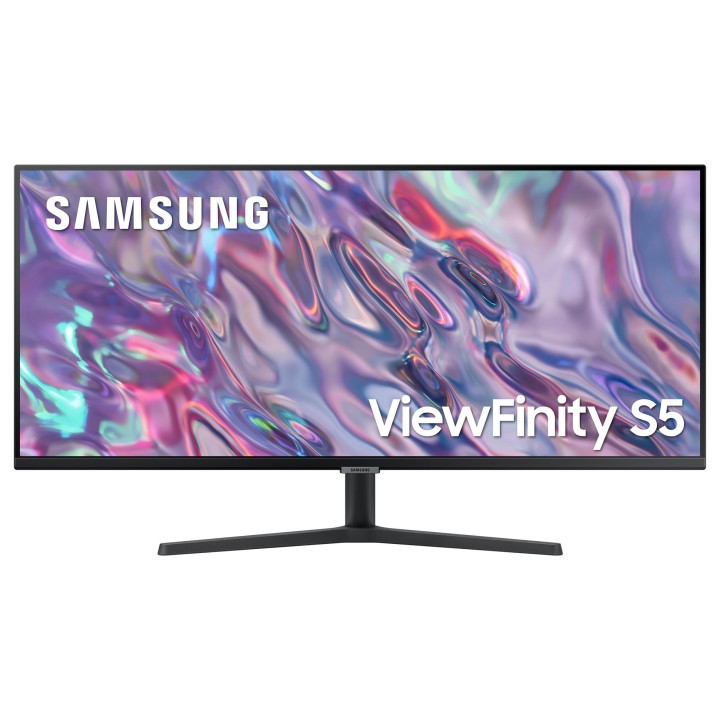
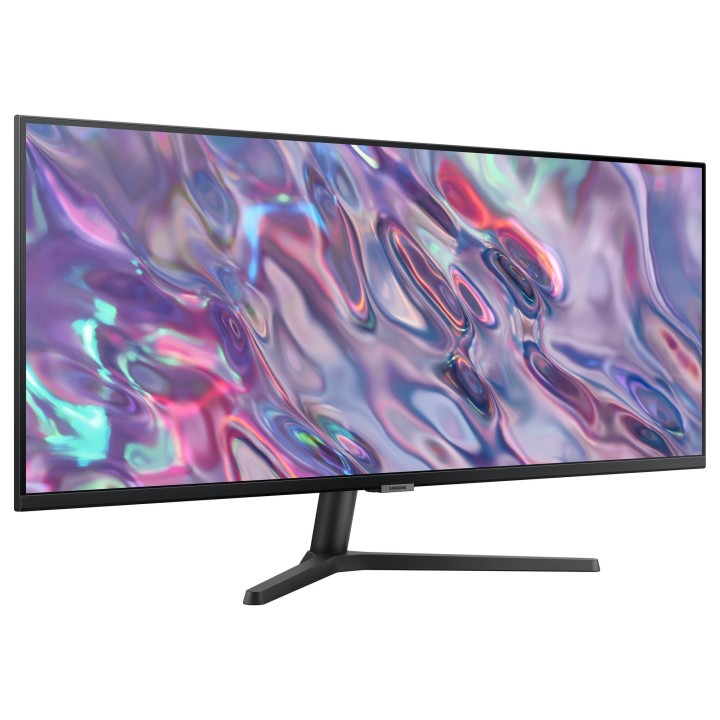
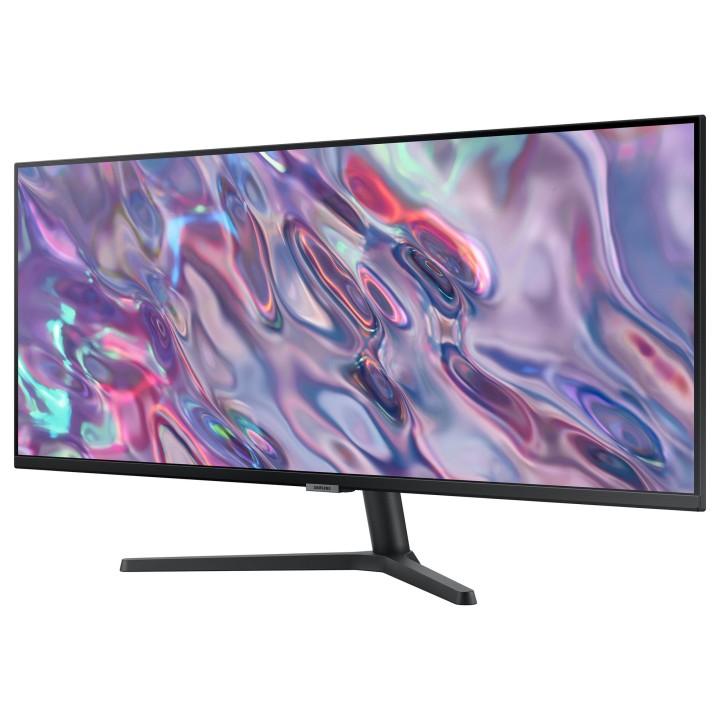
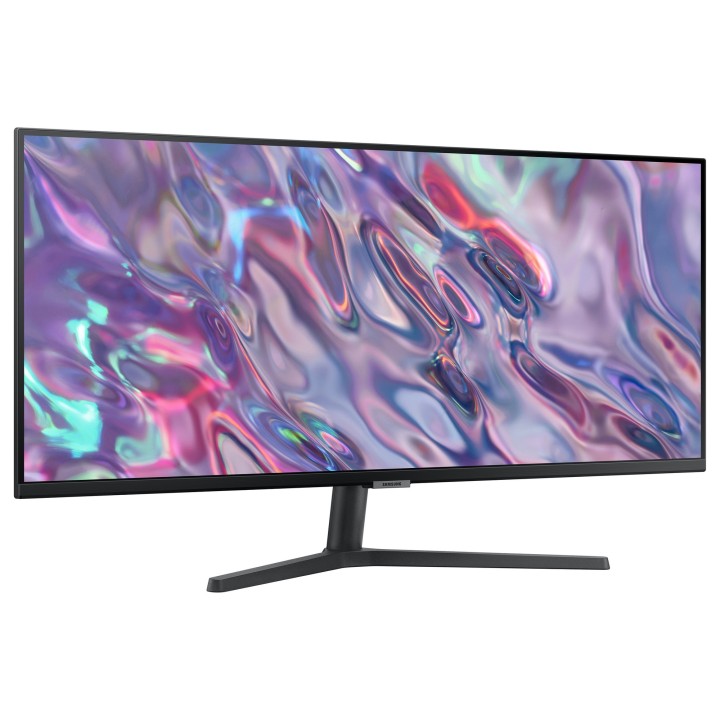
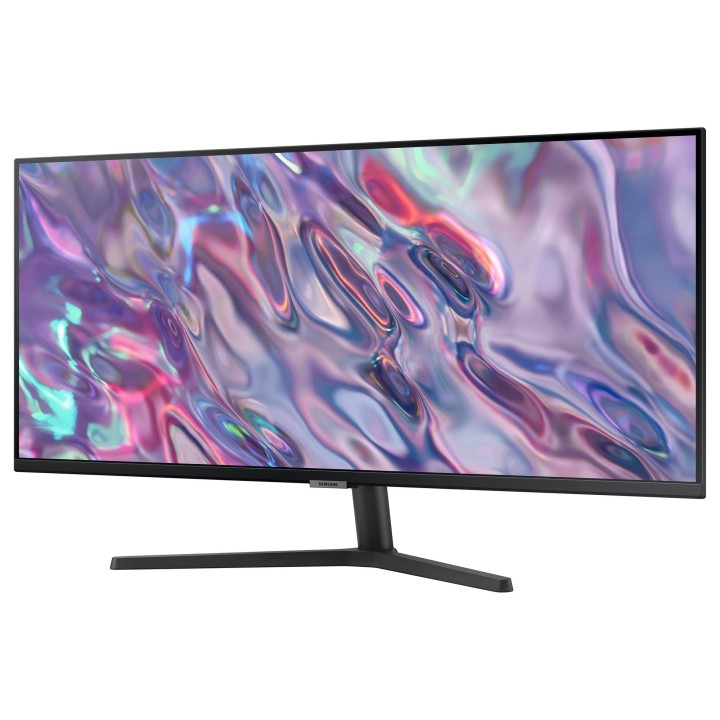
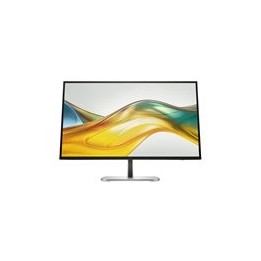
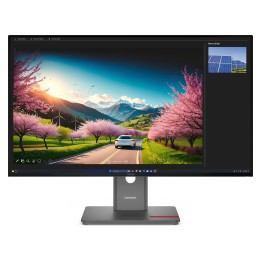
Monitor 34 cale LS34C500GAUXEN VA 3440x1440 Ultra WQHD 21:9 format kinowy 2xHDMI/1xDP 5ms (GTG) płaski 2 lata d2d
Opis produktu
S34C500GAU
Wszechstronna wydajność
Ultraszeroki monitor WQHD
Płynny multitasking
Za sprawą 34-calowego ultraszerokiego wyświetlacza o proporcjach 21:9 i rozdzielczości WQHD model SJ55W zapewnia wystarczająco dużą przestrzeń do pracy, dzięki czemu możesz na jednym ekranie wygodnie realizować wiele zadań równocześnie. Niezależnie od tego, czy edytujesz dokumenty, grasz, czy oglądasz filmy, możesz cieszyć się niezwykle szczegółową jakością WQHD.
Jakość obrazu WQHD
Rozdzielczość 3440 x 1440 pikseli a zatem ok. 2,4-krotnie wyższa niż w przypadku Full HD sprawia, że SJ55W wyświetla obrazy o zapierającej dech ostrości. A większa liczba pikseli oznacza, że możesz widzieć większy fragment przeglądanych stron internetowych czy plików bez potrzeby przewijania ekranu czy zmniejszania widoku.
PBP/PIP
Funkcja Picture-by-Picture (PBP) wyświetla obok siebie treści z dwóch różnych źródeł w oryginalnej rozdzielczości. Natomiast funkcja Picture-in-Picture (PIP) zapewnia optymalny multitasking, umożliwiając zmianę wielości okna prezentującego treści z drugiego źródła.
Stylowy i praktyczny
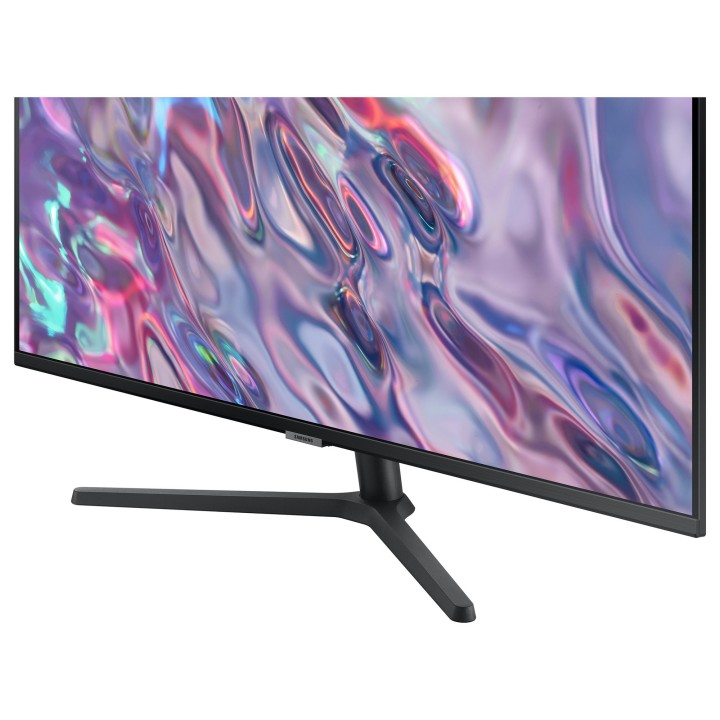
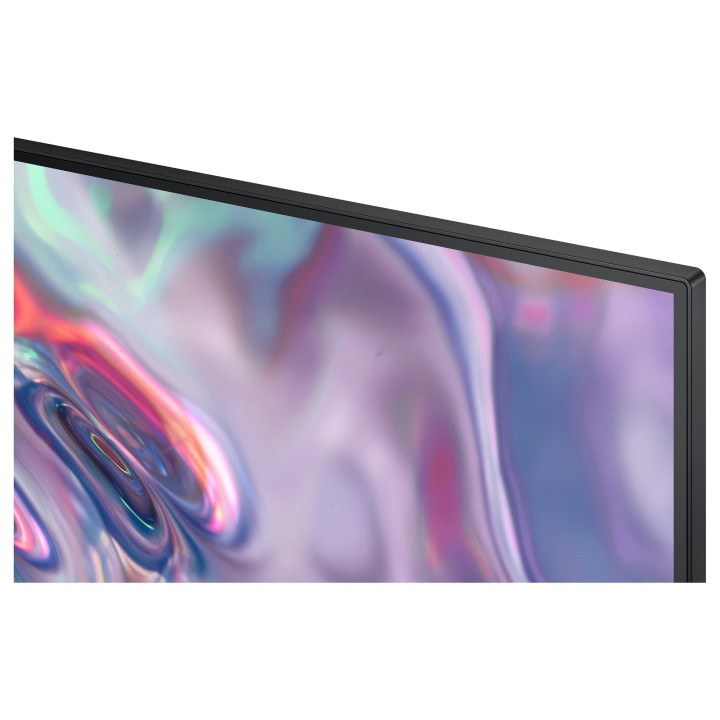
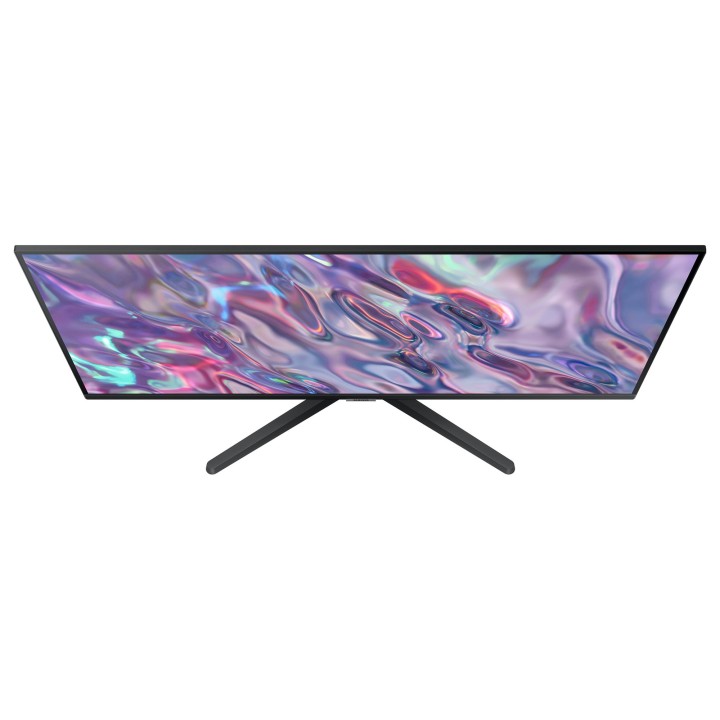
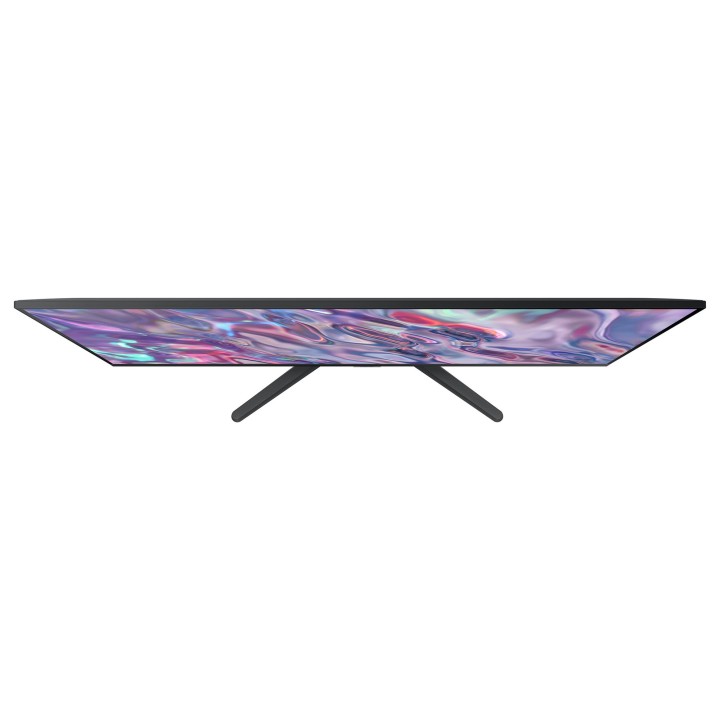
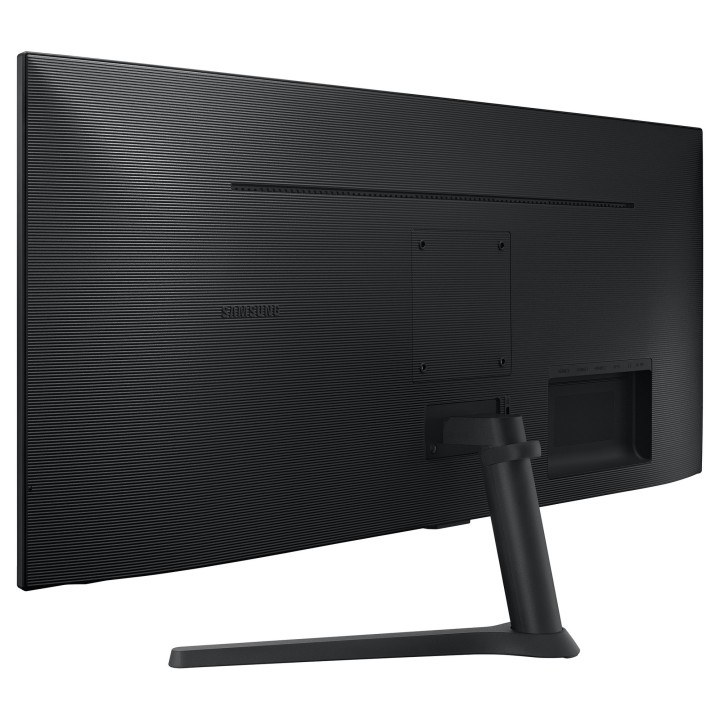
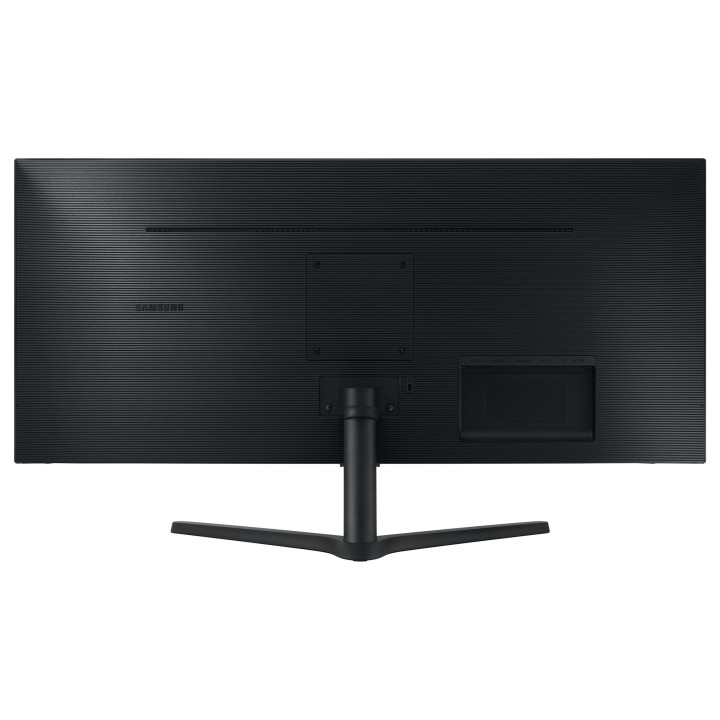
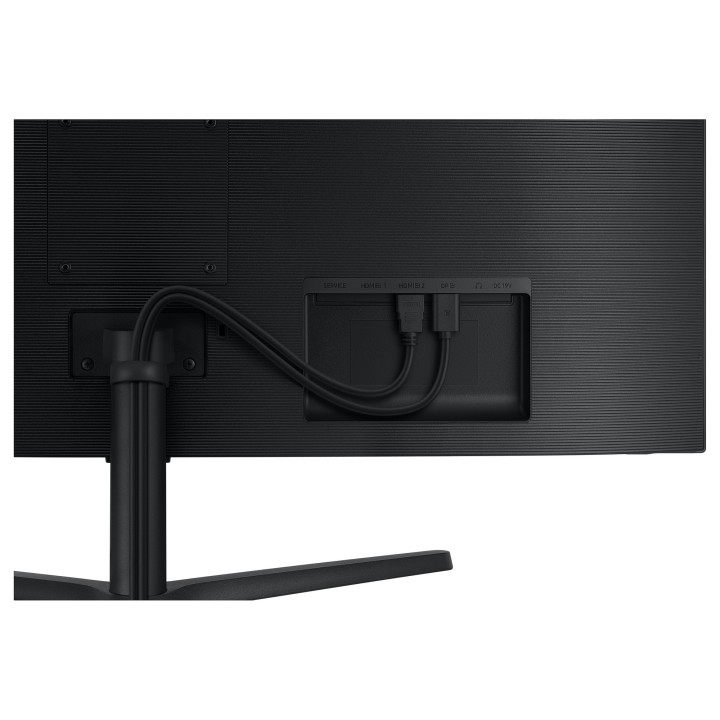
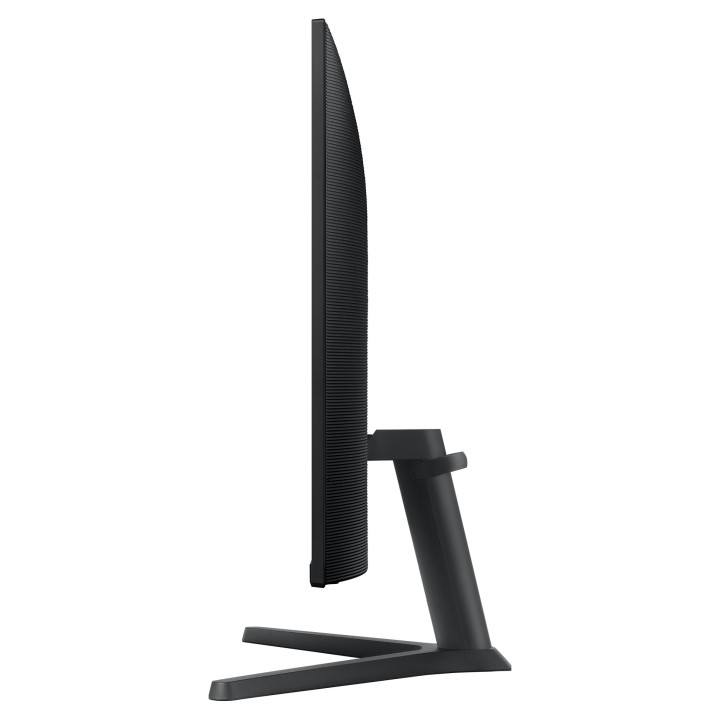
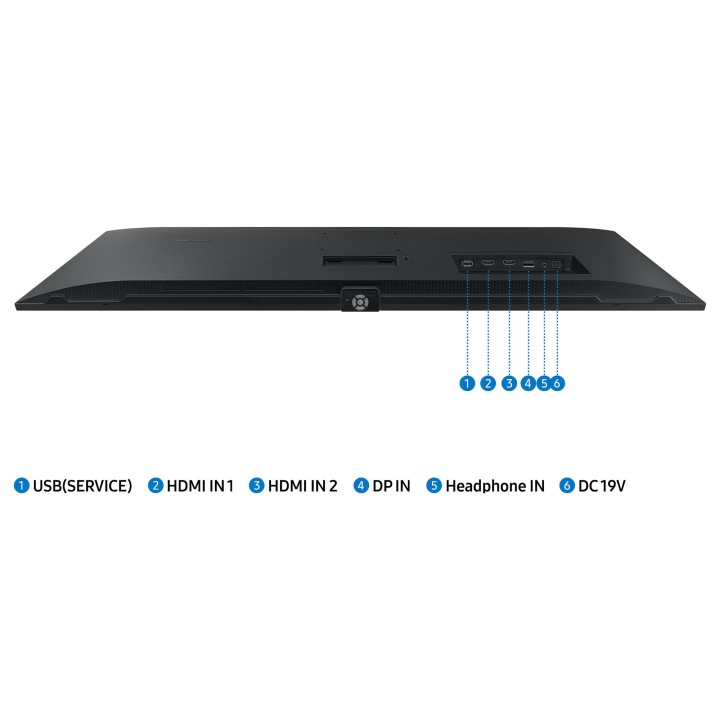
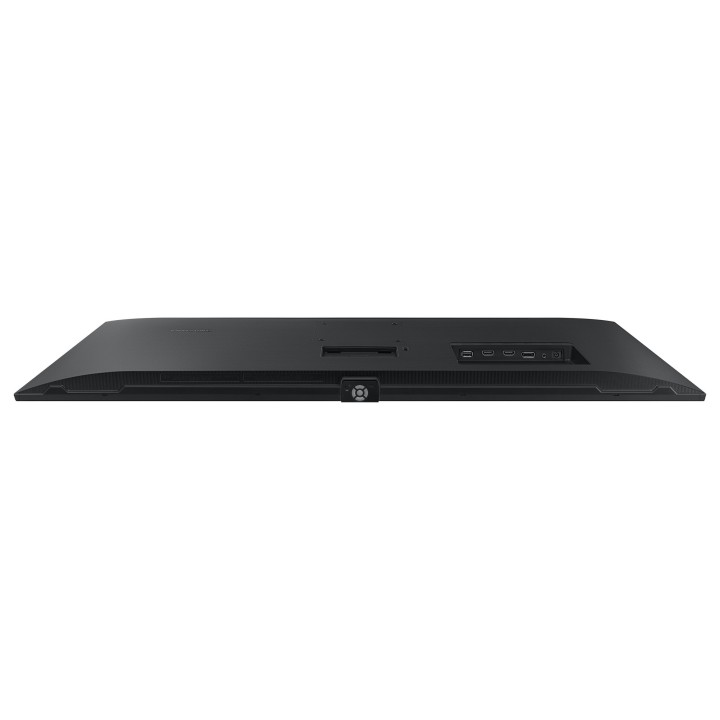
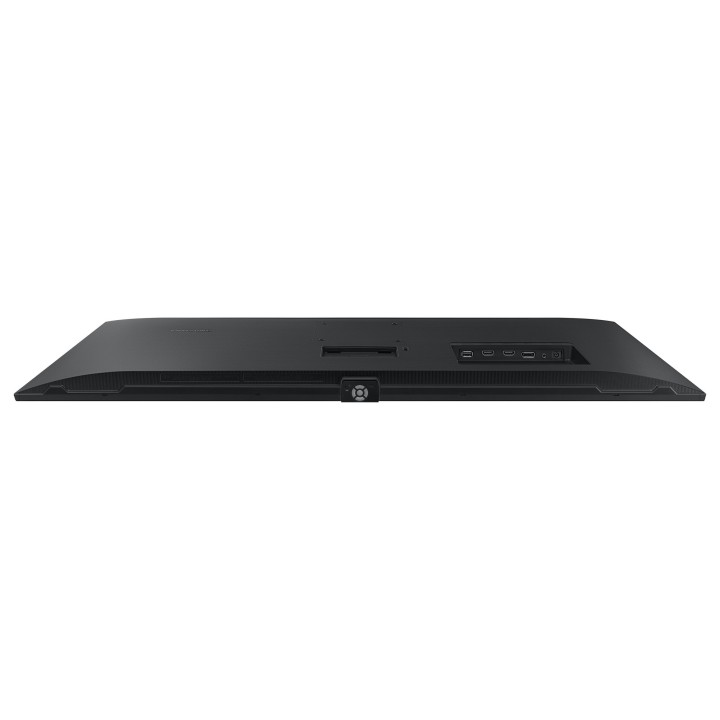
Smukły panel, elegancki trójramienny stojak i metalowa ramka w modelu SJ55W wnoszą jakość i styl do biura lub domu. A za sprawą kompatybilnego ze standardem VESA, precyzyjnego mocowania oraz różnorodnych opcji łączności za pomocą portów DP i HDMI monitor jest zarazem elegancki, jak i praktyczny.
Płynniejsze doświadczenie grania
AMD FreeSync synchronizuje częstotliwość odświeżania karty graficznej i monitora, by zredukować rwanie i zacinanie się obrazu. Natomiast tryb Low Input Lag Mode minimalizuje opóźnienia pomiędzy komendą pochodzącą z myszki, klawiatury bądź joysticka a reakcją ekranu, zapewniając idealnie płynne, pozbawione przerywników doświadczenie grania.

Szczegóły produktu
- Marka Samsung
- Kod produktu 660fc42971a267703cba9bf4
- Dostępność 30 Przedmioty
- EAN13 8806094760347
- MPN LS34C500GAUXEN
Specyfikacja
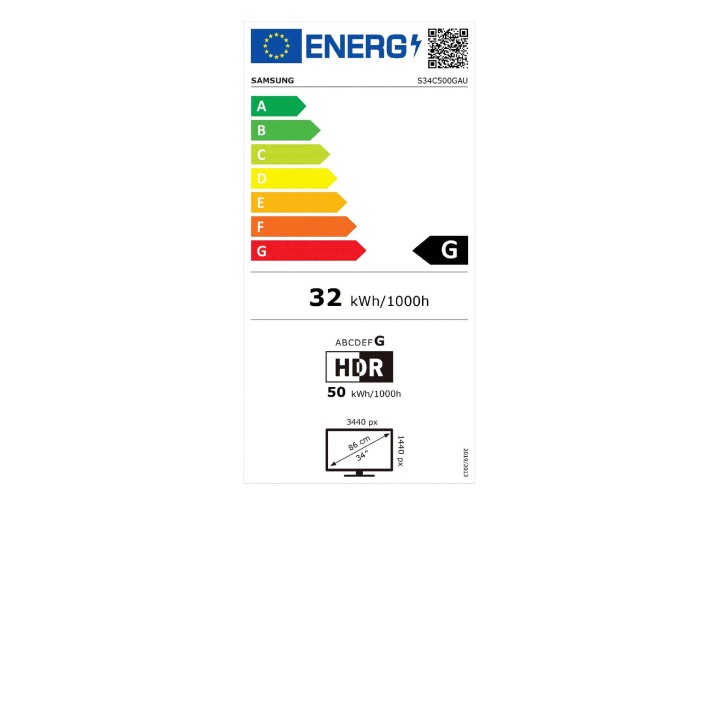
- Przekątna ekranu (cal) 34 cal
- Czas reakcji GtG (ms) 5 ms
- Rozdzielczość natywna 3440 × 1440
- Typ matrycy VA
- Częstotliwość odświeżania (Hz) 100 Hz
- Ekran dotykowy Nie
- Zakrzywiony ekran Nie
- Standard VESA 100 × 100
Producent
Producent
SAMSUNG
PO Box 12987 D01F5P Dublin Ireland
Formularz kontaktowy: https://www.samsung.com/pl/support/
Bezpieczeństwo
Informacje o bezpieczeństwie
List of computer monitor safety warnings based on the requirements of General Product Safety Regulation (EU) 2023/988 (GPSR): * Risk to vision: Long-term gazing at the monitor screen may cause eye strain, dry eyes or headaches. * Limit the working time with the monitor. * Take regular breaks. * Maintain proper distance from the screen. * Ensure proper lighting in the room. * Set the brightness and contrast of the monitor to a comfortable level. * Ergonomics: Incorrect position when working with the monitor can lead to back, neck, and shoulder pain. * Set the monitor to the correct height so that the top edge of the screen is at eye level or slightly below. * Use an adjustable chair and desk to ensure an ergonomic position. * Maintain proper posture while sitting. * Risk of electric shock: Improper use or damage to the monitor can lead to electric shock. * Do not use the monitor in humid environments. * Do not touch the monitor with wet hands. * Do not put any items inside the monitor. * If the power cable is damaged, replace it with a new one. * Disconnect the monitor from power before cleaning. * Fire risk: Overheating or short circuiting in the monitor can cause a fire. * Do not cover the ventilation holes of the monitor. * Do not place the monitor near heat sources. * Use only the original power supply that came with your monitor. * If the monitor overheats, disconnect it from power immediately. * Mechanical damage: The fall of the monitor can cause damage and pose a threat to the user. * Set the monitor on a stable surface. * Secure cables to avoid accidental tripping. * For monitor transport, use appropriate protective packaging. * Cleaning: Improper cleaning of the monitor can damage the screen or cause other problems. * Use only a soft, dry cloth to clean the screen. * Do not use cleaning products containing alcohol, ammonia or other corrosive substances. * Disconnect the monitor from power before cleaning. * Disposal: Incorrect disposal of the monitor can pose a threat to the environment. * Return the used monitor to the e-waste collection point. * Do not throw the monitor in a regular trash can. * Children: The monitor is not a toy and should not be used by children without supervision. * Make sure children do not touch the power cables. * Make sure kids don't play around with the monitor packaging. * Repairs: Do not try to repair the monitor yourself. * Any repairs should be done by qualified personnel. * Monitor portability: Be careful when moving your monitor. * Disconnect all cables before moving. * Use appropriate packaging. * Weather conditions: Do not expose the monitor to extreme temperatures or moisture. * Protect your monitor from direct sunlight. * Adjustable settings: Do not use extreme brightness or contrast settings. * These can cause faster eye strain. * Noise: If the monitor makes disturbing noises, turn it off immediately. * Contact the technical service. * Environmental protection: Be sure to turn off the monitor when not in use. * You save energy this way. * Software: Use only the software provided by the manufacturer. * You will avoid compatibility issues.