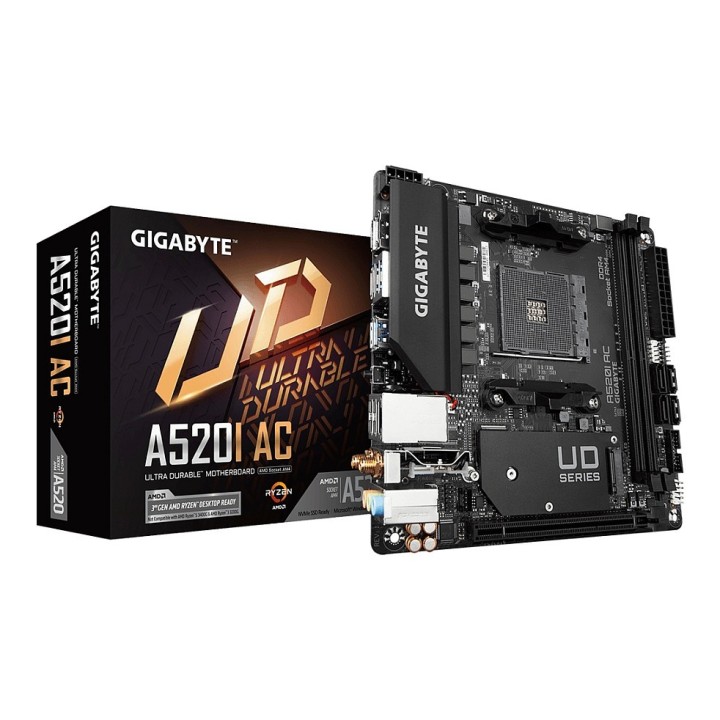
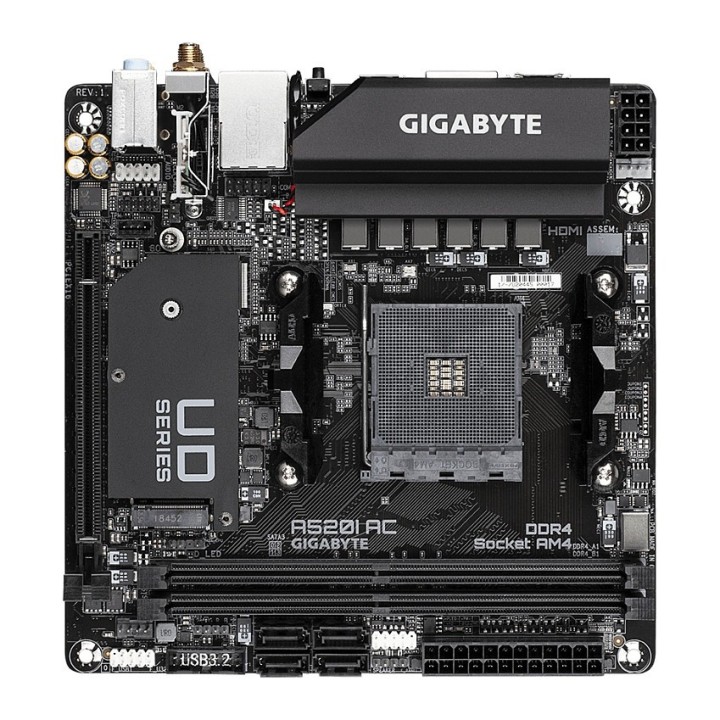
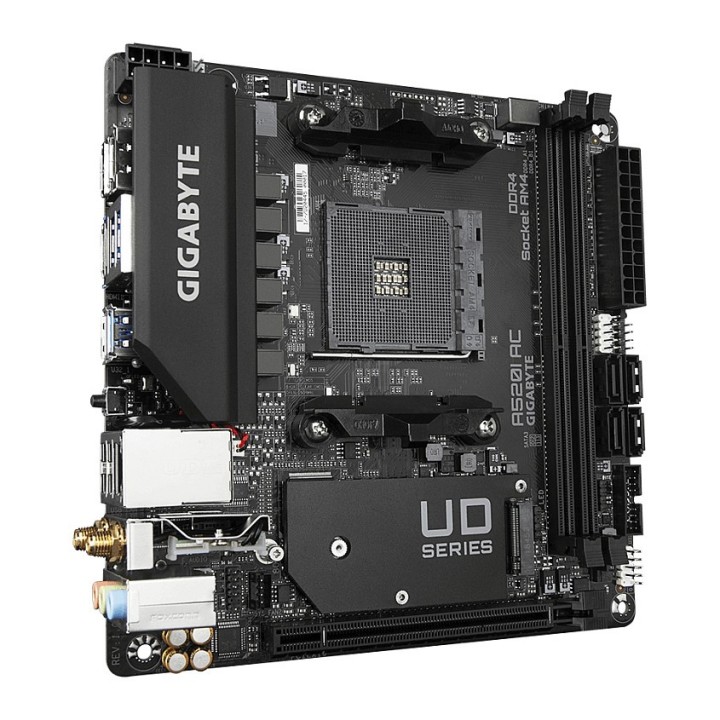
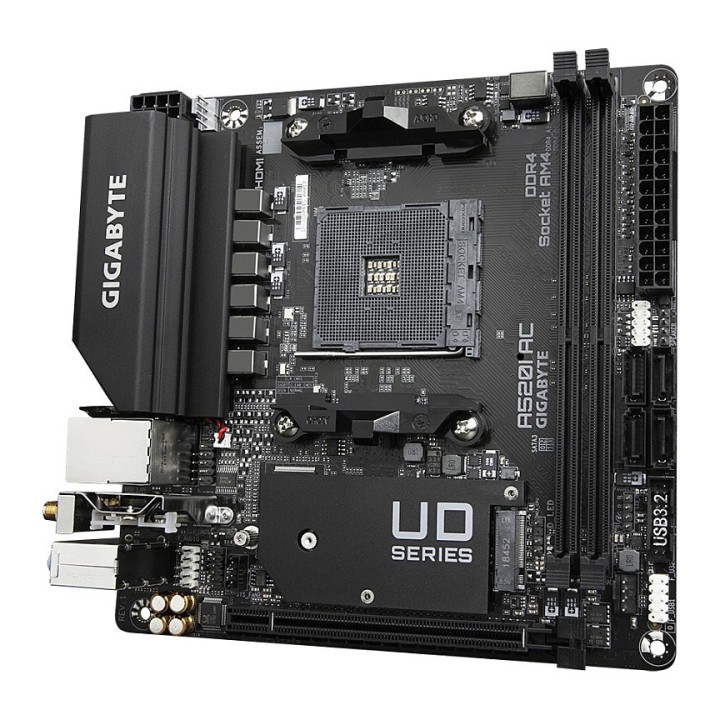
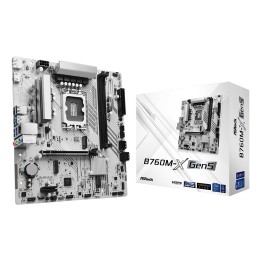
Płyta główna AMD A520 Mini-ITX Ultra Durable z Direct 6 Phases Digital VRM, zintegrowaną kartą Wi-Fi Intel 802.11ac, Realtek GbE LAN z zarządzaniem przepustowością, PCIe 3.0 x4 M.2, Smart Fan 5 z funkcją FAN STOP, RGB FUSION 2.0, Q-Flash Plus
- Obsługuje procesory AMD Ryzen 5000 Series/ Ryzen 5000 G-Series/ Ryzen 4000 G-Series i Ryzen 3000 Series
- Dwukanałowa niebuforowana pamięć DDR4 z ECC/bez ECC, 2 moduły DIMM
- Bezpośrednie 6-fazowe cyfrowe rozwiązanie VRM z 55A DrMOS
- Ultraszybkie złącze NVMe PCIe 3.0 x4 M.2
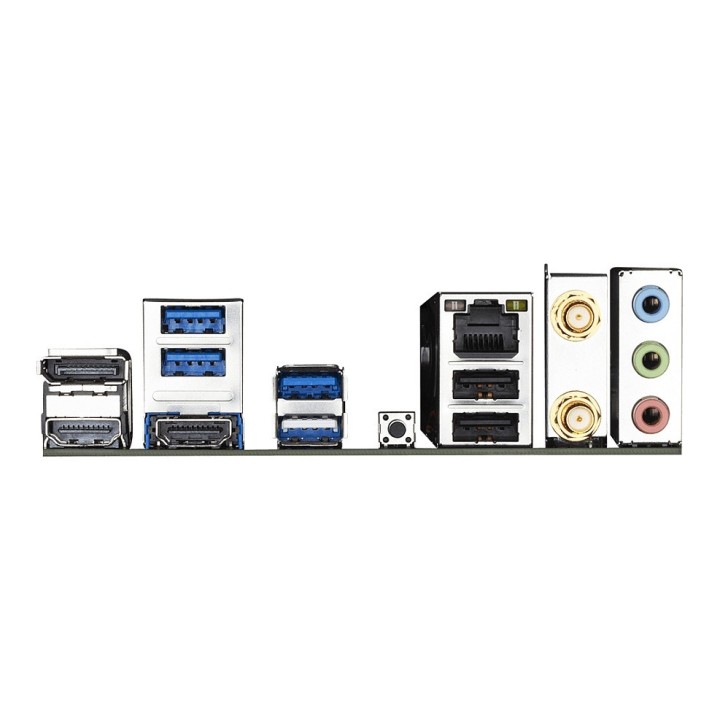
- Wbudowana karta Intel Dual Band 802.11ac WIFI i BT 4.2 z anteną Ultra Durable
- Realtek GbE LAN z zarządzaniem przepustowością
- DisplayPort, podwójne HDMI dla wielu wyświetlaczy
- RGB FUSION 2.0 z obsługą adresowalnych pasków LED i RGB LED
- Smart Fan 5 jest wyposażony w wiele czujników temperatury, hybrydowe złącza wentylatorów z funkcją FAN STOP
- Q-Flash Plus Aktualizuj BIOS bez instalowania procesora, pamięci i karty graficznej
- Projektowanie rezystorów przeciwsiarkowych
Specyfikacja
- Model: A520I AC
- Gniazdo procesora: Socket AM4
- Rodzina procesora: AMD Ryzen 9
- Zintegrowany procesor: Nie
- Producent chipsetu MB: AMD
- Chipset: AMD A520
- Rodzaj pamięci: DDR4
- Liczba gniazd DDR4: 2
- Częstotliwość szyny pamięci: 5200 MHz
- Maks. wielkość pamięci: 64 GB
- Gniazda rozszerzeń: 1 x PCIe 3.0 x 16
- Maksymalna ilość urządzeń SATA: 4
- Maksymalna ilość urządzeń ATA: 0
- RAID: Tak
- Szczegółowe dane o interfejsach dysków/napędów: CPU 1 x PCI Express x16 slot, supporting PCIe 3.0 and running at x16 Chipset 4 x SATA 6Gb/s connectors Support for RAID 0, RAID 1, and RAID 10 Integrated in the CPU 1 x M.2 connector (Socket 3, M key, type 2260/2280 SATA and PCIe 3.0 x4/x2 SSD support)
- Grafika: 1 x DisplayPort, obsługujący maksymalną rozdzielczość 5120x2880 przy 60 Hz* Obsługa wersji DisplayPort 1.4, HDCP 2.3 i HDR. 2 porty HDMI obsługujące maksymalną rozdzielczość 4096x2160 przy 60 Hz* Obsługa wersji HDMI 2.1, HDCP 2.3 i HDR. Obsługa do 3 wyświetlaczy jednocześnieMaksymalna pamięć współdzielona 16 GB
- Karta dźwiękowa: Realtek audio codec Obsługa High Definition Audio Ilość kanałów audio 2/4/5.1/7.1 * To configure 7.1-channel audio, you need to open the audio software and select Device advanced settings > Playback Device to change the default setting first. Please visit GIGABYTE's website for details on configuring the audio software.
- Interfejs sieciowy: Realtek GbE LAN chip (10/100/1000 Mbit) Moduł komunikacji bezprzewodowejIntel Wi-Fi AC 3168 (For PCB rev. 1.0/1.2/1.3) /Intel Wi-Fi AC 9260 (For PCB rev. 1.1) /Realtek Wi-Fi AzureWave Wi-Fi AW-CB304NF (Realtek RTL8821CE) (For PCB rev. 1.4) WIFI 802.11a/b/g/n/ac, supporting 2.4/5 GHz Dual-Band BLUETOOTH 4.2 Support for 11ac wireless standard and up to 433 Mbps data rate * Actual data rate may vary depending on environment and equipment.
- Porty USB na tylnym panelu: 6
- Porty USB do wyprowadzenia z płyty: 4
- Liczba portów USB 3.0/USB 3.1 gen 1/USB 3.2 gen 1: 6
- Liczba portów USB 3.1/USB 3.1 gen 2/USB 3.2 gen 2: 0
- FireWire (IEEE 1394): Nie
- Port / Złącze COM (szeregowy): Tak
- Port / Złącze LPT (równoległy): Nie
- Złącza zewnętrzne: 1 x Przycisk Q-Flash Plus
- Złącza dostępne na płycie: 1 x Zworka Clear CMOS
- Funkcje specjalne: Wsparcie dla APP Center * Available applications in APP Center may vary by motherboard model. Supported functions of each application may also vary depending on motherboard specifications.Obsługa @ BIOS EasyTuneON/OFF ChargeRGB FusionSmart BackupSystem Information Viewer Support for Q-Flash Plus Obsługa Q-Flash wsparcie dla Xpress Install
- Bios: 1 x 128 Mbit flash Use of licensed AMI UEFI BIOS PnP 1.0a, DMI 2.7, WfM 2.0, SM BIOS 2.7, ACPI 5.0
- Format płyty: mini ITX
- Wymiary: 17 x 17 cm
- Obsługiwane systemy operacyjne: Windows 10
- Oprogramowanie: Norton Internet Security (wersja OEM) LAN bandwidth management software
- Pozostałe informacje: Wykrywanie napięcia Wykrywanie temperatury Wykrywanie prędkości wentylatora Ostrzeżenie o przegrzaniu Ostrzeżenie o awarii wentylatora Kontrola prędkości wentylatora* To, czy funkcja sterowania prędkością wentylatora jest obsługiwana, zależy od zainstalowanej chłodnicy.
- Uwaga: CE+WEEE