- Nowy
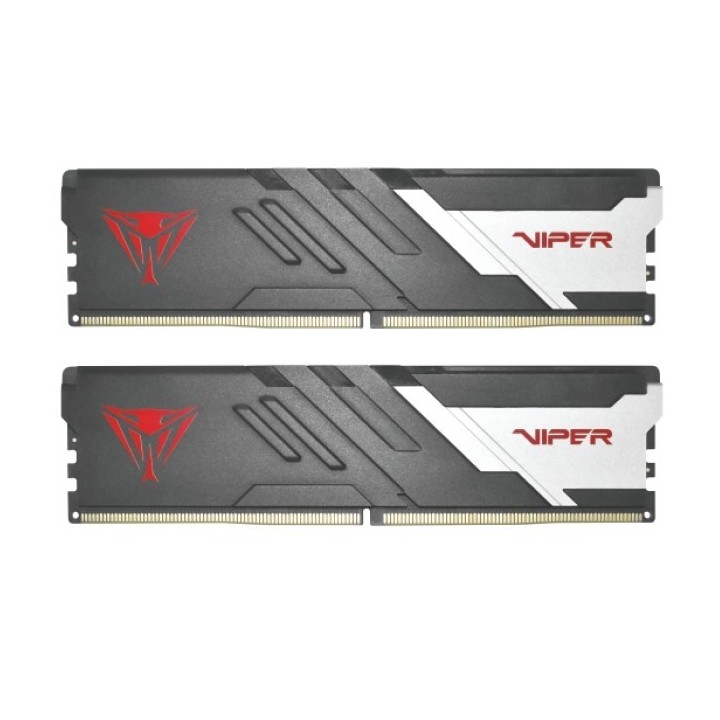
Viper Gaming jest bardzo podekscytowany ujawnieniem nowej generacji Vipera. Seria Venom DDR5 DRAM! Seria pamięci Viper Venom DDR5 jest naszą najszybszą dostępną pamięcią DRAM dla najnowszych platform DDR5 zapewniającą niesamowitą wydajność systemu! Moduły pamięci Viper Venom DDR5 zostały zaprojektowane z wykorzystaniem przełomowej technologii, aby wyznaczać standardy nawet wyższe niż większość ekstremalnie przetaktowanych modułów DDR4 i zapewnia dwukrotnie większą szybkość, podwajając obecną przepustowość DDR4.
Patriot Memory B.V.
Innsbruckweg 190-192 3047 AH Rotterdam Netherlands
E-mail: EUsales@patriotmemory.com
Formularz kontaktowy: https://www.patriotmemory.com/contact-us
Telefon: +31 (0)10-2931-250
List of RAM security warnings based on the requirements of Regulation (EU) 2023/988 on General Product Safety (GPSR) 1. Risk of hardware damage: * Make sure you shut down your computer before installing or disassembling RAM to avoid electrical damage. * Check the compatibility of RAM with your computer's motherboard to avoid problems with system operation. 2. Risk of cuts: * Be careful when manipulating RAM to avoid cuts to sharp edges. 3. Electrostatic hazard: * Protect your RAM from electrostatic discharge (ESD) that can damage electronic components. Use an antistatic band and work on an antistatic surface. 4. Risk of incorrect assembly: * Thoroughly insert RAM modules into the sockets to ensure proper connection and avoid problems with system operation. 5. Overheating: * Provide adequate ventilation in the computer case to prevent overheating of RAM, which can lead to unstable system operation. 6. Voltage: * Make sure the voltage settings in the BIOS are appropriate for the installed RAM to avoid damage or malfunction. 7. Hazard for children: * Keep RAM out of reach of children to prevent ingestion of small items. 8. Suitable use: * Use RAM for its intended purpose, avoid extreme conditions that can lead to damage. 9. Disassembly: * Carefully disassemble the RAM so as not to damage the modules or sockets on the motherboard. 10. Disposal: * Dispose of used RAM in accordance with local e-waste recycling regulations.
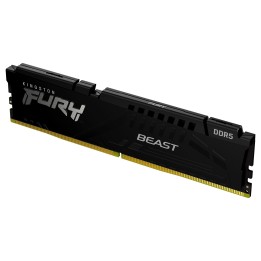
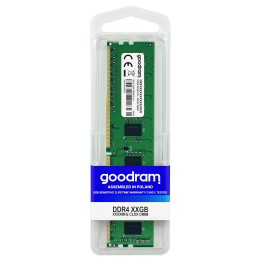
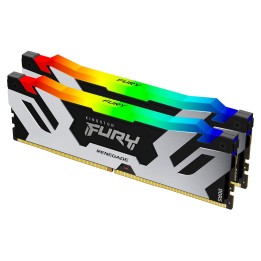
Produkty, które ostatnio zwróciły Twoją uwagę.