- Nowy
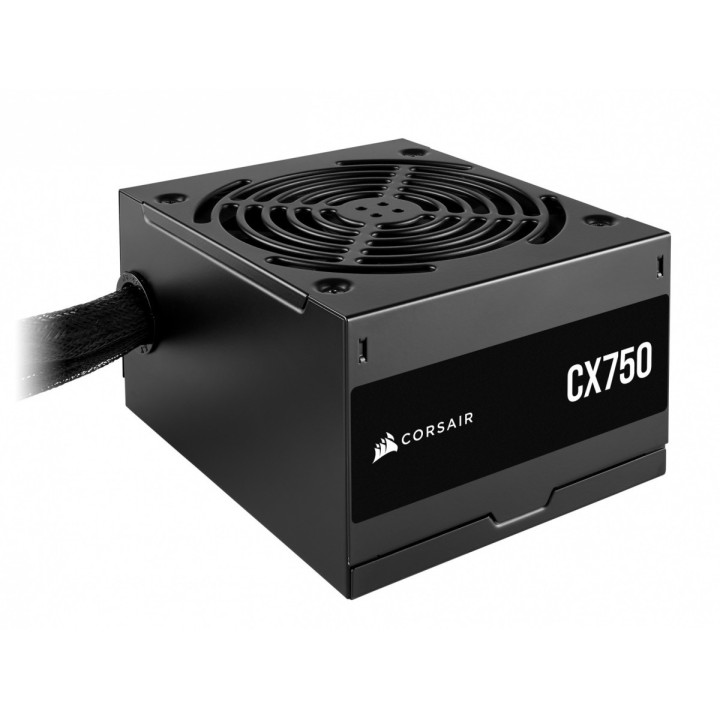
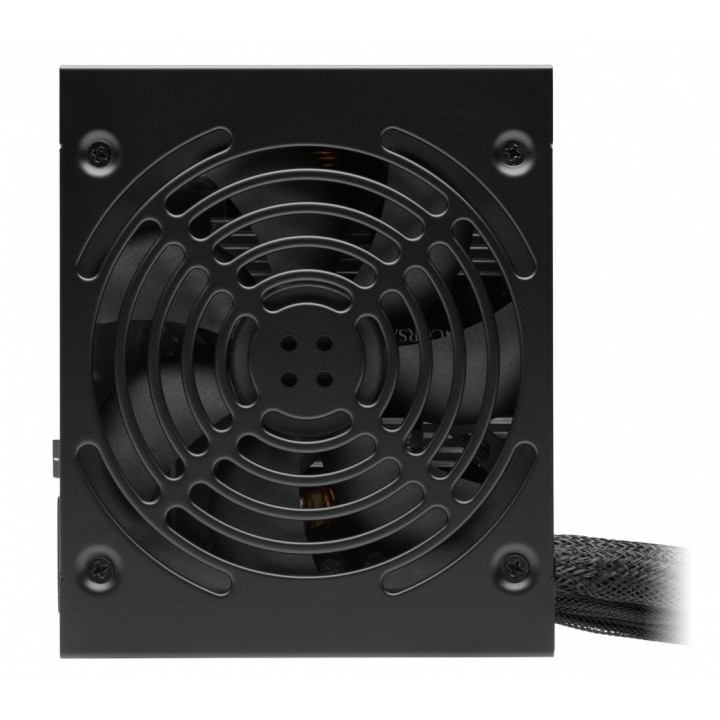
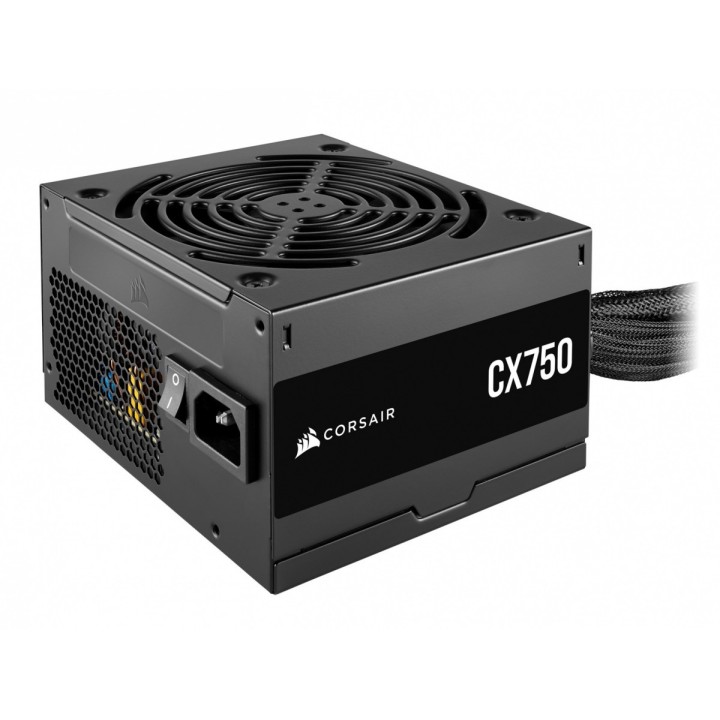
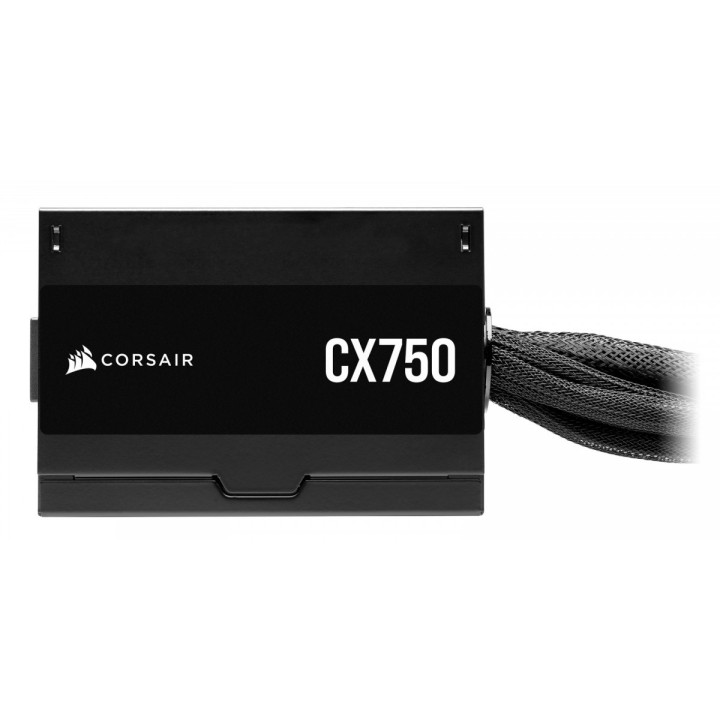
Corsair CX750 to zasilacz o mocy 750 W w standardzie ATX, certyfikowany 80 PLUS Bronze, oferujący sprawność sięgającą do 88%. Zaprojektowany do stabilnego dostarczania mocy ciągłej, sprawdzi się w konfiguracjach wymagających solidnego zasilania przy rozsądnej efektywności energetycznej.
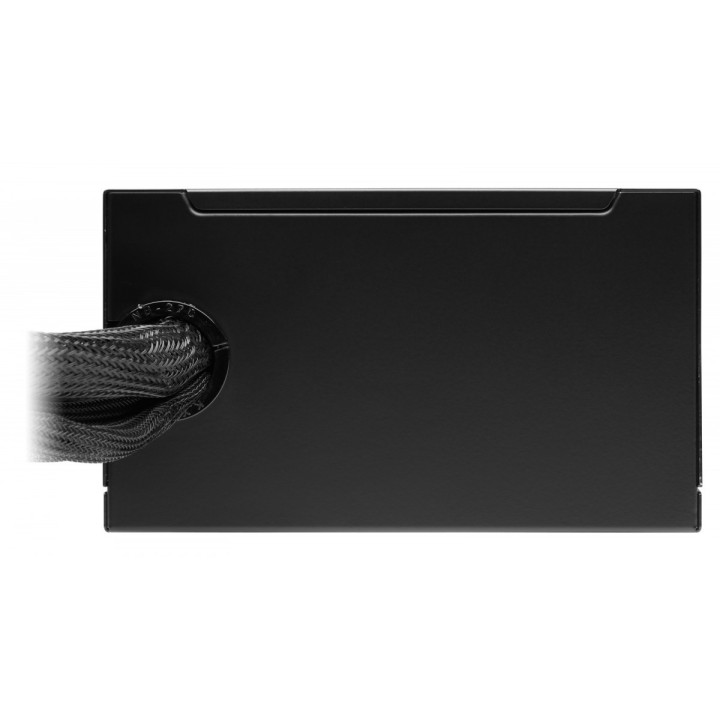
Układ chłodzenia opiera się na cichym, 120 mm wentylatorze sterowanym termicznie, który minimalizuje hałas przy niskim i średnim obciążeniu oraz zwiększa wydajność odprowadzania ciepła pod obciążeniem. Obudowa w kolorze czarnym z powłoką malowaną proszkowo i kable w czarnych osłonach ułatwiają estetyczne dopasowanie do nowoczesnych konstrukcji komputerowych.
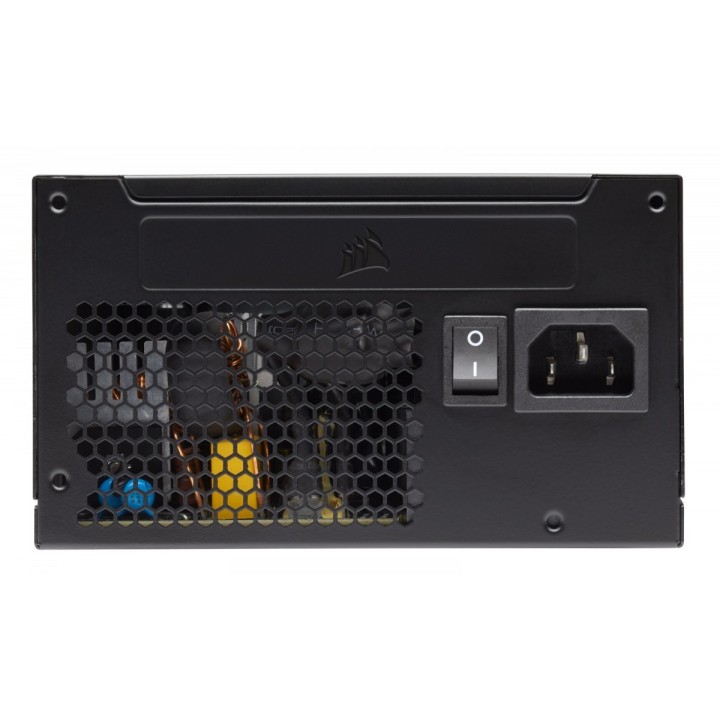
Wyposażenie obejmuje standardowe wejście IEC C14 oraz 24-pinowe złącze ATX dla płyty głównej i jedno złącze 8-pin EPS12V, obsługujące zasilanie procesora. Zasilacz pracuje w szerokim zakresie napięć wejściowych AC 100–240 V i dzięki kompaktowym wymiarom łatwo mieści się w większości obudów PC.
Corsair Memory, B.V.
Wormerweg 1 1311 XA Almere Netherlands
Formularz kontaktowy: https://help.corsair.com/hc/en-us
Corsair Memory, BV
Wormerweg 8 1311 XB Almere Netherlands
Telefon: +31 365478360
List of safety warnings for computer power supplies based on the requirements of General Product Safety Regulation (GPSR) 2023/988 * Risk of electric shock: * Make sure the power supply is properly grounded. * Do not open the power supply housing when it is connected to power. * Do not touch any internal components of the power supply when it is connected to power. * Do not use the power supply in humid or wet environments. * Disconnect the power supply from the power supply before cleaning. * Fire risk: * Do not use a power supply with less power than required by your computer. * Make sure the power supply has adequate surge, short-circuit and thermal protection. * Do not cover the power supply to ensure adequate ventilation. * Do not place the power supply near heat sources. * Regularly inspect power cables for damage. * Explosion risk: * Do not use a power supply that is damaged or has visible signs of damage. * Do not try to repair the power supply yourself. * Use the power supply only for its intended purpose. * Dispose of the power supply according to local regulations. * Risk of injury: * Do not drop the power supply. * Do not disassemble the power supply as it contains live components that can cause electric shock. * Do not expose the power supply to extreme temperatures or moisture. * Before installing the power supply, disconnect the computer from the power supply. * Compatibility and selection: * Make sure the power supply is compatible with the motherboard and other computer components. * Check that the power supply has the right connectors for all components. * Overheating protection: * Provide adequate ventilation in the computer case so that the power supply does not overheat. * Regularly clean the power supply fan from dust. * Installation and use: * Follow the manufacturer's instructions when installing the power supply. * Do not overload the power supply by connecting too many devices to it. * Storage: * Store the power supply in a dry and clean place, away from children. * Cables & Connections: * Make sure all cables are properly connected and not damaged. * Do not use extension cords or adapters that are not intended to be used with the power supply.
Produkty, które ostatnio zwróciły Twoją uwagę.