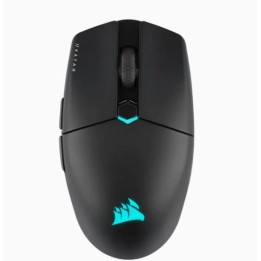
RAZER Basilisk V3 Pro Mouse
Opis produktu
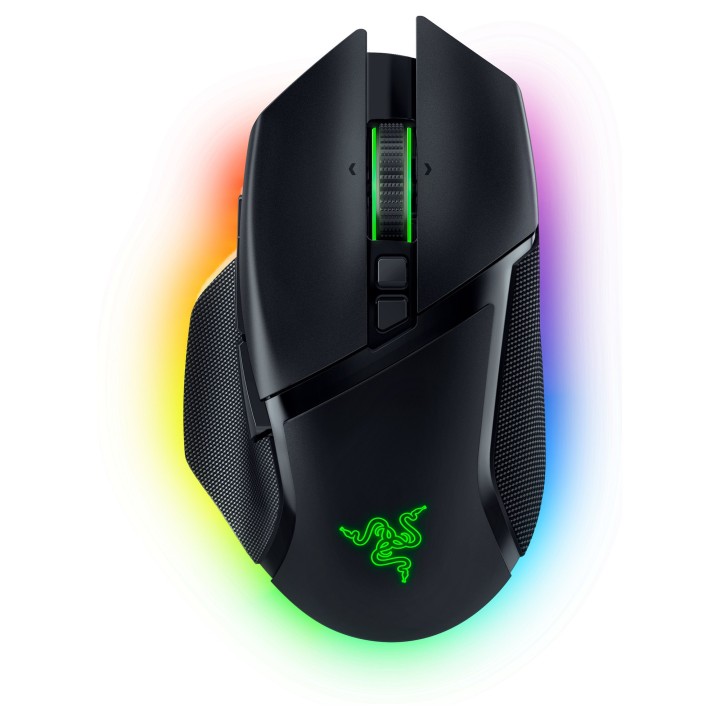
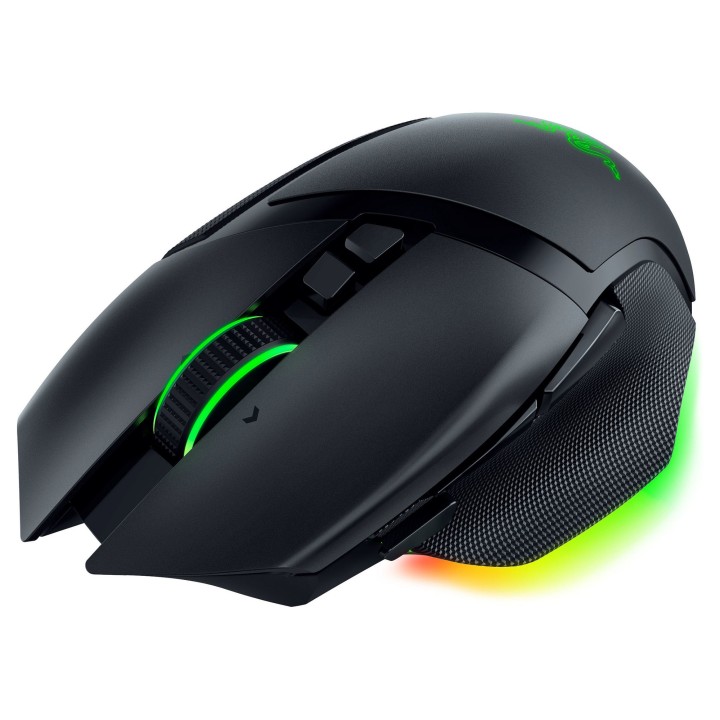
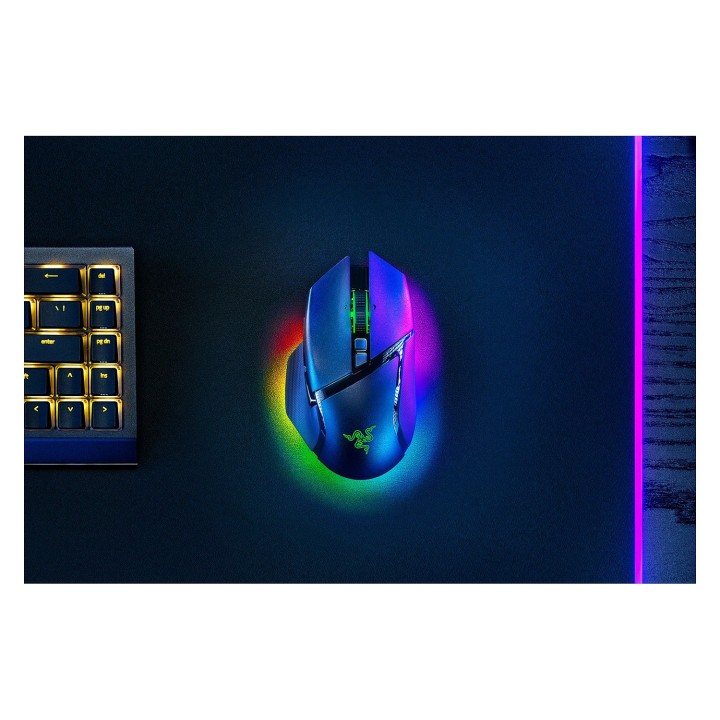
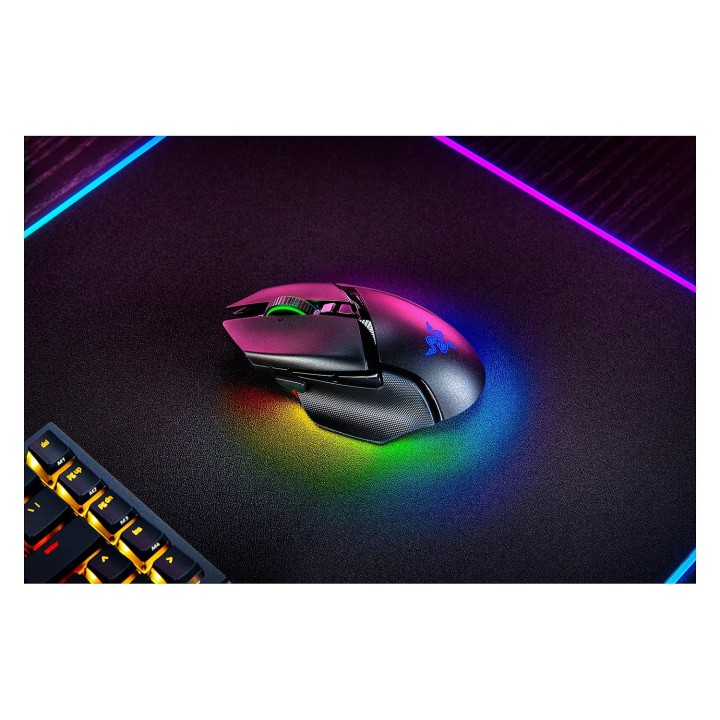
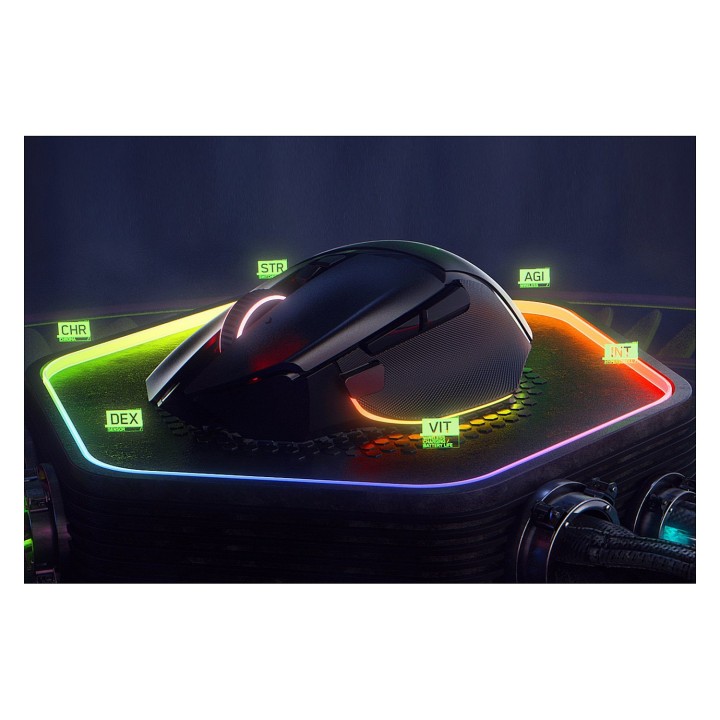
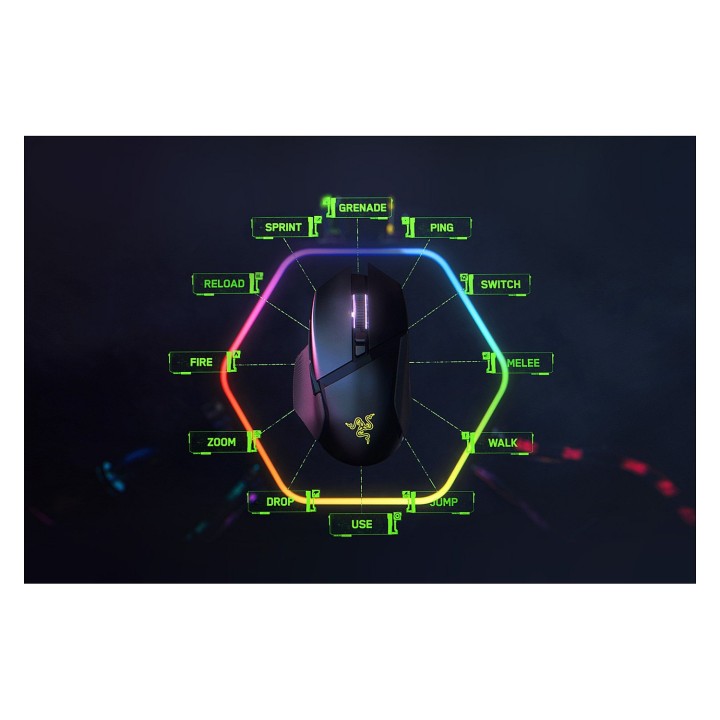
Król powraca, by podnieść poprzeczkę. Oto Razer Basilisk V3 pro - zaawansowana mysz dla graczy. Uzbrojona po zęby w wiodącą w branży technologię, uwolnij swój maksymalny potencjał dzięki broni, która przesuwa znane granice wydajności, personalizacji, łączności i kontroli.
Płynne, swobodne przewijanie lub jazda dotykowa
Zasilana przez Razer Chroma RGB
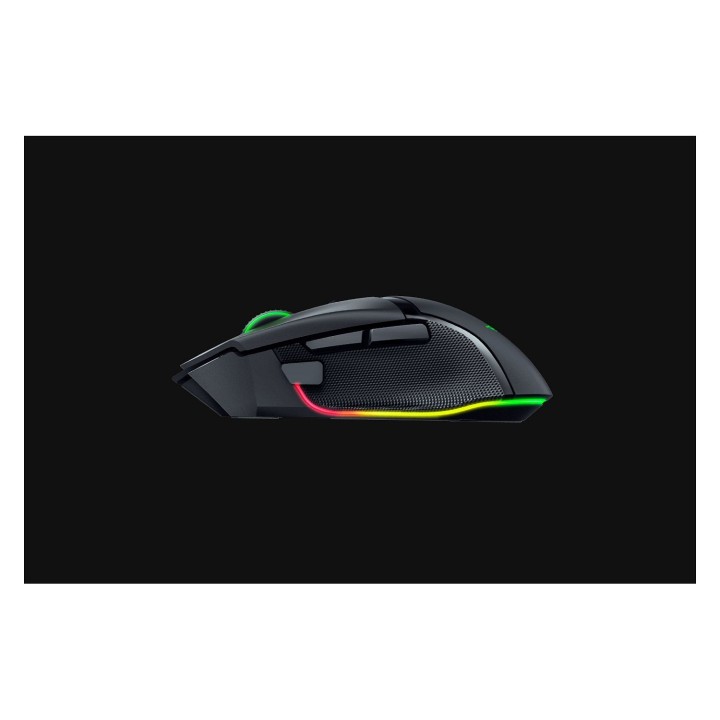
Najnowocześniejsza ergonomia i kontrola
Najlepsza w swojej klasie precyzja
Niezrównana trwałość i szybkość
Specyfikacja
- Opis produktu: Razer Basilisk V3 pro mysz Bluetooth
- Rodzaj urządzenia: Mysz ergonomiczna
- Sposób podłączenia: Bezprzewodowa Bluetooth
- Orientacja: Praworęczna
- Wymiary (szer.głęb.wys.): 7.54 cm x 13 cm x 4.25 cm
- Waga: 112 g
- Technologia wykrywania ruchu: Optyczna
- Ilość przycisków: 11
- Zakres ruchu: 30000 dpi
- Wykonanie: 90 milionów kliknięć, 750 cali na sekundę, maks. przyspieszenie 70 G
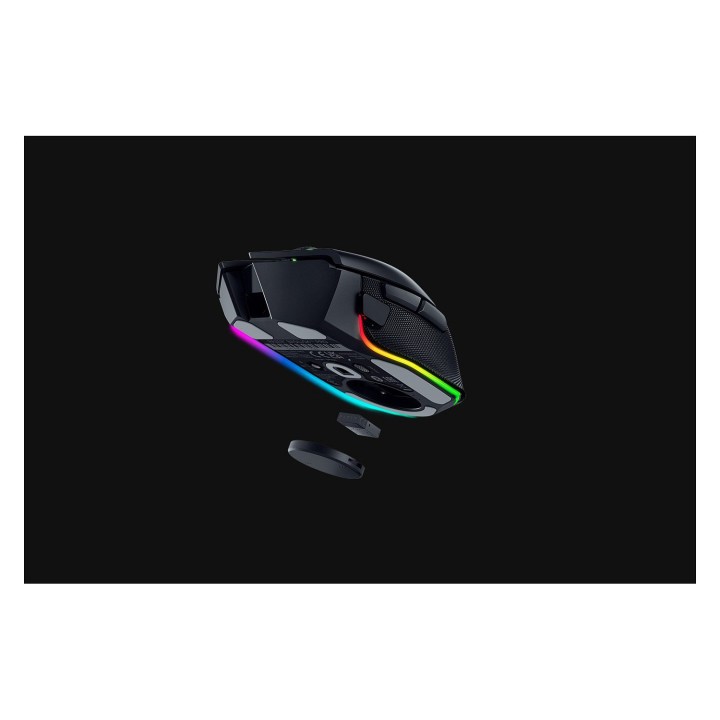
- Cechy: Pokrętło przewijania, programowalne przyciski, Razer Chroma RGB, nachylane kółko myszy, technologia Razer Hyperspeed Wireless, Razer Speedflex Cable
Szczegóły produktu
- Marka Razer
- Kod produktu 6610bf6d620507cf6ebde475
- Dostępność 34 Przedmioty
- EAN13 8886419334026
- MPN RZ0104620100R3G1
Specyfikacja
- Sposób połączenia Bluetooth
- Typ sensora Optyczny
- Maksymalna czułość (DPI) 30000 DPI
- Profil dłoni Dla praworęcznych
- Liczba przycisków (szt.) 11 szt.
- Masa (g) 110 g
Producent
Producent
Razer (Europe) GmbH
Alter Teichweg 25, 22081 Hamburg, Germany 22081 Hamburg Germany
E-mail: compliance@razer.com
Formularz kontaktowy: https://www.razer.com/eu-en/contact-us
Telefon: +49 (40) 4192 99300
Bezpieczeństwo
Informacje o bezpieczeństwie
List of mouse safety warnings based on the requirements of General Product Safety Regulation (EU) 2023/988 (GPSR): 1. Ergonomics and repetitive movements: I use the mouse ergonomically to avoid strains and injuries. I regularly take breaks to reduce the risk of carpal tunnel syndrome or other problems associated with repetitive movements. 2. Cleaning and Maintenance: I disconnect the mouse from the computer before cleaning. I use a soft, dry cloth to clean my mouse. I avoid using liquids that can get inside the unit and damage it. 3. Cable and Connections: I make sure the mouse cable is properly connected to the computer and is not damaged. A damaged cable may pose a risk of electric shock or cause the mouse to malfunction. 4. Batteries (if applicable): If I use a battery-operated wireless mouse, I use the right type of battery and insert it correctly. I remove the batteries when the mouse is not in use for extended periods of time to prevent leaks and damage. 5. LED lighting (if applicable): I avoid staring at the intense LED light for a long time, which can cause eye strain. 6. Kids: I store my mouse and small items (e.g. batteries) out of reach of children to avoid the risk of ingestion or choking. 7. Recycling: I return the used mouse to the appropriate recycling point to minimize the environmental impact. 8. Usage: I do not use a damaged mouse as this may result in electric shock or injury. 9. Repairs: I do not repair the mouse myself, I give it to the service. 10. Storage: I store the mouse in a dry place, away from moisture and extreme temperatures.