- Nowy
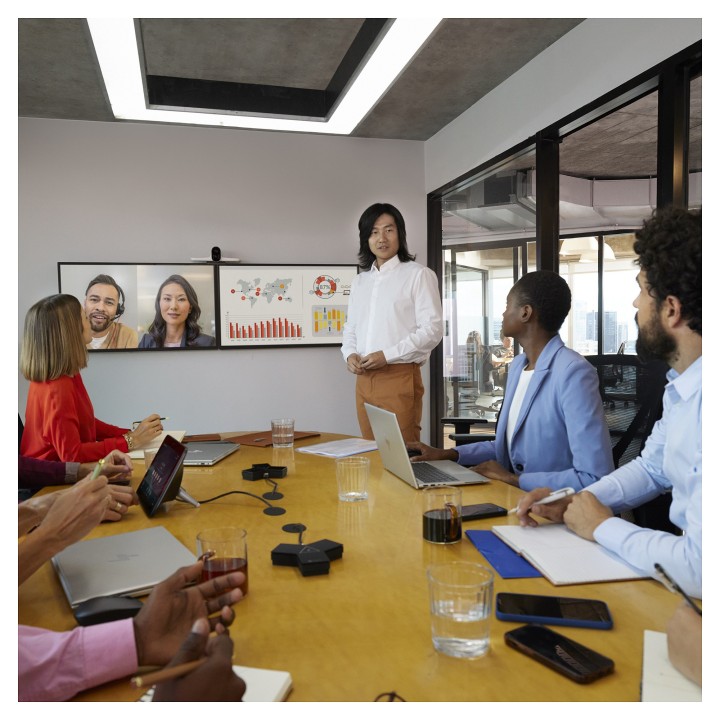
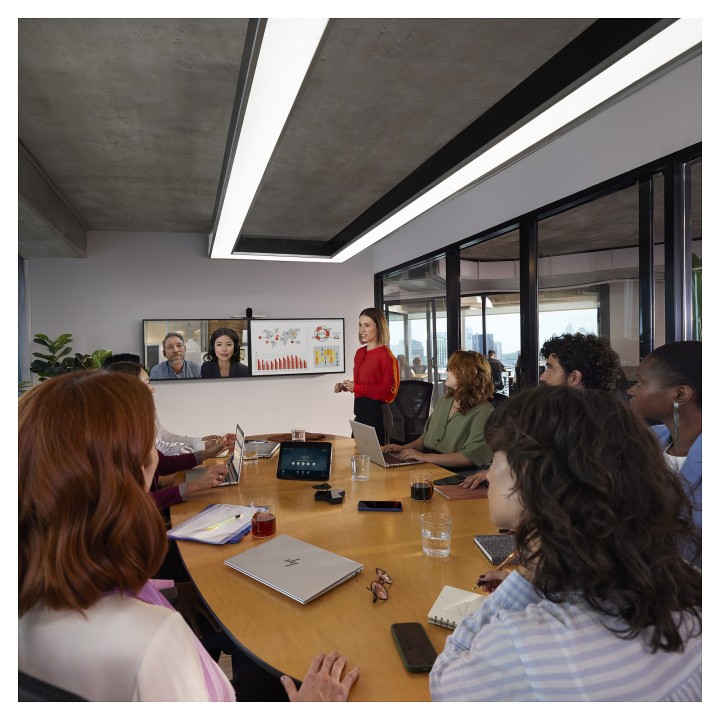
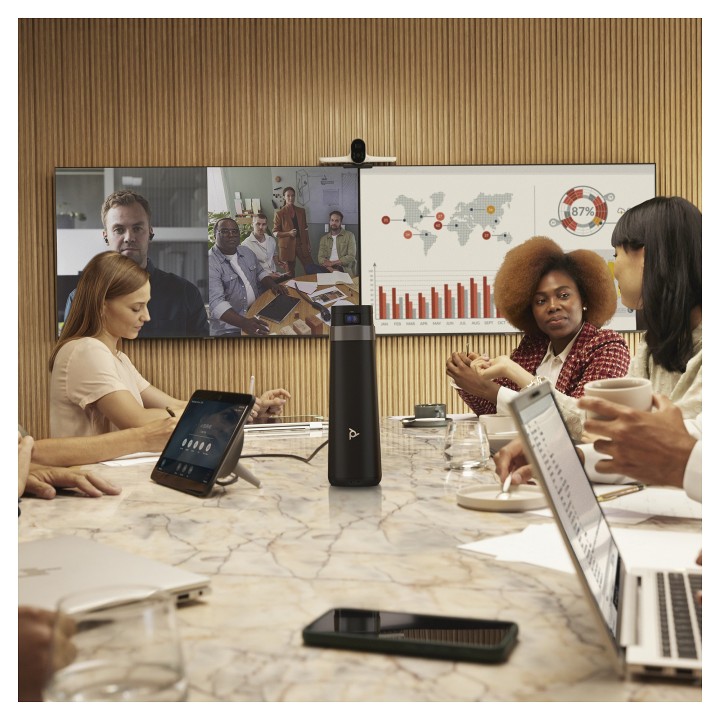
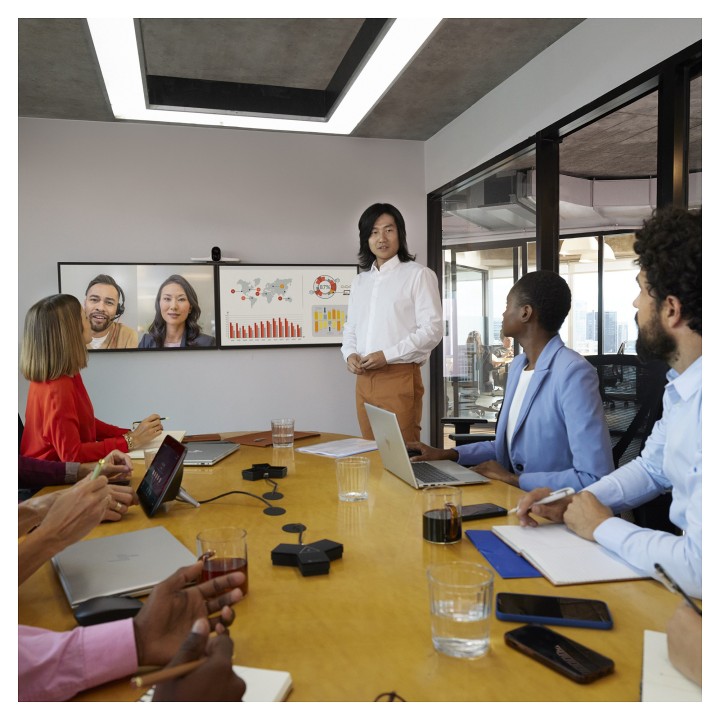
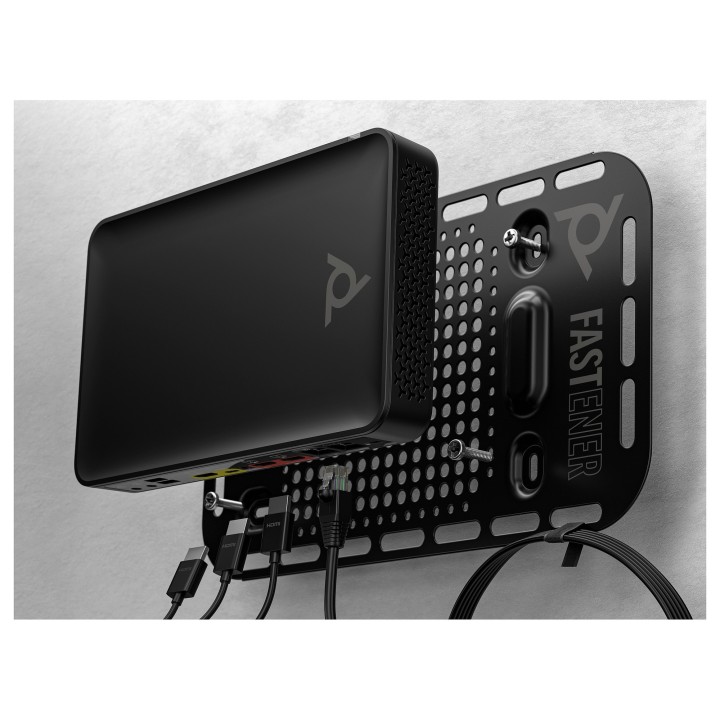
Konfigurowalny, zaawansowany i w pełni Twój
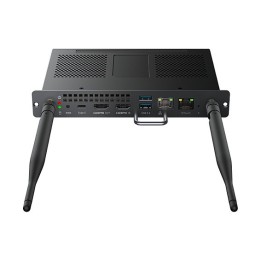
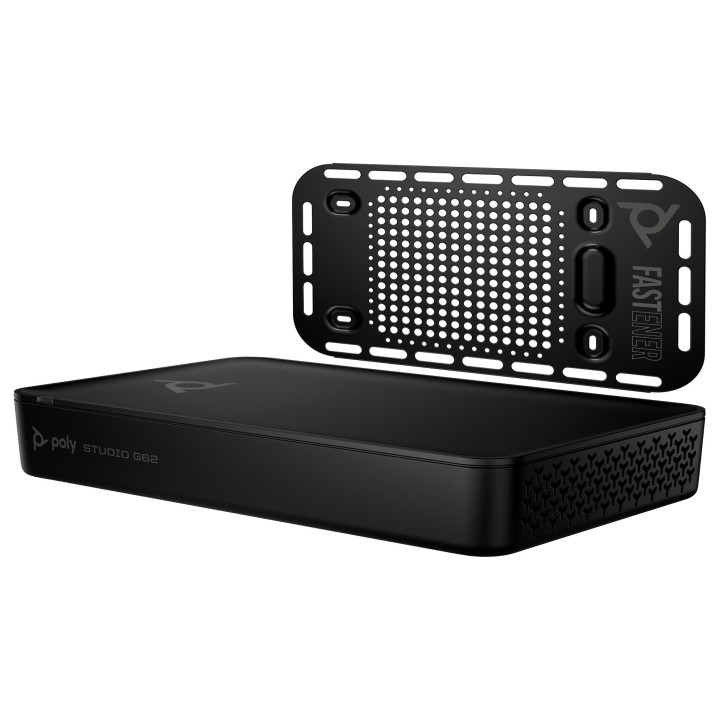
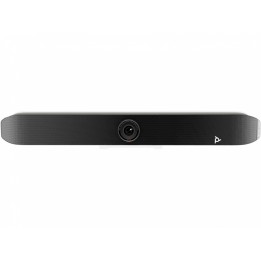
System wideokonferencyjny Poly Studio G62 charakteryzuje się łatwą konfiguracją, bezproblemową integracją oraz możliwością swobodnej personalizacji. Zaawansowane narzędzia do współpracy? W gotowości. Najnowsze funkcje audiowizualne? Do dyspozycji. Możliwość elastycznej konfiguracji? W zasięgu ręki. Zaprojektowany z myślą o łączności.
Stworzony, aby rozwijać się razem z Tobą
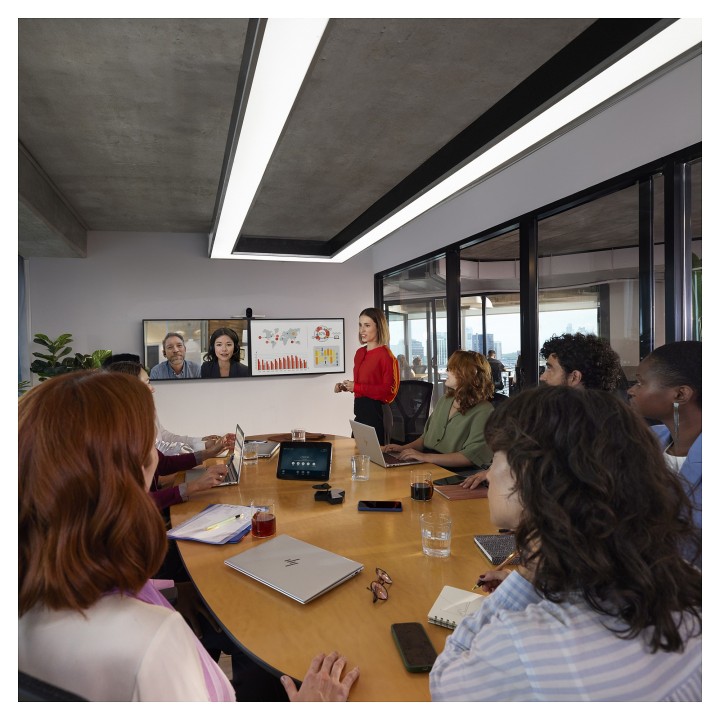
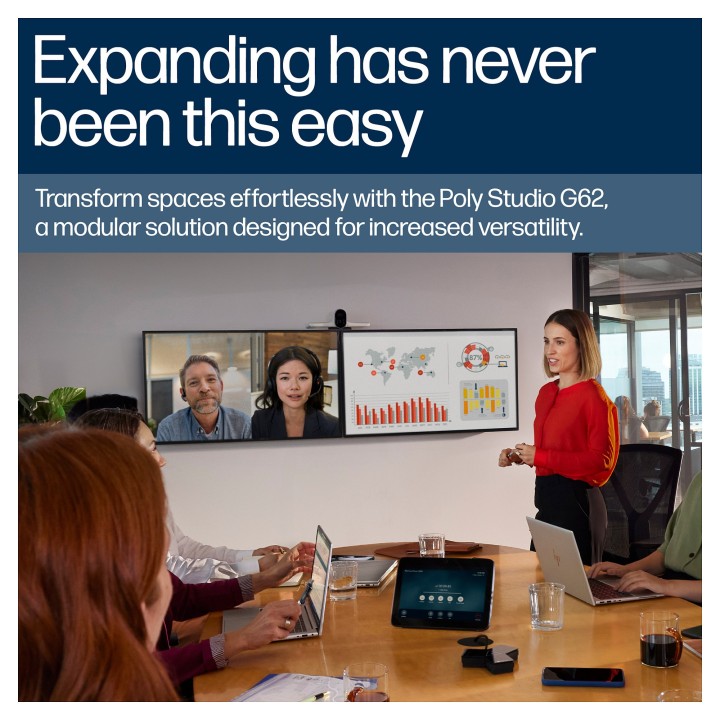
Dostosuj każde duże pomieszczenie konferencyjne do swoich potrzeb. Podłącz urządzenia peryferyjne i kontrolery Poly do systemu wideokonferencyjnego Poly Studio G62, przekształcając pomieszczenia wedle własnych zasad dzięki modularnemu rozwiązaniu oferującemu uproszczoną wszechstronność.
Łatwa instalacja. Jeszcze łatwiejsza łączność
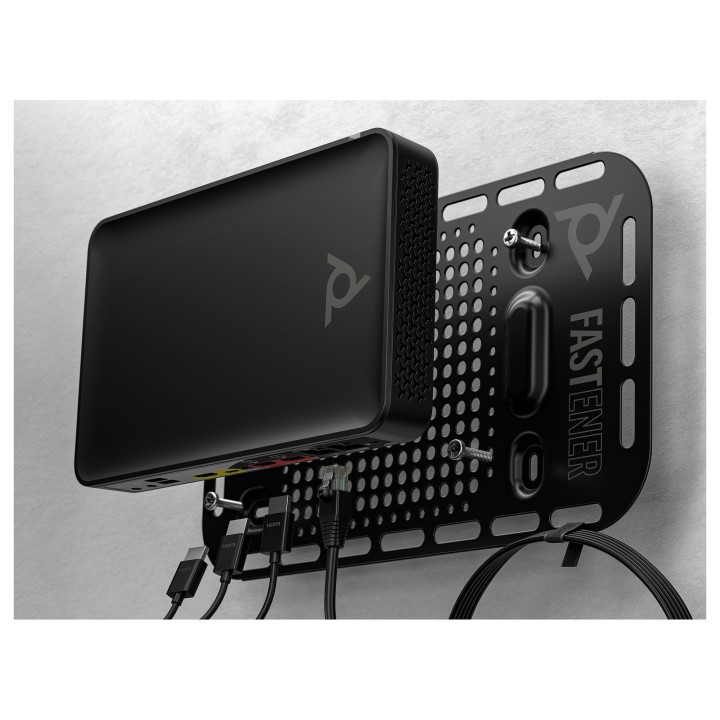
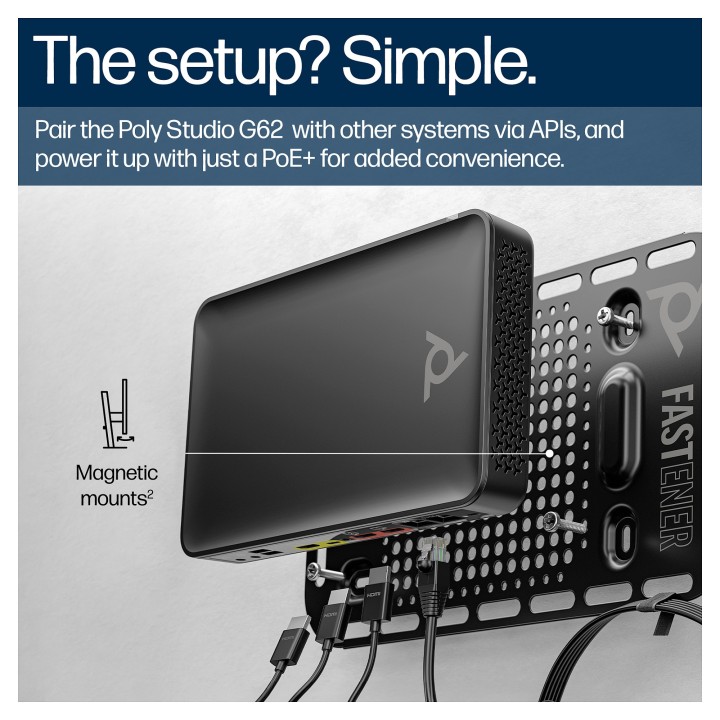
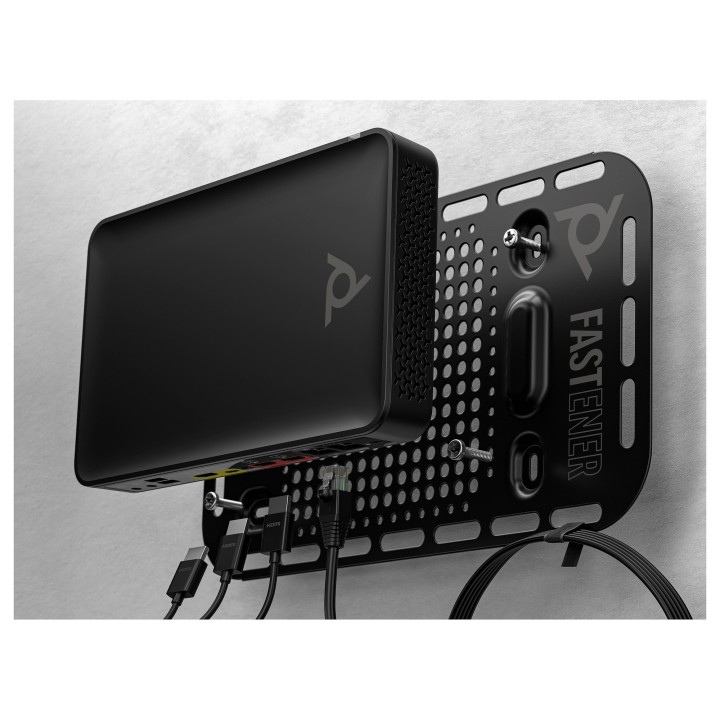
Koniec ze skomplikowanym montażem. Dzięki magnetycznym mocowaniom z technologią PoE+ nie trzeba martwić się instalacją jest wyjątkowo prosta. Ponadto możesz z łatwością zarządzać wybranymi systemami sterowania innych producentów za pomocą solidnych API, korzystając z rozwiązania Poly TC10.
Dostosowuj pomieszczenia bez obaw
Stwórz swoją idealną salę wideokonferencyjną dzięki systemowi Poly Studio G62. Rozszerz swoją konfigurację wedle upodobań, nie martwiąc się o moc obliczeniową, i dodawaj kolejne urządzenia audio-wideo, aby cieszyć się jeszcze większymi możliwościami.
Mała konstrukcja. Możliwość personalizacji. Brak bałaganu
System wideokonferencyjny Poly Studio G62 zapewnia szybką i łatwą integrację z wybranymi urządzeniami peryferyjnymi Poly, a przy tym jest bardziej opłacalny dzięki sieci Ethernet. Konfigurację można dostosować do swoich potrzeb, aby zapewnić doskonałą obsługę pomieszczenia nawet na jego najdalszych krańcach.
Idealna konfiguracja do współpracy
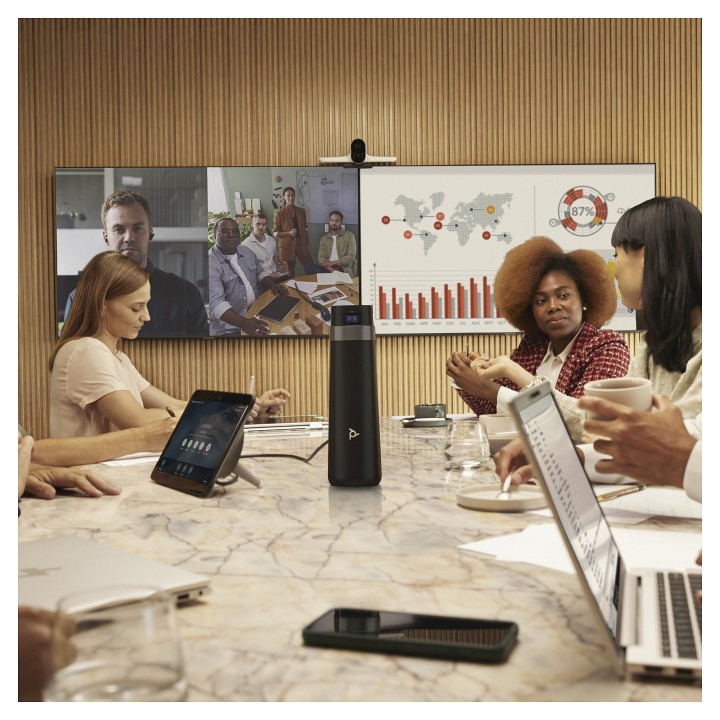
Im większe pomieszczenie, tym więcej rzeczy może rozpraszać uwagę. Zachowaj skupienie dzięki możliwości połączenia systemu wideokonferencyjnego Poly Studio G62 z urządzeniami peryferyjnymi Poly, zapewniającymi takie udogodnienia jak funkcje kadrowania i śledzenia Poly DirectorAI czy technologia NoiseBlockAI.
Możliwość integracji zaraz po wyjęciu z opakowania
W przypadku systemu wideokonferencyjnego Poly Studio G62 wydajność to podstawa. Niewielka konstrukcja i magnetyczny system mocowania czynią proces ustawiania dziecinnie prostym, a Ty możesz w łatwy sposób podłączyć komponenty innych producentów i cieszyć się jeszcze większymi możliwościami.
Brakuje miejsca? To nie problem
Bezproblemowa konfiguracja czyni wszystko znacznie prostszym. Dzięki modułowej konstrukcji, łączności IP oraz pojedynczemu kodekowi PoE+ system wideokonferencyjny Poly Studio G62 świetnie dostosowuje się do różnych konfiguracji pomieszczeń bez zbędnego bałaganu.
Sterowanie urządzeniem na wyciągnięcie ręki
Po prostu rób swoje i nie niczym się nie martw. Połącz się i nadzoruj zdalnie modułowy system wideokonferencyjny Poly Studio G62 oraz urządzenia peryferyjne Poly za pomocą rozwiązania Poly Lens, oszczędzając czas i siły na zarządzaniu urządzeniami oraz na ich serwisie.
HP Inc.
Cami de Can Graells 1-21 08174 Sant Cugat del Valles Spain
E-mail: reg@hp.com
Formularz kontaktowy: https://www.hp.com/es-es/contact-hp
Telefon: 902 02 70 20
HP REG 23010
HP REG 23010 08028 Barcelona Spain
E-mail: reg@hp.com
Formularz kontaktowy: https://www.hp.com/us-en/hp-information.html
List of safety warnings for video conferencing sets and cameras based on the requirements of Regulation (EU) 2023/988 on General Product Safety (GPSR) 1. Risk of electric shock: * Make sure that the device is connected to a working socket with grounding. * Do not touch the plug or cable with wet hands. * Avoid using the device in places with high humidity. 2. Risk of overheating: * Provide adequate ventilation while maintaining at least 5 cm of free space around the device. * Do not block ventilation openings. 3. Fire risk: * Use only original chargers and accessories recommended by the manufacturer. * Do not leave the device on unattended near flammable materials. 4. Risk of bodily injury: * Avoid using the device in a position that causes excessive heat pressure on the skin to prevent burns. * Use the device on a stable surface to minimize the risk of falling. 5. Hazards in humid environments: * Do not use the unit outdoors in rain or in areas with high humidity, such as bathrooms. * If the device is flooded, immediately disconnect it from the power source and contact the service. 6. Hazards at high temperatures: * Do not expose the device to direct sunlight. * Avoid using the device at temperatures exceeding the recommended range (usually 5-35°C). 7. Risk of damage during cleaning: * Before cleaning, disconnect the device from the power supply and use a soft, slightly damp cloth. * Avoid using strong detergents that can damage the surface of the device. 8. Caution when replacing accessories: * Use only the accessories recommended by the manufacturer. * When replacing batteries, follow the manufacturer's instructions and do not expose the battery to high temperatures. 9. Risks associated with battery use: * Avoid damage to the battery by impact or puncture. * If the battery overheats or swells, stop using the device immediately. 10. Child Hazards: * Keep power cables out of reach of children. * Make sure that children do not play with the device or accessories that can be dangerous. 11. Risk of mechanical damage and injury: * The device's fall may cause the screen to shatter, which can lead to user cuts. * Use durable protective cases and tempered glass for your screen. If the screen is damaged, do not use the device until repaired. 12. Risk of electromagnetic interference * Using the device near medical devices such as pacemakers can cause electromagnetic interference. * Maintain a distance of at least 15 cm between the device and medical devices. 13. Effects on vision * Long-term use of the device, especially in dark conditions, can lead to eye strain. * Use eye protection mode if available, and take breaks from the screen regularly. 14. Regular maintenance * Failure to regularly clean ports and sockets can lead to damage or failure. * Clean ports and sockets regularly using a dry and clean cloth, avoiding moisture input. 15. Allergic reactions to materials * Materials used in the device housing (e.g. silicone, metal) can cause skin irritation or allergic reactions. * In case of redness or discomfort, remove the device and consult a dermatologist. Clean the case regularly to avoid accumulation of sweat or dirt.
Produkty, które ostatnio zwróciły Twoją uwagę.