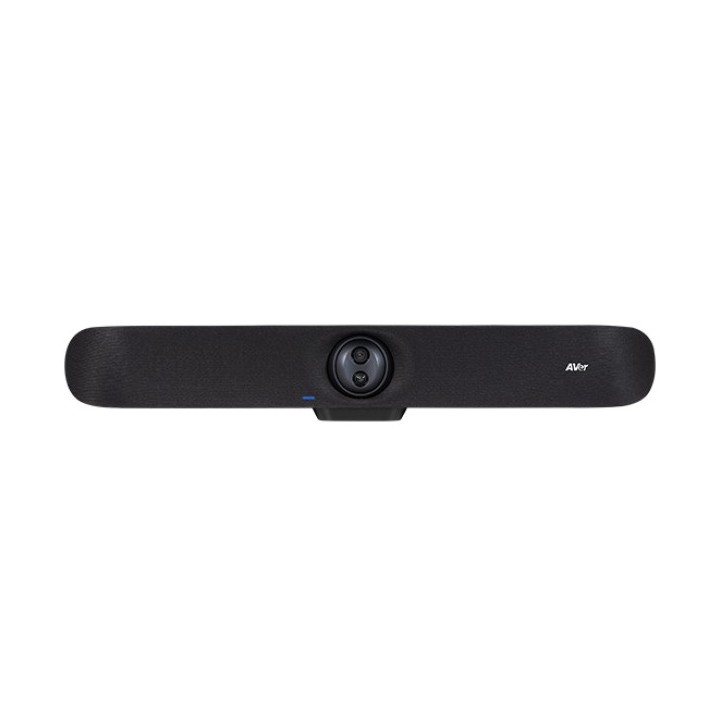
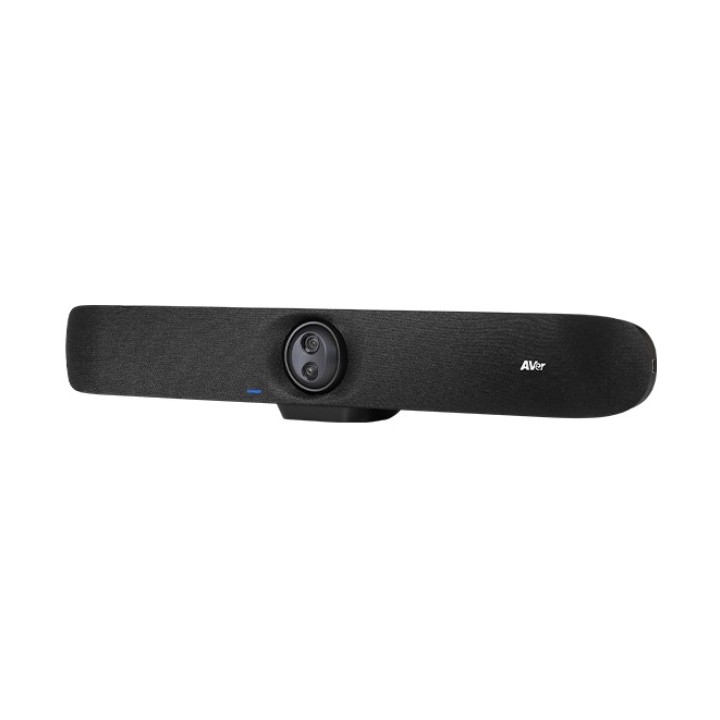
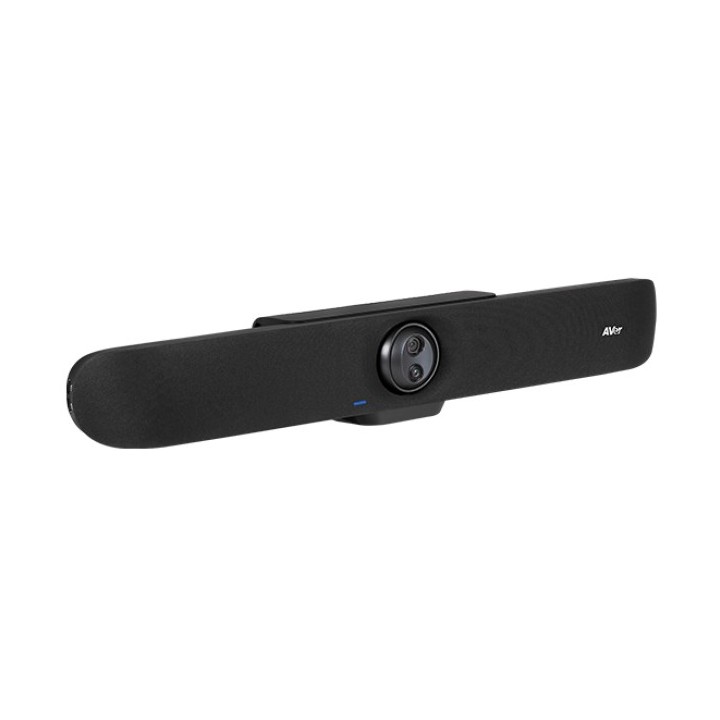
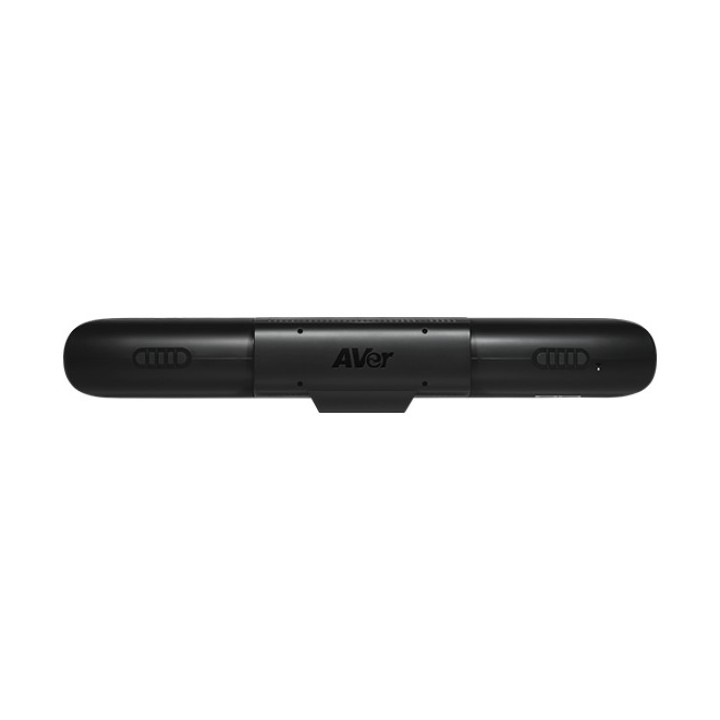
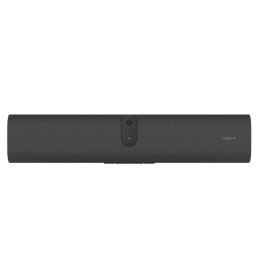
VB350 Videobar PTZ to zaawansowane urządzenie do spotkań wideo w średnich i dużych pomieszczeniach. Z dwoma obiektywami 4K i hybrydowym 18krotnym zoomem, oferuje najwyższą jakość obrazu oraz ulepszoną technologię audio. Prosta konfiguracja sprawia, że jest to idealne rozwiązanie typu "allinone". 18krotny zoom hybrydowy 18krotny zoom hybrydowy oraz szerokie pole widzenia 113 stopni umożliwiają rejestrację czystego obrazu zarówno pierwszego planu, jak i tła w salach konferencyjnych o głębokości do 7 metrów. Stabilne i płynne przełączanie obiektywów Dzięki stabilnemu i płynnemu przełączaniu obiektywów, VB350 doskonale uchwyci uczestników spotkania, nawet gdy są oddalenie od kamery. Conversation View W trybie śledzenia dźwięku kamera będzie śledzić osobę, która mówi w sposób ciągły. Gdy jednak do rozmowy dołączają inne osoby, kamera przełącza się w tryb automatycznego kadrowania i rejestruje wszystkich uczestników zamiast poszczególnych mówców. Audio Fence Funkcja Audio Fence eliminuje zakłócenia w tle, skupiając się tylko na głosach w obszarze widzenia kamery. Dzięki temu można skutecznie prowadzić zdalną współpracę nawet w otwartych przestrzeniach. Układ 14 mikrofonów Dzięki układowi 14 mikrofonów, VB350 precyzyjnie odtwarza dźwięk z odległości do 10 metrów, zapewniając płynne rozmowy i realistyczne brzmienie. Specyfikacja: Kamera Technologia podwójnego obiektywu 4K zapewnia szerokie pole widzenia (FOV) 113 stopni 18krotny zoom całkowity (4,5X zoom optyczny) Przetwornik Sony 4K Liczba klatek na sekundę: (16:9) 1280 x 720 przy 60, 30, 15 fps; 4K, 3264 x 1836, 2560 x 1440, 1920 x 1080, 1600 x 900, 960 x 540, 848 x 480, 800 x 448, 640 x 360 przy 30, 15 fps Audio Fence SmartFrame SmartSpeaker Tryb prezentacji Smart Gallery Sterowanie gestami WDR, balans bieli i inne ustawienia obrazu za pomocą aplikacji PTZApp 2 Minimalna odległość robocza: 100 cm 10 presetów (wcześniej zaprogramowanych ustawień kadru) Audio 14elementowy układ mikrofonów Zasięg odbioru 10 metrów Funkcje eliminacja echa i szumów Sterowanie Pilot zdalnego sterowania na podczerwień Dostęp IP przez przeglądarkę Chrome (Chrome 76.x lub nowszy; Internet Explorer nie jest obsługiwany) VISCApelco Ppelco D przez RS232VISCA przez IP UVCUAC plugandplay PTZApp 2 Wymagania systemowe Oprogramowanie Windows 71011 Mac OS X 14.4 lub nowszy Chromebox 3 w wersji 94.0.4606.114 lub nowszej Sprzęt Procesor Intel Core i54460 3,2 GHz 4 GB pamięci RAM lub więcej Port USB 3.1, wstecznie kompatybilny z USB 2.0 Zawartość opakowania Urządzenie VB350 Zasilacz i kabel Kabel USB 3.1 typu B do typu A (3 m) Adapter USB 3.1 typu A na typ C Karta z kodem QR Uchwyt do montażu na ścianie Śruby do statywu Pilot zdalnego sterowania Wiertło do montażu na ścianie Wymiary Wymiary opakowania: 872 mm (dł.) x 197 mm (szer.) x 260 mm (wys.)7,4kg Kamera: 791 mm (dł.) x 128 mm (szer.) x 126 mm (wys.)3,3 kg Pilot zdalnego sterowania: 150 mm (dł.) x 42 mm (szer.) x 19 mm (wys.)50 g Kompatybilne aplikacje Zoom, Microsoft Teams, Skype dla firm, Skype, Google Meet, IntelUnite, RingCentral, BlueJeans, VCube, LiveOn, CyberLink U Meeting, TrueConf, Adobe Connect, Cisco WebEx, Fuze, GoToMeeting, Microsoft Lync, Vidyo, vMix, WebRTC, Wirecast, XSplit, V CubeNiektóre ważne funkcje, takie jak auto framing lub audio tracking, mogą być domyślnie wyłączone. Aby je aktywować należy pobrać oprogramowanie PTZApp2, dostępne za darmo na stronie producenta: Download Center AVer Global. Dzięki tej aplikacji można łatwo i swobodnie dostosować ustawienia urządzenia i wybrać tryby śledzenia, które najlepiej spełnią oczekiwania. Kamery oraz systemy do wideokonferencji AVer objęte są standardową, 3letnią gwarancją._____________________________________________________________________________________________________________________Tył:Bok: