- Nowy
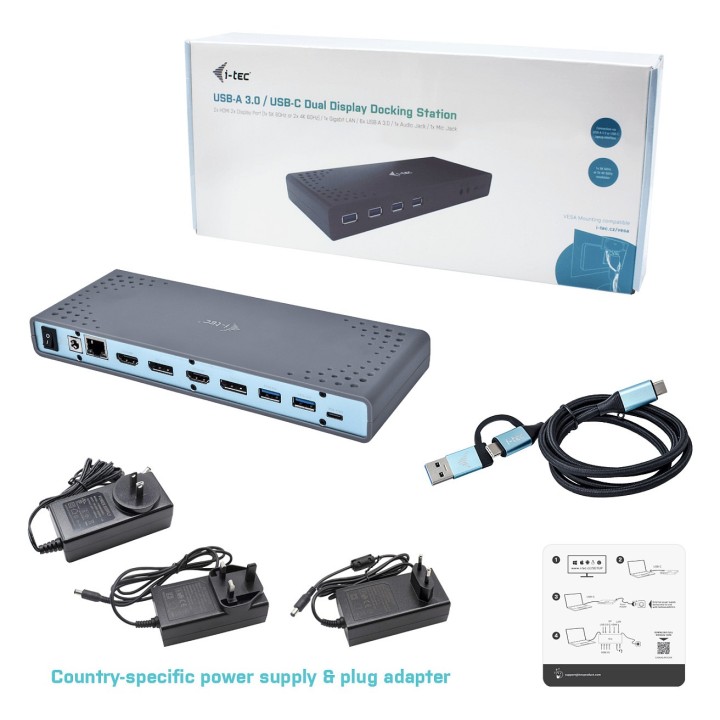
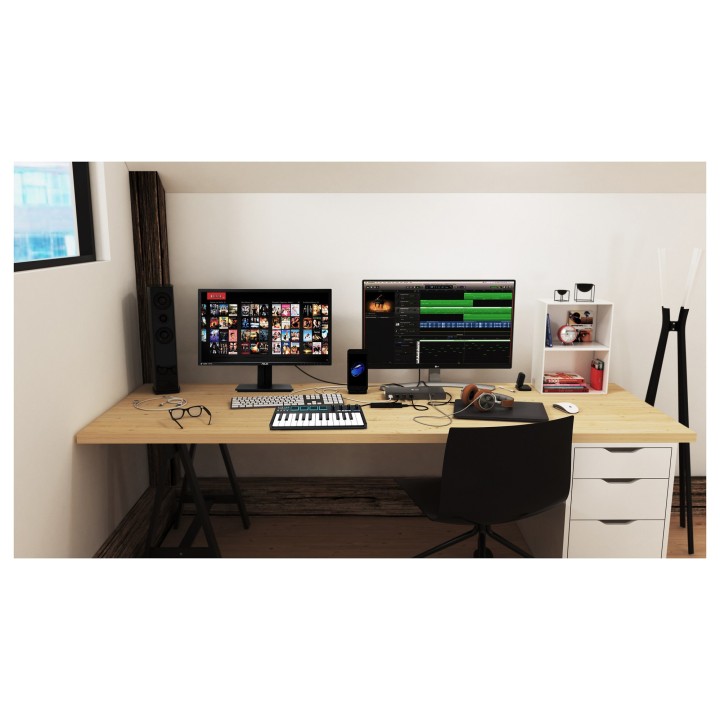
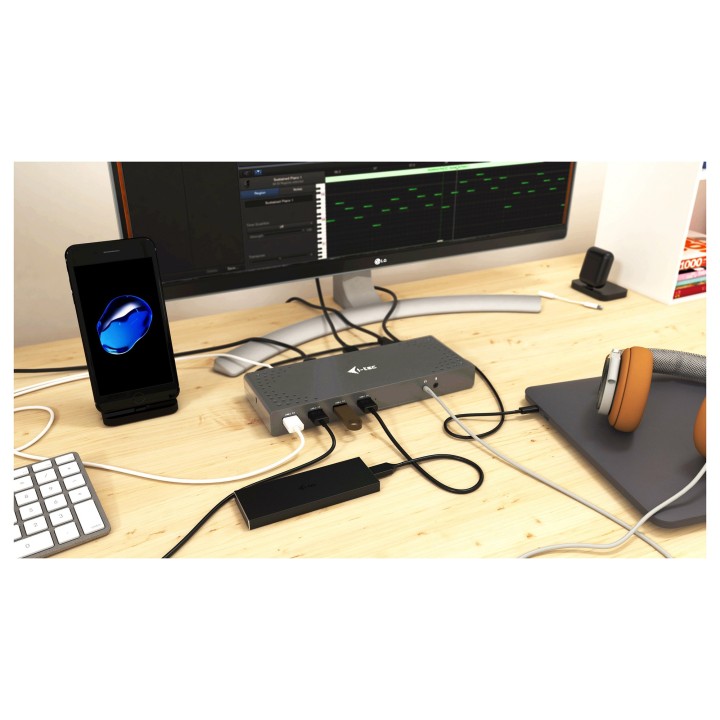
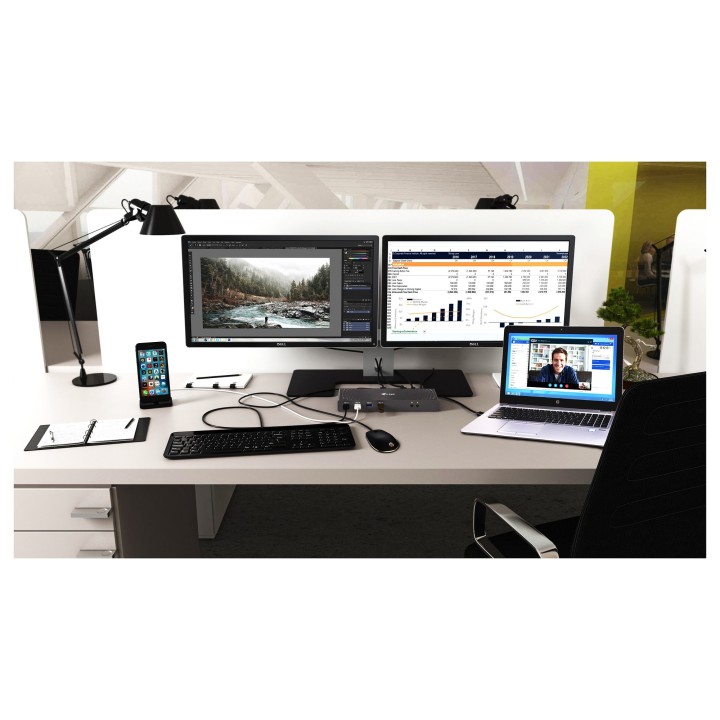


Rozszerz możliwości swojego notebooka, tabletu lub smartfona używając połączenia USB-C lub USB-A.
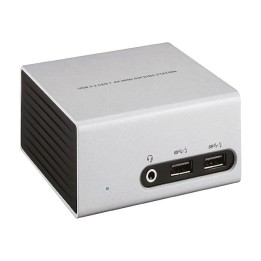
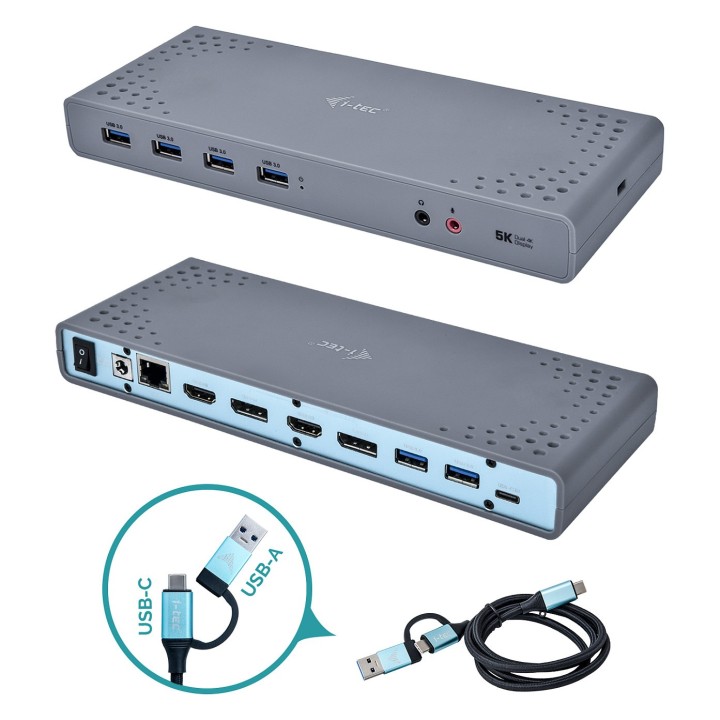
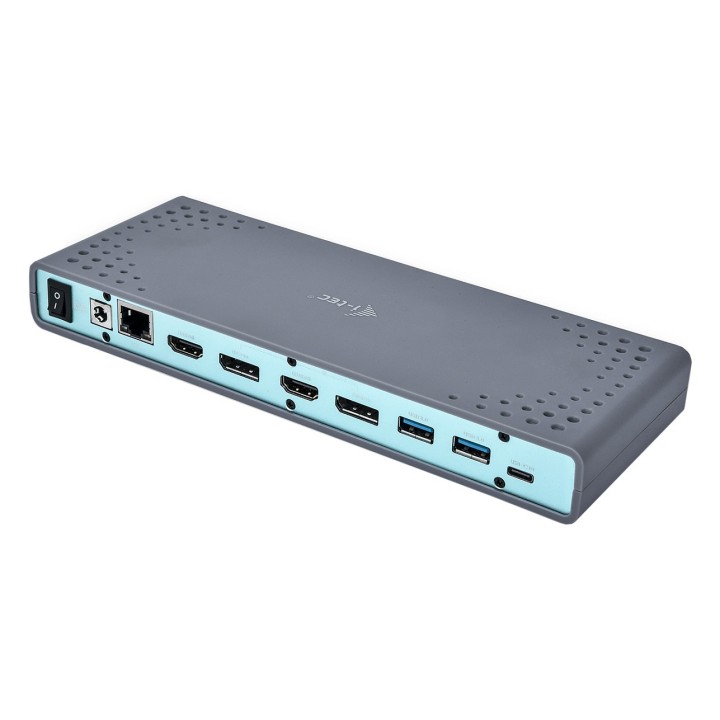
Replikator portów USB-C Dual Display kompatybilny z Thunderbolt 3, wyposażony jest w najnowszy chipset DisplayLink DL9650 i oferuje możliwość podłączania hosta zarówno poprzez interfejs USB-C jak i interfejs USB-A (kable w zestawie).
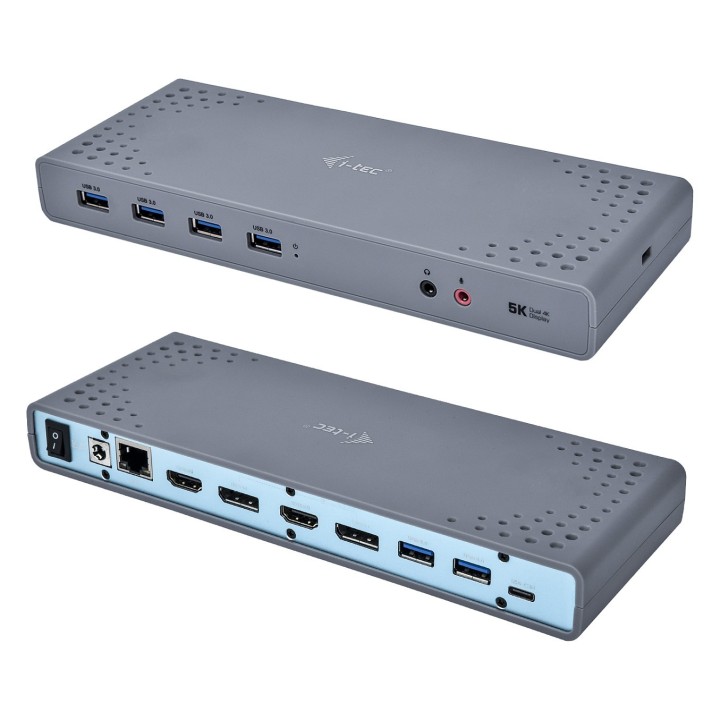
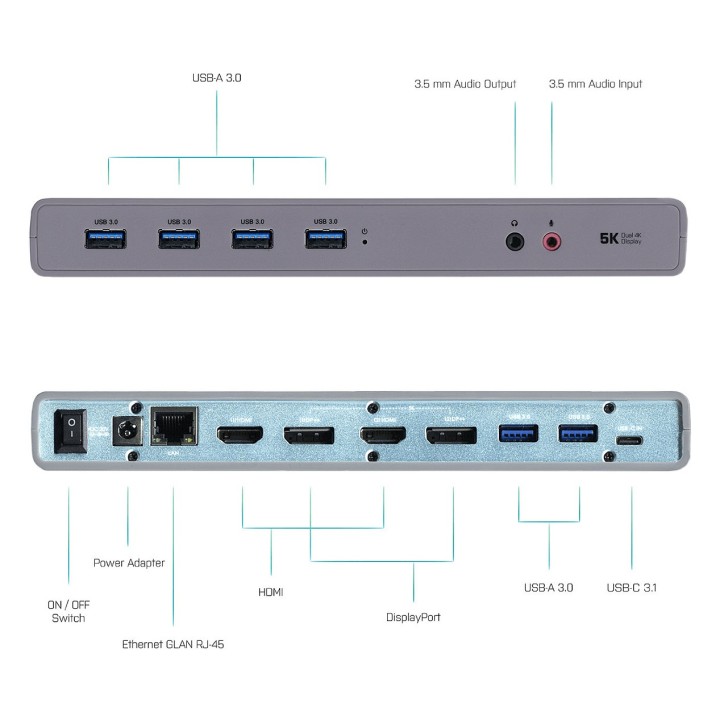
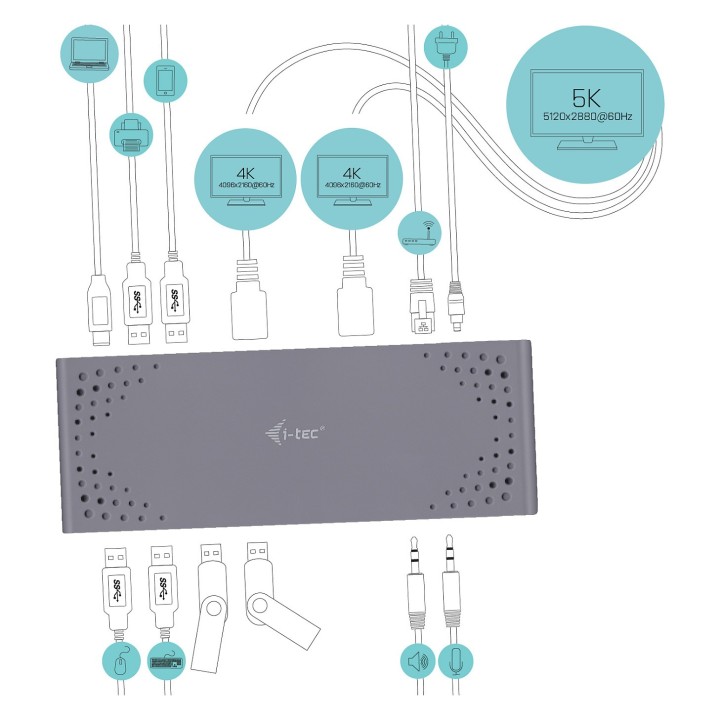
Urządzenie jest wyposażone w cztery wyjścia graficzne, 2x HDMI i 2x DisplayPort, przy czym w jednym czasie maksymalnie dwa monitory mogą być obsługiwane. Podłącz dwa monitory jednocześnie i korzystaj z wyższej rozdzielczości 4096 x 2160 przy częstotliwości 60 Hz używając dowolnej konfiguracji interfejsu (DP + DP, DP + HDMI, HDMI + HDMI). Rozdzielczość 5K (5120 x 2880 @ 60 Hz) jest obsługiwana, gdy jeden monitor jest podłączony za pośrednictwem dwóch kabli DisplayPort.
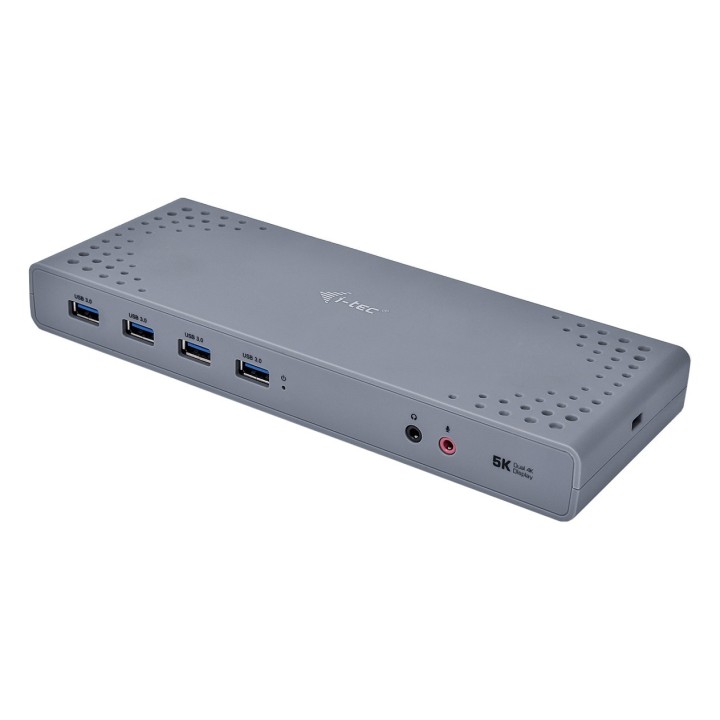
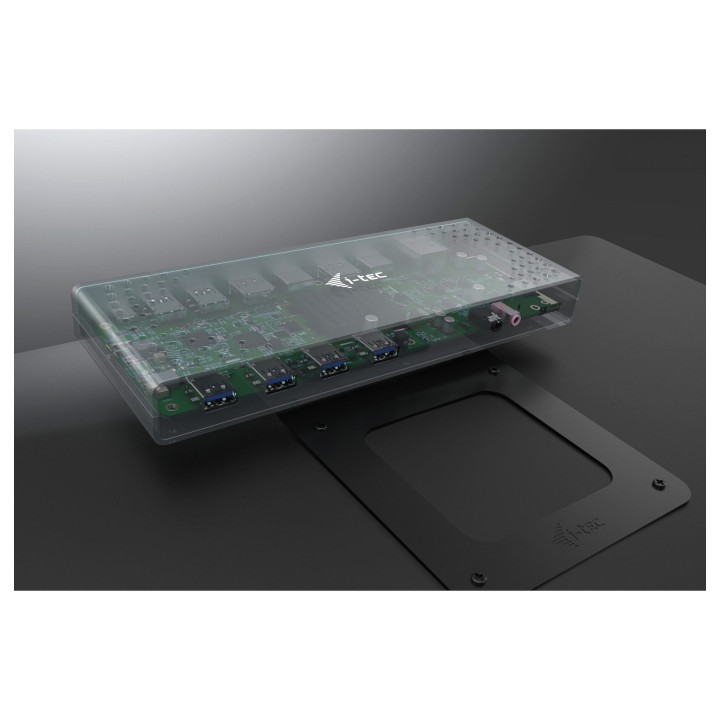
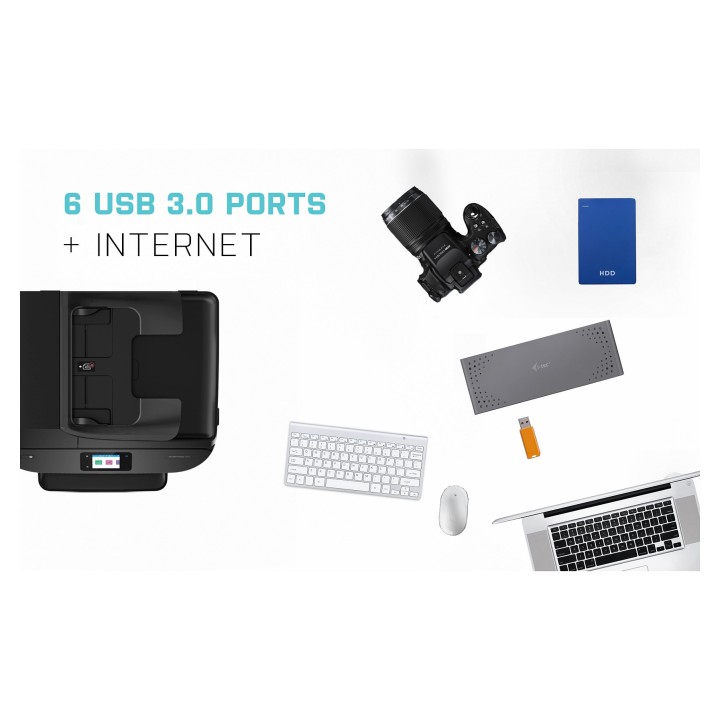
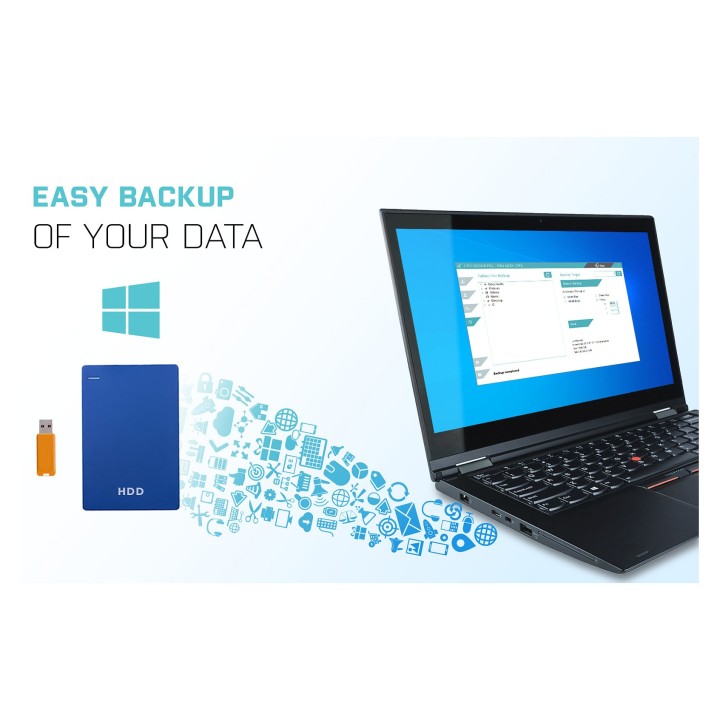
6x portów USB-A 3.0 (zgodnych z USB 3.0/2.0) umożliwiają łatwe podłączenie wszystkich istniejących urządzeń, a port RJ45 Gigabit Ethernet zapewnia niezawodne i szybkie łącze internetowe, obsługujące prędkości 10/100/1000 Mb/s.
Na panelu przednim znajdują się gniazda audio 3,5 mm Jack, natomiast na tylnym panelu znajduje się łatwo dostępny włącznik/wyłącznik zasilania.
Dodanie gniazda blokady Kensington zapewnia dodatkowe bezpieczeństwo, szczególnie dla osób pracujących regularnie w miejscach publicznych.
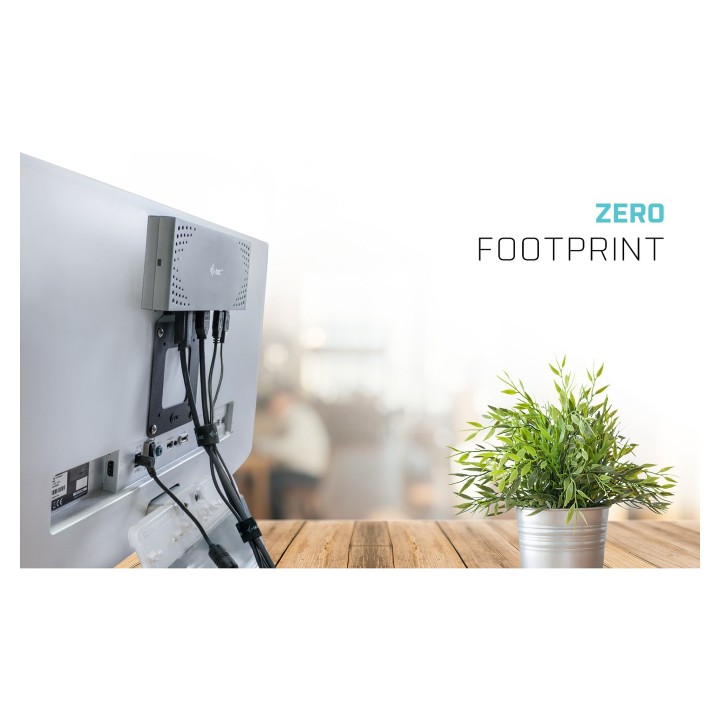
Relikatory portów i-tec są kompatybilne z większością marek i platform notebooków, dzięki czemu łatwiej niż kiedykolwiek łączysz swój ulubiony sprzęt. Urządzenie jest niezwykle kompaktowe, idealne do użytku w domu lub biurze. Ze względu na hybrydowy interfejs to jest możliwość podłączenia poprzez USB-C lub USB-A urządzenie jest idealne do pracy w tzw. systemie hot desk gorące biurko. Stacja dokująca jest odpowiednia do użytku z Macbook Pro 2016, MacBook 2015, Chromebook Pixel 2015, Acer Switch Alpha 12, Acer Switch Alpha 13, Dell XPS 13, HP Elitebook Folio G1 i ASUS UX390UAK oraz innymi urządzeniami z interfejsem USB-C.
i-tec Technologies s.r.o
Teslova 2 702 00 Ostrava Czechy
E-mail: skropka@i-tec.pl
Telefon: +48 513 168 695
List of safety warnings for docking stations based on the requirements of General Product Safety Regulation (EU) 2023/988 (GPSR) * Risk of electric shock: * Make sure that the docking station is connected to an efficient grounded outlet. * Do not touch the plug or cable with wet hands. * Avoid using the docking station in areas with high humidity. * Risk of overheating: * Provide adequate ventilation while maintaining at least 5 cm of free space around the docking station. * Do not block ventilation openings. * Do not place the docking station on soft surfaces such as blankets or pillows. * Fire risk: * Use only original power supplies and accessories recommended by the manufacturer. * Do not leave the docking station on unattended near flammable materials. * Risk of bodily injury: * Use the docking station on a stable surface to minimize the risk of falling connected devices. * Avoid using the docking station in a position that causes excessive heat pressure on the skin to prevent burns. * Hazards in humid environments: * Do not use the docking station outdoors in rain or in places with high humidity, such as bathrooms. * If the docking station is flooded, immediately disconnect it from the power source and contact the service. * Hazards at high temperatures: * Do not expose the docking station to direct sunlight. * Avoid using the docking station at temperatures above the recommended range (usually 5-35°C). * Risk of damage during cleaning: * Disconnect the docking station from the power supply before cleaning and use a soft, slightly damp cloth. * Avoid using strong detergents that can damage the surface of the docking station. * Caution when replacing accessories: * Use only accessories recommended by the manufacturer. * When replacing batteries, follow the manufacturer's instructions and do not expose the battery to high temperatures. * Battery Use Hazards: * Avoid damaging the battery by impact or puncture. * If the battery overheats or swells, stop using the docking station immediately. * Child warnings: * Keep power cables out of reach of children. * Make sure your kids don't play with the docking station or accessories that can be dangerous. * Cleanliness: * Failure to regularly clean ports and sockets can lead to damage or failure. * Clean ports and sockets regularly using a dry and clean cloth, avoiding moisture input.
Produkty, które ostatnio zwróciły Twoją uwagę.