- Nowy
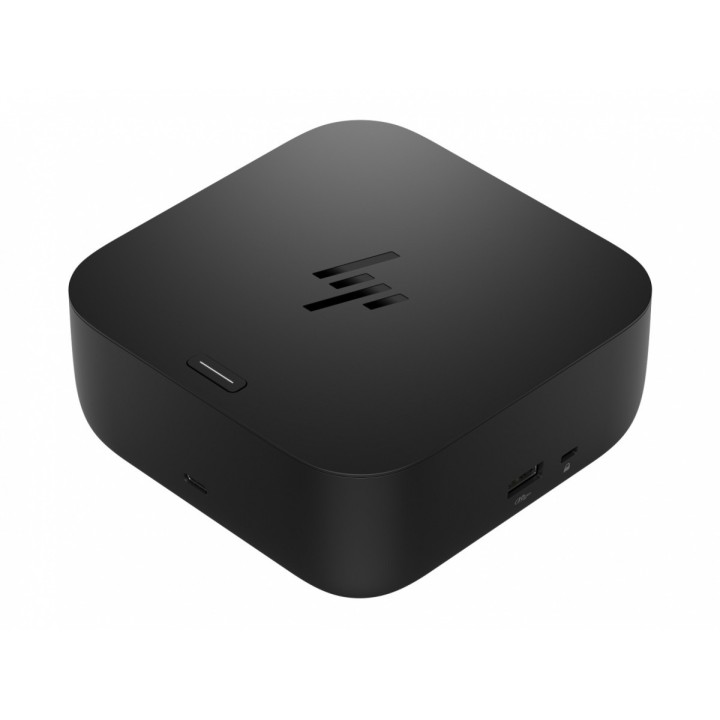
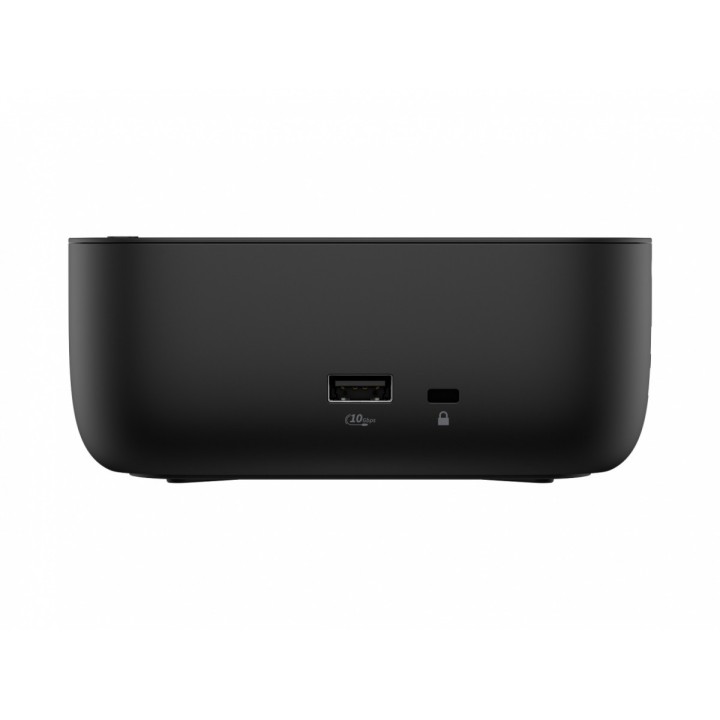
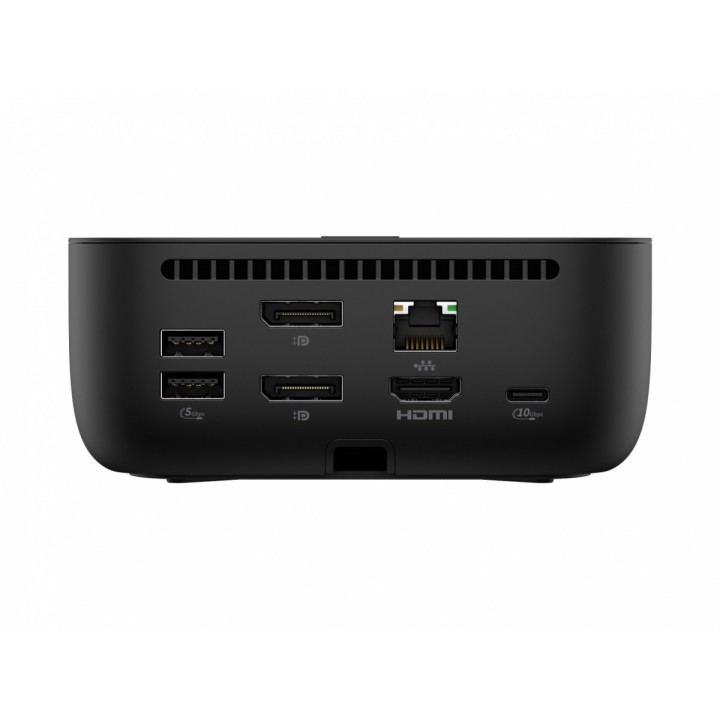
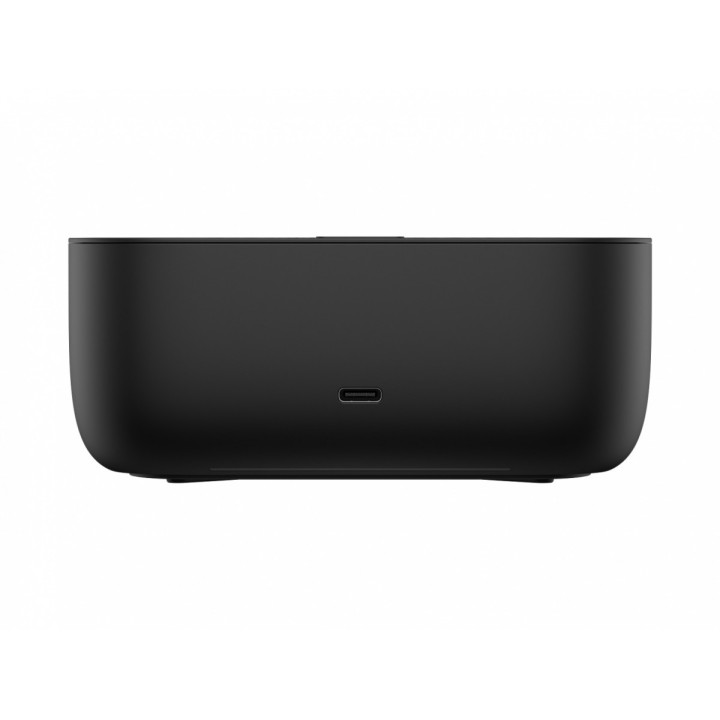
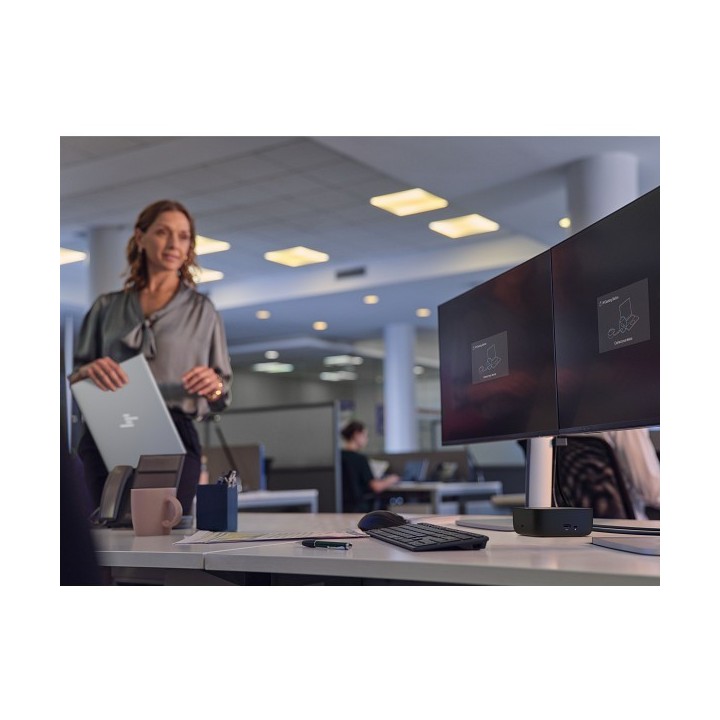
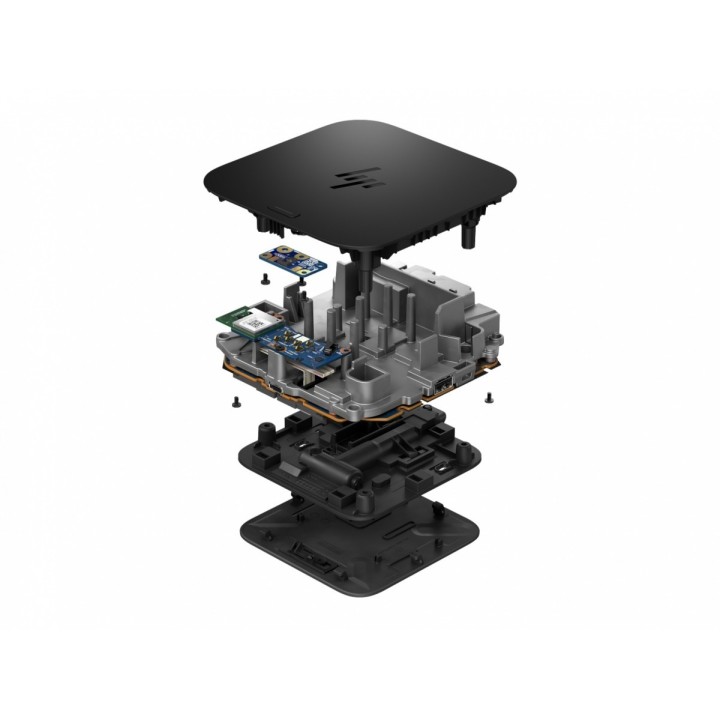

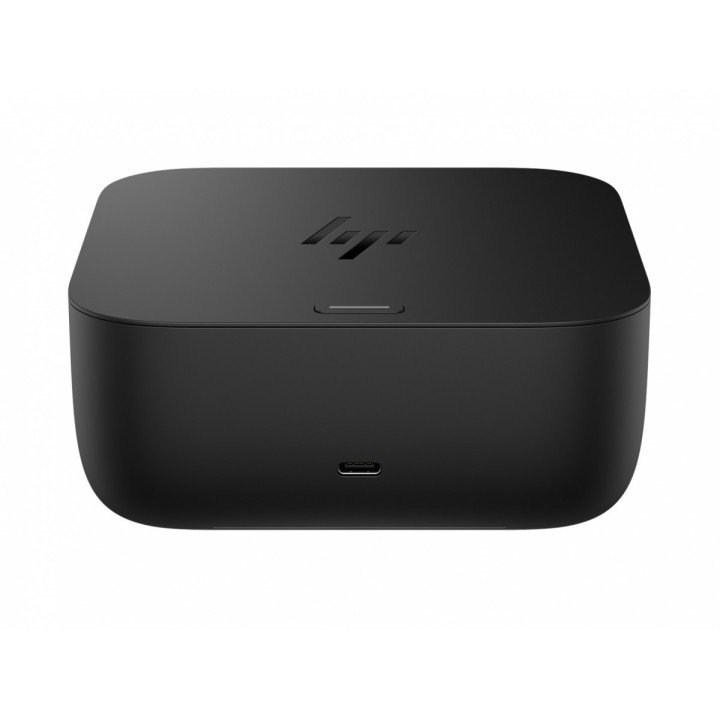
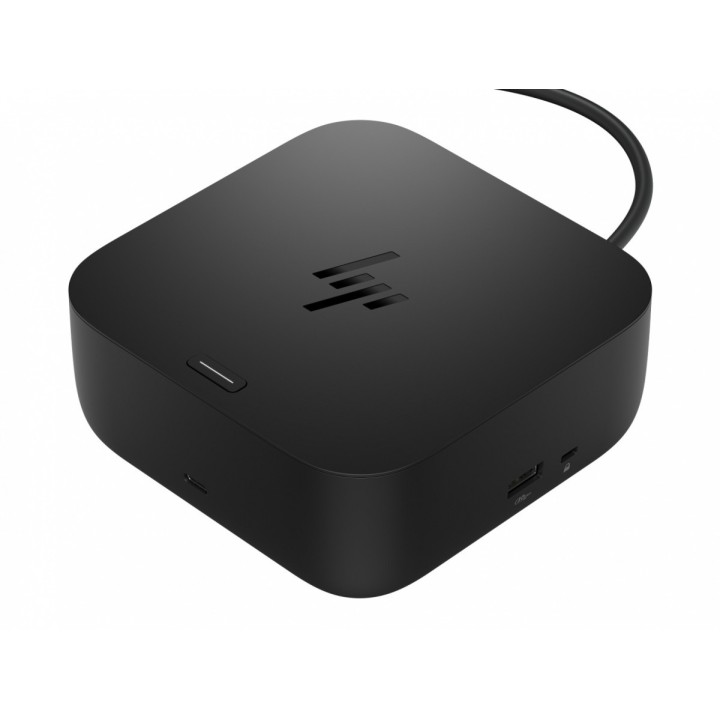


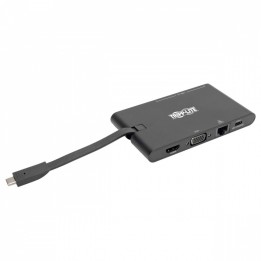
HP Inc. USB-C 100W G6 Dock SmartBuy to kompaktowa stacja dokująca zaprojektowana do pracy jedno‑kablowej. Umożliwia zasilanie laptopa z mocą do 100 W przez interfejs USB‑C oraz dostarczana jest z zasilaczem 120 W, co pozwala na stałe zasilanie podłączonych urządzeń i jednoczesne zasilanie notebooka. Połączenie z komputerem realizowane jest przez interfejs USB 3.2 Gen 2 Type‑C zapewniający wydajną transmisję danych i komunikację z urządzeniami peryferyjnymi.
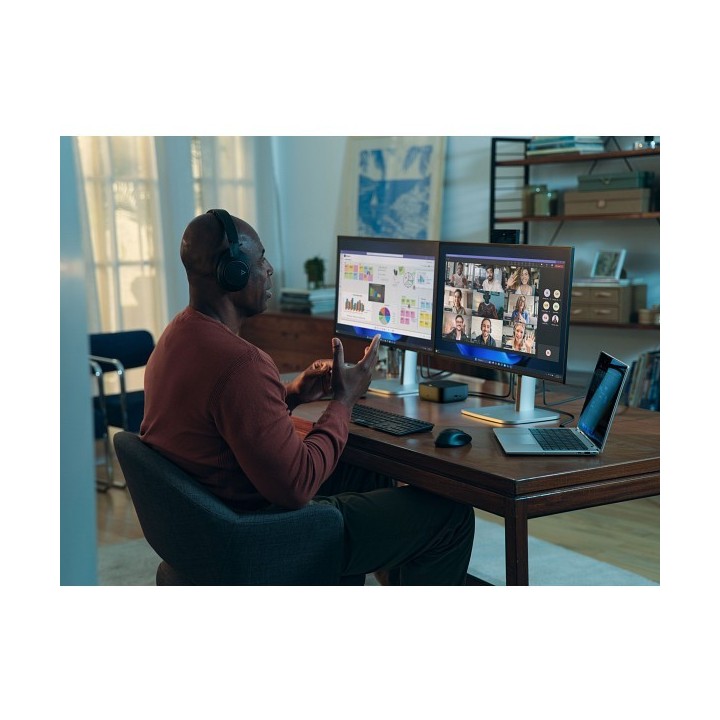
Rozbudowane możliwości wideo obejmują dwa porty DisplayPort 1.4 oraz jedno wyjście HDMI 2.1, co pozwala na obsługę obrazu do 3840 x 2160 pikseli oraz odświeżania do 120 Hz. Konstrukcja umożliwia podłączenie wielomonitorowych stanowisk pracy i oferuje intuicyjne wskaźniki statusu LED ułatwiające kontrolę stanu urządzenia.
Urządzenie wspiera zdalne zarządzanie i zabezpieczenia klasy biznesowej — obsługa Poly Lens oraz narzędzi eTag i HP CMSL ułatwia monitoring i aktualizacje, a rozwiązania HP Wolf Security łączą HP Sure Start z podejściem Zero Trust, podnosząc ochronę platformy. Stacja ma zwartą obudowę o wymiarach 121 x 121 x 51 mm, gniazdo zabezpieczenia typu nano oraz jest zgodna z systemami Windows, macOS, Linux i ChromeOS. Specyfikacja temperaturowa i wilgotnościowa umożliwia eksploatację w standardowym środowisku biurowym.
HP Inc Polska Sp. z o.o.
ul. Szturmowa 2a 02-678 Warszawa Polska
E-mail: support@hp.com
Formularz kontaktowy: https://www.hp.com/us-en/contact-hp/contact.html
Telefon: +1 650-857-1501
HP Inc Polska sp. z o.o
Plac marsz. Józefa Piłsudskiego 1 00-078 Warszawa Polska
E-mail: support@hp.com
List of safety warnings for docking stations based on the requirements of General Product Safety Regulation (EU) 2023/988 (GPSR) * Risk of electric shock: * Make sure that the docking station is connected to an efficient grounded outlet. * Do not touch the plug or cable with wet hands. * Avoid using the docking station in areas with high humidity. * Risk of overheating: * Provide adequate ventilation while maintaining at least 5 cm of free space around the docking station. * Do not block ventilation openings. * Do not place the docking station on soft surfaces such as blankets or pillows. * Fire risk: * Use only original power supplies and accessories recommended by the manufacturer. * Do not leave the docking station on unattended near flammable materials. * Risk of bodily injury: * Use the docking station on a stable surface to minimize the risk of falling connected devices. * Avoid using the docking station in a position that causes excessive heat pressure on the skin to prevent burns. * Hazards in humid environments: * Do not use the docking station outdoors in rain or in places with high humidity, such as bathrooms. * If the docking station is flooded, immediately disconnect it from the power source and contact the service. * Hazards at high temperatures: * Do not expose the docking station to direct sunlight. * Avoid using the docking station at temperatures above the recommended range (usually 5-35°C). * Risk of damage during cleaning: * Disconnect the docking station from the power supply before cleaning and use a soft, slightly damp cloth. * Avoid using strong detergents that can damage the surface of the docking station. * Caution when replacing accessories: * Use only accessories recommended by the manufacturer. * When replacing batteries, follow the manufacturer's instructions and do not expose the battery to high temperatures. * Battery Use Hazards: * Avoid damaging the battery by impact or puncture. * If the battery overheats or swells, stop using the docking station immediately. * Child warnings: * Keep power cables out of reach of children. * Make sure your kids don't play with the docking station or accessories that can be dangerous. * Cleanliness: * Failure to regularly clean ports and sockets can lead to damage or failure. * Clean ports and sockets regularly using a dry and clean cloth, avoiding moisture input.
Produkty, które ostatnio zwróciły Twoją uwagę.