- Nowy
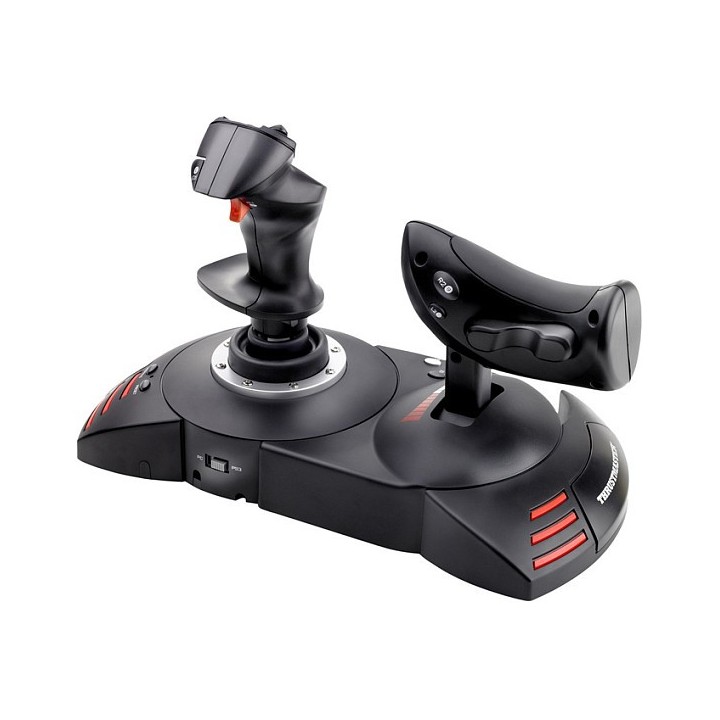
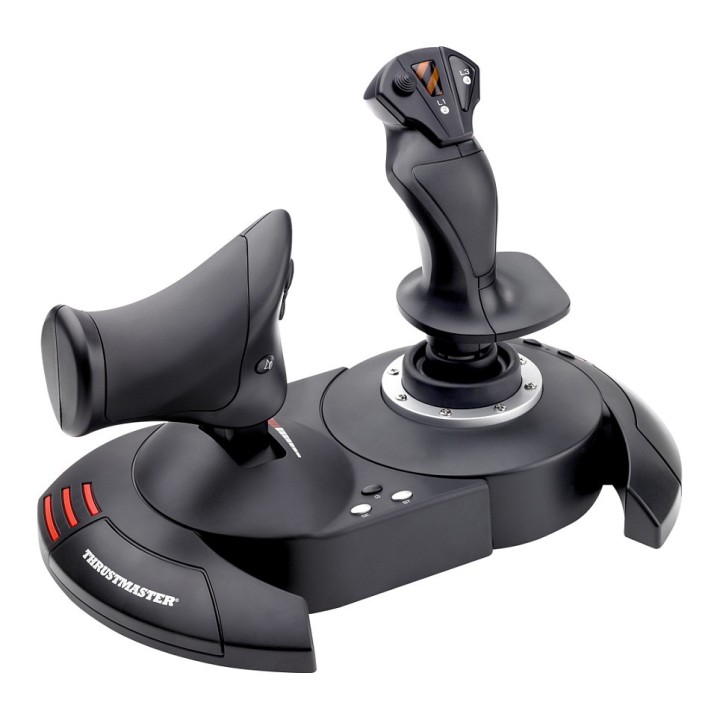
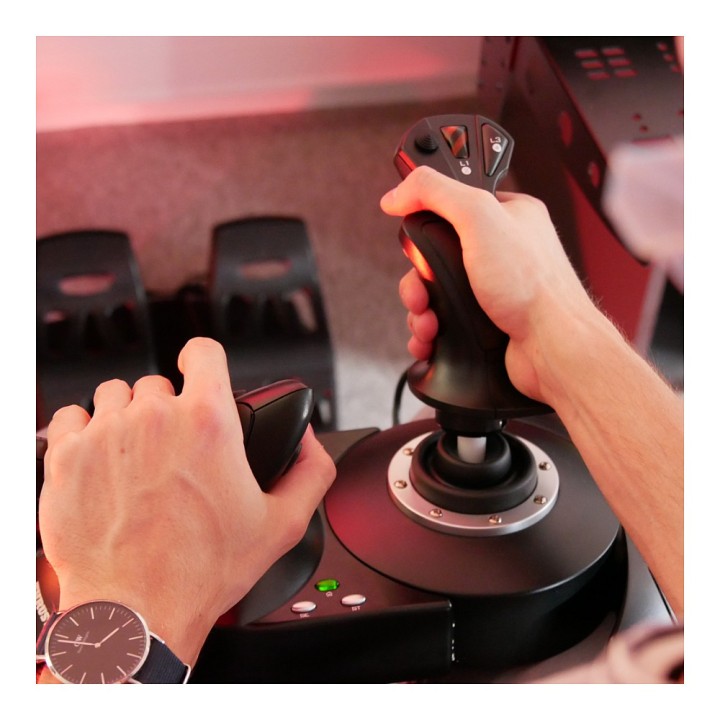
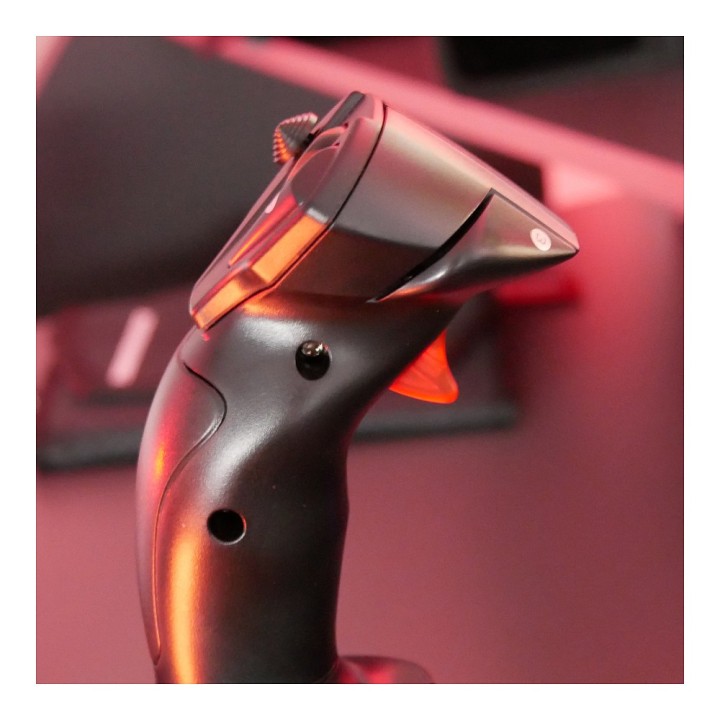
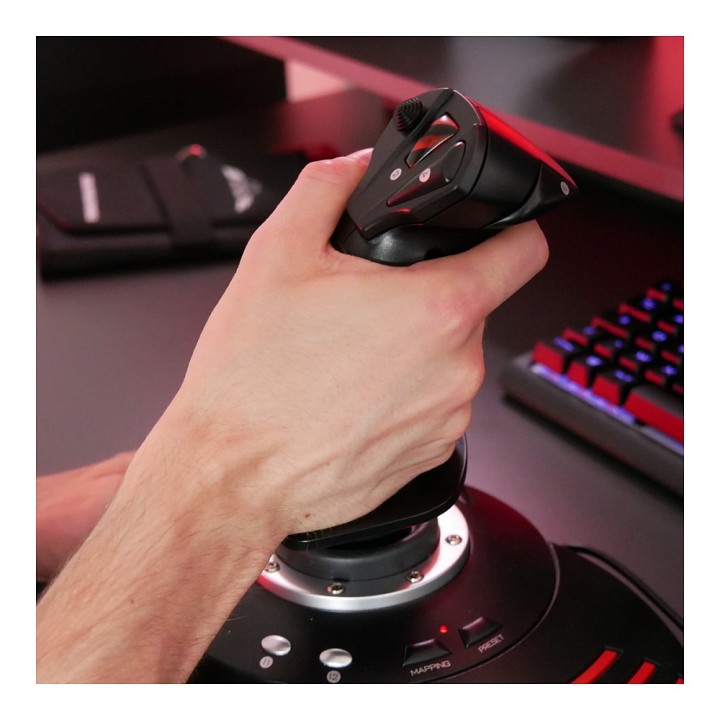
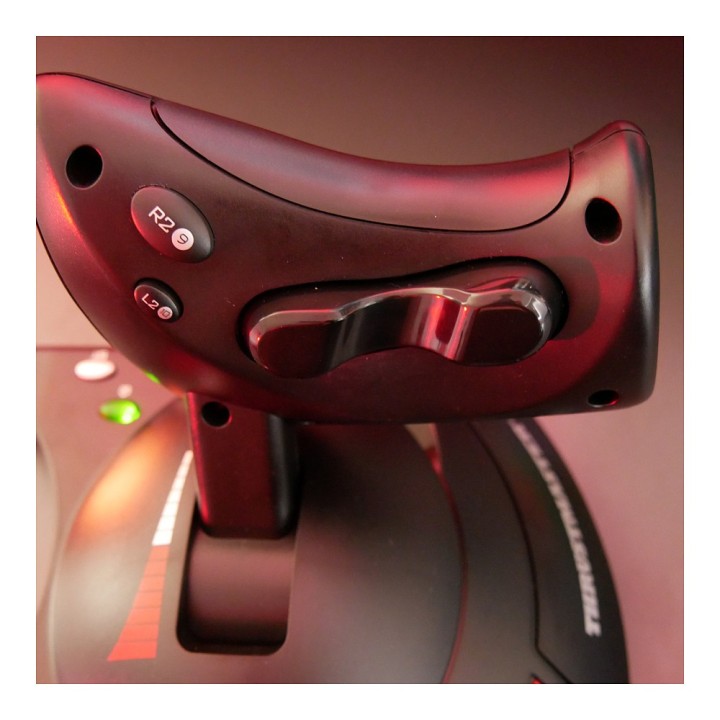
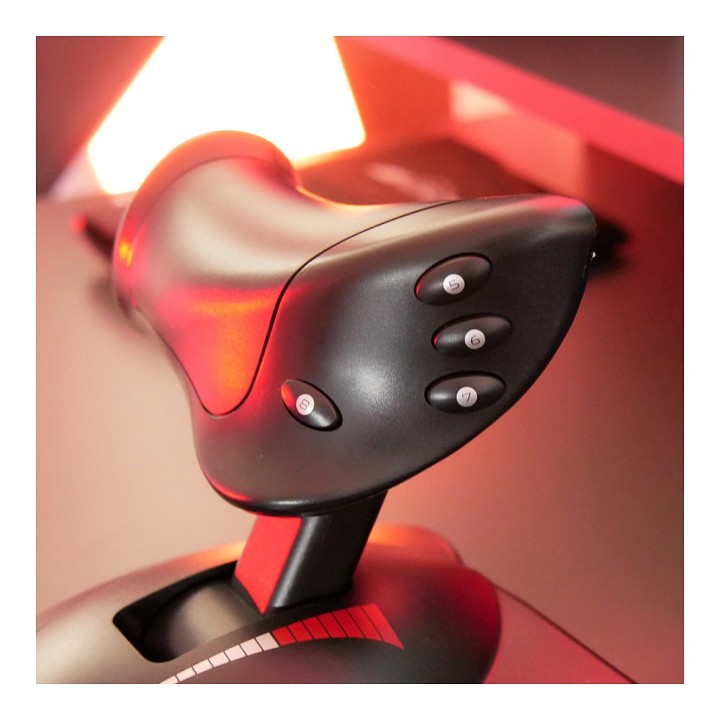
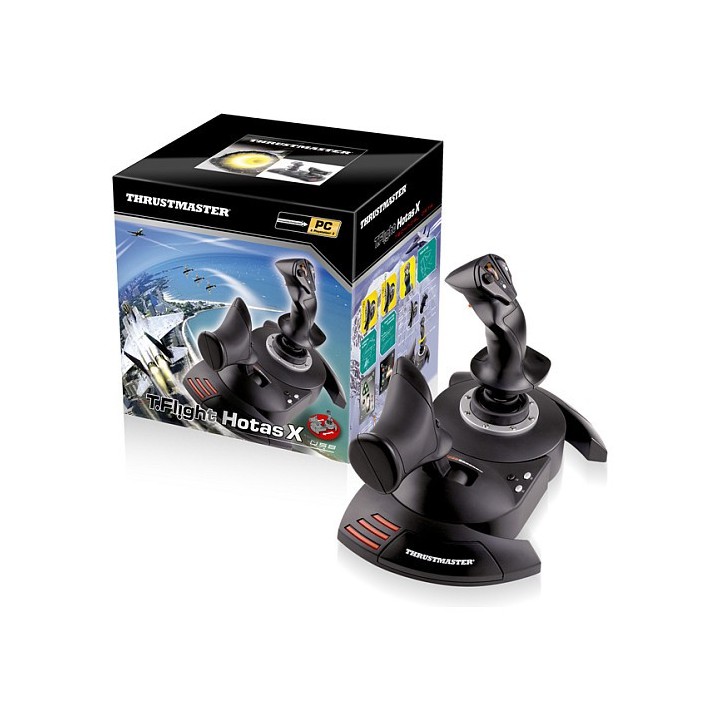
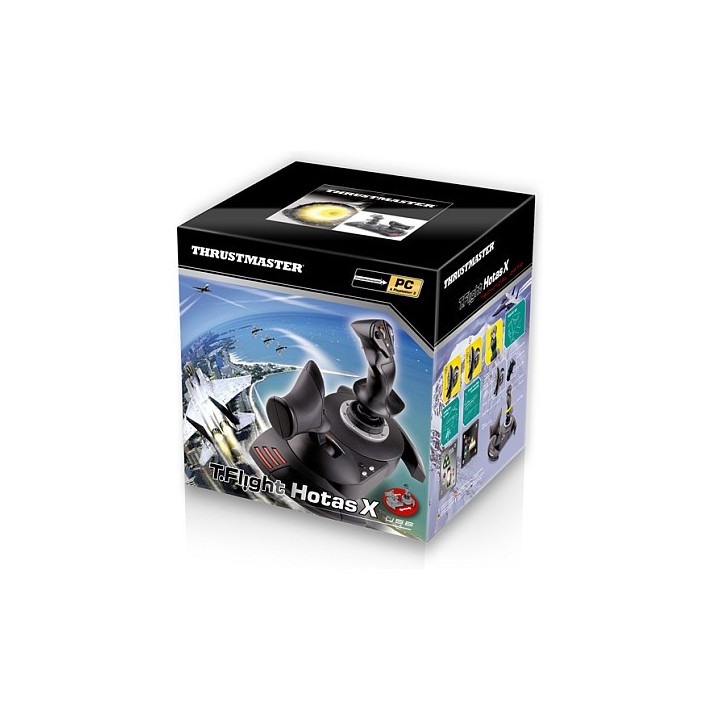
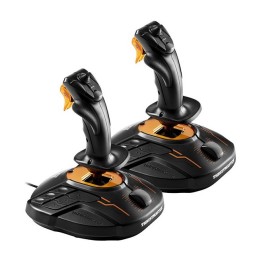
Thrustmaster - T-Flight Hotas X dla PC i PS3 to unikalny joystick z odłączaną przepustnicą i preinstalowaną konfiguracją pozwalającą na użytkowanie urządzenia zaraz po podłączeniu.
Guillemot Corporation S.A.
BP 2, 56204 La Gacilly Cedex 56204 La Gacilly Francja
Formularz kontaktowy: https://www.guillemot.com/en/contact-en/
Telefon: +33 2 99 08 08 80
List of joystick safety warnings based on the requirements of General Product Safety Regulation (EU) 2023/988 (GPSR): * Injury risk: * Be careful not to hit the joystick during intense play as this may cause injury. * Avoid joystick drops as this can lead to mechanical damage. * Ergonomics and Health: * Take regular breaks when using the joystick to avoid joint fatigue and strain. * Adjust the joystick settings to your preference to ensure comfort and minimize muscle tension. * Compatibility and correct use: * Make sure the joystick is compatible with your computer or console. * Use the joystick according to the manufacturer's instructions to avoid malfunctioning. * Keeping clean and storing: * Regularly clean the joystick with a dry, soft cloth to avoid dirt and dust buildup. * Store your joystick in a dry and safe place, away from moisture and extreme temperatures. * Children and safety: * Do not allow children to play with the joystick unattended. * Make sure that children do not use the joystick in a way that can lead to injury (e.g. waving). * Cables and Connections: * Check joystick cables for damage. Replace damaged cables. * Make sure the cables are properly connected to avoid operation problems. * Disposal: * Do not throw away the used joystick in ordinary garbage. Give it to the e-waste collection point.

Produkty, które ostatnio zwróciły Twoją uwagę.