- Nowy
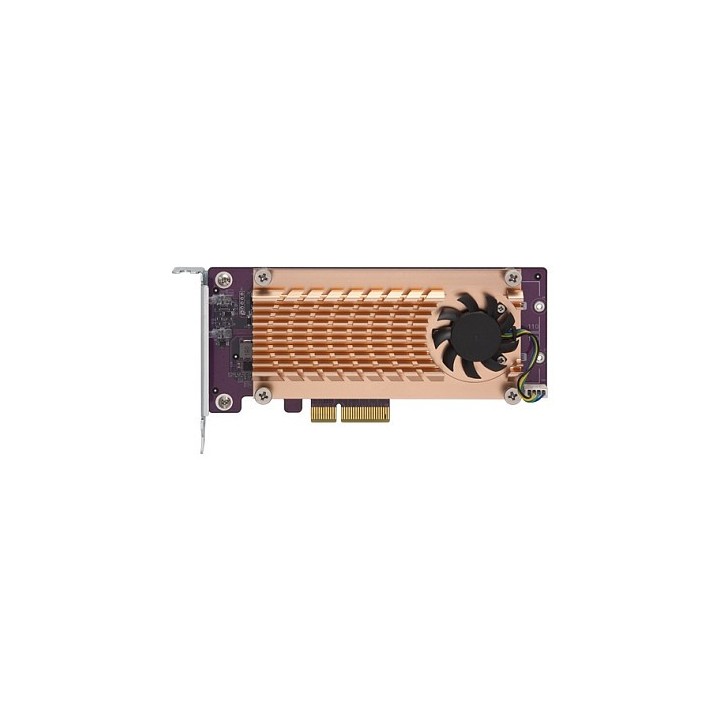
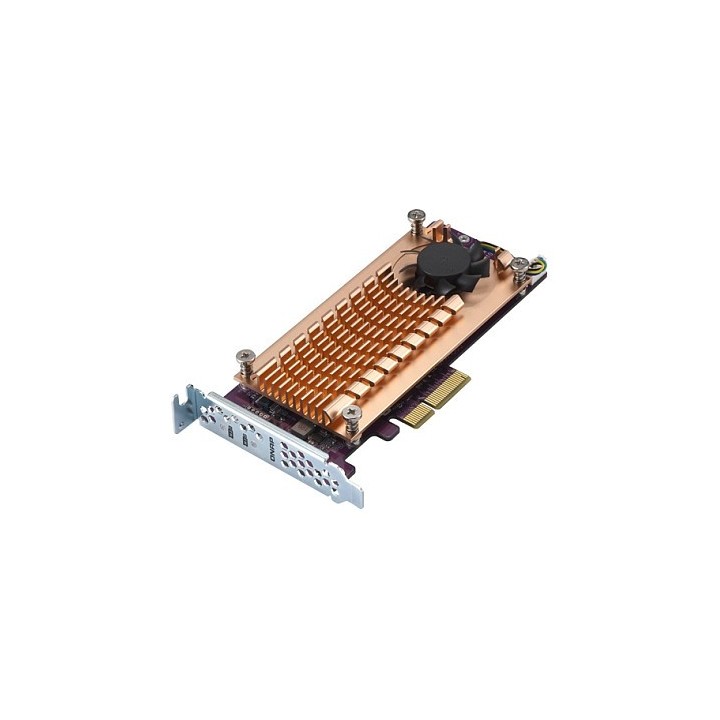
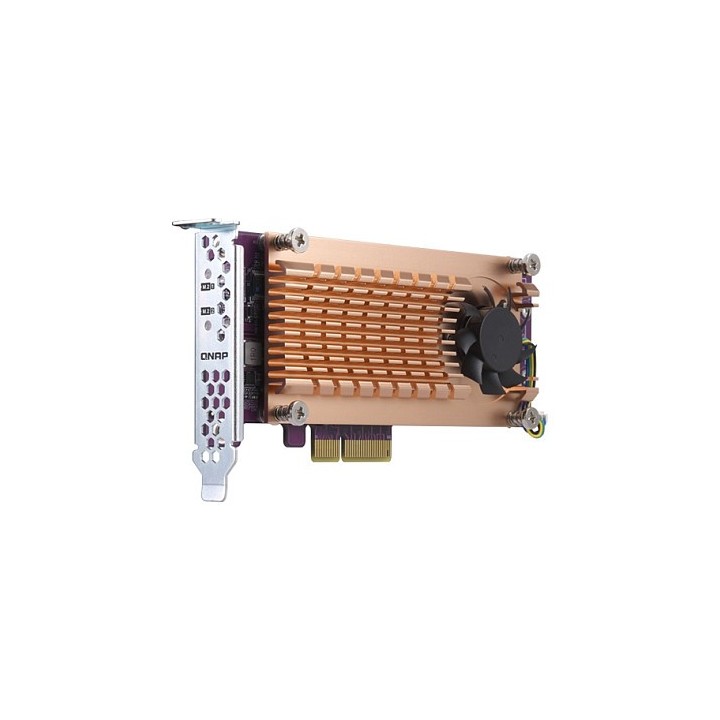
Karta rozszerzeń QM2-2P-244A obrazki
Karta rozszerzeń QM2-2P-244A
Opis produktu
Dwuportowa karta rozszerzeń SSD PCle NVMe M.2 22110/2280
Karty PCle serii QM2 zapewniają dodatkową obsługę dysków M.2 SSD na serwerze QNAP NAS, umożliwiając użytkownikom konfigurację pamięci podręcznej SSD, puli pamięci podręcznej lub woluminu Qtier, co poprawi ogólną wydajność NAS.
Specyfikacja
- Rodzaj kontrolera: SSD
- Interfejs: PCIe
- Porty (karty rozszerzeń): 2 x M.2 PCIe
- Wymiary: 147.15 x 68.9 x 20.6 mm
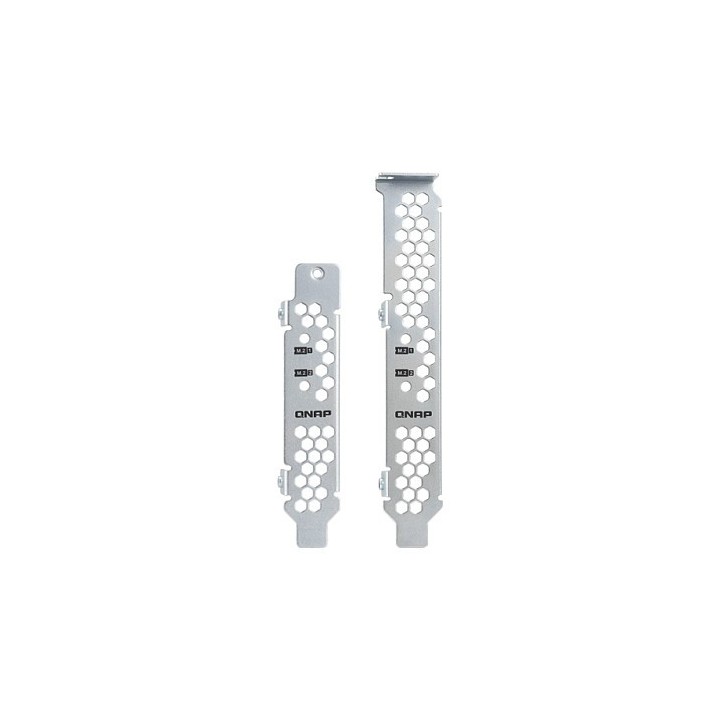
- Pozostałe parametry: Uchwyt: Niskoprofilowy (domyślny). Załączone są także uchwyty: niskoprofilowy płaski i pełnej wysokości.
- Uwaga: CE+WEEE
Szczegóły produktu
- Marka QNAP
- Kod produktu 660fbb6a71a267703caff9de
- Dostępność 7 Przedmioty
- EAN13 4713213512913
- MPN QM22P244A
Producent
Producent
QNAP GmbH
Karl-Arnold-Straße 26 47877 Willich Germany
E-mail: desales@qnap.com
Formularz kontaktowy: https://www.qnap.com/en/contact-us
Telefon: +49 2154 884280
Osoba odpowiedzialna w UE
QNAP GmbH
Karl-Arnold-Straße 26 47877 Willich Germany
E-mail: desales@qnap.com
Formularz kontaktowy: https://www.qnap.com/en/contact-us
Telefon: +49 2154 884280
Bezpieczeństwo
Informacje o bezpieczeństwie
List of server component safety warnings based on the requirements of General Product Safety Regulation (EU) 2023/988 (GPSR) * Risk of electric shock: Make sure all components are properly grounded and disconnect the power supply before any maintenance or replacement. Avoid contact with wet hands when manipulating electrical components. * Overheating of components: Provide adequate ventilation in the server housing to prevent overheating of components. Monitor the temperature of components and respond to thermal alarms. Do not block ventilation openings. * Compatibility: Make sure the components are compatible with the server and other components. Improper compatibility can lead to damage and failure. * Mechanical Damage: Treat components with care, avoid dropping and bumps that can cause damage. * Electrostatics: When manipulating with components, use an antistatic band and work on an antistatic surface to avoid damage caused by electrostatic discharge (ESD). * Power Supply: Use power supplies of adequate power and quality to avoid overloading and damage to components. * Installation: Follow the manufacturer's instructions when installing the components. Incorrect installation can lead to damage and malfunction. * Sharp edges: Watch out for sharp edges of components and enclosures to avoid cuts. * Weight: Be careful when lifting heavy components and servers to avoid injuries. * Children and Animals: Keep components out of reach of children and pets to avoid swallowing small items or other dangerous situations. * Batteries: If the component contains a battery, make sure that it is properly installed and disposed of in accordance with local regulations. * Recycling: Recycle used components in accordance with applicable regulations.
Podzespoły serwerowe
- Nowy
- Nowy
- Nowy
- Nowy
- Nowy
- Nowy
- Nowy
- Nowy
- Nowy
- Nowy
Ostatnio oglądane
Produkty, które ostatnio zwróciły Twoją uwagę.
- Nowy
- Nowy
- Nowy
- Nowy
- Nowy
- Nowy
- Nowy
- Nowy
- Nowy
- Nowy

- Nowy
- Nowy