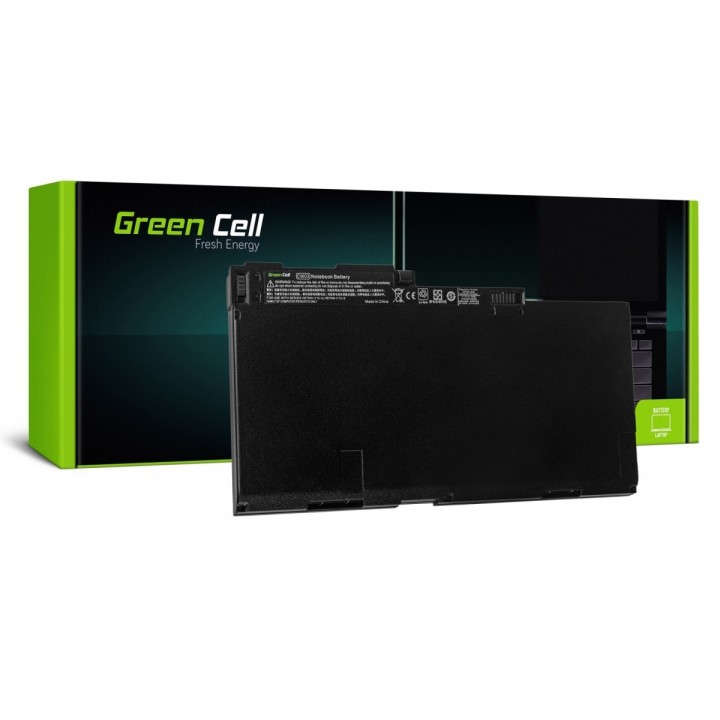
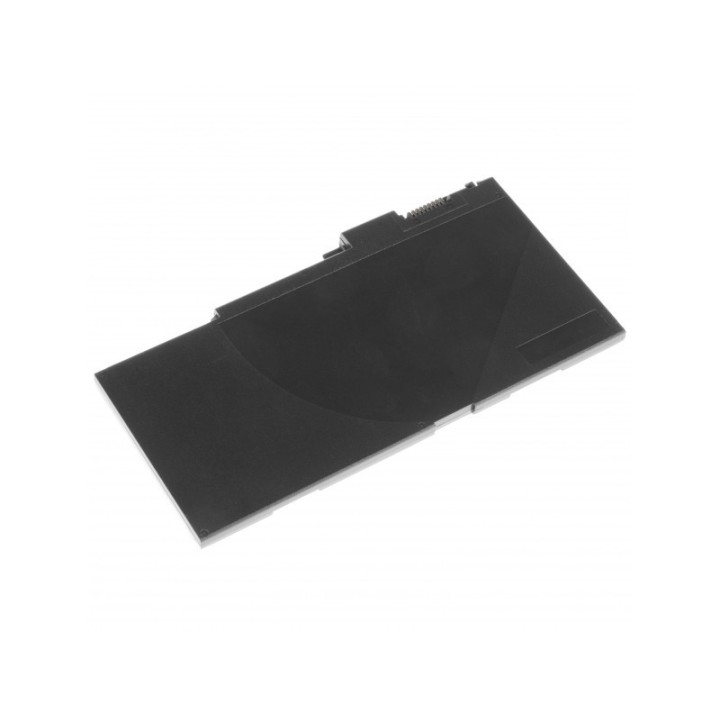
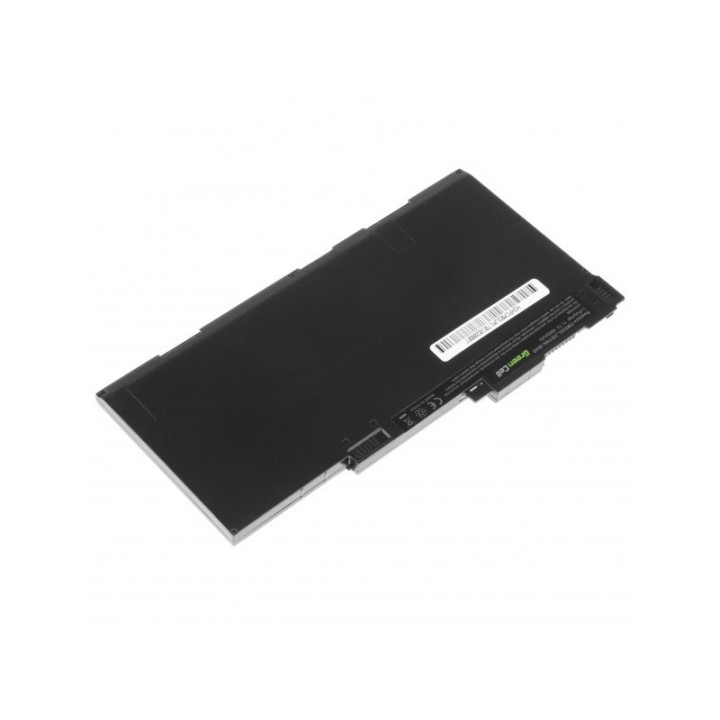
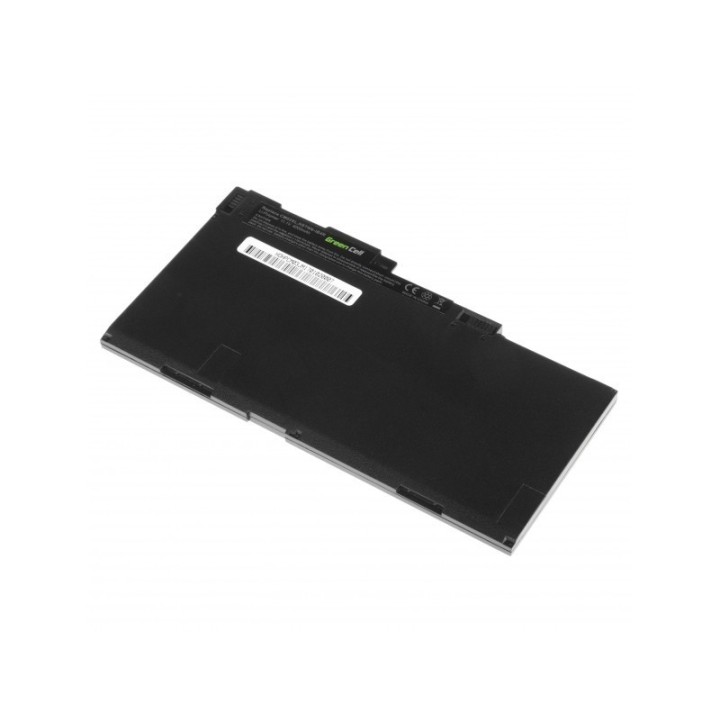
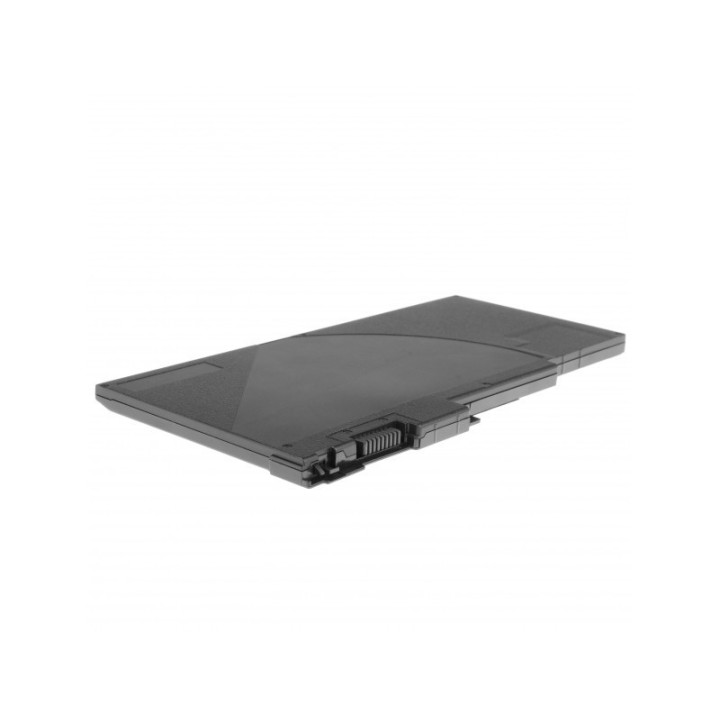
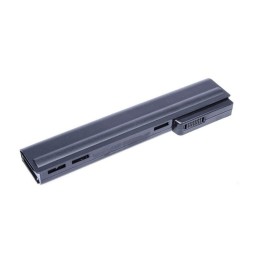
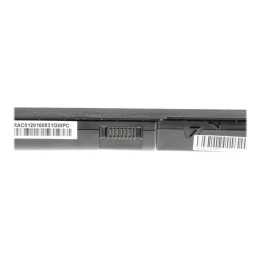
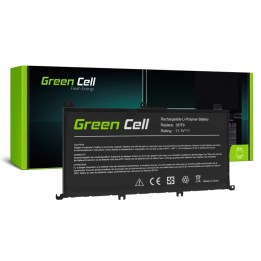
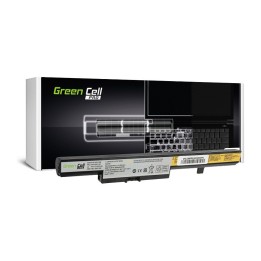
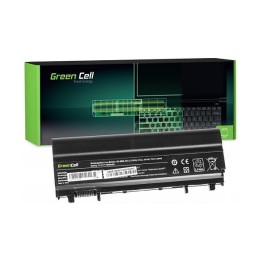
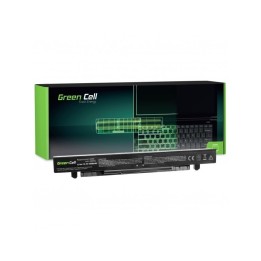
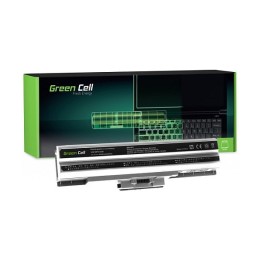
Bateria do HP 740 G1 11,1V 4000mAh

Cena: 160,49 zł
Brutto
Dostępność produktu: Dostępny 1 szt.
Czas dostawy Wysyłka w ciągu 2 dni roboczych
Koszt dostawy Bezpłatna dostawa od 250 zł.

Opis produktu

Bateria do HP 740 G1 11,1V 4000mAh

Przywróć mobilność
Bateria Green Cell sprawi, że Twój laptop znów stanie się przenośny. Spotkanie służbowe, długa podróż, czy wciągający film? Korzystaj z komputera swobodnie gdziekolwiek jesteś i zapomnij o ciągłym podłączaniu zasilacza.

Nowoczesna elektronika sterująca
Niczym niezakłócona komunikacja laptopa z baterią oraz komplet zabezpieczeń elektronicznych zapewniają najwyższy komfort korzystania z baterii. Po prostu podłącz baterię do komputera i ciesz się pełną niezależnością.

Specyfikacja

  • Zastępuje baterie: 716724-1C1 716724-421 717376-001 719941-002 CM03 CM03XL CMO3XL E7U24AA HSTNN-IB4R HSTNN-LB4R
  • Pasuje do: HP EliteBook 740;HP EliteBook 740 G1;HP EliteBook 740 G2;HP EliteBook 745;HP EliteBook 745 G2;HP EliteBook 750;HP EliteBook 750 G1;HP EliteBook 750 G2;HP EliteBook 755;HP EliteBook 755 G2;HP EliteBook 840;HP EliteBook 840 G1;HP EliteBook 840 G2;HP EliteBook 845;HP EliteBook 845 G2;HP EliteBook 850;HP EliteBook 850 G1;HP EliteBook 850 G2;HP EliteBook 855;HP EliteBook 855 G2;HP ZBook 14 G2;HP ZBook 15u G2
  • Typ ogniwa: Li-poly
  • Napięcie: 11.1 V
  • Pojemność baterii: 4000 mAh
  • Uwaga: CE+WEEE
Szczegóły produktu

  • Marka Green Cell
  • Kod produktu 660fbc8871a267703cb15a70
  • Dostępność 1 Przedmiot
  • EAN13 5902719422102
  • MPN HP68

Specyfikacja

  • Pojemność baterii (mAh) 4000 mAh

Producent

Producent

CSG Spółka Akcyjna

ul. rtm. Witolda Pileckiego 8 32-050 Skawina Polska

E-mail: support@greencell.global

Formularz kontaktowy: https://greencell.global/pl/kontakt

Telefon: +48 12 444 62 47

Bezpieczeństwo

Informacje o bezpieczeństwie

List of safety warnings for Laptop Batteries based on the requirements of General Product Safety Regulation (GPSR) 2023/988: * Use only batteries compatible with your laptop model. The wrong battery can cause damage to your laptop and even fire. * Do not expose the battery to extreme temperatures, both high and low. Extreme temperatures can damage the battery or shorten its lifespan. * Avoid dropping or hitting batteries. Mechanical damage can cause internal short circuits and fire. * Do not disassemble or modify the battery. Any repairs should be carried out by qualified personnel. * Do not short the battery poles. Short circuit can cause overheating and fire. * Do not throw batteries into the fire. The battery could explode. * If the battery shows signs of damage, such as bulges, spills, or overheating, stop using it immediately. * Remove the battery from the laptop if it is not used for a long time. This will reduce the risk of battery damage in the event of a power failure. * Disconnect your laptop from power after charging the battery. Continuous charging can shorten battery life. * Store batteries in a dry and cool place, away from flammable materials. * Dispose of used batteries responsibly, in accordance with local environmental regulations.

Ładowanie...
Wróć na górę