Stacja dokująca USB-C Triple Display Docking Station Gen 2 Pro + Power Delivery 100W
Opis produktu
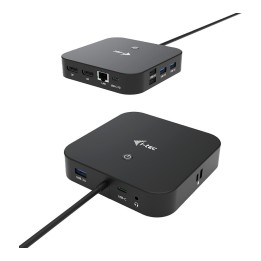
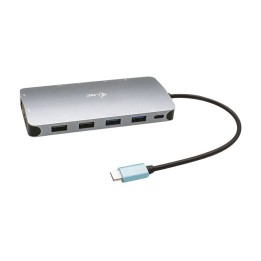
i-tec USB-C Triple Display Docking Station Gen 2 Pro + Power Delivery 100W
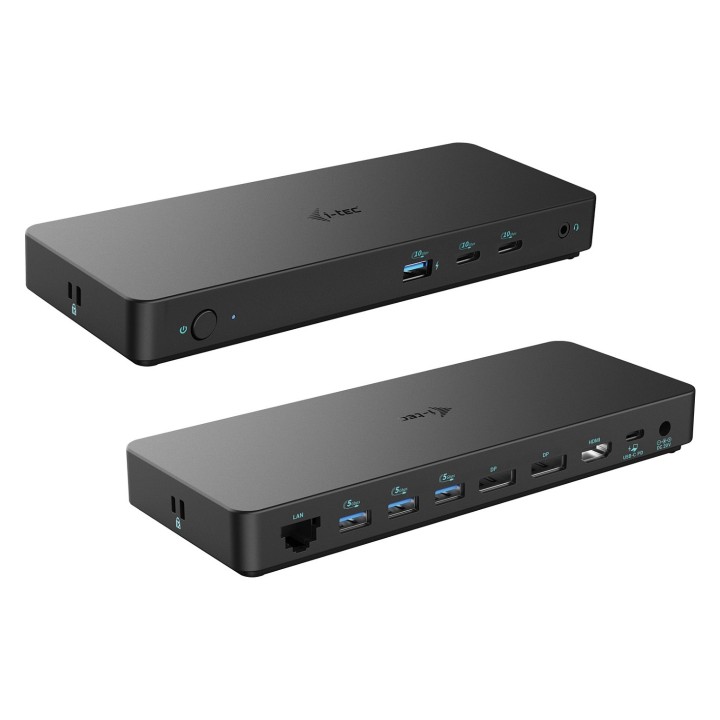
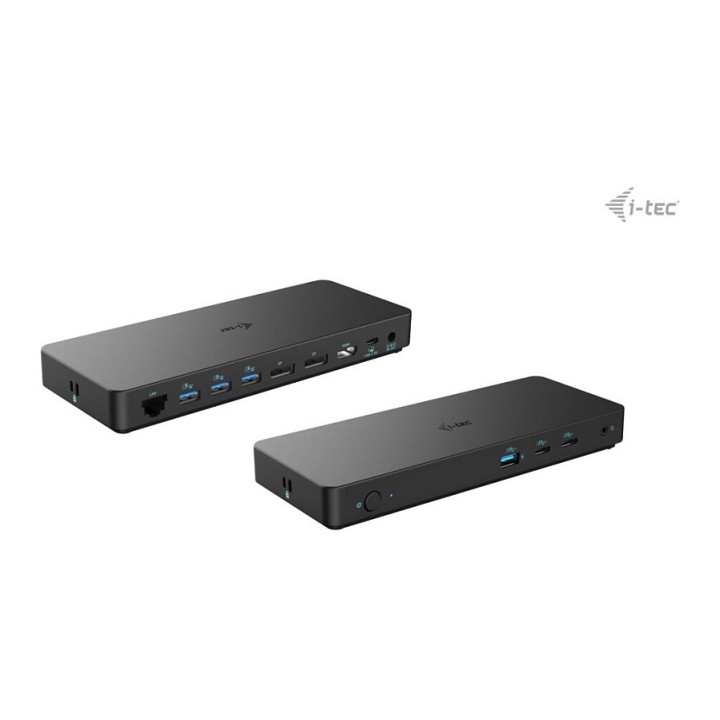
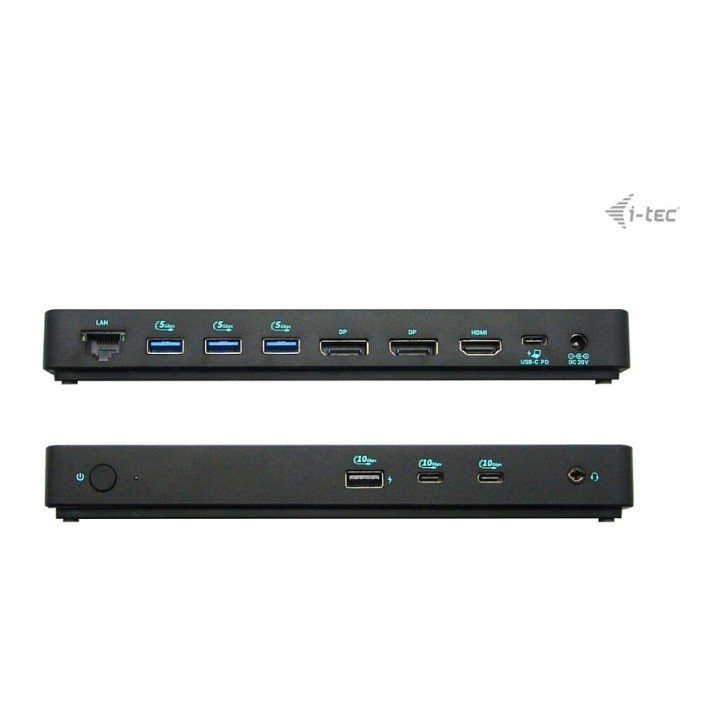
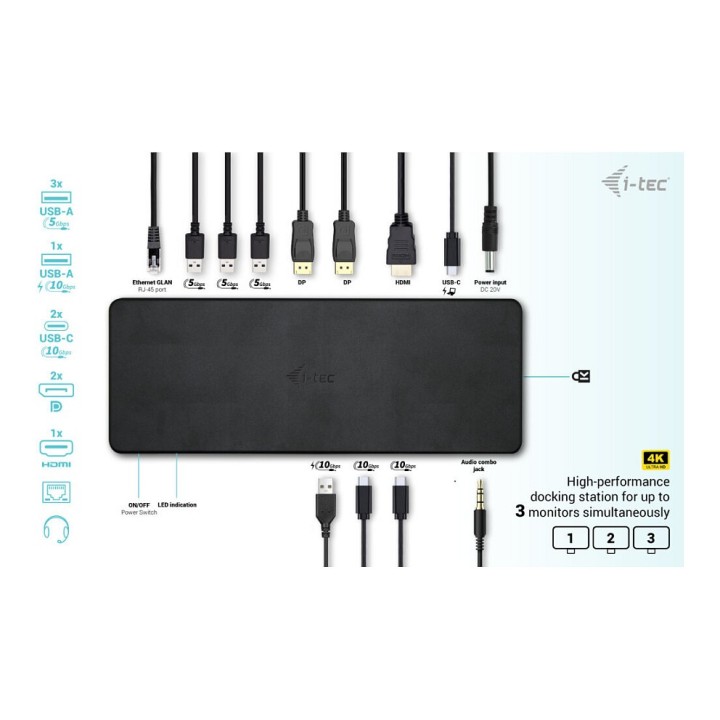
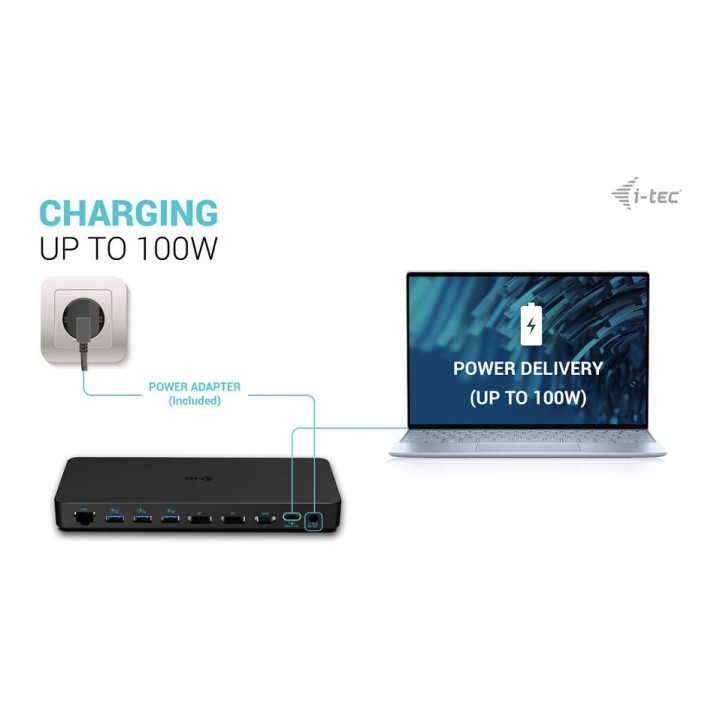
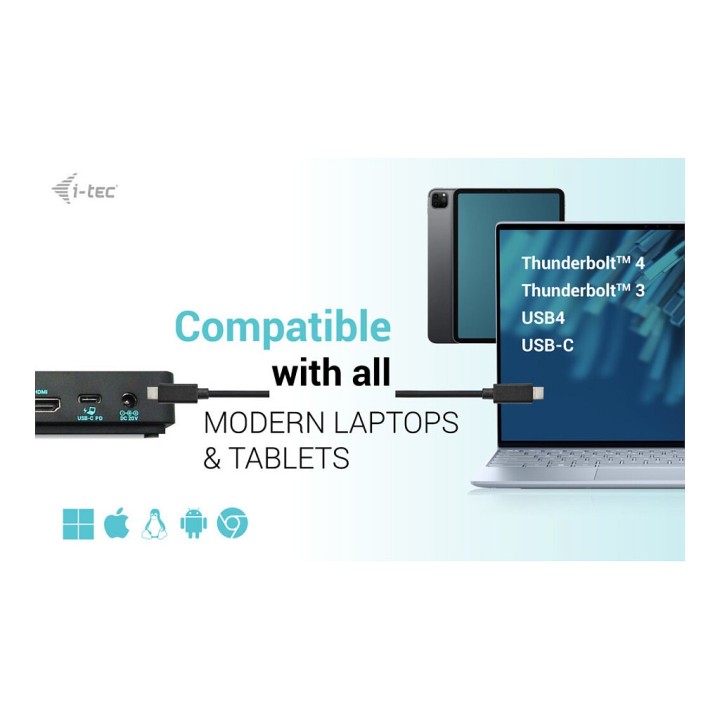
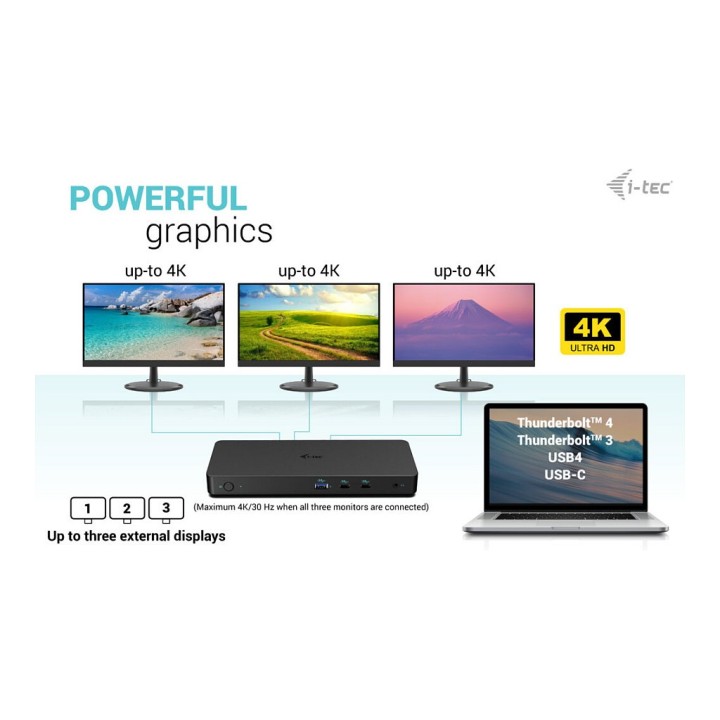
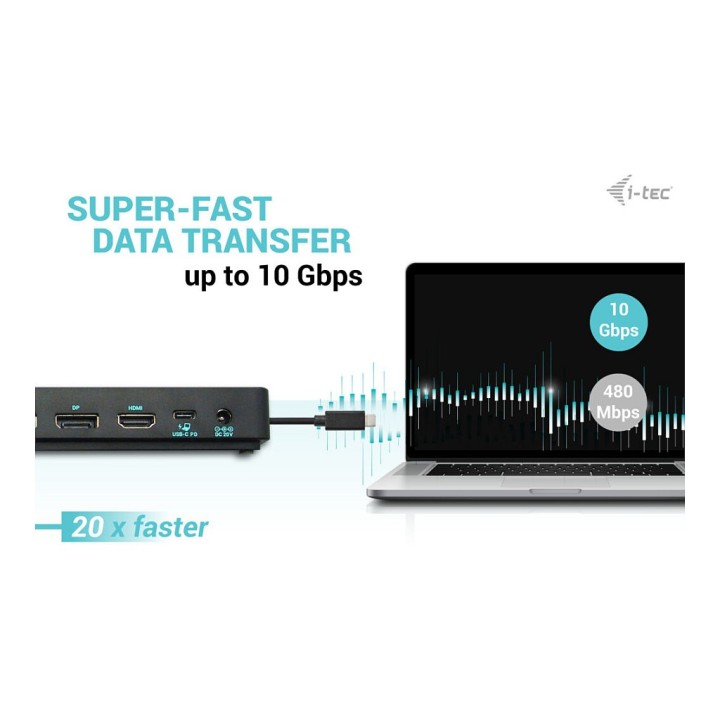
Wysokowydajna stacja dokująca USB-C nowej generacji, która obsługuje wyjście do maksymalnie trzech zewnętrznych monitorów w wysokiej rozdzielczości do 4K. Stacja dokująca może być używana z praktycznie wszystkimi notebookami wyposażonymi w porty USB-C, USB4 i Thunderbolt 3/4, obsługując jednocześnie wszystkie popularne obecnie systemy operacyjne. Mnogość portów USB (w tym obsługujące Gen. 2 z prędkością do 10 Gbps), niezawodne i szybkie połączenie z siecią firmową dzięki zintegrowanemu portowi LAN oraz wsparcie dla instalacji za monitorem sprawiają, że ta stacja dokująca jest idealnym towarzyszem dla prawdziwych profesjonalistów. Oczywiście obsługuje ona ładowanie laptopa lub tabletu do 100 W.
- Wydajna stacja dokująca dla maksymalnie trzech monitorów jednocześnie
- Stacja dokująca jest kompatybilna ze wszystkimi nowoczesnymi notebookami wyposażonymi w porty USB-C, USB4 lub Thunderbolt 3/4.
- Obsługuje wysoką rozdzielczość 4K z częstotliwością odświeżania do 60 Hz.
- Stacja dokująca dostarcza do 100W mocy do podłączonego notebooka lub tabletu.
- 6 portów USB umożliwia łatwe podłączanie urządzeń USB i urządzeń peryferyjnych (2x USB-C i 4x USB-A).
- GLAN Ethernet obsługuje prędkości sieciowe 10/100/1000 Mb/s, zapewniając solidne i szybkie połączenie internetowe.
- Połączony port 3,5 mm audio/mikrofon umożliwia podłączenie np. zintegrowanych słuchawek z mikrofonem.
- Stacja dokująca umożliwia montaż za monitorem przy użyciu opcjonalnego uchwytu VESA.
- Opcjonalne klonowanie adresów MAC i automatyczne tworzenie kopii zapasowych danych podłączonego komputera (w przypadku korzystania z oprogramowania i-tec Docker Pro).
Specyfikacja
- Porty we/wy (replikatory/stacje dok.): 2 x DisplayPort
- Dokowanie (laptopy): Tak
- Wymagania sprzętowe: Wymagania sprzętowe:Urządzenie z wolnym portem USB-C, USB4 lub Thunderbolt 3/4Wymagania dotyczące zasilania:Urządzenia z wolnym portem USB-C, USB4 lub Thunderbolt 3/4 z obsługą Power DeliveryWymagania dotyczące wyjścia wideo:Urządzenia z wolnym portem USB-C lub USB4 z obsługą trybu alternatywnego DisplayPort lub portemThunderbolt 3/4System operacyjny:Windows 10/11, macOS*, iPadOS**, Android**, Chrome OS i Linux z najnowszymi aktualizacjami* macOS nie obsługuje technologii Multi Stream Transport (MST). Podłączenie dwóch monitorów do stacjimacOS spowoduje, że oba monitory będą wyświetlać ten sam obraz.
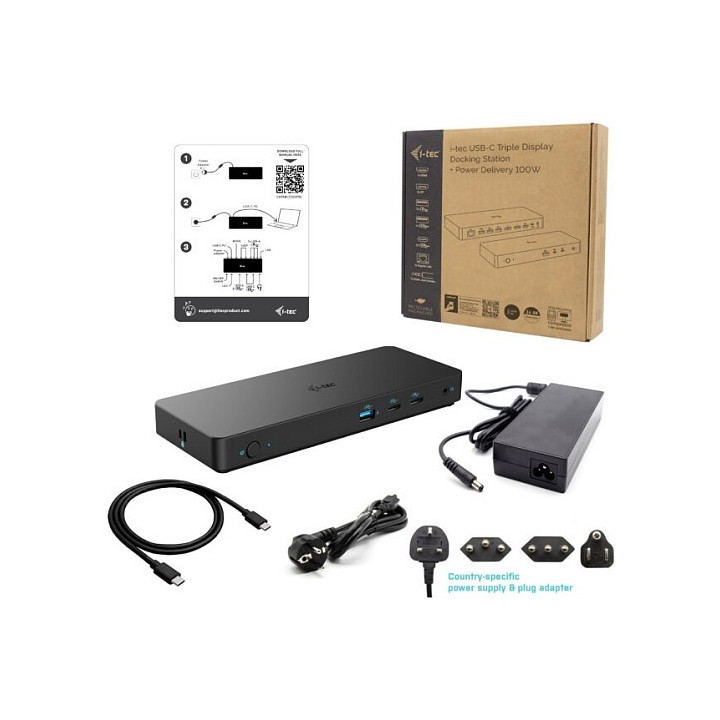
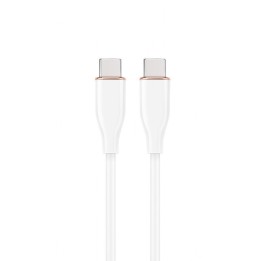
- Akcesoria w zestawie: Produkt Kabel USB typu C do USB typu C (100 cm) Zasilacz Instrukcja obsługi
- Kolor (wyliczeniowy): Czarny
- Wymiary: 212 x 82 x 23 mm
- Waga: 366 g
- Uwaga: CE+WEEE

Szczegóły produktu
- Marka i-tec
- Kod produktu 660fc70771a267703cbd27f9
- Dostępność 10 Przedmioty
- EAN13 8595611706592
- MPN C31TRIPLEDOCKPDPRO2
Specyfikacja
- Złącze do komputera USB 3.2 Gen 1 (3.1 Gen 1) Type-C
- Maksymalna rozdzielczość wyjścia 3840 × 2160
- Liczba portów USB-A (szt.) 4 szt.
- Liczba obsługiwanych monitorów (szt.) 3 szt.
- Liczba portów USB-C (szt.) 2 szt.
- Moc ładowania laptopa (W) 100 W
Producent
Producent
i-tec Technologies s.r.o
Teslova 2 702 00 Ostrava Czechy
E-mail: skropka@i-tec.pl
Telefon: +48 513 168 695
Bezpieczeństwo
Informacje o bezpieczeństwie
List of safety warnings for docking stations based on the requirements of General Product Safety Regulation (EU) 2023/988 (GPSR) * Risk of electric shock: * Make sure that the docking station is connected to an efficient grounded outlet. * Do not touch the plug or cable with wet hands. * Avoid using the docking station in areas with high humidity. * Risk of overheating: * Provide adequate ventilation while maintaining at least 5 cm of free space around the docking station. * Do not block ventilation openings. * Do not place the docking station on soft surfaces such as blankets or pillows. * Fire risk: * Use only original power supplies and accessories recommended by the manufacturer. * Do not leave the docking station on unattended near flammable materials. * Risk of bodily injury: * Use the docking station on a stable surface to minimize the risk of falling connected devices. * Avoid using the docking station in a position that causes excessive heat pressure on the skin to prevent burns. * Hazards in humid environments: * Do not use the docking station outdoors in rain or in places with high humidity, such as bathrooms. * If the docking station is flooded, immediately disconnect it from the power source and contact the service. * Hazards at high temperatures: * Do not expose the docking station to direct sunlight. * Avoid using the docking station at temperatures above the recommended range (usually 5-35°C). * Risk of damage during cleaning: * Disconnect the docking station from the power supply before cleaning and use a soft, slightly damp cloth. * Avoid using strong detergents that can damage the surface of the docking station. * Caution when replacing accessories: * Use only accessories recommended by the manufacturer. * When replacing batteries, follow the manufacturer's instructions and do not expose the battery to high temperatures. * Battery Use Hazards: * Avoid damaging the battery by impact or puncture. * If the battery overheats or swells, stop using the docking station immediately. * Child warnings: * Keep power cables out of reach of children. * Make sure your kids don't play with the docking station or accessories that can be dangerous. * Cleanliness: * Failure to regularly clean ports and sockets can lead to damage or failure. * Clean ports and sockets regularly using a dry and clean cloth, avoiding moisture input.
Stacje dokujące
Ostatnio oglądane
Produkty, które ostatnio zwróciły Twoją uwagę.