- Nowy
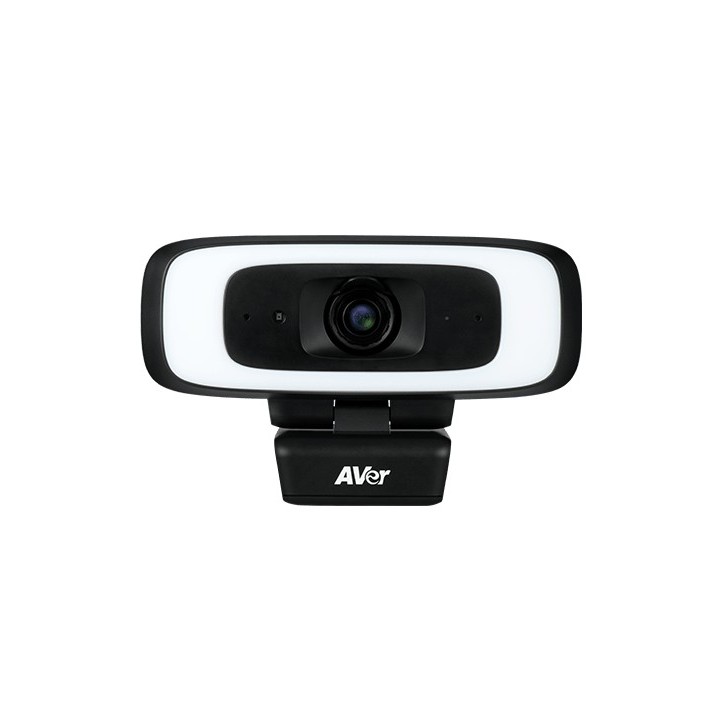
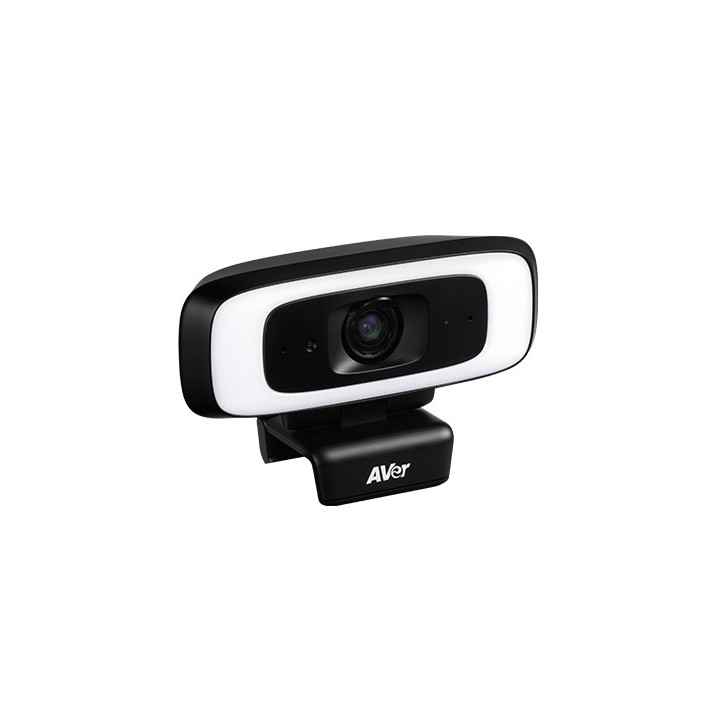
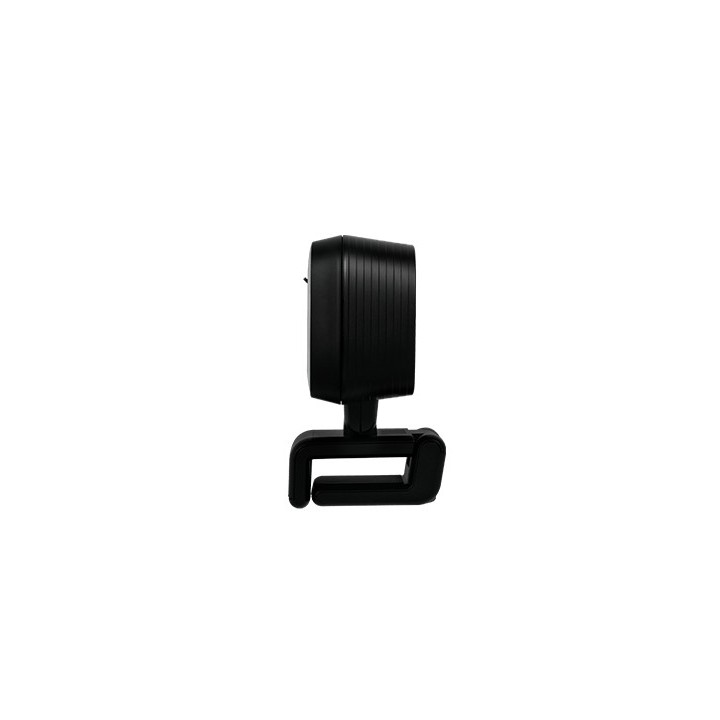
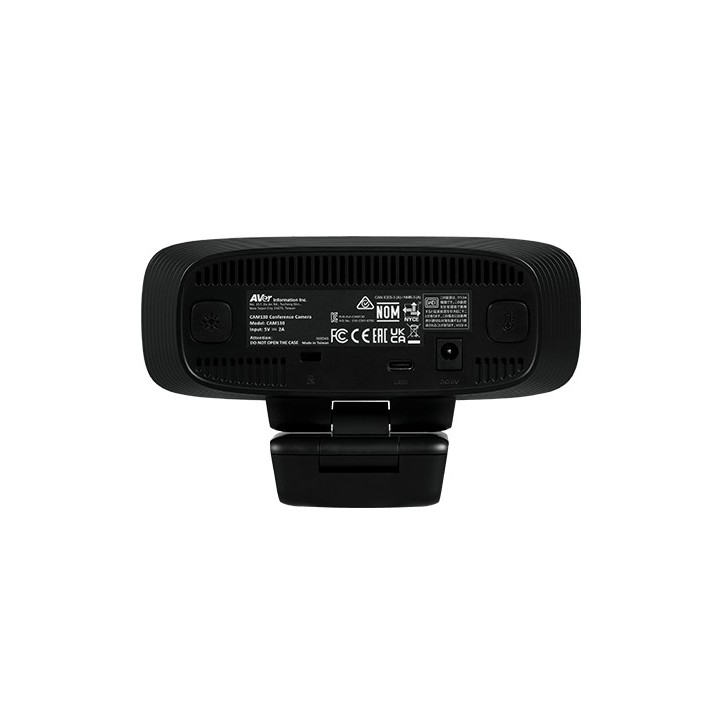
Kamera USB AVer Cam130 obrazki
Kamera USB AVer Cam130
Opis produktu
Aver Cam130 Aver Cam130 to internetowa kamera przechwytująca obraz w standardzie rozdzielczości 4K, zapewniająca najlepszą jakość obrazu podczas spotkań online. Szerokie pole widzenia 120 stopni pozwoli na objęcie obiektywem większej ilości osób. Dodatkowo model został wyposażony w funkcję SmartFrame, która pozwala na szybkie i automatyczne dopasowanie kadru tak, aby objąć wszystkich uczestników spotkania. Innowacyjną cechą Cam130 jest wbudowany pierścień składający się z diod LED wokół obiektywu, zapewniający bardzo dobrą jakość nawet w bardzo niekorzystnych warunkach oświetleniowych.Kamera 4X zoom Matryca: 12.8" 4K Exmor CMOS Rozdzielczość: 4K w 60 klatkach sek. Kąt widzenia: DFOV 120 stopni 10 presetów Minimalna odległość robocza: 60 cm Balans bieli: automanual, sterowanie ręczne za pomocą PTZApp2 True WDR BLC (back light compensation) kompensacja światła otoczenia Redukcja szumów otoczenia 3D Mikrofon 2 jednokierunkowe mikrofony Pasmo przenoszenia: 100Hz 12K Hz Czułość: 37dB Złącza Złącze USB 3.1 typ C Gniazdo DC do zasilacza (dla połączenia USB2.0) Zawartość opakowania Cam130 Zasilacz Kabel USB 3.1 typ C na typ A (1.8m) Uchwyt do montażu na ramie monitora Kompatybilność z aplikacjami Zoom, Microsoft Teams, Skype, Skype for Business, Google Meet, RingCentral, BlueJeans , Intel Unite, Fuze, Adobe Connect, CyberLink U Meeting, Cisco WebEx GoToMeeting, LiveOn, Microsoft Lync, TrueConf, VCube, Vidyo, vMix, WebRTC, Wirecast, XSplit Wymagania systemowe Windows 710 Mac OS X 10.7 Google Chromebook wersja 29.0.1547.70 Współpraca z darmowymi oprogramowaniami EZManager 2 PTZApp2 EZLive Jakość tego rozwiązania jest potwierdzona 3letnią gwarancją producenta.
Szczegóły produktu
- Marka AVER
- Kod produktu 67a6c80a8e695ca14cfa8d76
- Dostępność 1 Przedmiot
- EAN13 4719552126682
- MPN 61U3700000AC
Producent
Producent
AVerMedia Technologies Europe B.V.
Westblaak 140 3012 KM Rotterdam Holandia
E-mail: sales.europe@avermedia.com
Bezpieczeństwo
Informacje o bezpieczeństwie
List of safety warnings for video conferencing sets and cameras based on the requirements of Regulation (EU) 2023/988 on General Product Safety (GPSR) 1. Risk of electric shock: * Make sure that the device is connected to a working socket with grounding. * Do not touch the plug or cable with wet hands. * Avoid using the device in places with high humidity. 2. Risk of overheating: * Provide adequate ventilation while maintaining at least 5 cm of free space around the device. * Do not block ventilation openings. 3. Fire risk: * Use only original chargers and accessories recommended by the manufacturer. * Do not leave the device on unattended near flammable materials. 4. Risk of bodily injury: * Avoid using the device in a position that causes excessive heat pressure on the skin to prevent burns. * Use the device on a stable surface to minimize the risk of falling. 5. Hazards in humid environments: * Do not use the unit outdoors in rain or in areas with high humidity, such as bathrooms. * If the device is flooded, immediately disconnect it from the power source and contact the service. 6. Hazards at high temperatures: * Do not expose the device to direct sunlight. * Avoid using the device at temperatures exceeding the recommended range (usually 5-35°C). 7. Risk of damage during cleaning: * Before cleaning, disconnect the device from the power supply and use a soft, slightly damp cloth. * Avoid using strong detergents that can damage the surface of the device. 8. Caution when replacing accessories: * Use only the accessories recommended by the manufacturer. * When replacing batteries, follow the manufacturer's instructions and do not expose the battery to high temperatures. 9. Risks associated with battery use: * Avoid damage to the battery by impact or puncture. * If the battery overheats or swells, stop using the device immediately. 10. Child Hazards: * Keep power cables out of reach of children. * Make sure that children do not play with the device or accessories that can be dangerous. 11. Risk of mechanical damage and injury: * The device's fall may cause the screen to shatter, which can lead to user cuts. * Use durable protective cases and tempered glass for your screen. If the screen is damaged, do not use the device until repaired. 12. Risk of electromagnetic interference * Using the device near medical devices such as pacemakers can cause electromagnetic interference. * Maintain a distance of at least 15 cm between the device and medical devices. 13. Effects on vision * Long-term use of the device, especially in dark conditions, can lead to eye strain. * Use eye protection mode if available, and take breaks from the screen regularly. 14. Regular maintenance * Failure to regularly clean ports and sockets can lead to damage or failure. * Clean ports and sockets regularly using a dry and clean cloth, avoiding moisture input. 15. Allergic reactions to materials * Materials used in the device housing (e.g. silicone, metal) can cause skin irritation or allergic reactions. * In case of redness or discomfort, remove the device and consult a dermatologist. Clean the case regularly to avoid accumulation of sweat or dirt.
Zestawy do wideokonferencji
- Nowy
- Nowy
- Nowy
- Nowy
- Nowy
- Nowy
- Nowy
- Nowy
Ostatnio oglądane
Produkty, które ostatnio zwróciły Twoją uwagę.
- Nowy
- Nowy